project3-social-fitness
Testing
[!NOTE]
Return back to the README.md file.
Rationale
The primary goal of testing was to ensure that the Social Fitness application performs consistently across multiple devices and screen sizes, maintaining both functionality and a smooth user experience. Testing focused on performance, accessibility, and responsiveness.
Approach
Testing was carried out to verify that the website functions as intended, is fully responsive, and provides an intuitive user experience. All tests were conducted manually using a combination of Google Chrome DevTools, validation tools, and live user interaction testing.
Methods
| Method | Description | Tools Used |
|---|---|---|
| Manual Testing | Each feature and button was manually tested to verify correct functionality. This included checking form submissions, button click responses, login/signup authentication and image upload. | Google Chrome |
| Responsive Testing | Tested using Chrome DevTools’ built-in device emulation. Ensured the layout adapts correctly to different screen widths and orientations. | Chrome DevTools |
| Cross-Browser Compatability Testing | Tested in multiple browsers to ensure consistent design, color rendering, and interactivity. | Chrome, Firefox, Safari, Edge |
| Validation Testing | Used validation tools to check that the HTML and CSS are free from syntax errors and follow best practices. | W3C HTML Validator, W3C CSS Validator |
| Accessibility Testing | Checked color contrast, font readability, tab navigation, and proper use of ARIA and semantic tags where applicable. | Chrome Lighthouse, manual checks |
| Performance Testing | Evaluated page load speed and responsiveness using Chrome Lighthouse. | Chrome DevTools Lighthouse |
Manual Tests (Defensive Programming)
- Users cannot submit an empty form (add the
requiredattribute) - Users must enter valid field types (ensure the correct input
type=""is used) - Users cannot brute-force a URL to navigate to a restricted pages
| Feature Tested | Test Description | Expected Outcome | Pass/Fail | Screenshot |
|---|---|---|---|---|
| Signup (valid) | Create a new account with valid username/password (and email if used) | Account created successfully and user is logged in / redirected | ✅ Works | 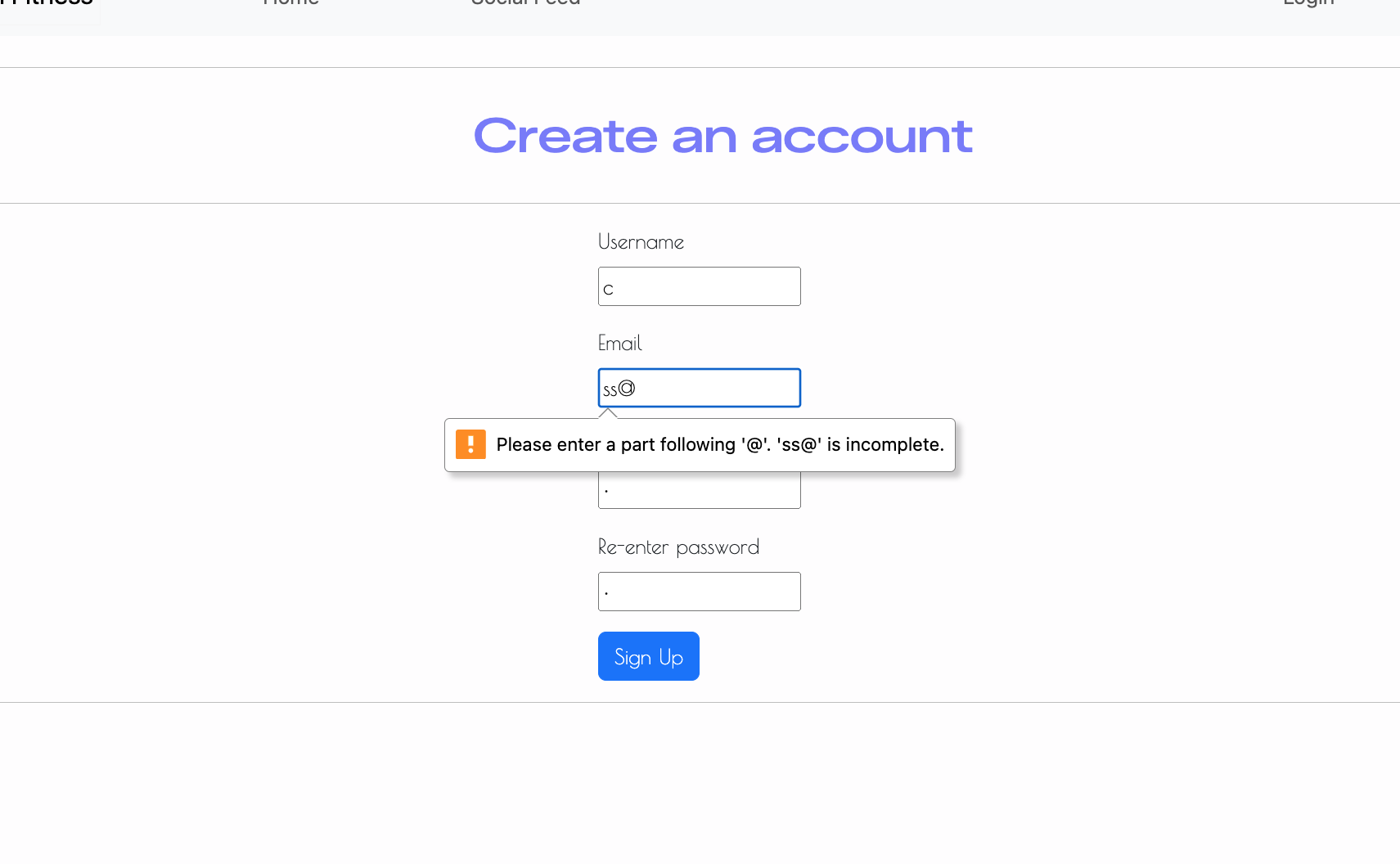 |
| Signup (duplicate username) | Attempt to sign up using an existing username | Form displays error and prevents account creation | ✅ Works | |
| Signup (password mismatch) | Enter two different passwords in password fields | Validation error shown and account not created | ✅ Works | 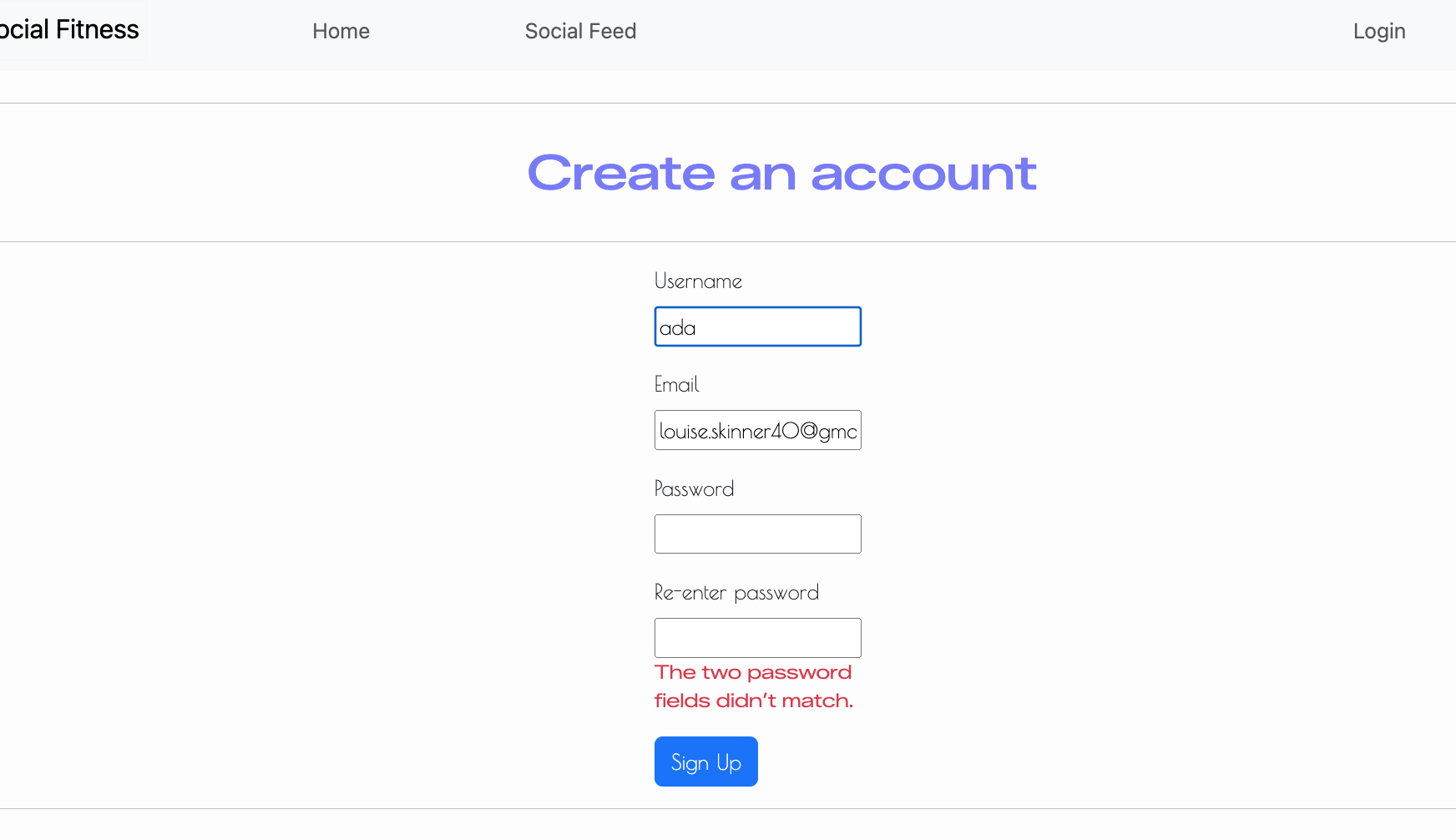 |
| Signup (weak password) | Enter a weak password e.g l1 or 123 | Should display an error message stating that the password is weak and what the requirements are for a strong and successful password | ✅ Works | 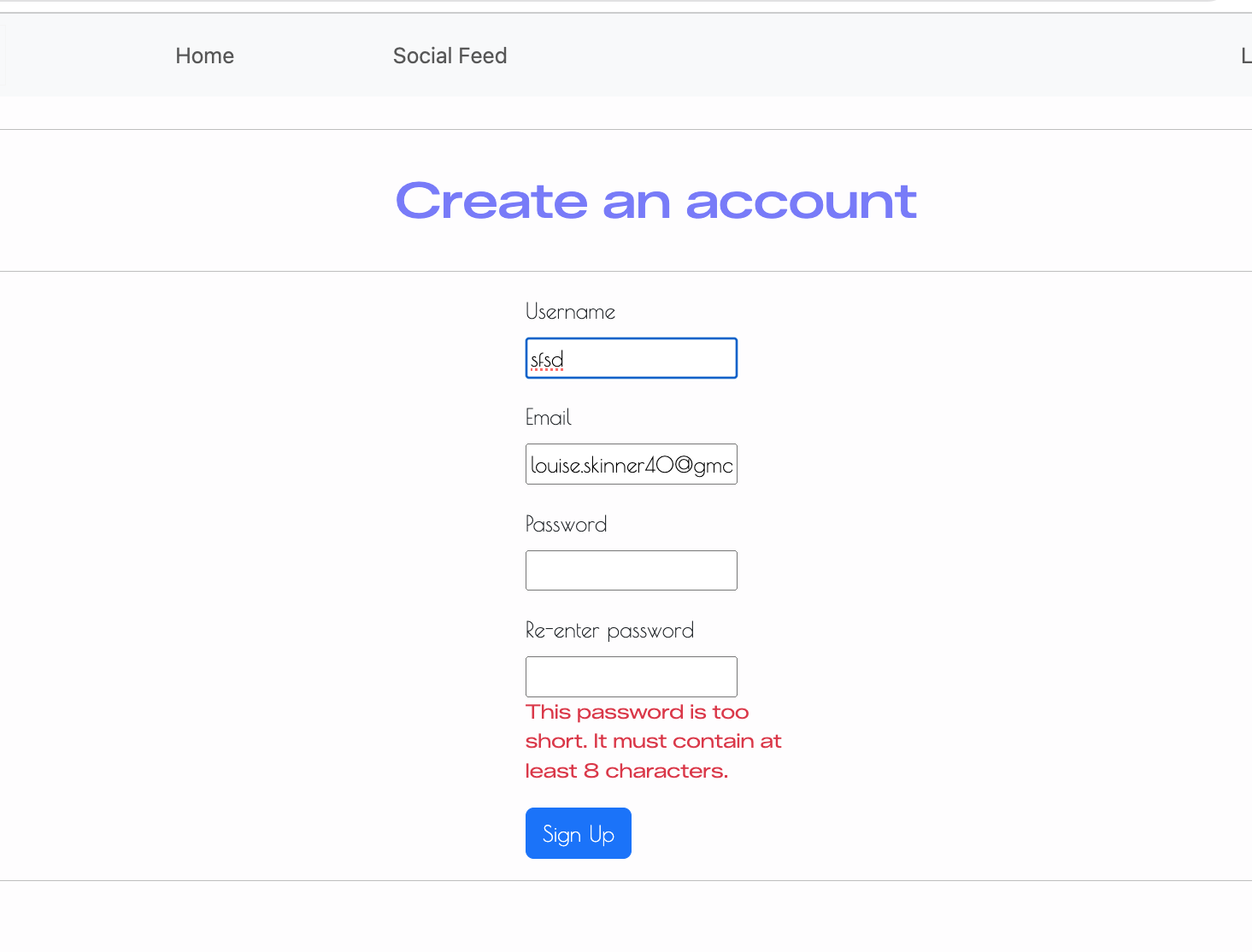 |
| Brute-force URL testing | Visit restricted pages without being logged in as a aunthenticated user | Should send user to login page | ✅ Works | 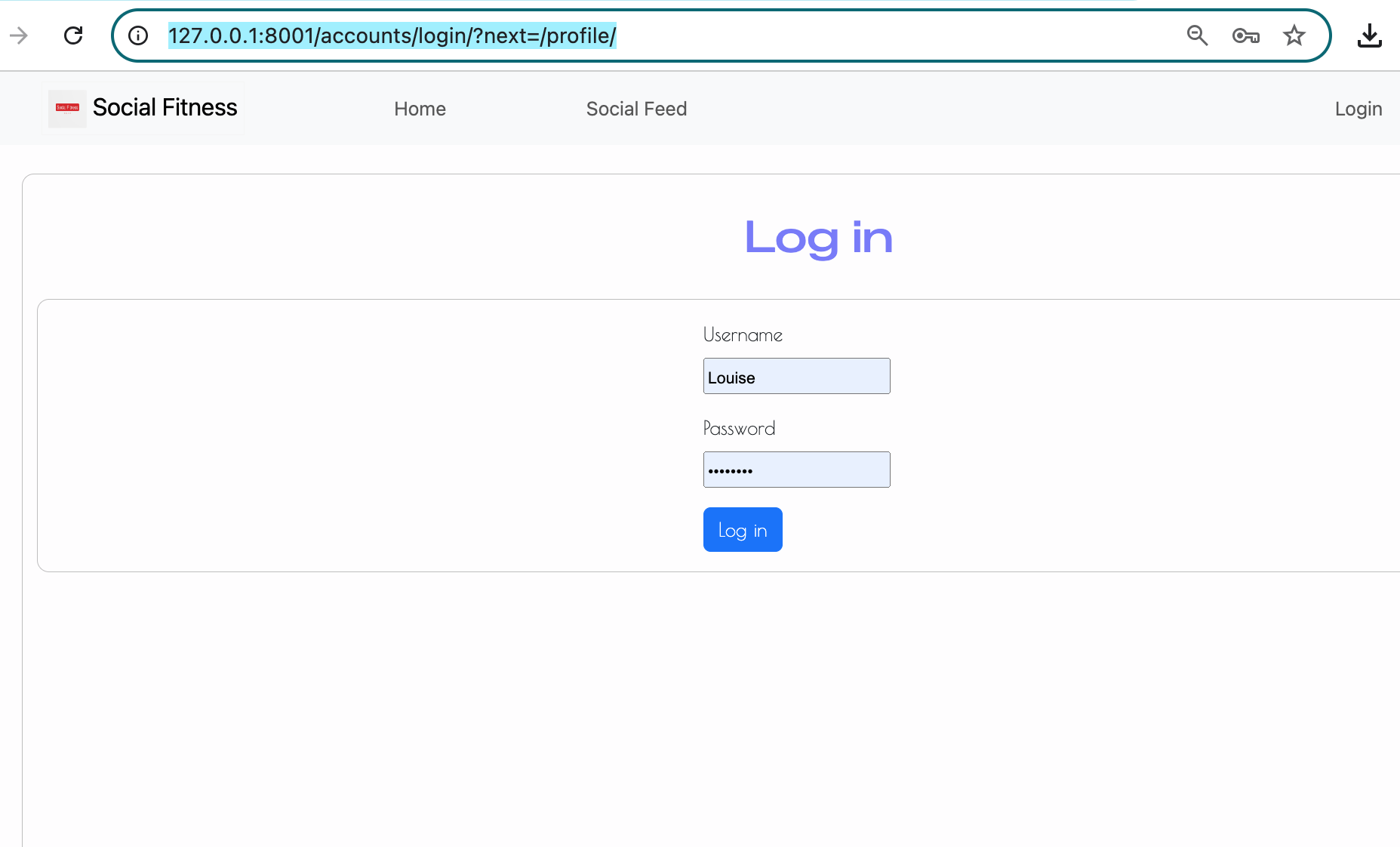 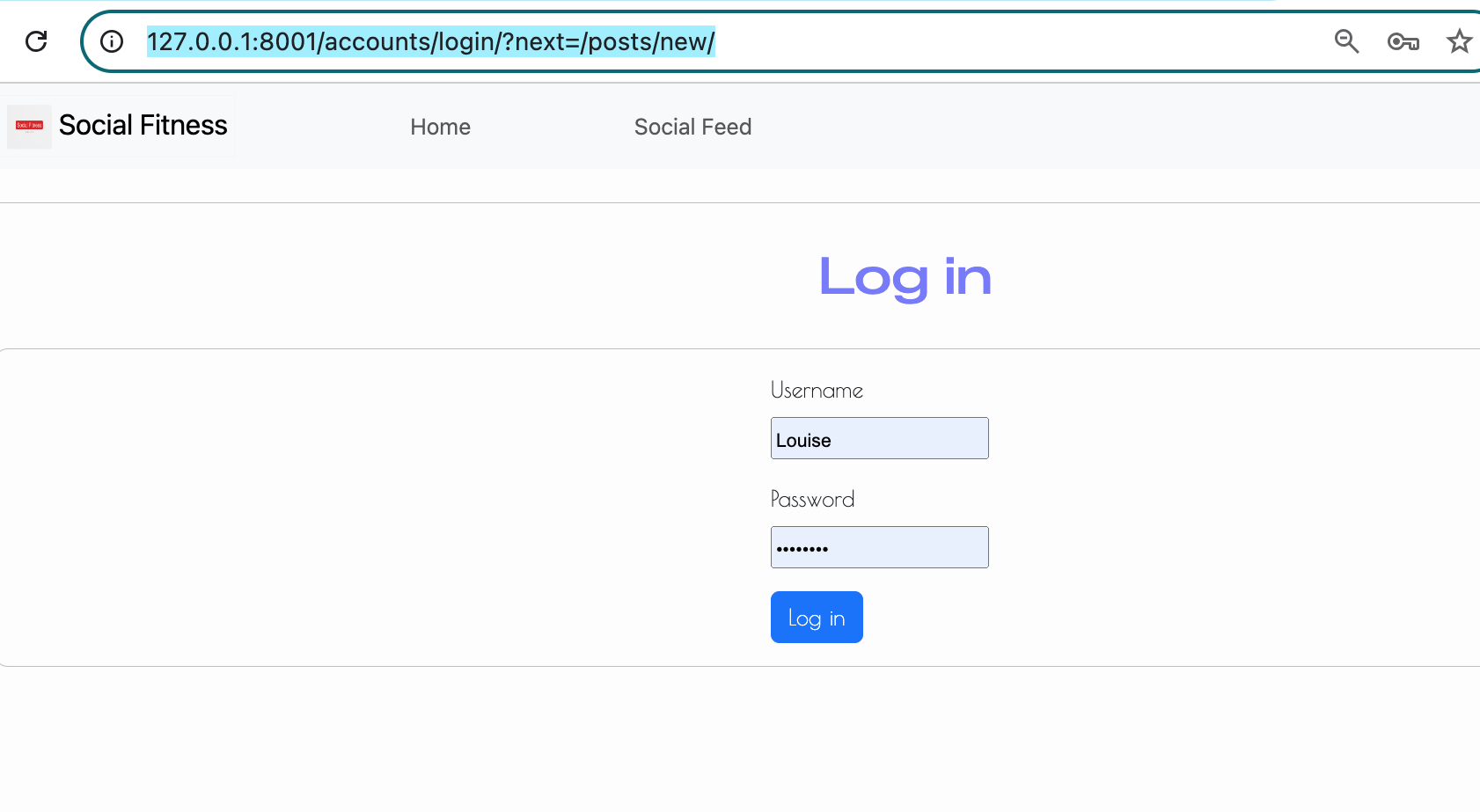 |
| Navigation (Burger-icon) | Changed the screen size to viarious sizes and also clicked on the burger icon when testing on mobile and tablet devices. | Appears when the screen size is small and disappears (expanding into a full navigation bar) when the screen is large. | ✅ Works | Navbar expand  Navbar toggle 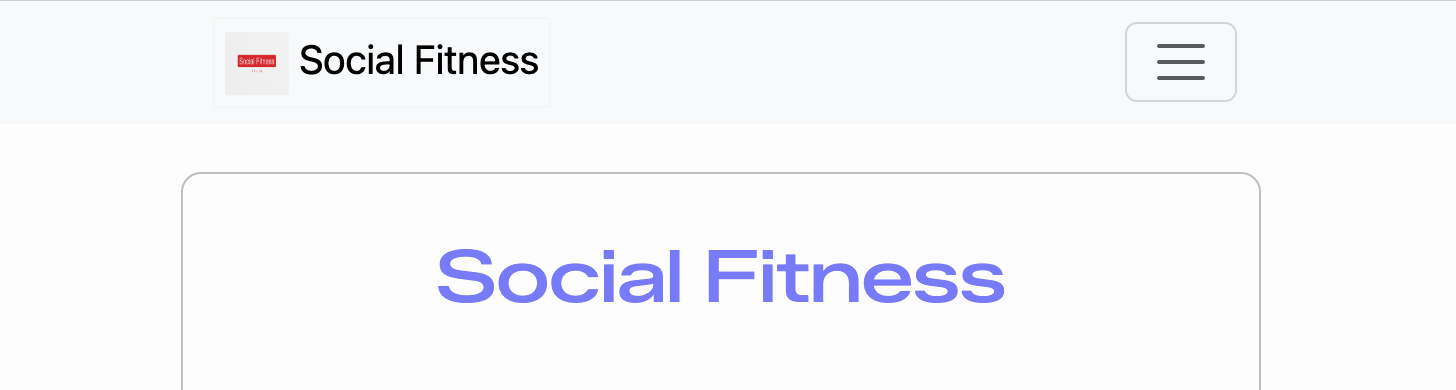 Navbar toggle expand 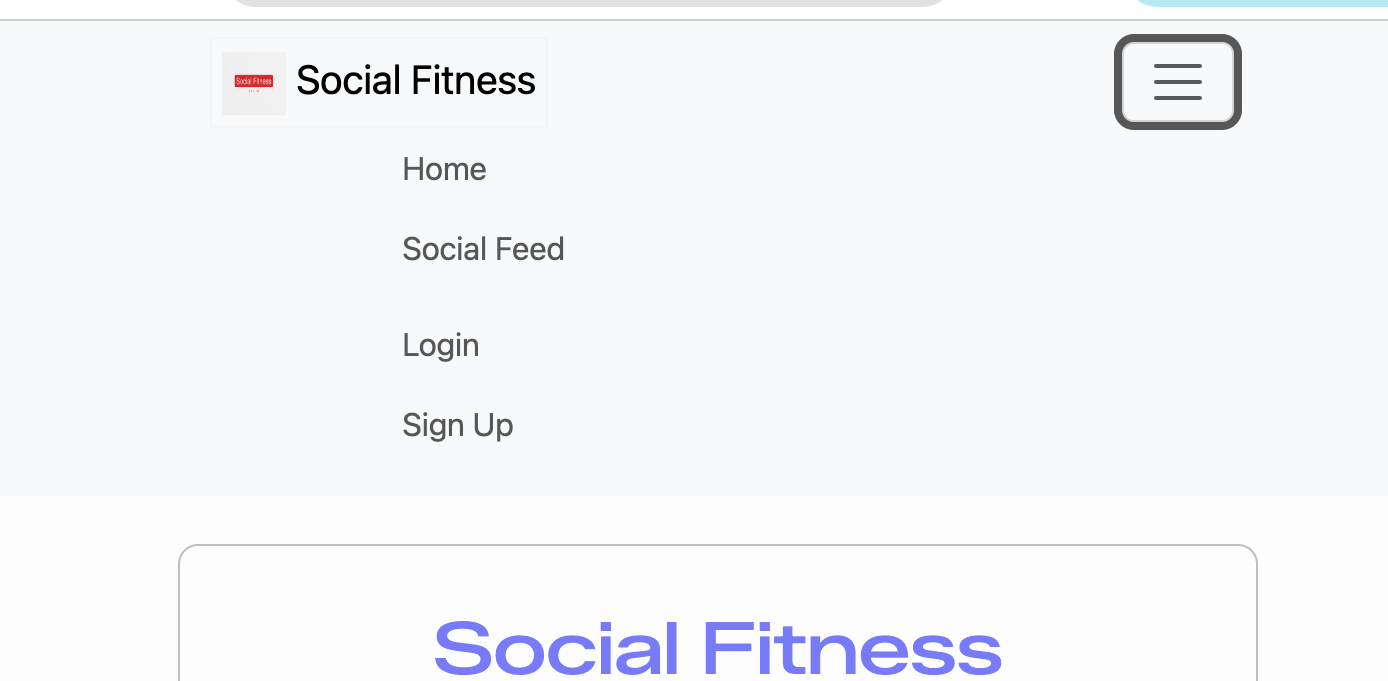 |
| Login (valid) | Log in with correct username and password | User is authenticated and redirected to Social Feed | 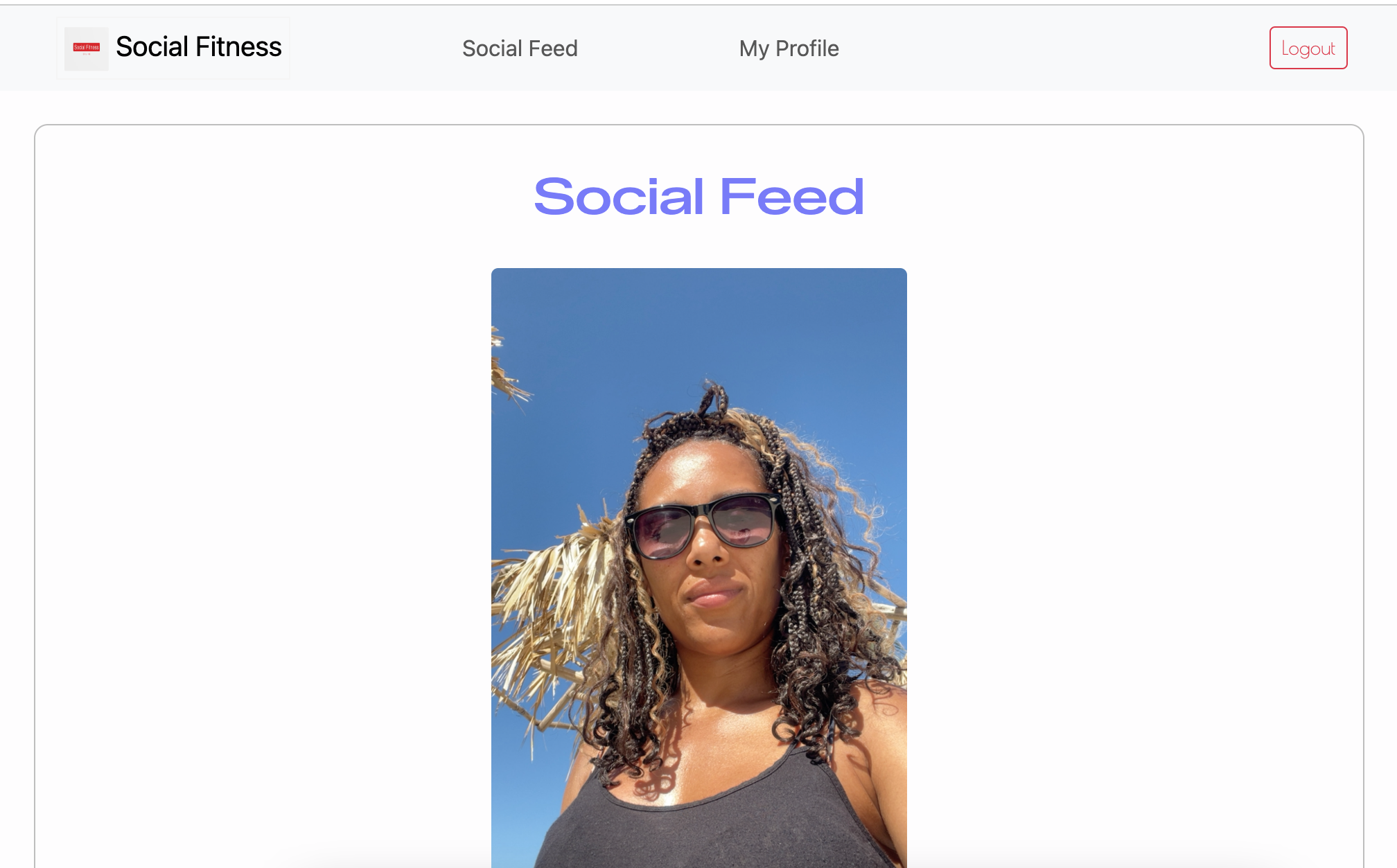 |
|
| Login (invalid) | Attempt login with incorrect password | Error message shown and login denied | 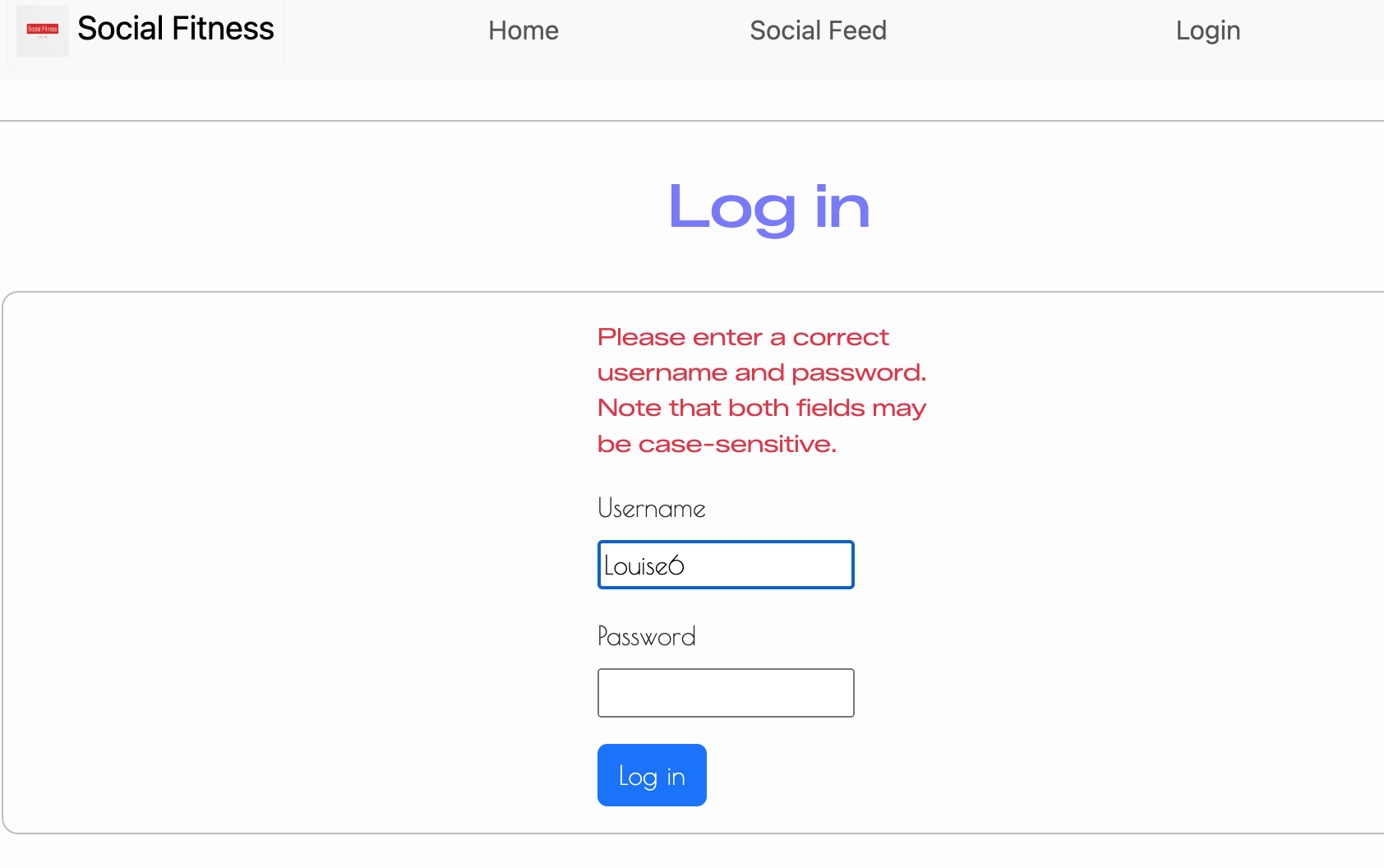 |
|
| Logout | Click logout while logged in | User is logged out and redirected; restricted pages no longer accessible | 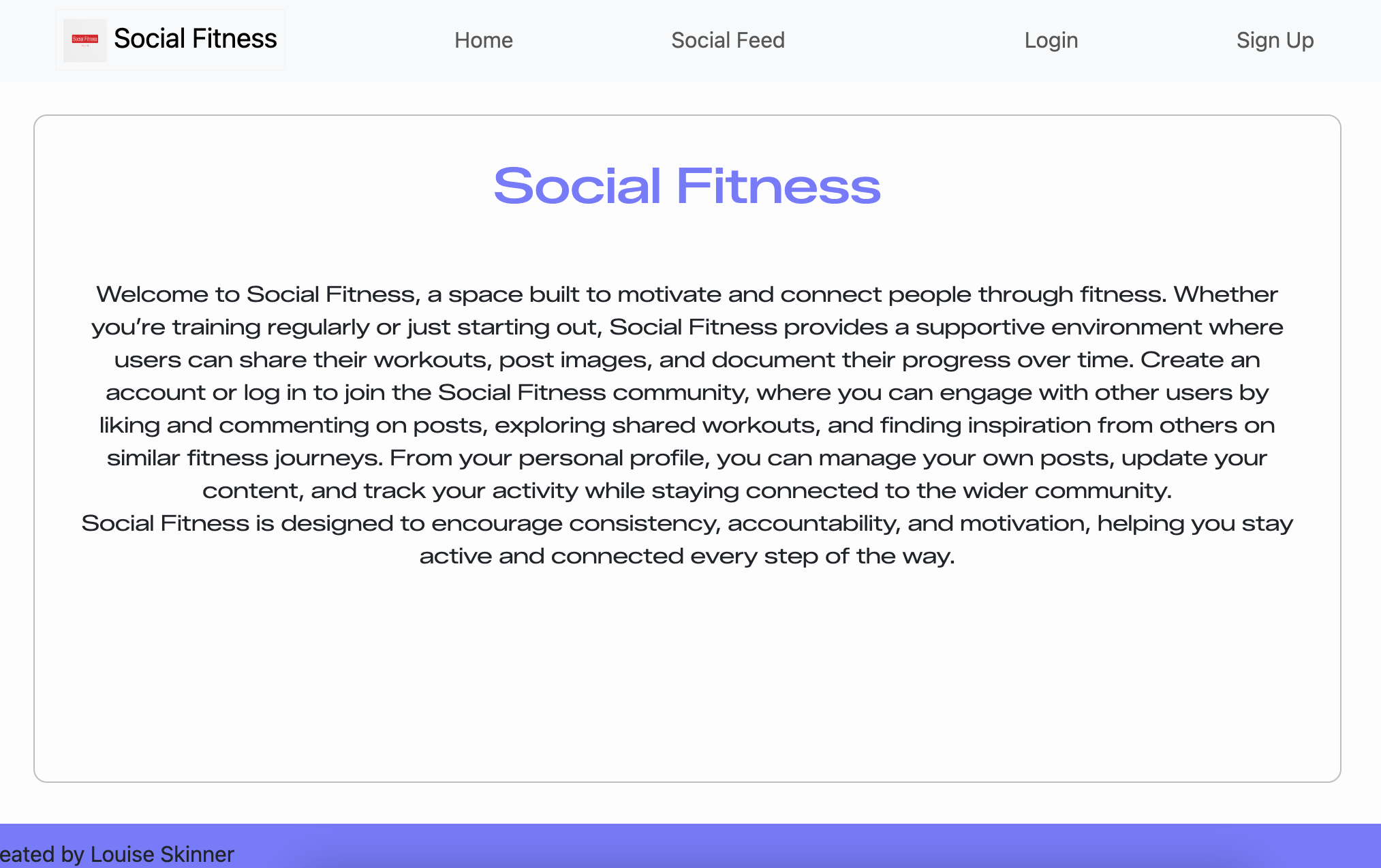 |
|
| Create post (valid) | Submit new post with image + caption/workout/intensity | Post is saved and displays on Feed and Profile | 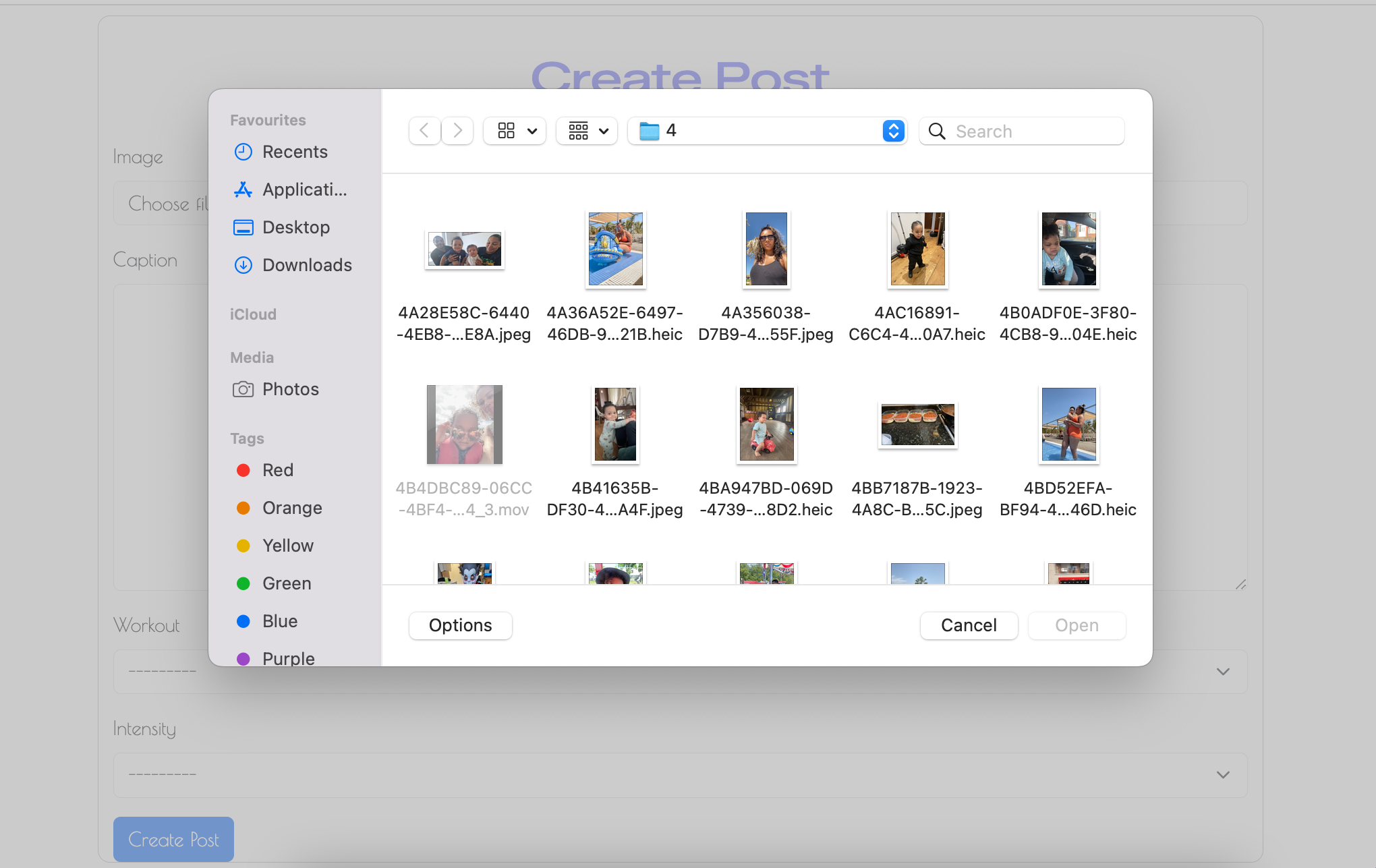 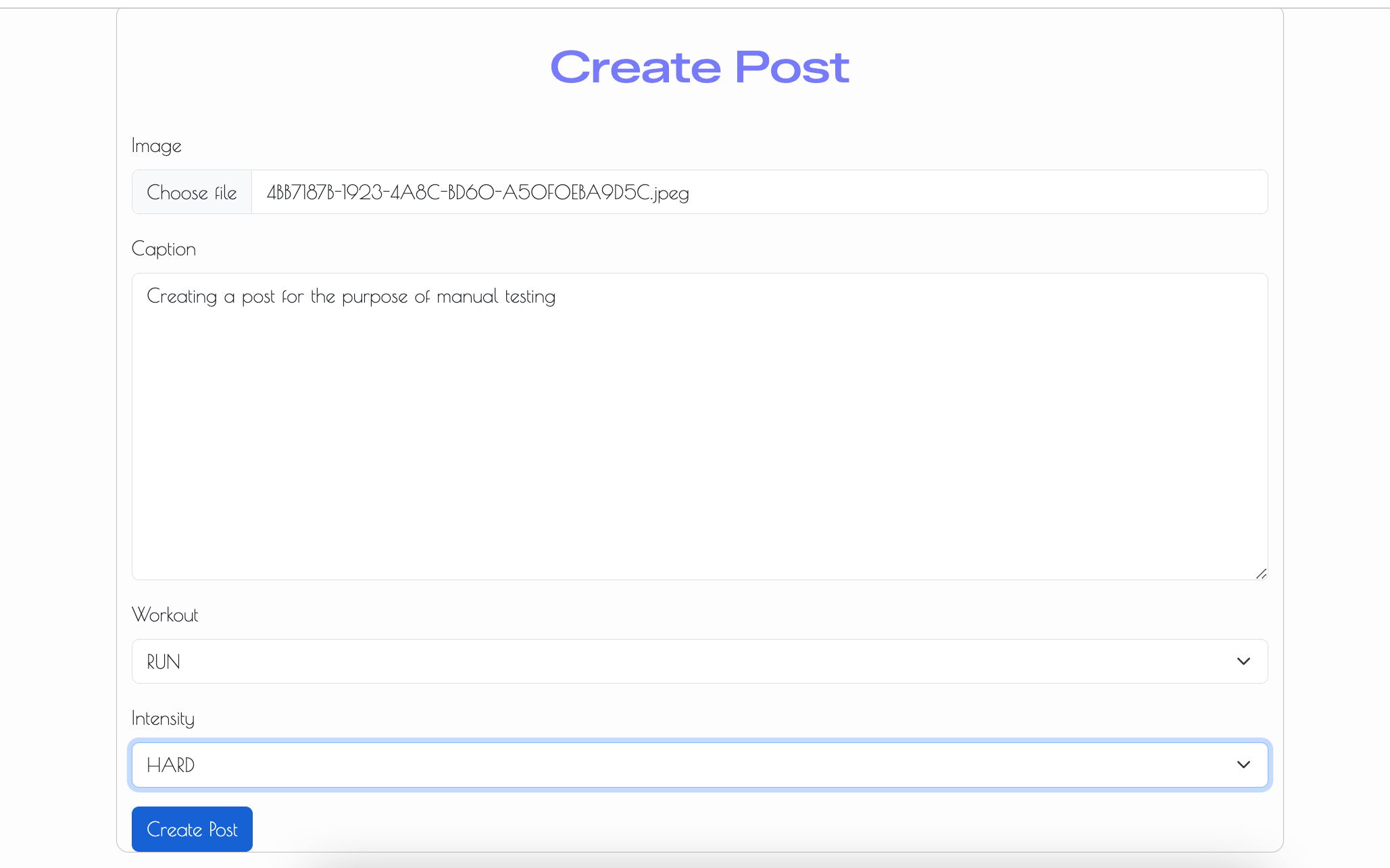 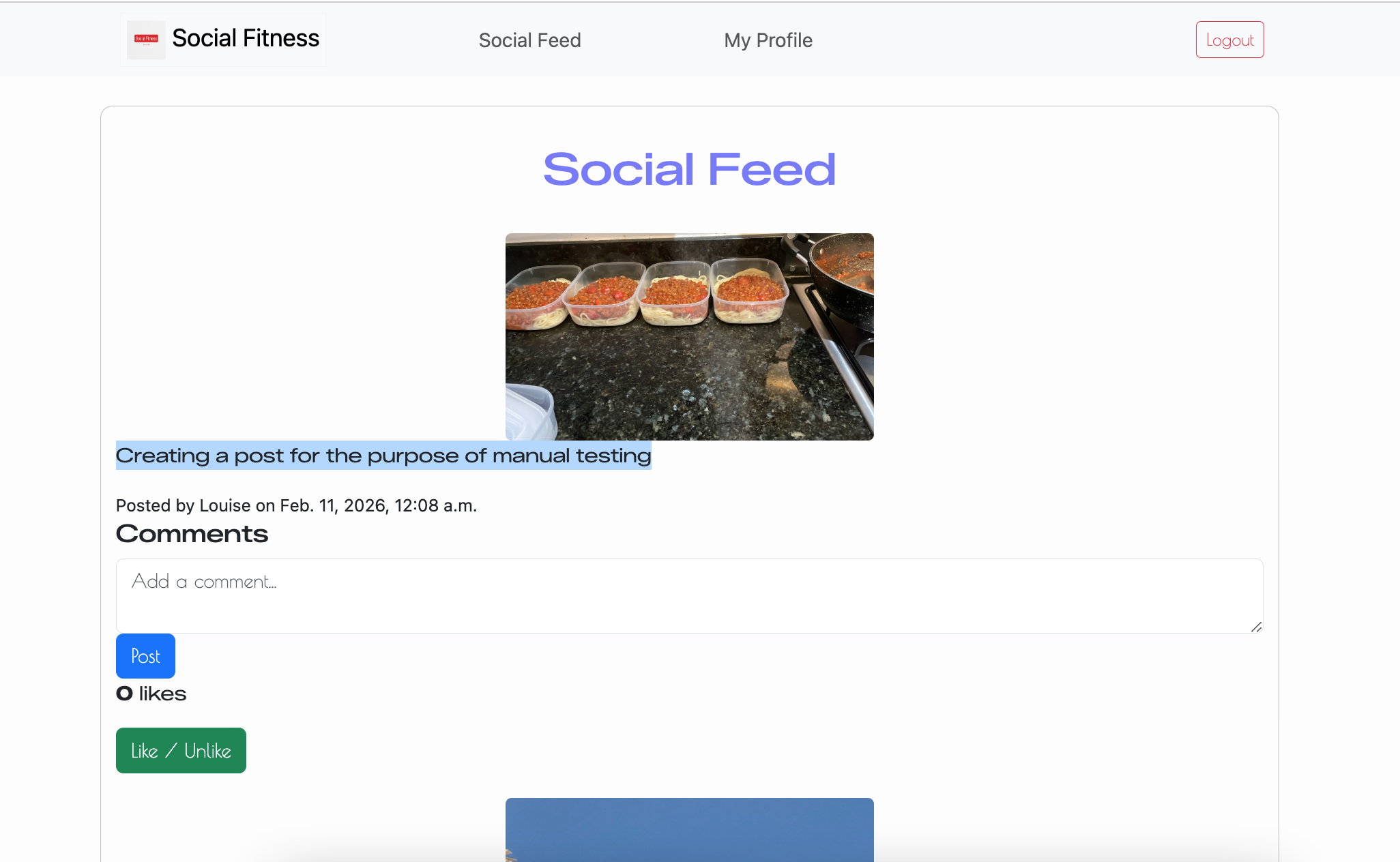 |
|
| Create post (missing image) | Submit post form without selecting an image | Form validation error displayed; post not created | 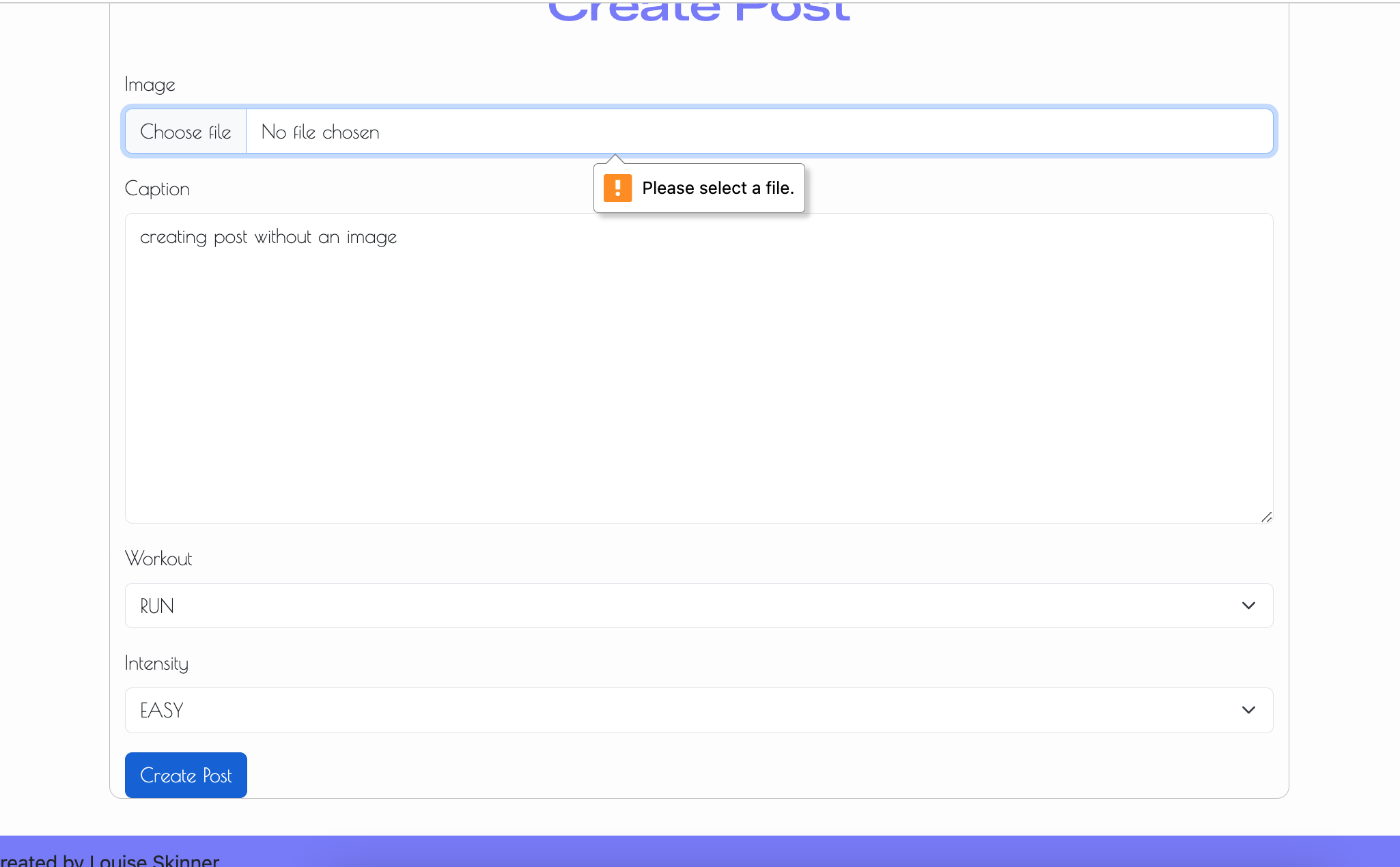 |
|
| Post custom fields optional | Create post without workout/intensity | Post still creates successfully; optional fields remain blank | ✅ Works | 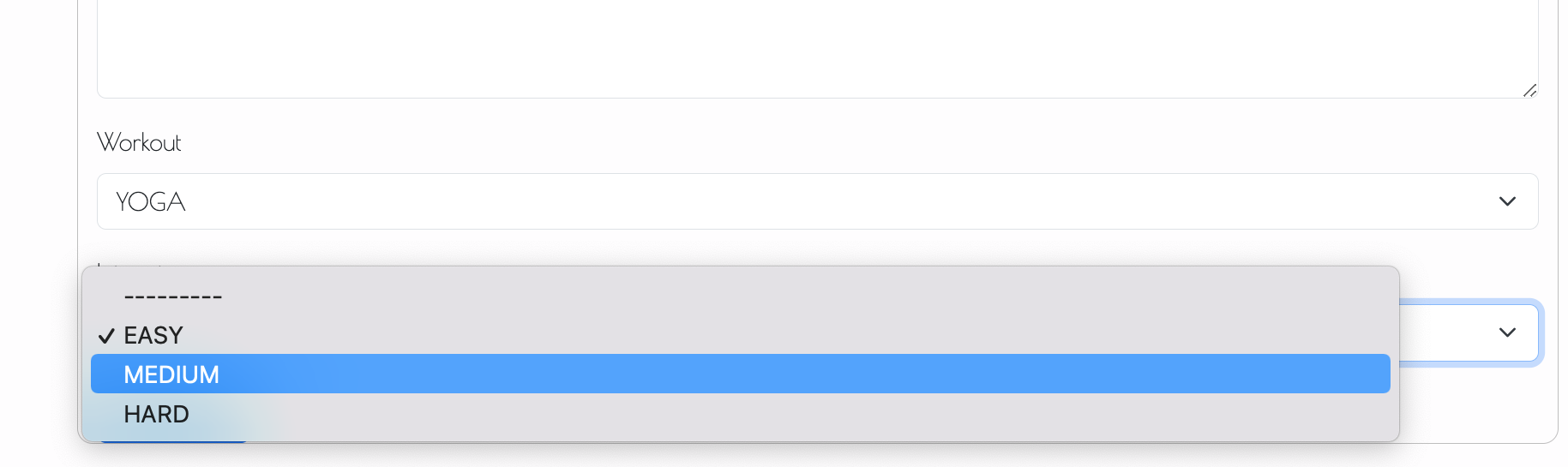 |
| Delete own post | Delete a post created by the logged-in user | The user will be promted with an alert message asking if they’re sure they want to delete the post. If the user confirms OK and the post is a successfully deleted, the user should be presented with an alert | ✅ Works | Before deletion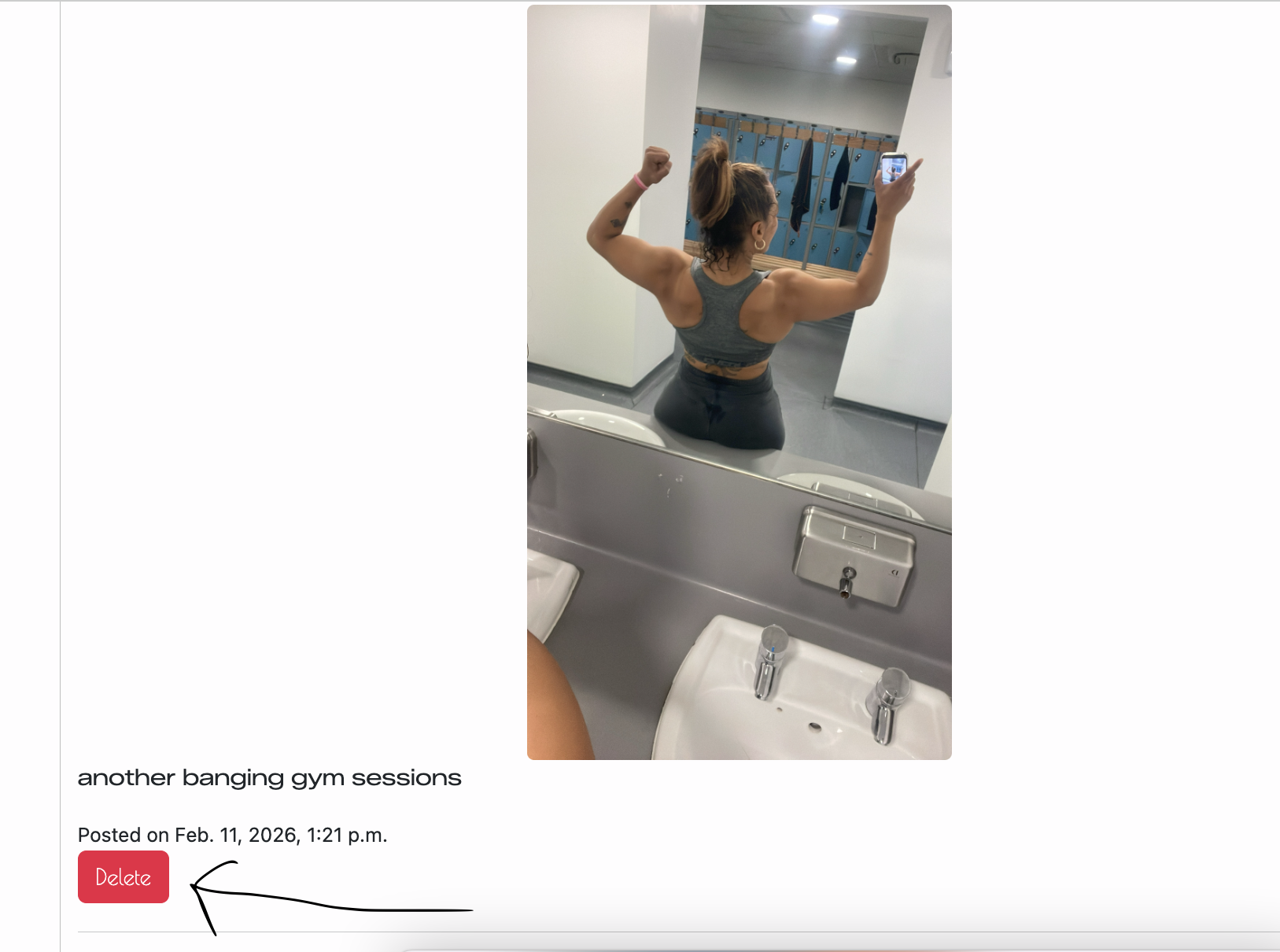 Confirm deletion 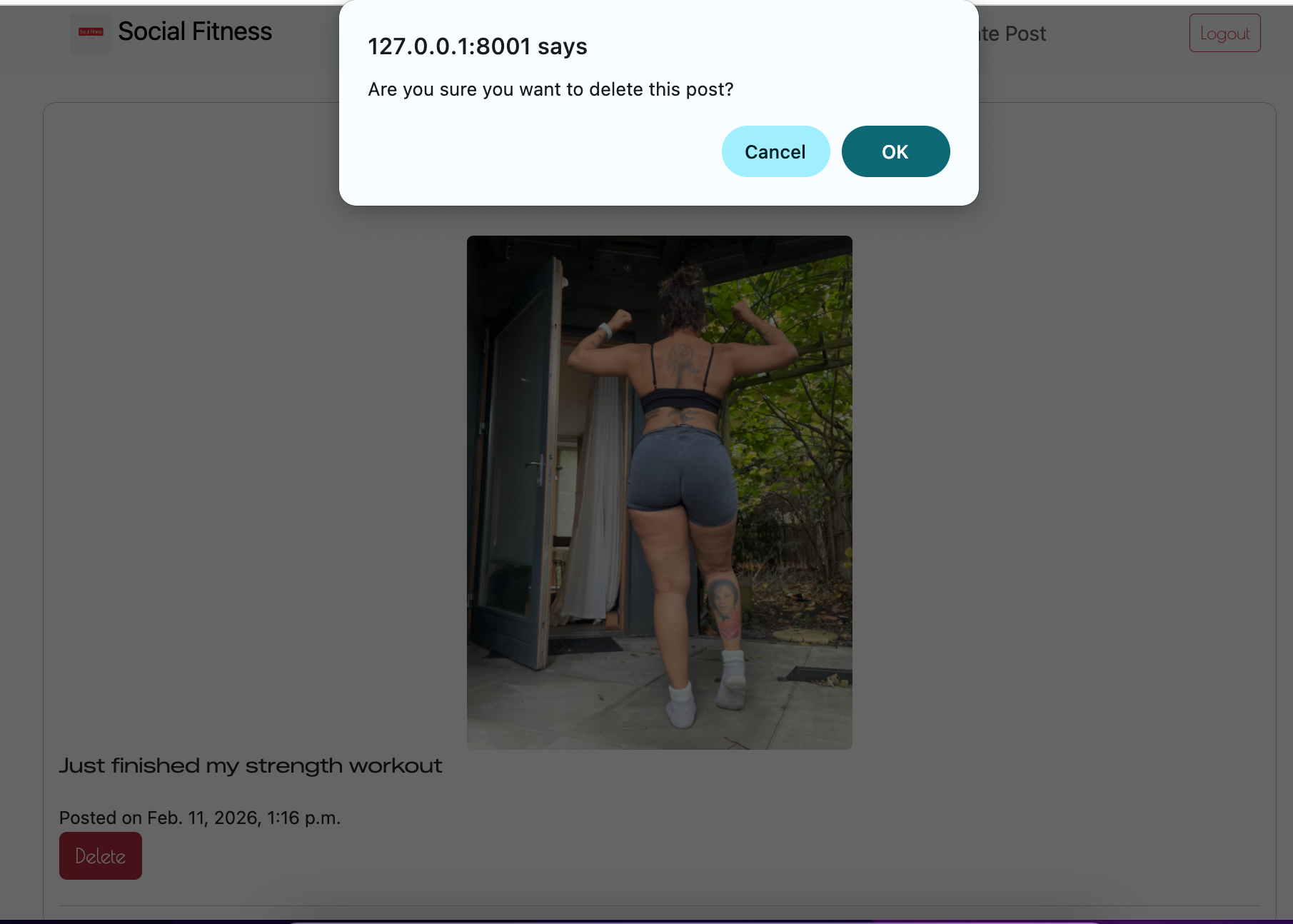 Successful deletion Successful deletion 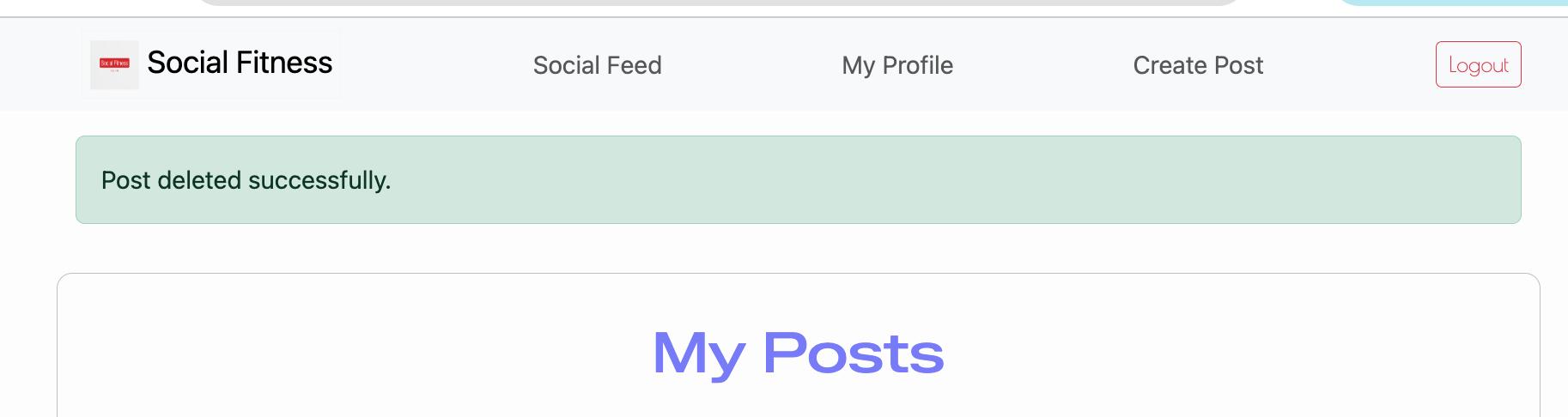 |
| Delete other user post (defensive) | Manually enter /posts/<id>/delete/ for another user’s post |
Action denied (403/blocked); post remains | ✅ Works | 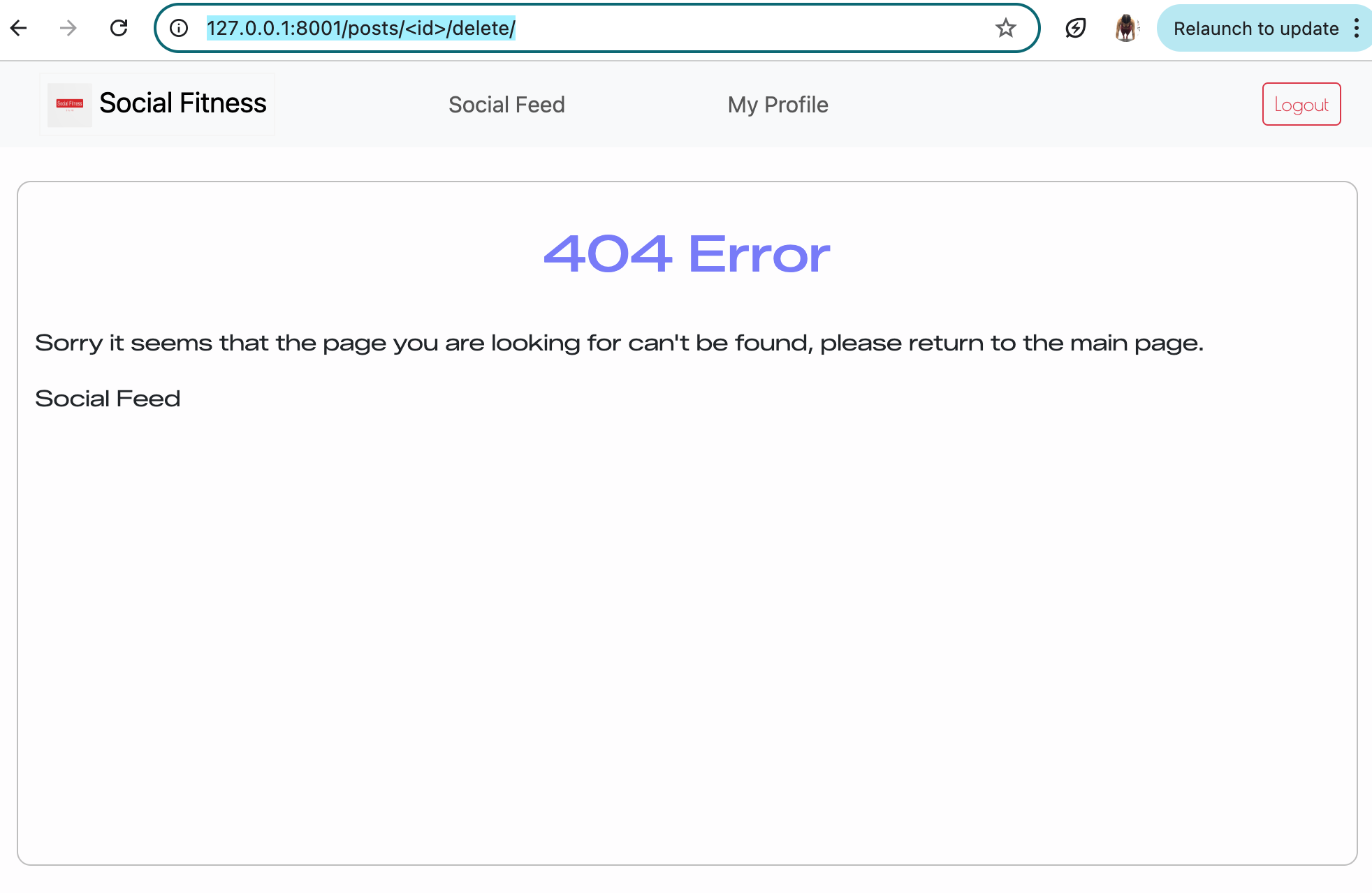 |
| Add comment (valid) | Add a comment under a post while logged in | Comment saves and displays beneath the correct post | ✅ Works | 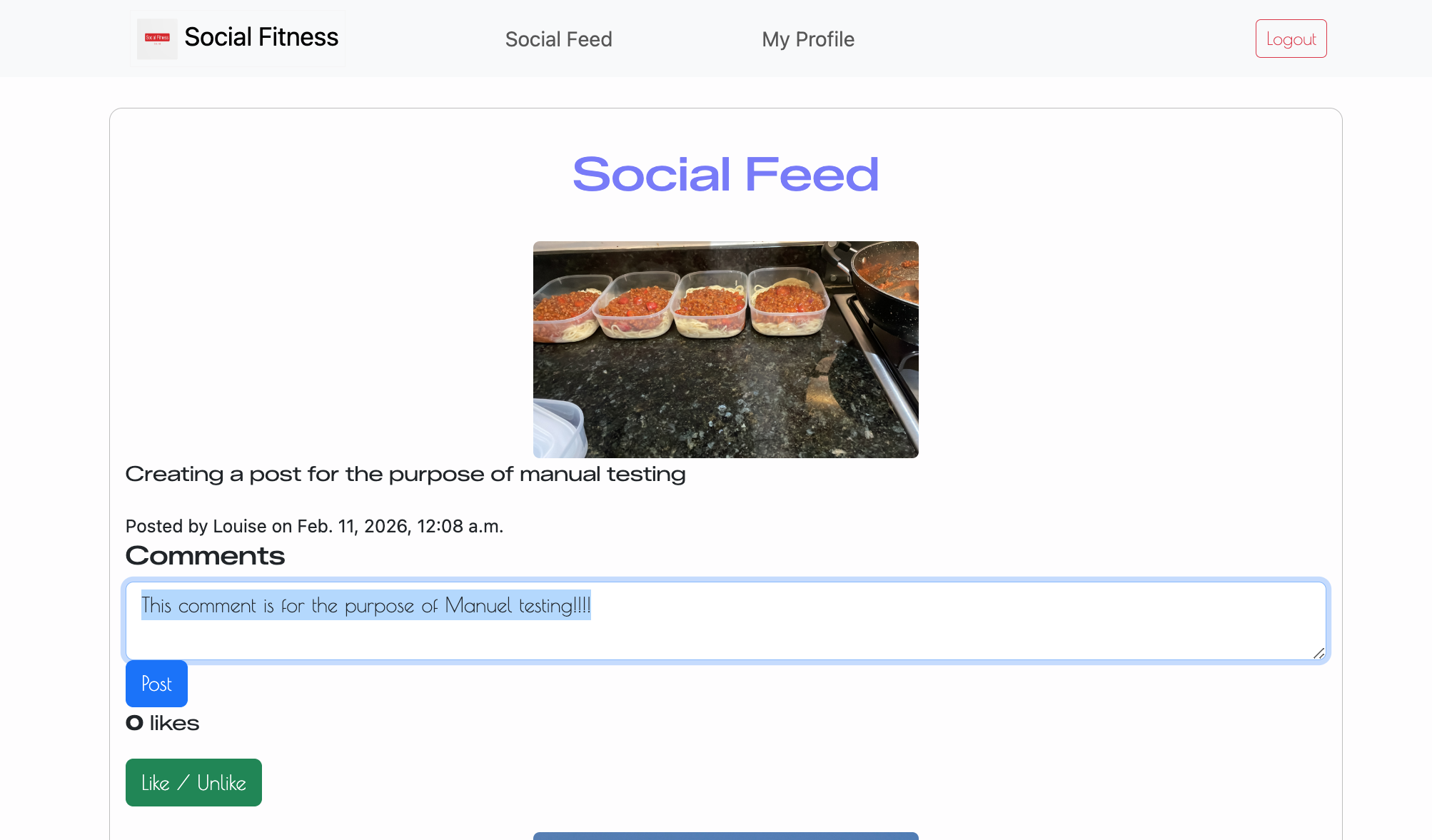 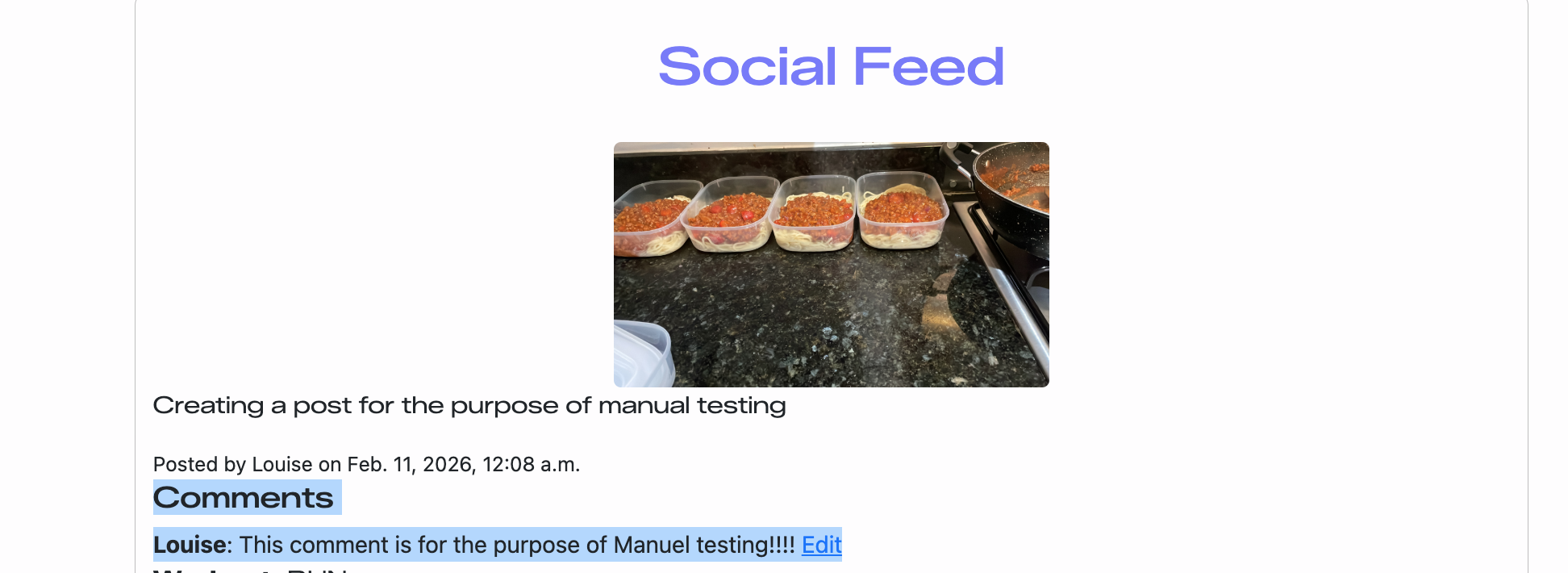 |
| Add comment (logged out) | Try to add comment while logged out | User redirected to login to prevent them from commenting | ✅ Works | 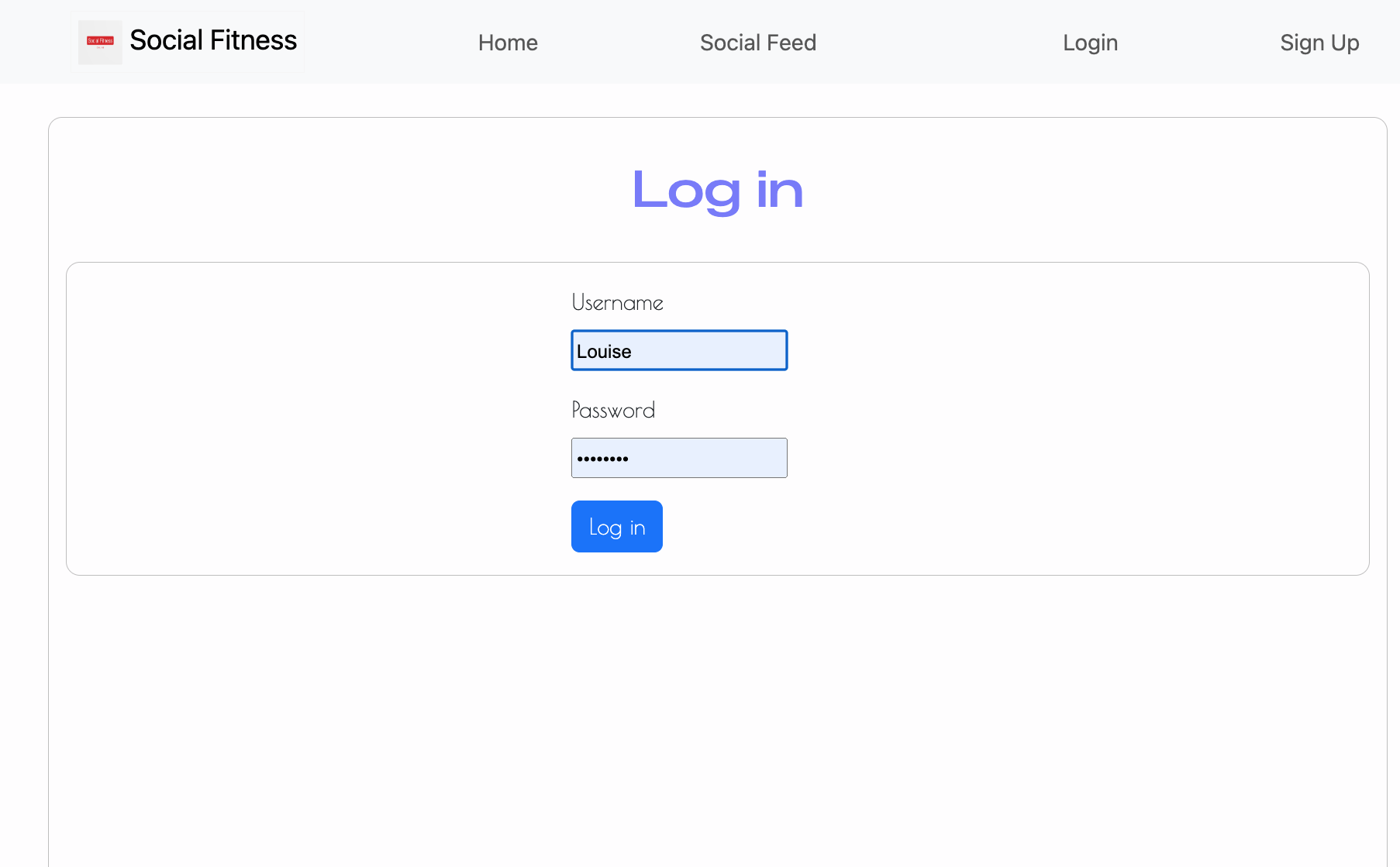 |
| Edit own comment | Edit a comment created by logged-in user | Updated comment saves and displays correctly | ✅ Works | Before edit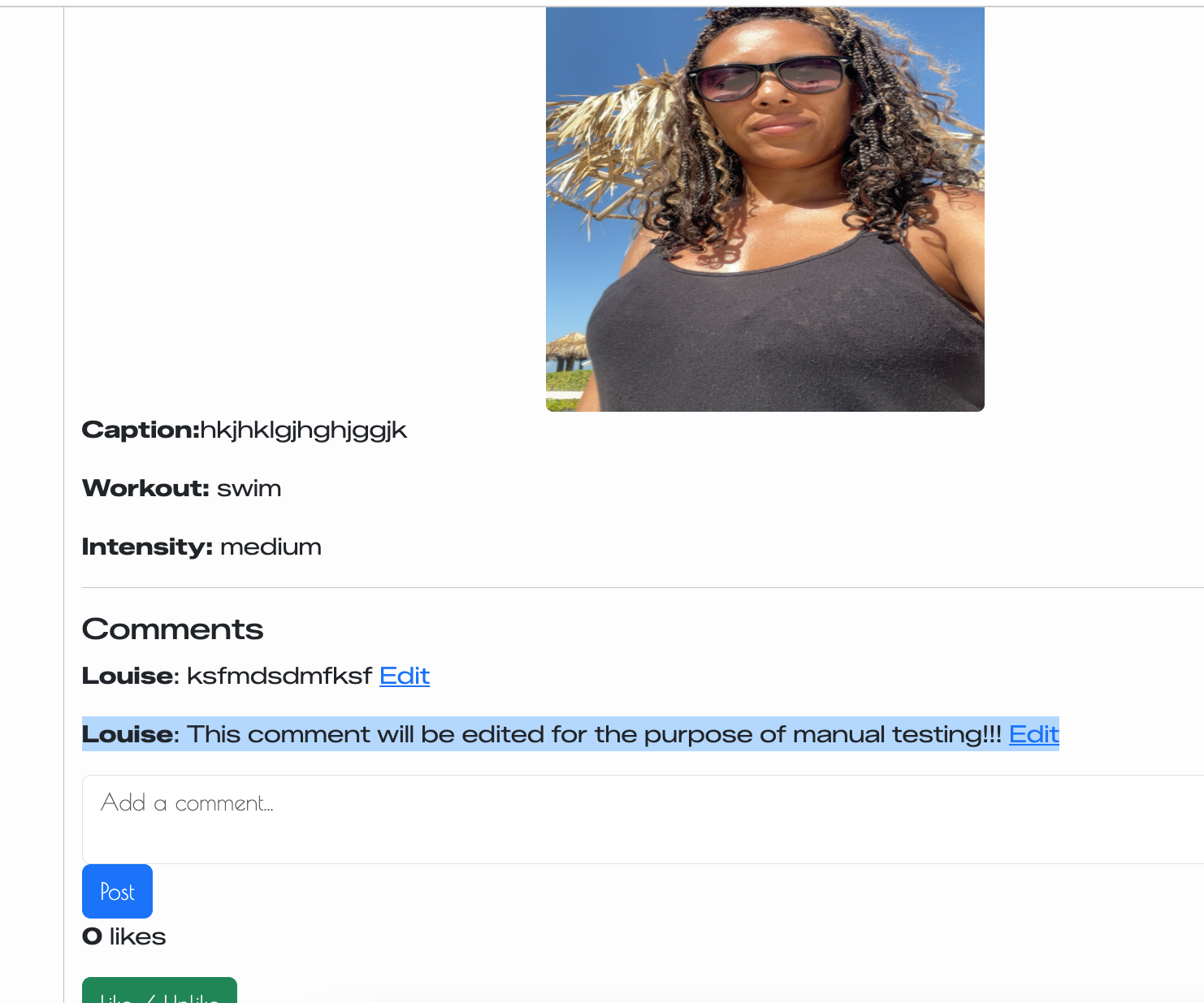 Comment being edited 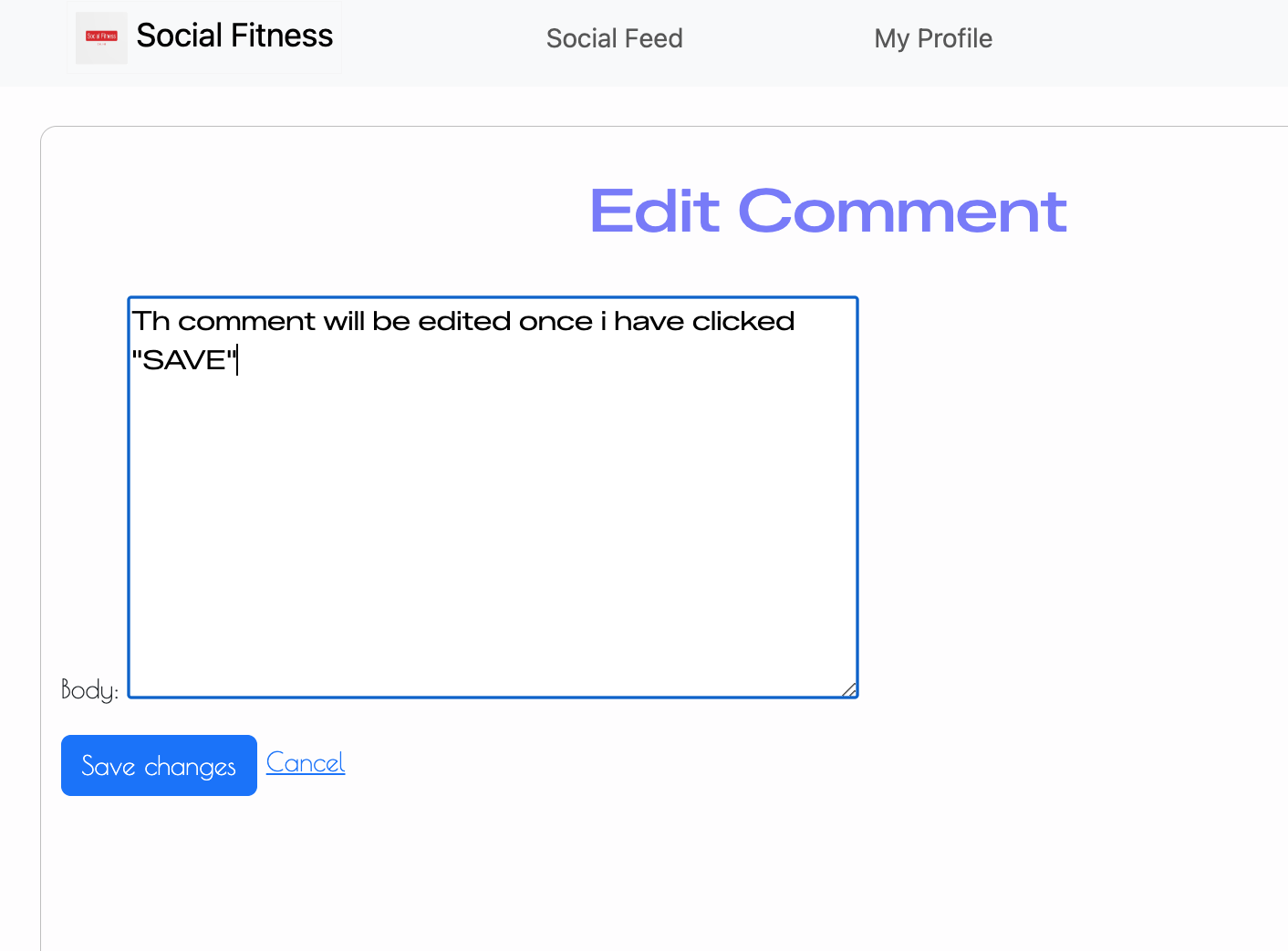 Comment after edit 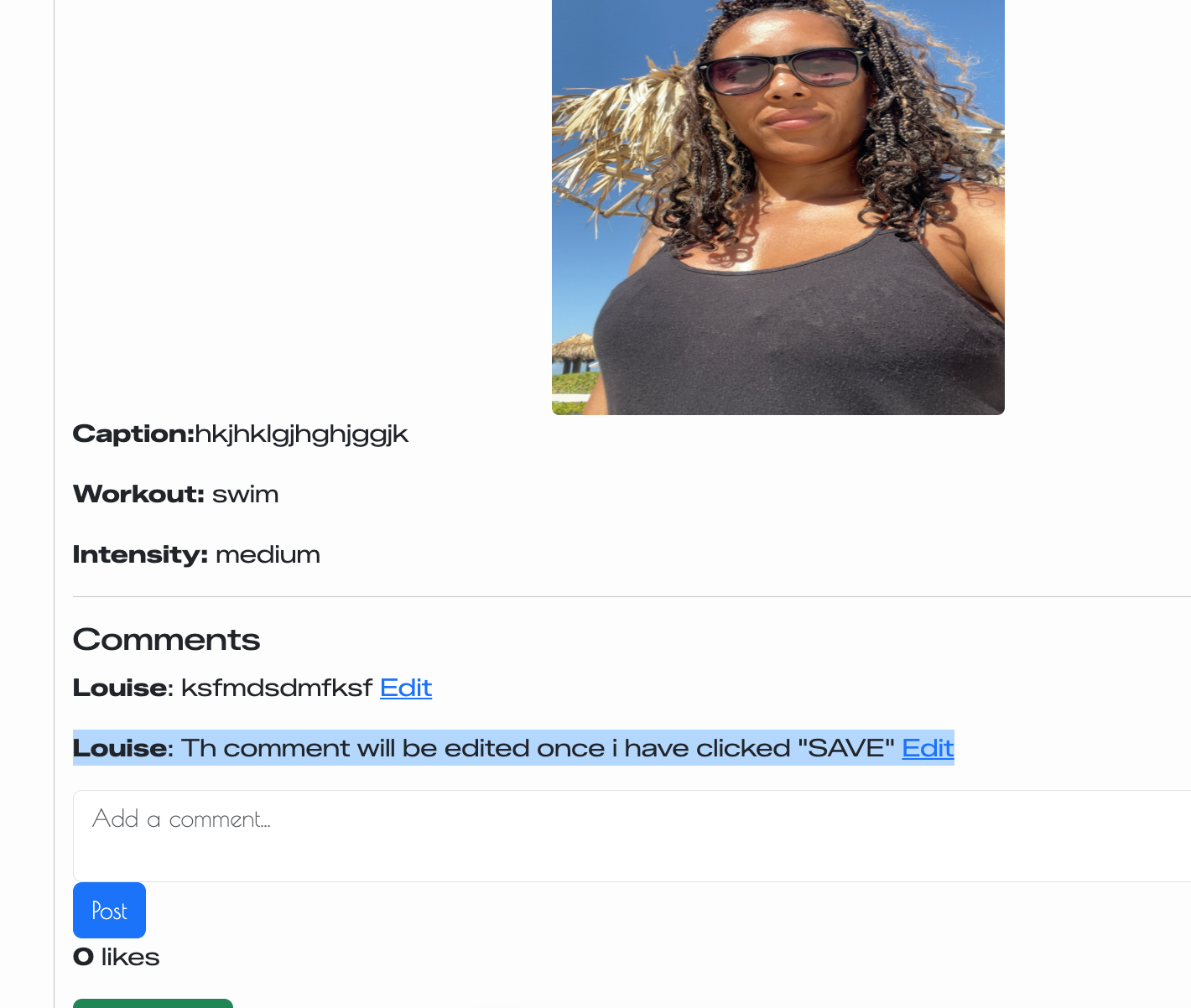 |
| Edit other user comment (defensive) | Manually enter /comments/<id>/edit/ for another user’s comment |
Access denied (404/403); comment not changed | ✅ Works | 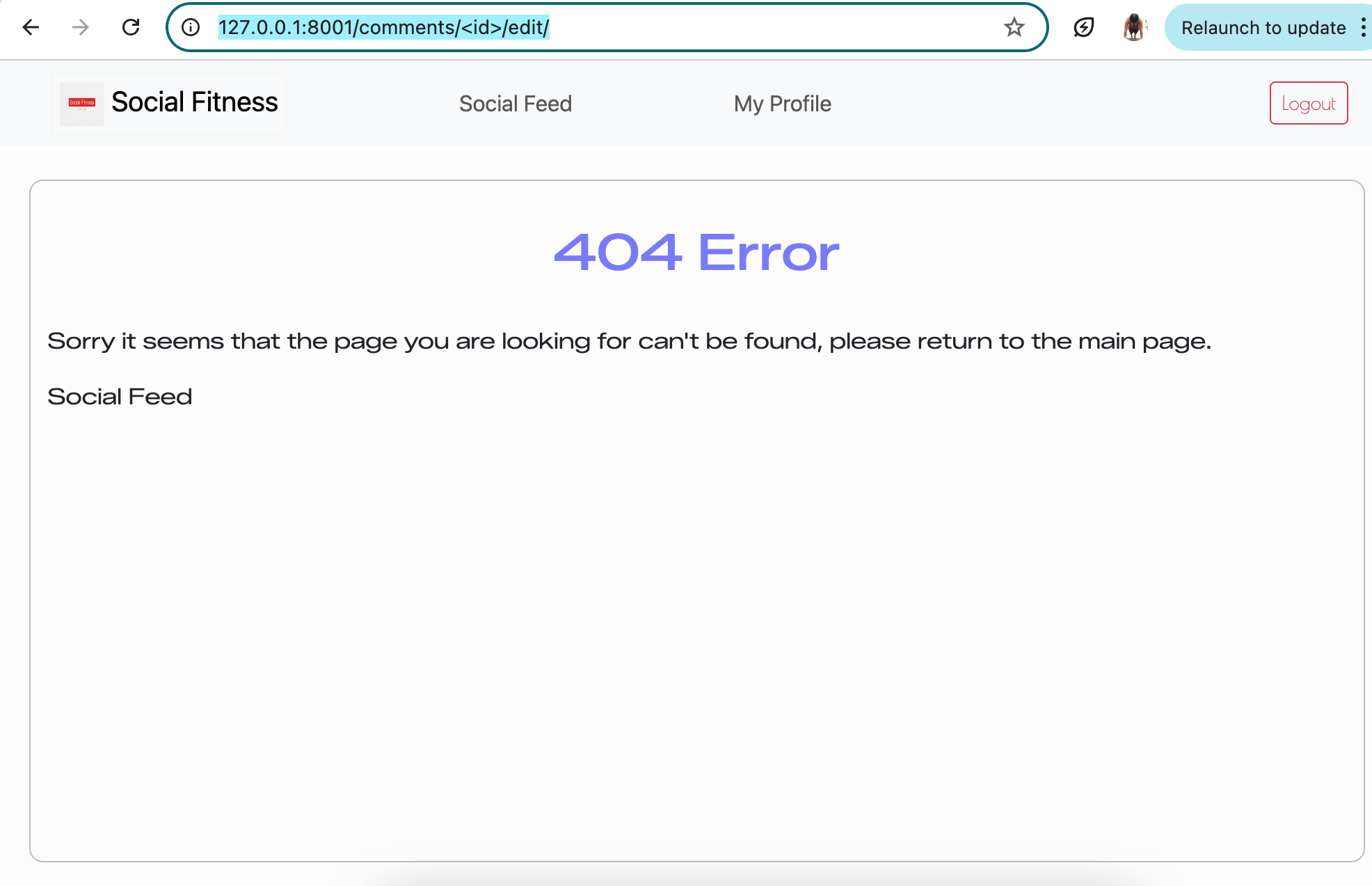 |
| Like/unlike post | Click like button on a post and Prevent duplicate likes (defensive) | Like is created; heart state/like count updates. Only one like per user per post (no duplicates) using toggle function | ✅ Works | 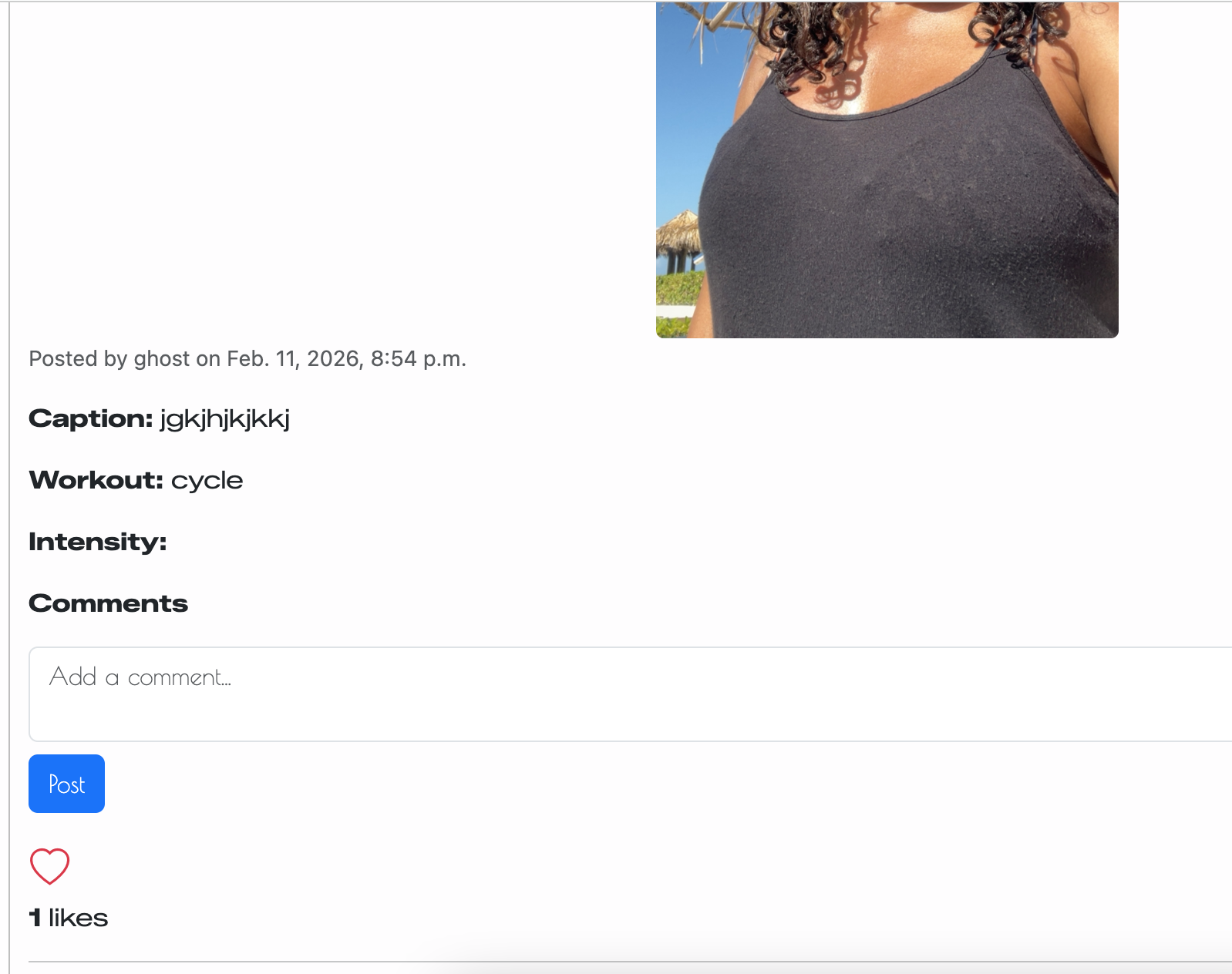 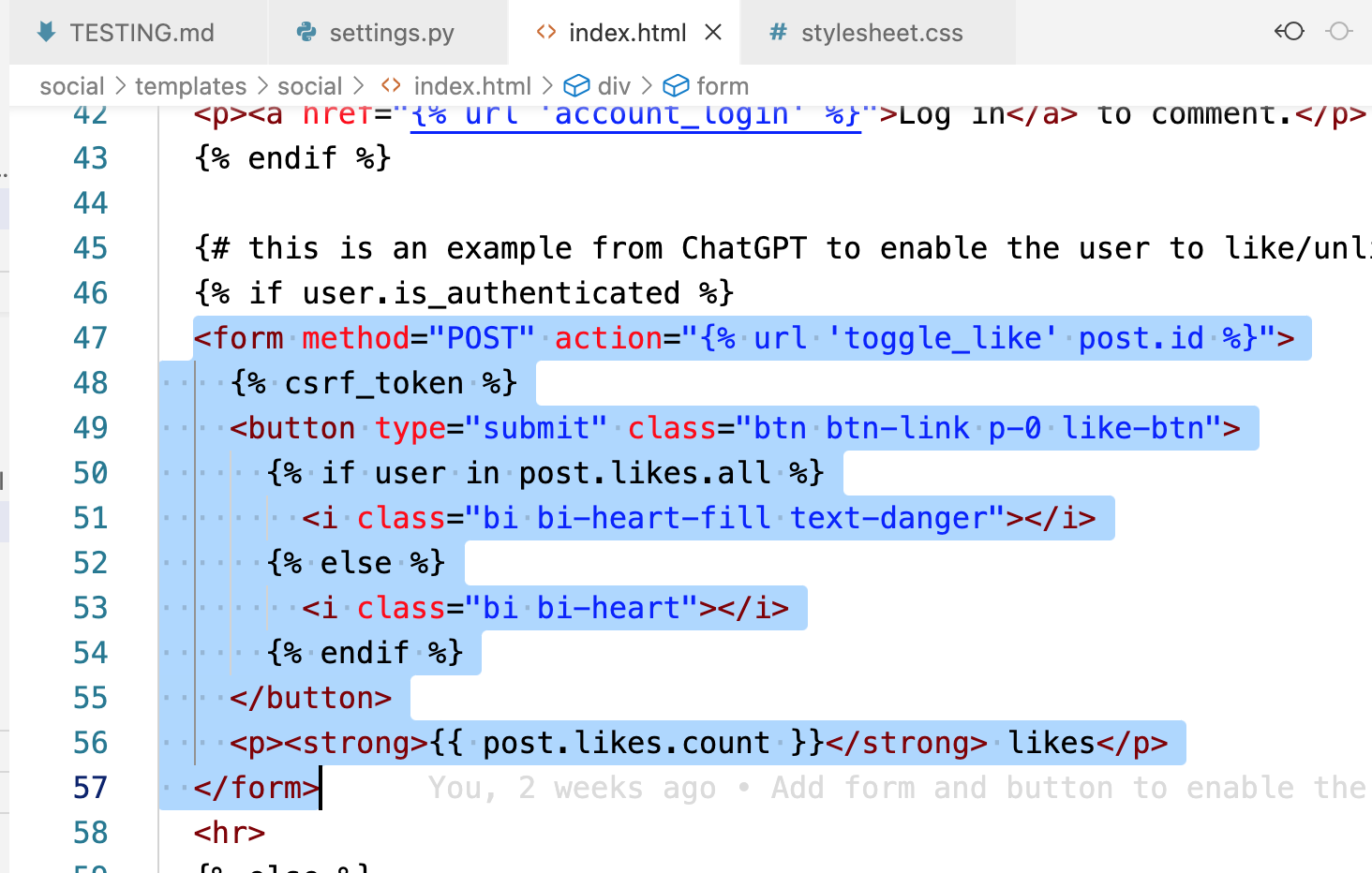 |
| Navbar conditional links | Compare navbar logged out vs logged in | Correct links shown/hidden based on auth state | ✅ Works | Logged out Logged in 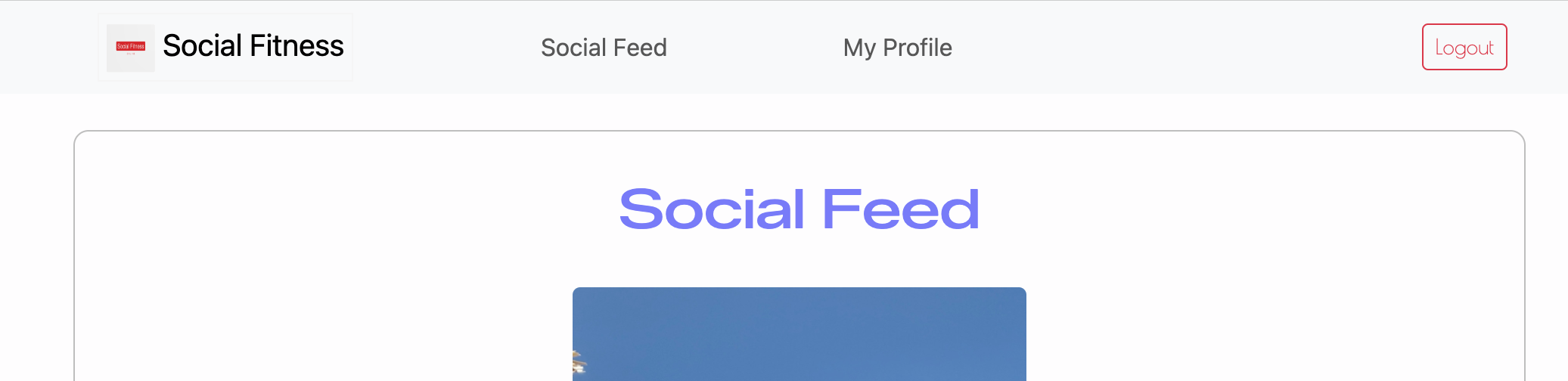 |
| Responsive images | View feed on small screen | Images scale within container; no overflow | ✅ Works | 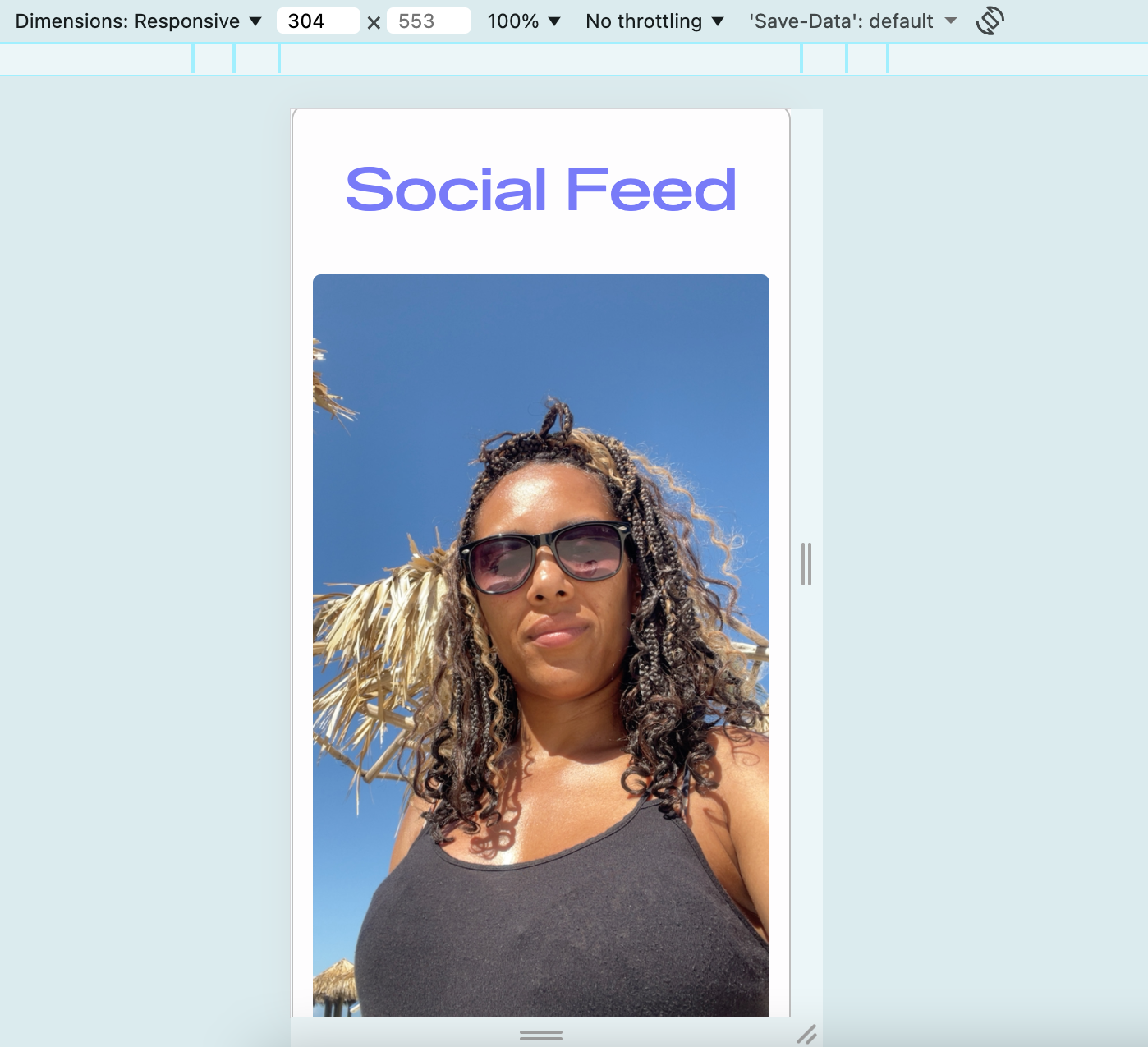 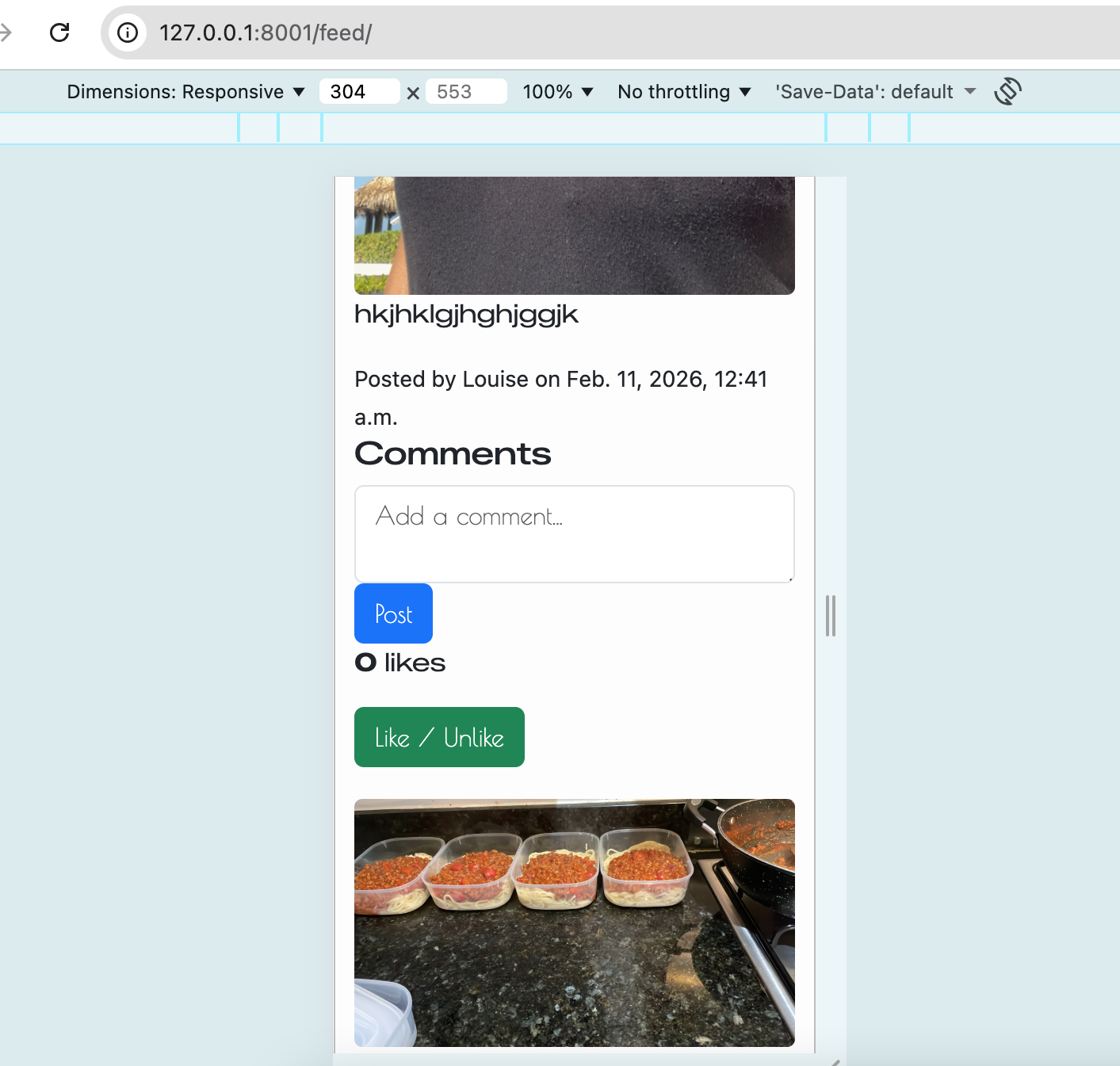 |
| Custom 404 page | Visit non-existent URL e.g. /test |
Custom 404 page displays with correct navigation link | ✅ Works | 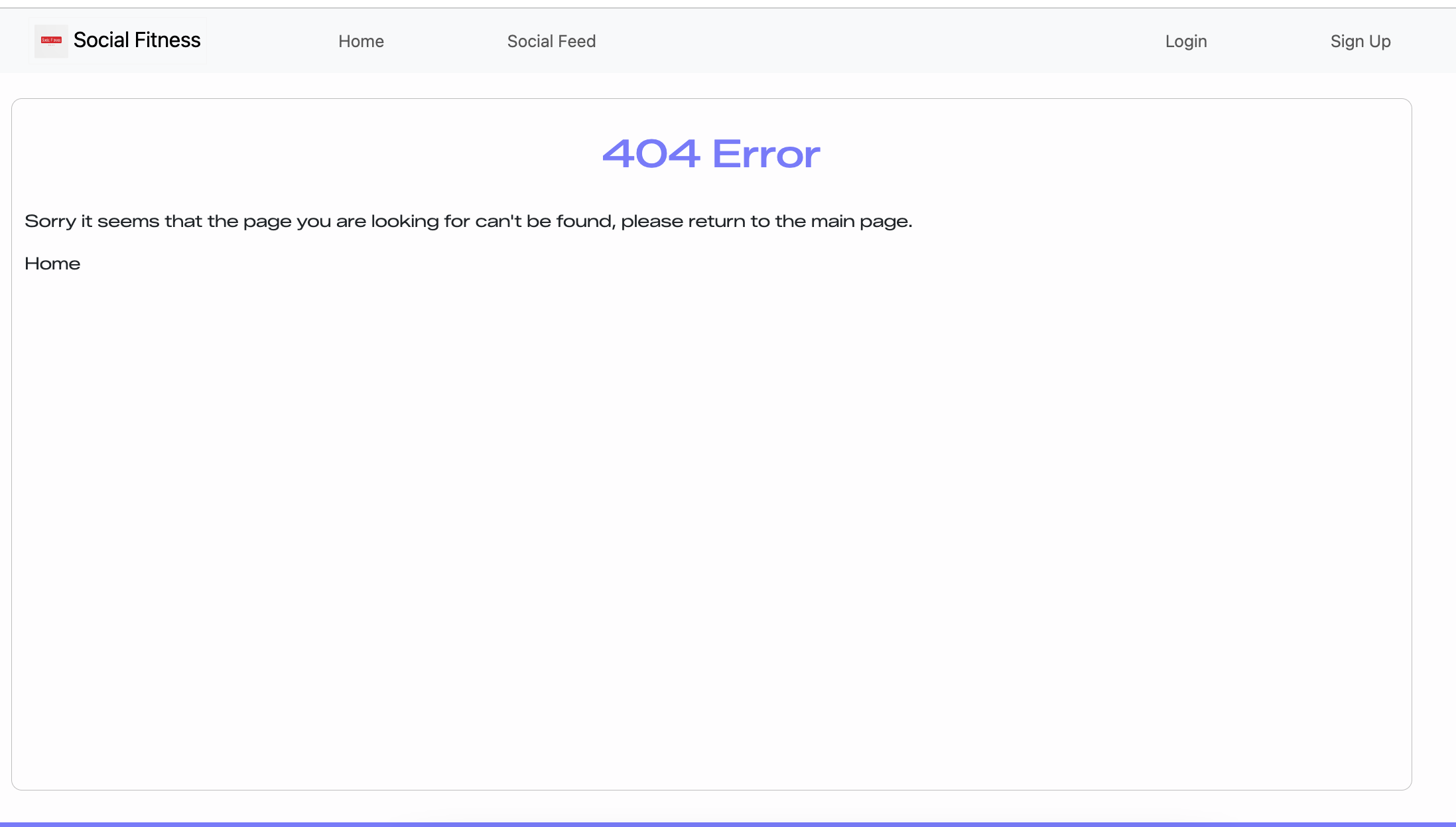 |
| Element Tested | Test Description | Expected Outcome | Pass/Fail | Screenshot | | ————————– | ———————————- | —————————– | ——— | ——— |
| User Story Tested | Test Description | Expected Outcome | Pass/Fail |
|---|---|---|---|
| As a new user, I want to create an account so I can join the Social Fitness community | Submit signup form with valid details | Account is created and user is logged in or redirected to login | ✅ Pass |
| As a new user, I want to be warned if my username already exists | Attempt signup with duplicate username | Validation error is displayed and account is not created | NOT YET |
| As a new user, I want password validation so my account is secure | Enter weak or mismatched passwords | Clear validation message is shown and form is rejected | ✅ Pass |
| As a user, I want to log in so I can access my profile and posts | Enter valid login credentials | User is authenticated and redirected to Social Feed | ✅ Pass |
| As a user, I want to be notified if login details are incorrect | Enter invalid login credentials | Error message is displayed and login fails | ✅ Pass |
| As a logged-in user, I want to create a post so I can share my workouts | Submit a post with image and details | Post appears on feed and profile | ✅ Pass |
| As a logged-in user, I want optional workout fields so I’m not forced to enter extra data | Create post without workout/intensity | Post still submits successfully | ✅ Pass |
| As a user, I want to delete my own posts so I can manage my content | Click delete on a post I created | Post is removed from database and UI | ✅ Pass |
| As a user, I should not be able to delete another user’s post | Manually enter delete URL for another user | Access is denied (403/404) and post remains | ✅ Pass |
| As a user, I want to comment on posts to interact with others | Add a valid comment | Comment displays under the correct post | ✅ Pass |
| As a user, I want to edit my own comments | Edit an existing comment | Updated comment saves and displays correctly | ✅ Pass |
| As a user, I should not edit other users’ comments | Enter another user’s comment edit URL | Access denied and comment unchanged | ✅ Pass |
| As a user, I want to like posts to show engagement | Click like button | Heart icon changes and like count increases | ✅ Pass |
| As a user, I want to unlike posts | Click liked heart again | Heart icon reverts and like count decreases | ✅ Pass |
| As a user, I should not be able to like a post multiple times | Attempt repeated likes | Only one like per user per post is stored | ✅ Pass |
| As a user, I want responsive navigation on smaller screens | Use hamburger menu on mobile view | Navbar collapses and links remain usable | ✅ Pass |
| As a user, I want images to scale correctly on all devices | View feed on mobile screen | Images remain within container and do not overflow | ✅ Pass |
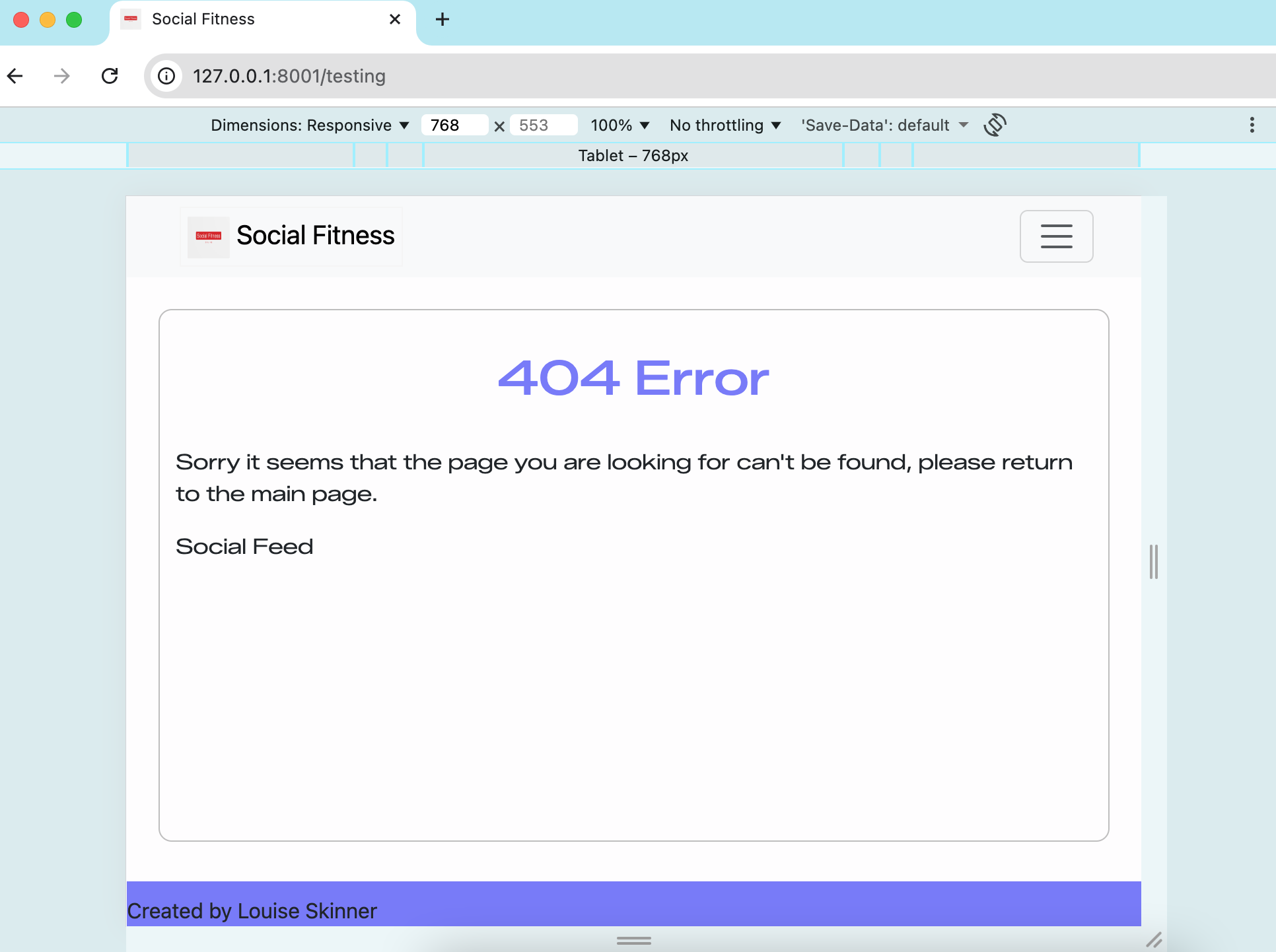
| As a user, I want to see a helpful 404 page when a page doesn’t exist | Visit invalid URL | Custom styled 404 page displays with navigation options | ✅ Pass |
Responsiveness
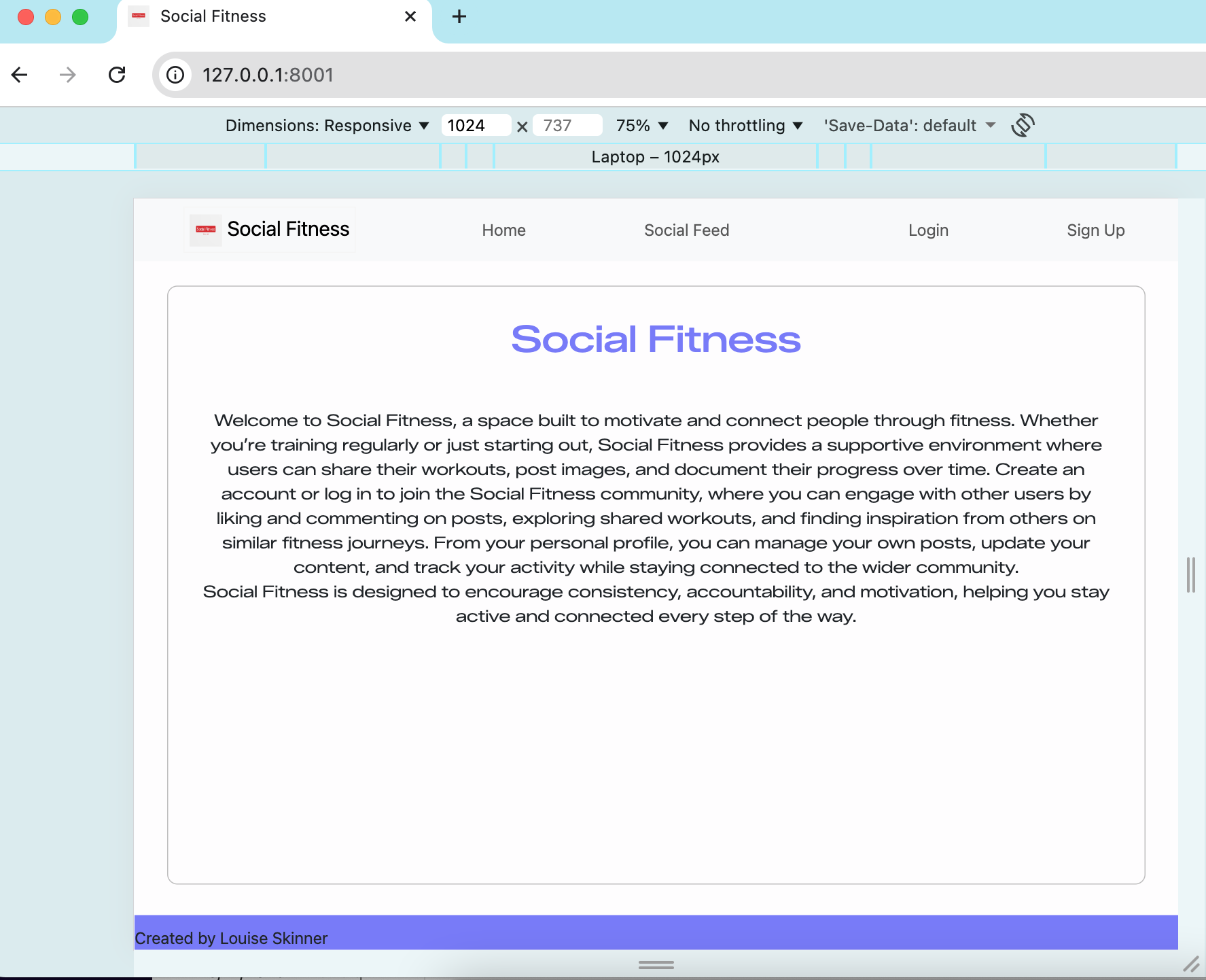
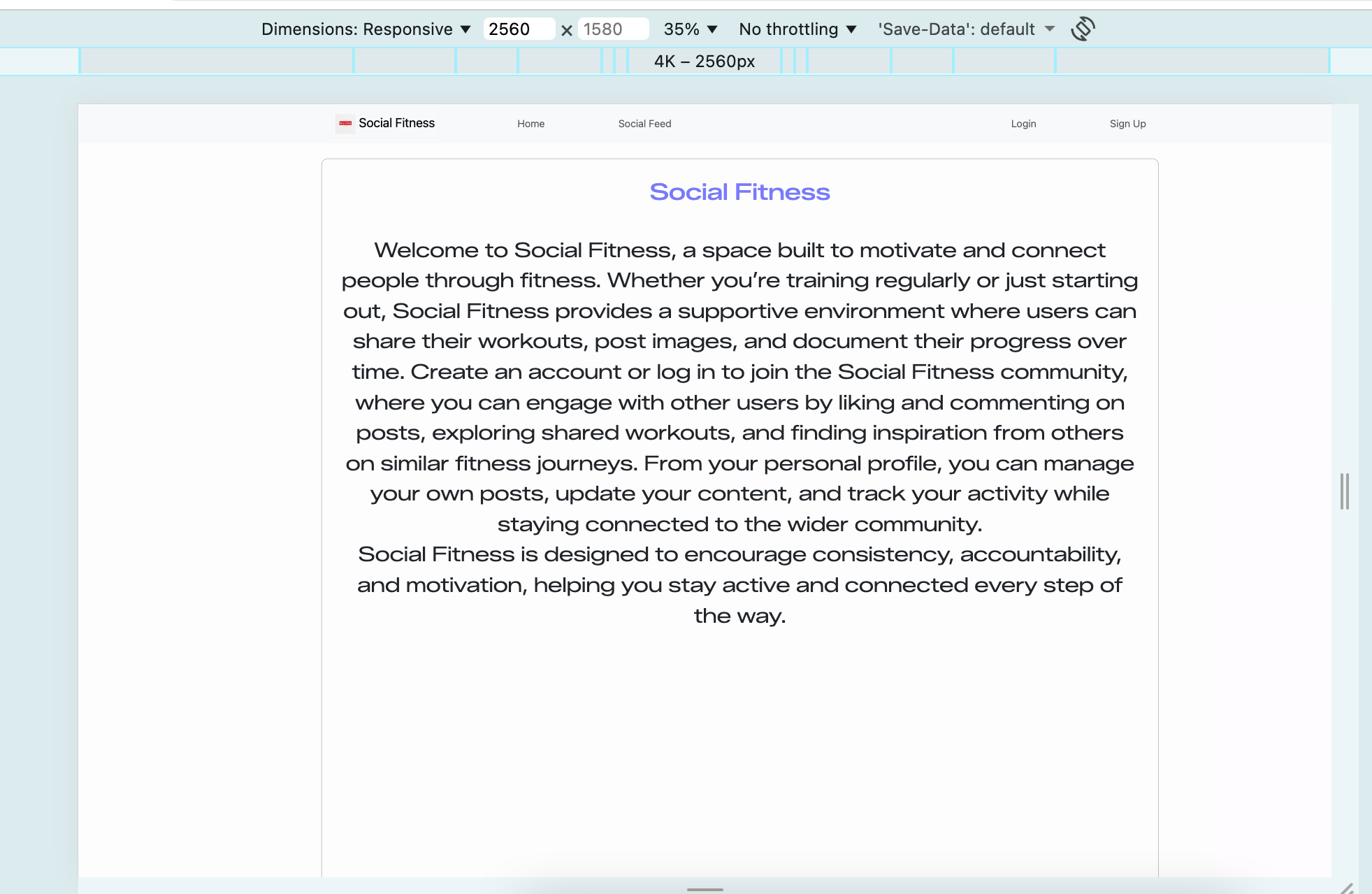
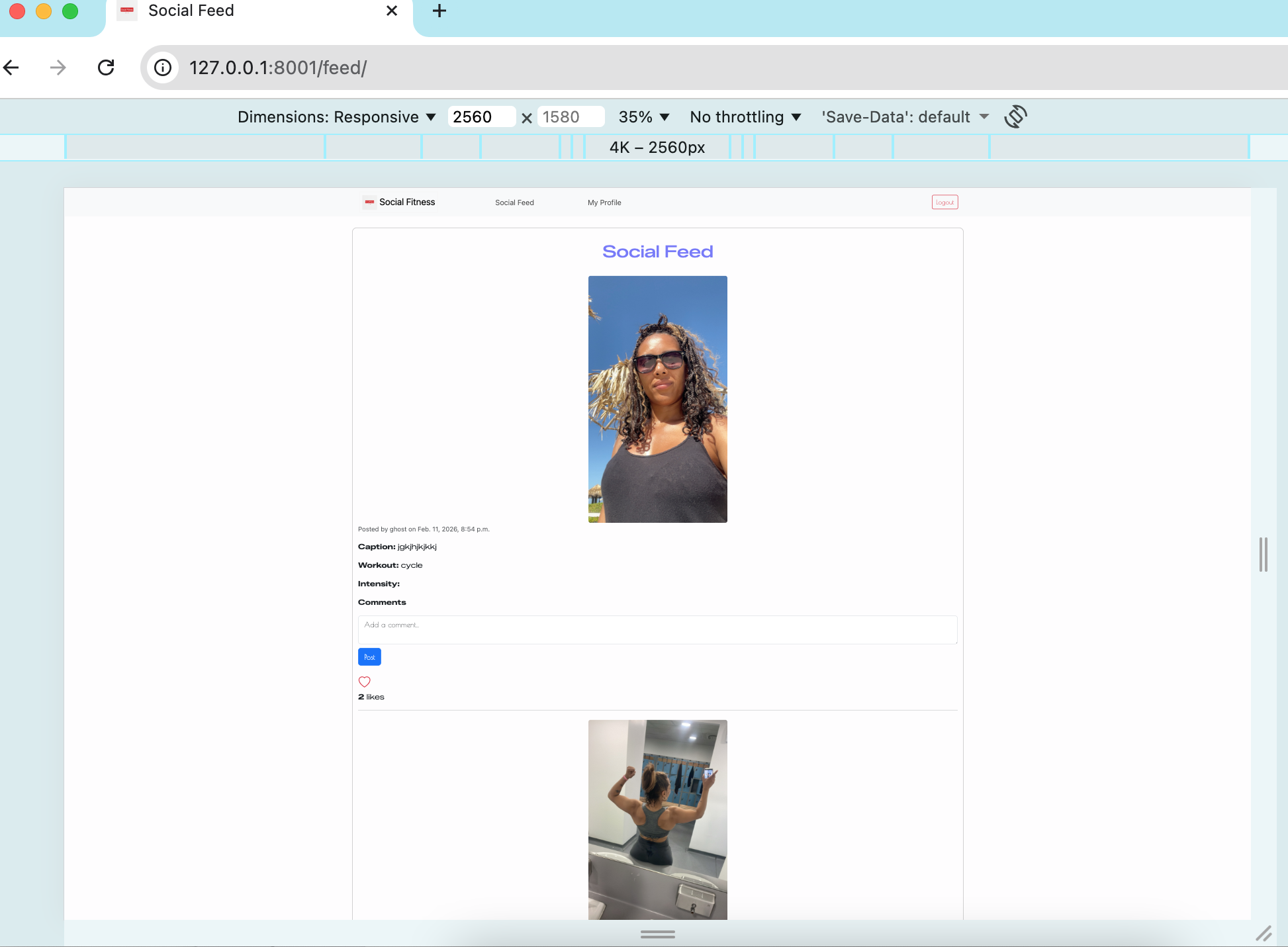
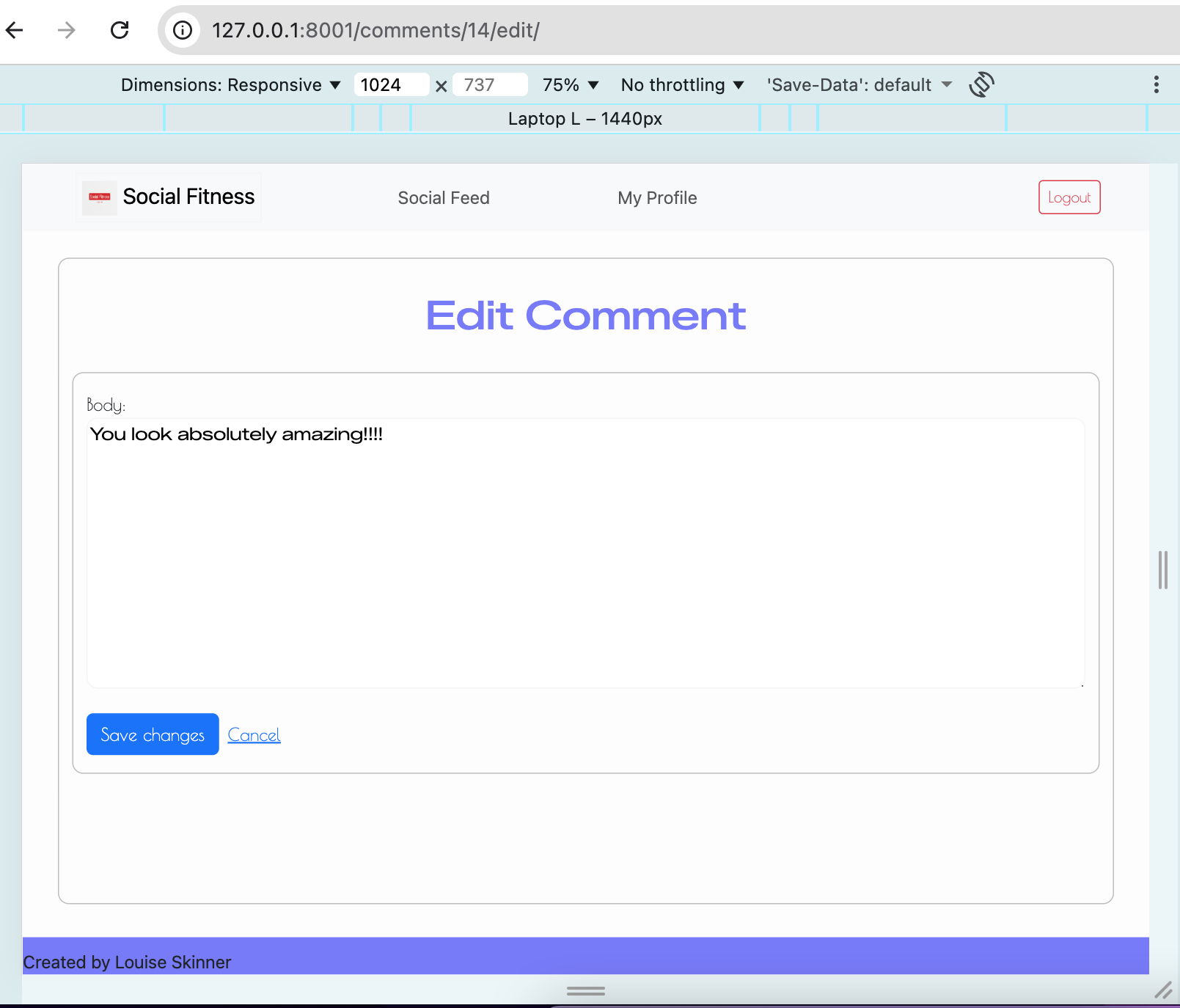
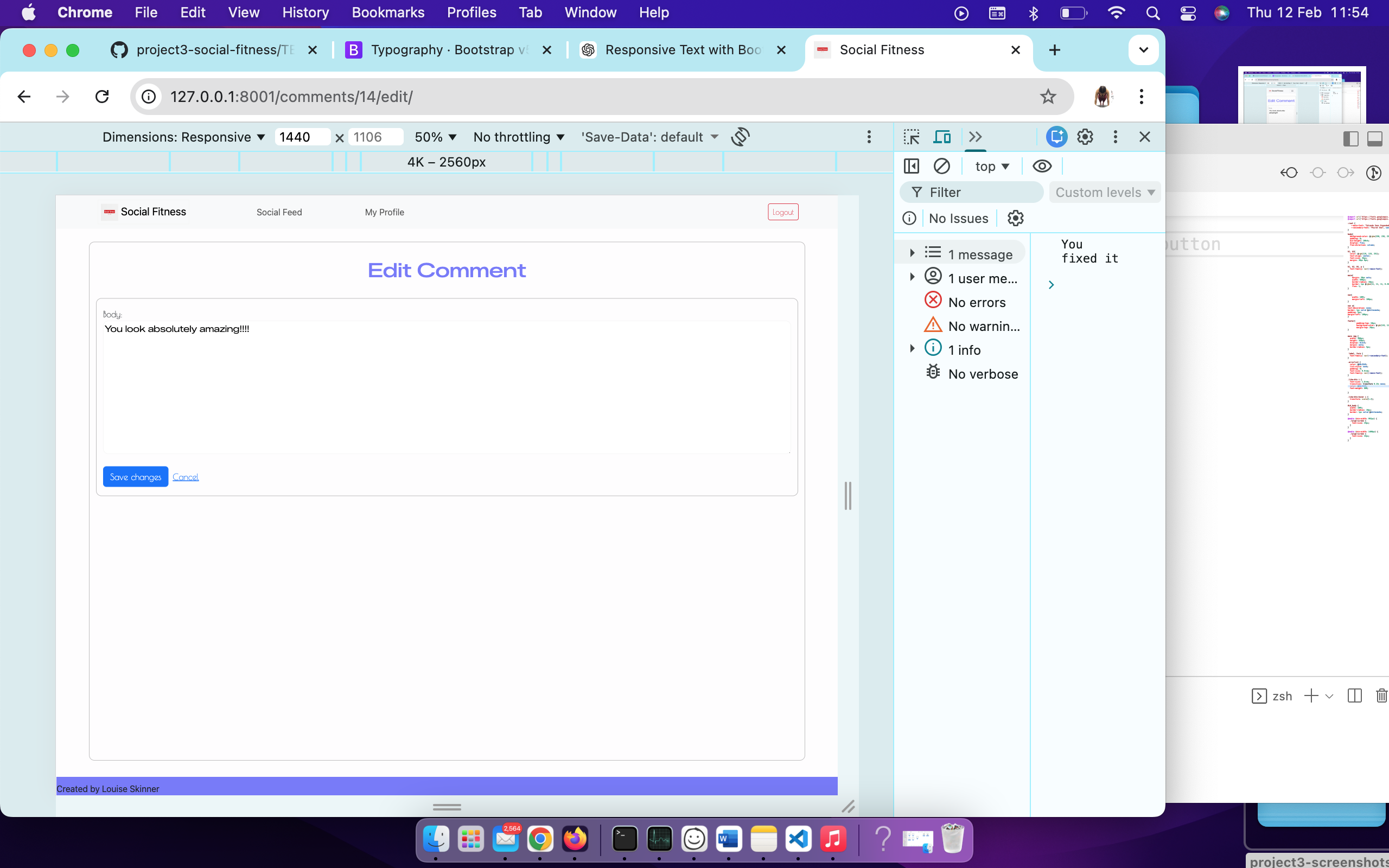
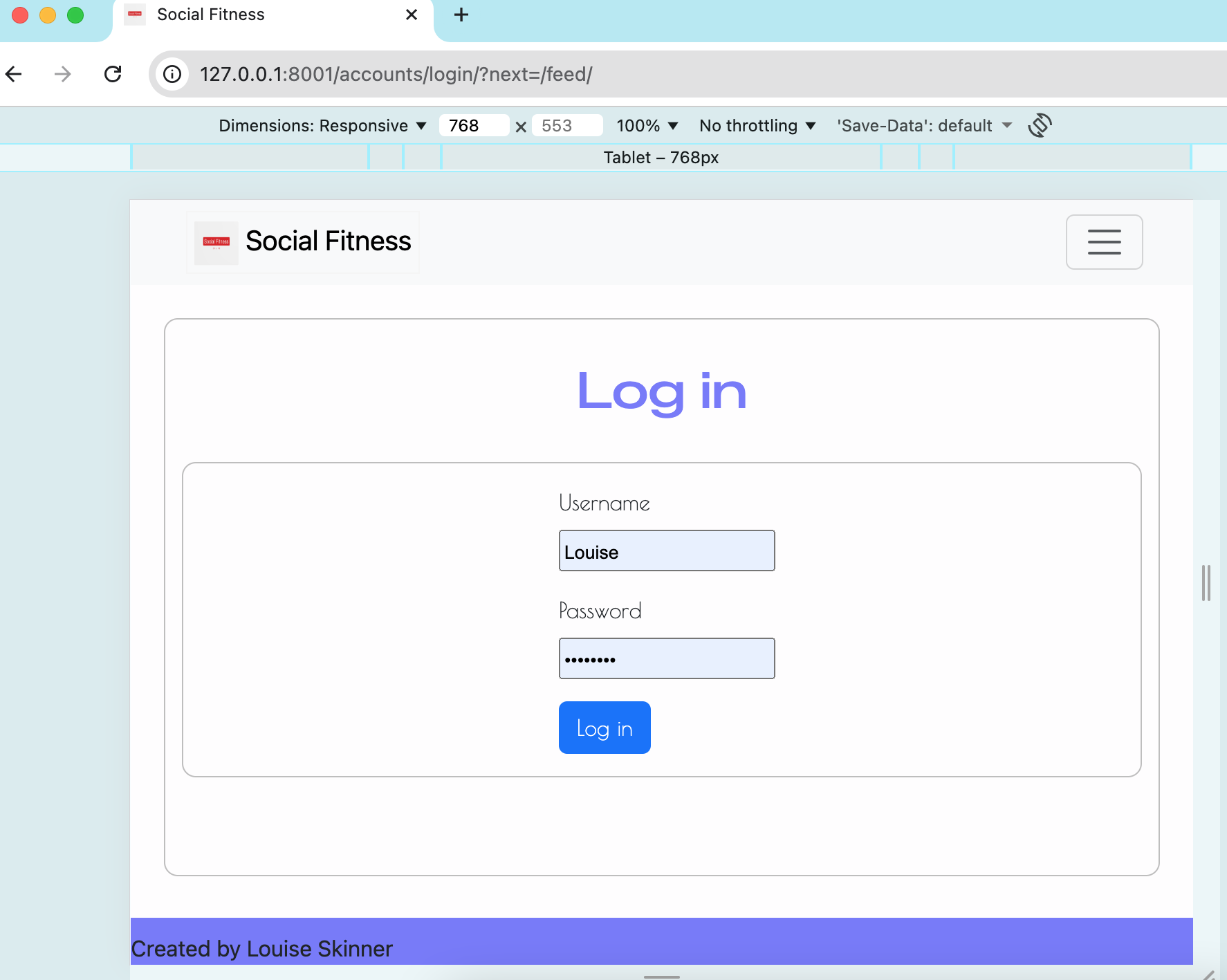
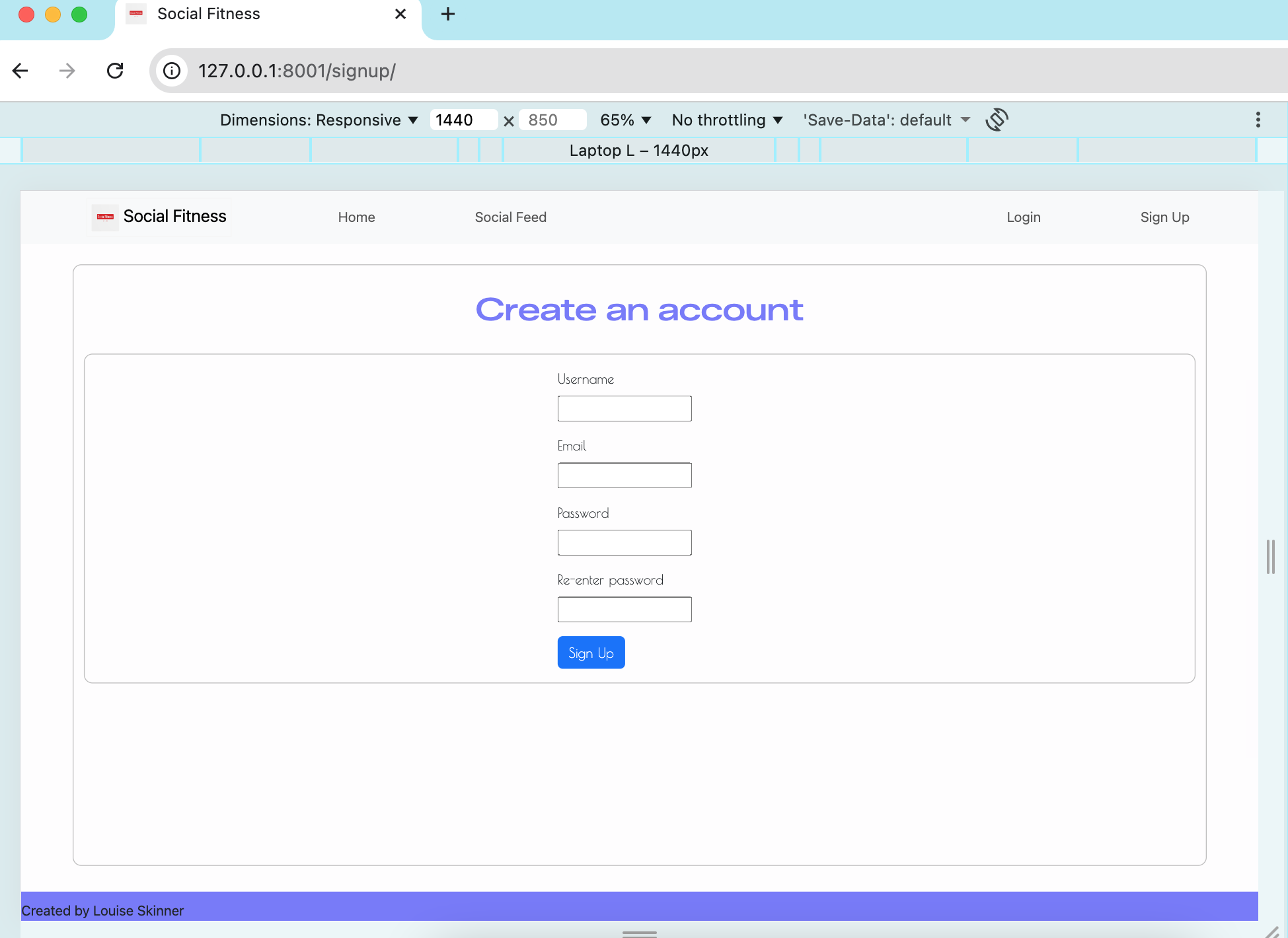
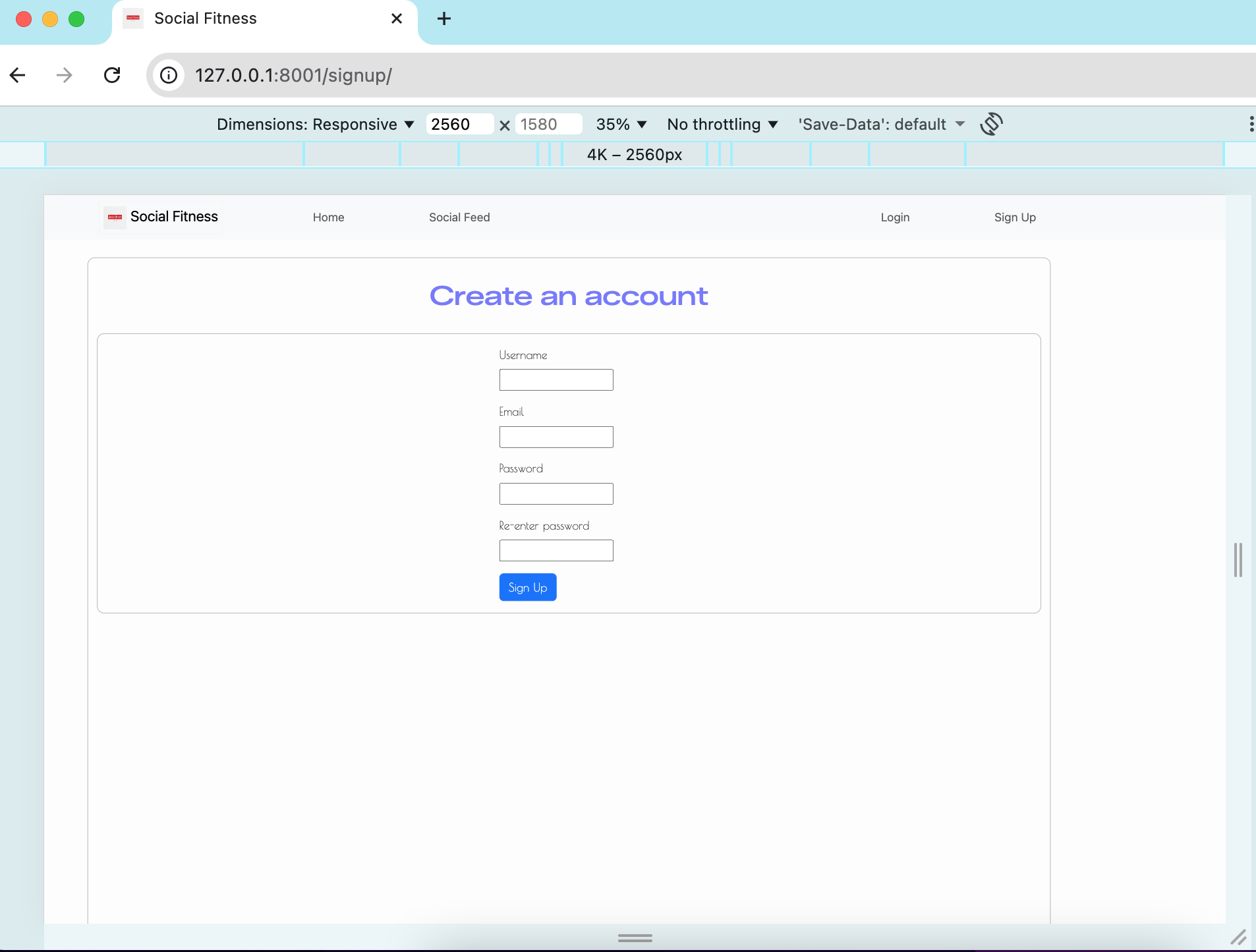
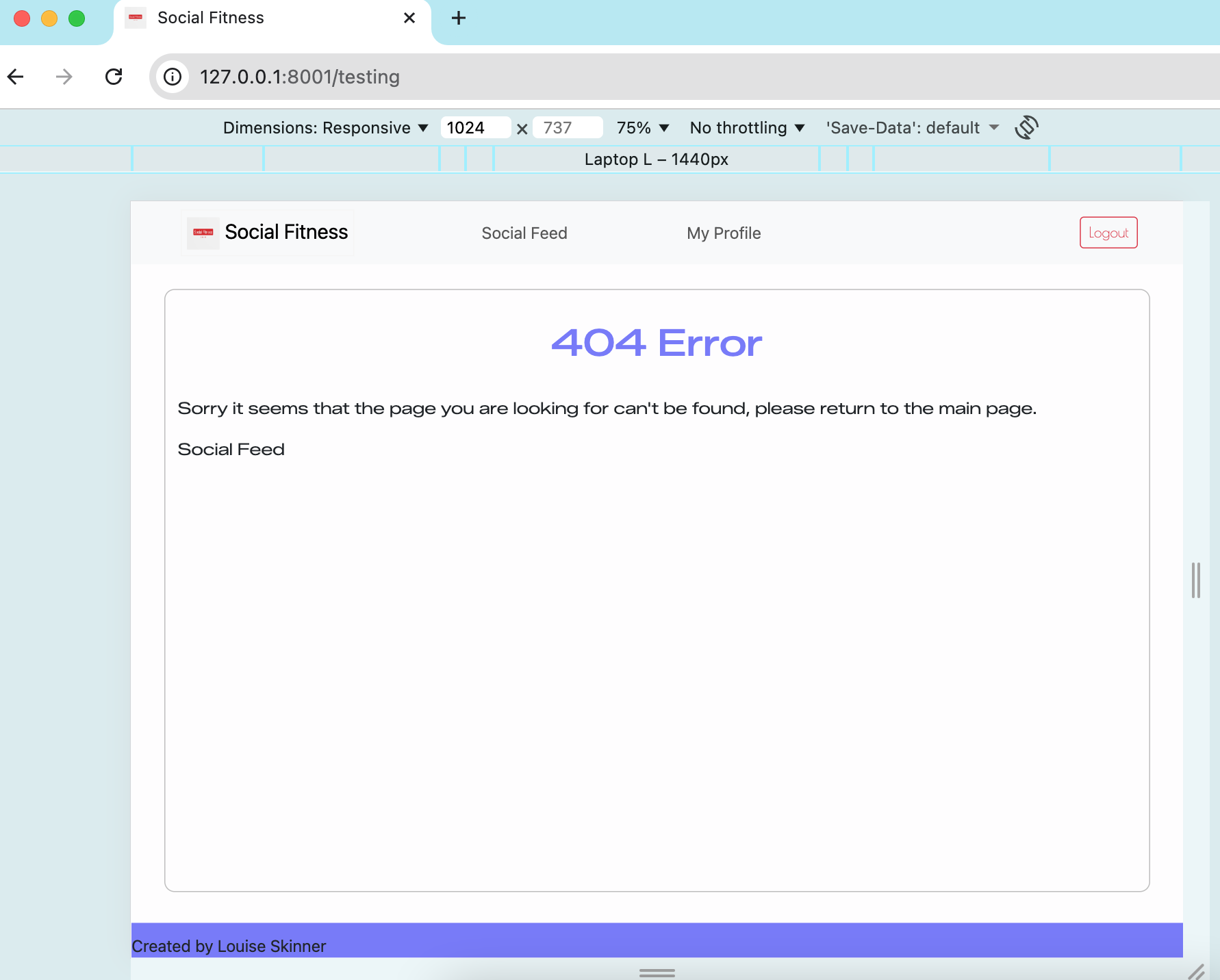
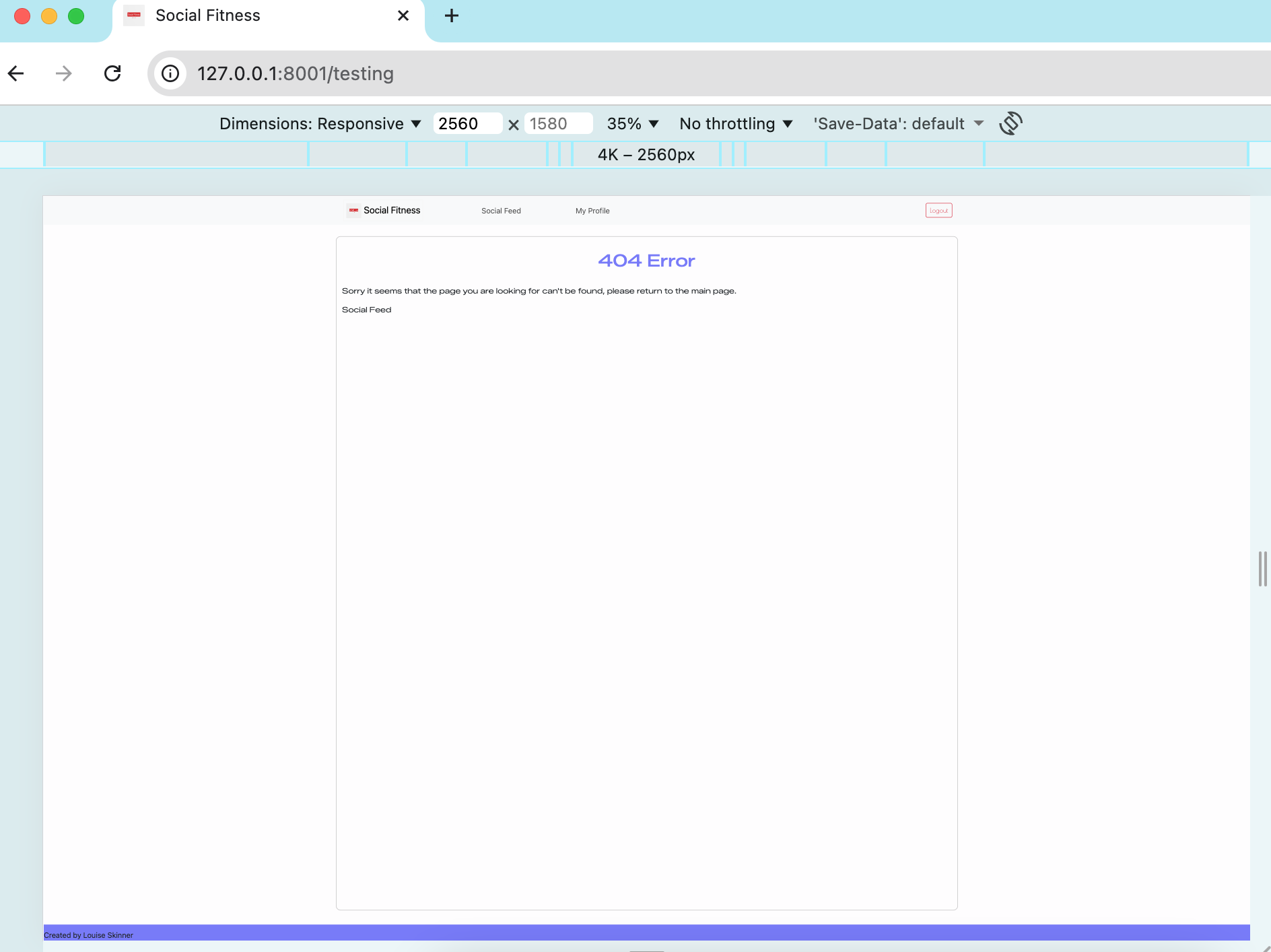
Google Chrome DevTools was used extensively to simulate various device viewports, including popular smartphones, tablets, and desktop resolutions. This allowed for a controlled testing environment to verify that the layout, interactive elements, and overall responsiveness behaved as intended under different conditions.
Particular attention was given to:
Responsive design: Ensuring all elements (buttons, images, forms and text) resize and reposition correctly.
Touch interactions: Confirming buttons and inputs respond properly on smaller screens.
Visual consistency: Checking that colours, fonts, containers and spacing remain aligned with the intended design across all viewports.
By testing through Chrome DevTools, I was able to efficiently identify and resolve layout shifts, overlapping elements, and scaling issues before deployment. This ensured the final build delivered a clean, accessible, and user-friendly experience on all supported devices.
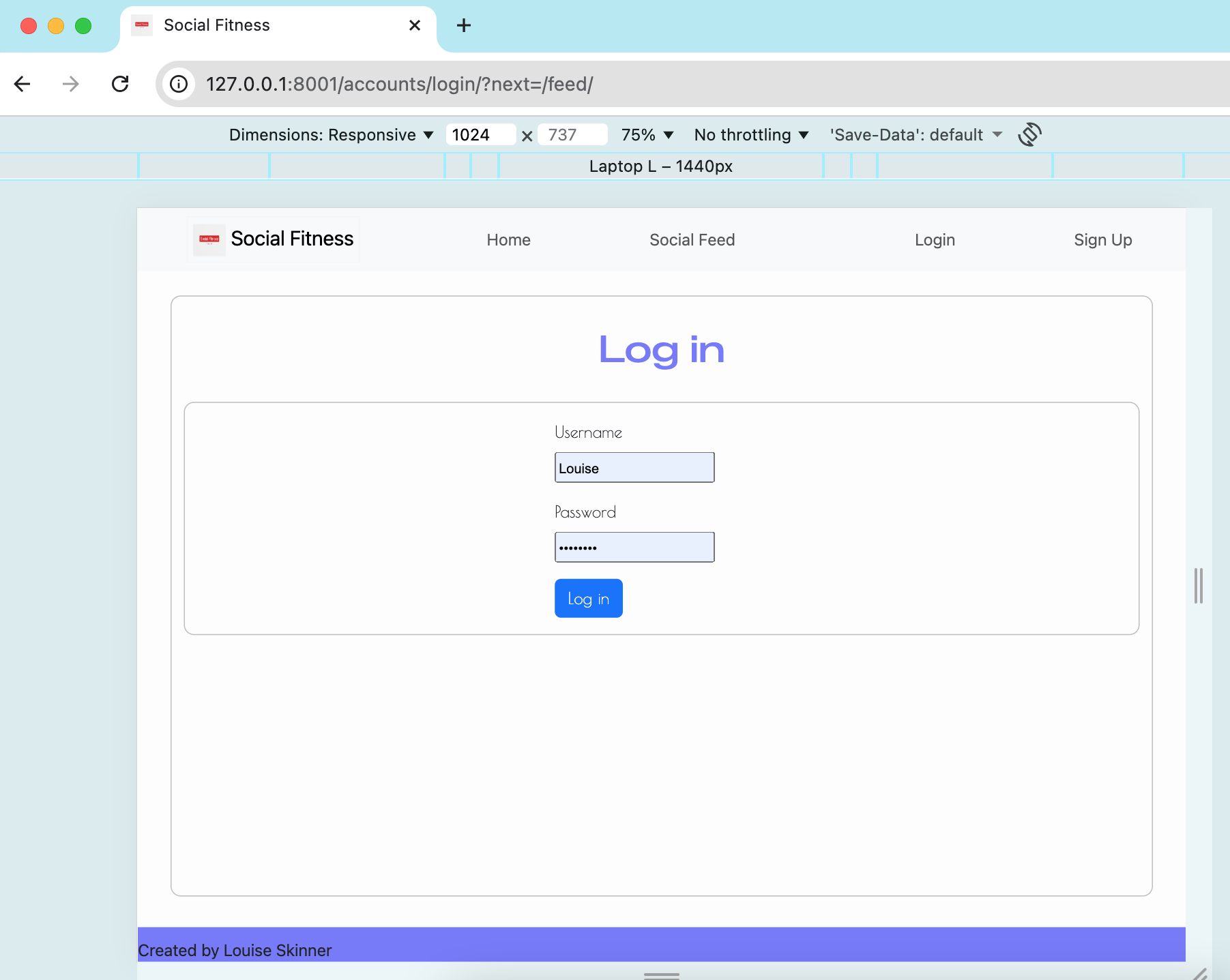
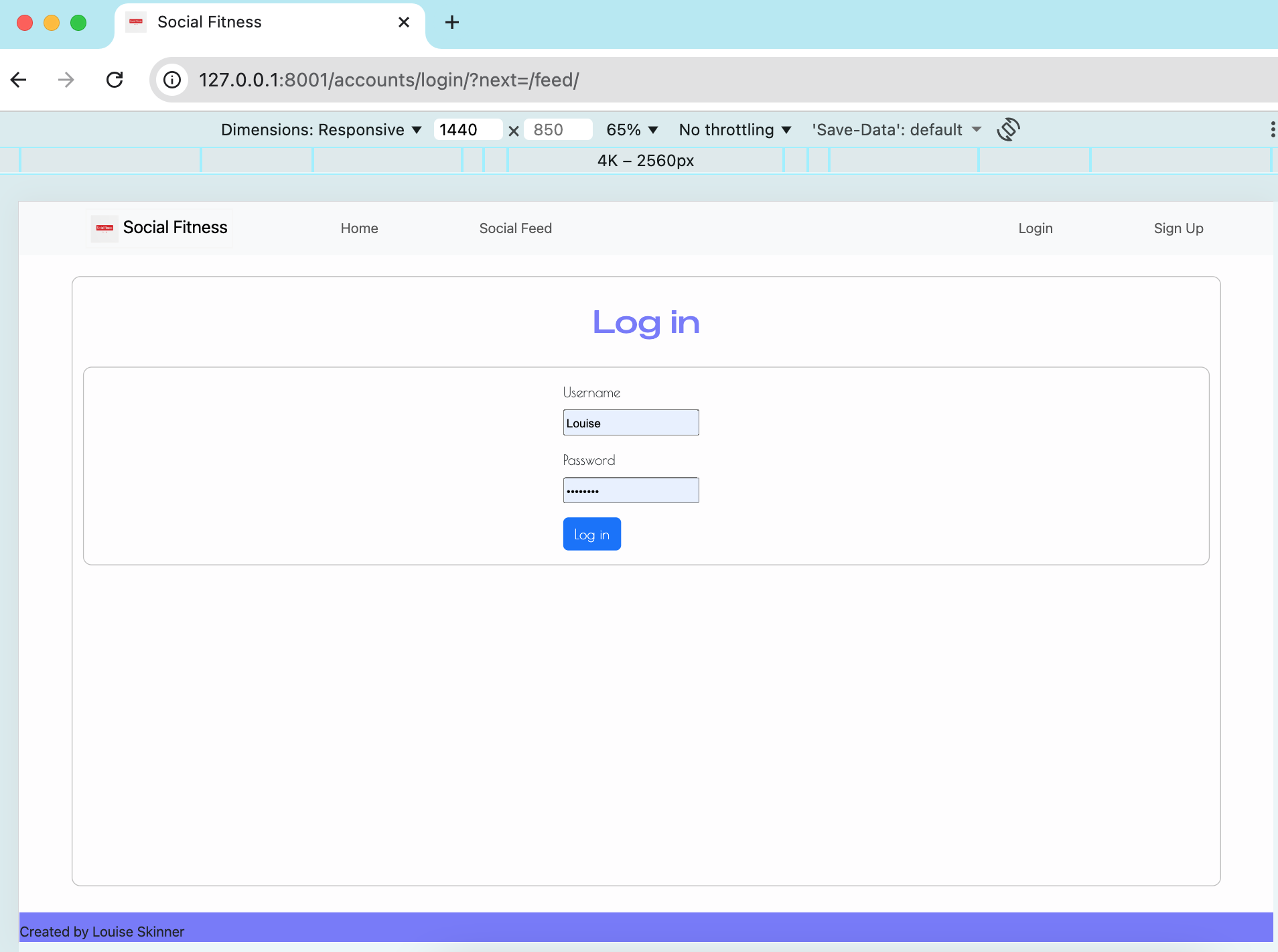
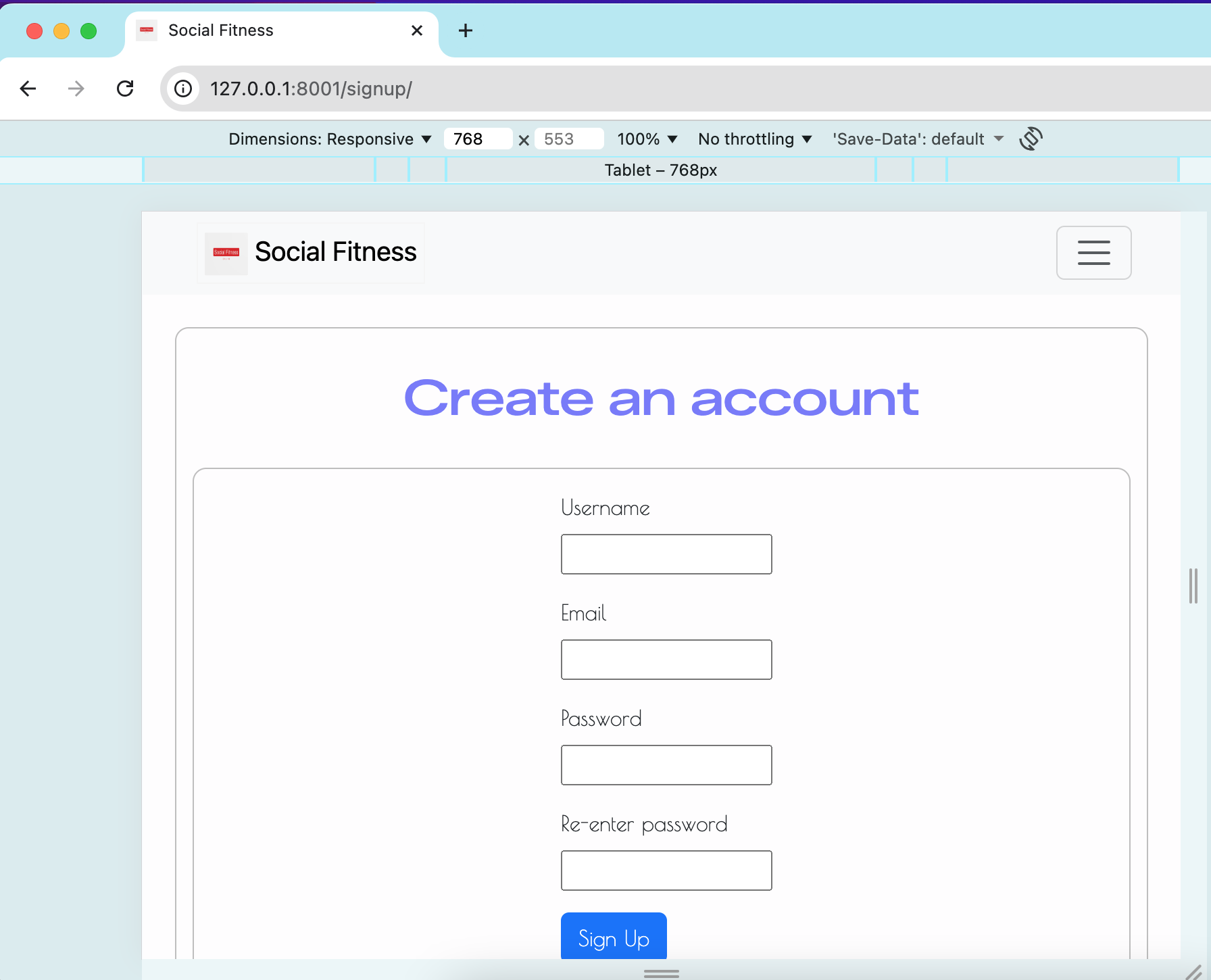
I’ve tested my deployed project to check for responsiveness issues.
| Page | Mobile | Tablet | Laptop | Desktop |
|---|---|---|---|---|
| Home | 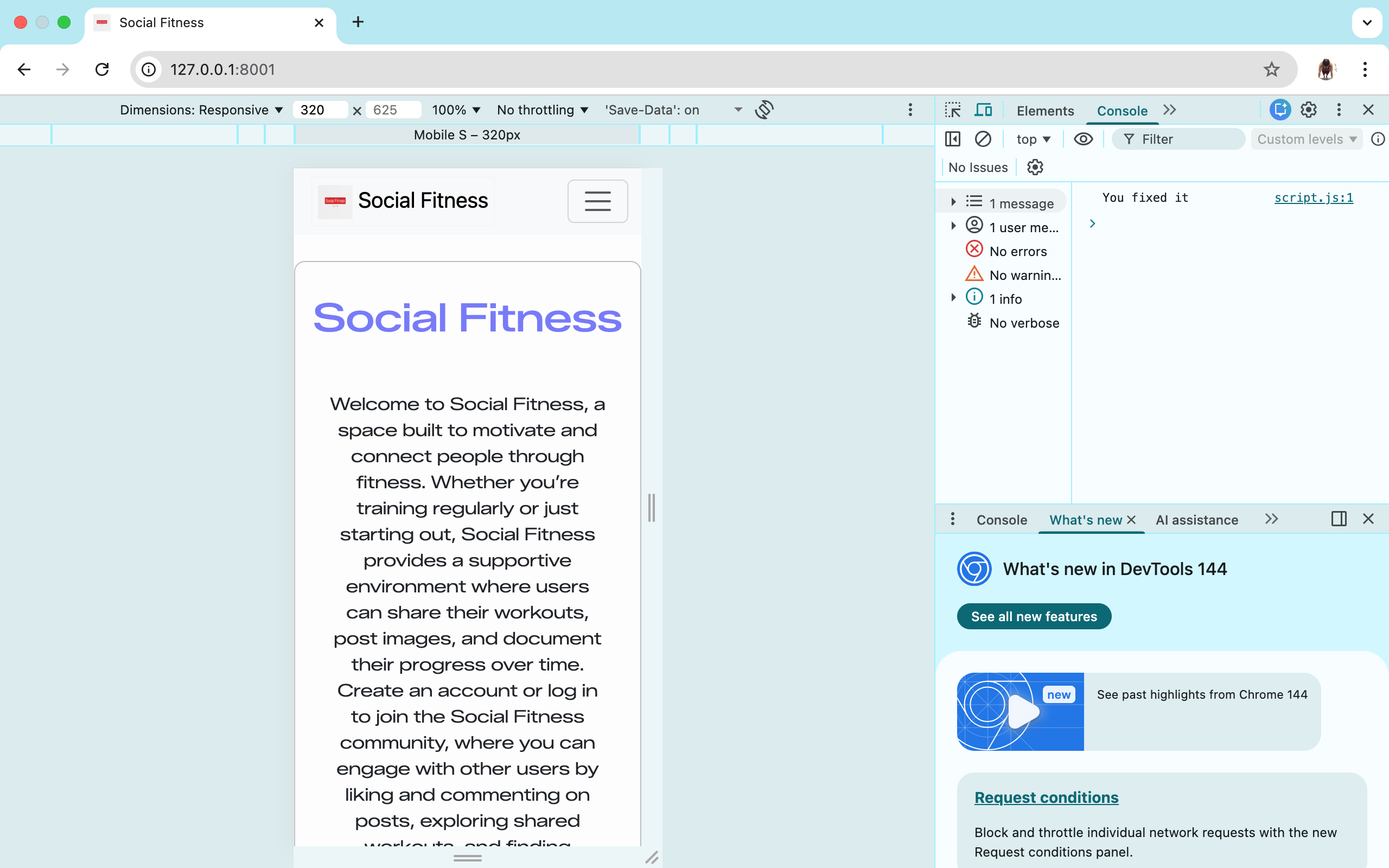 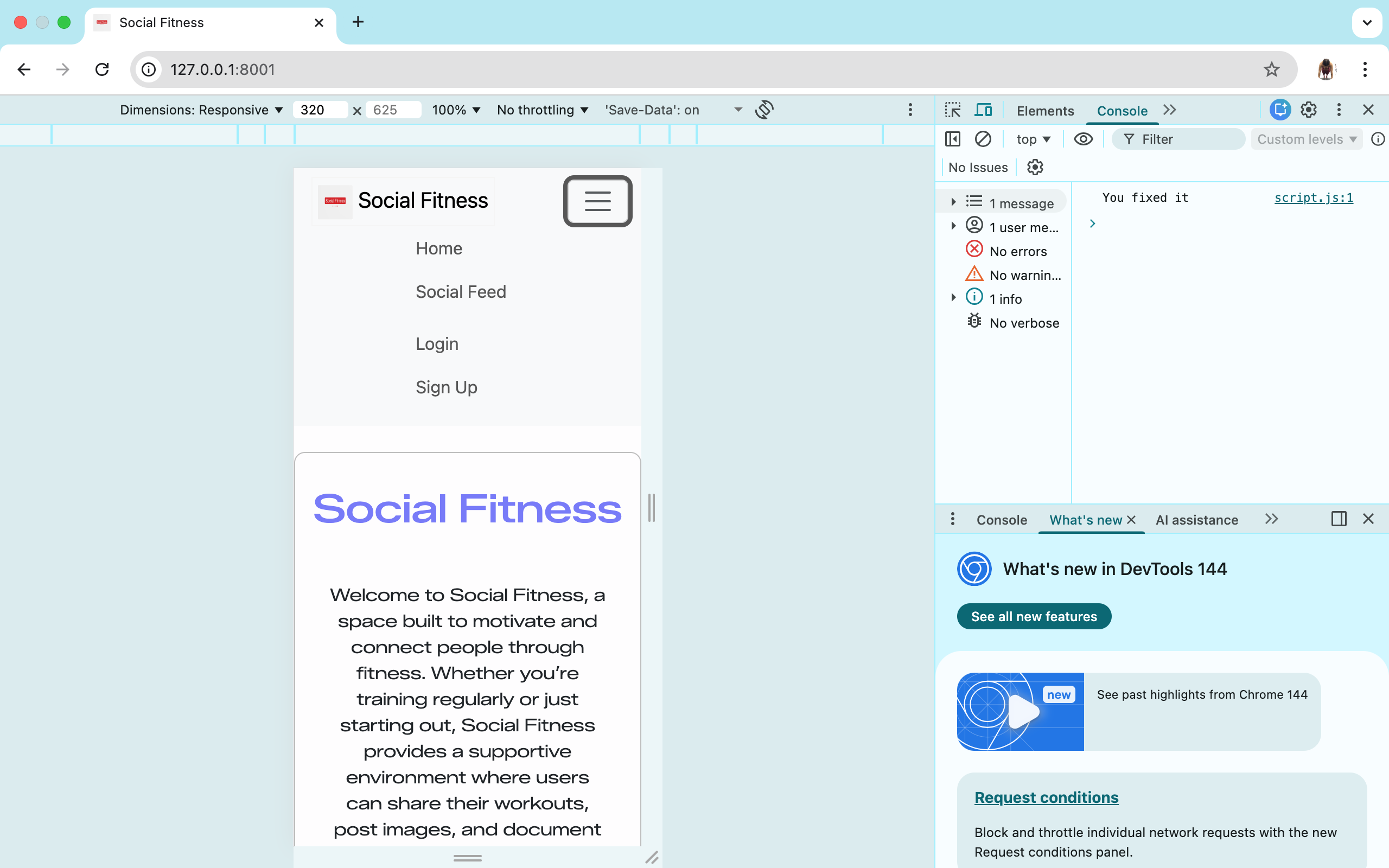 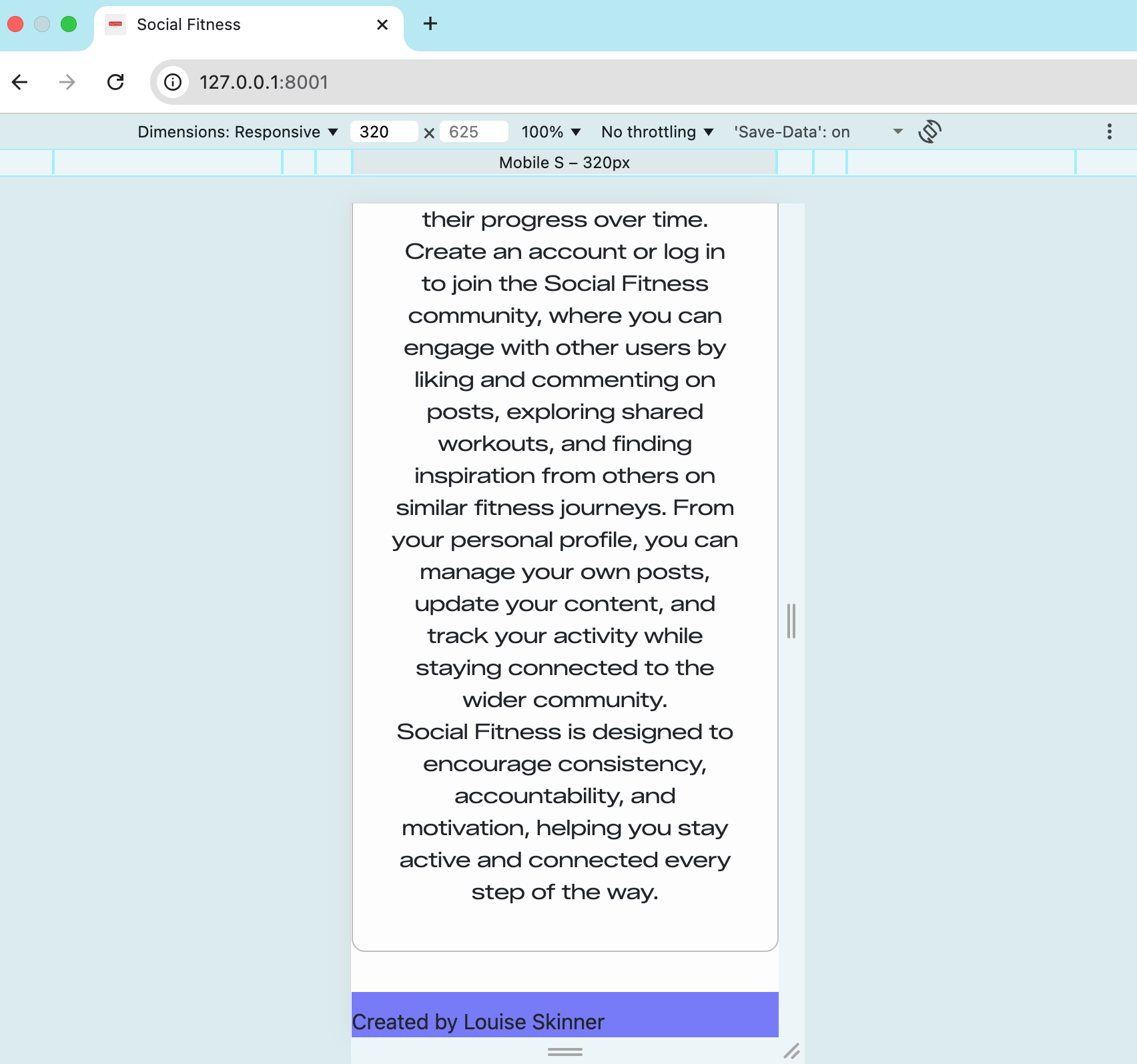 |
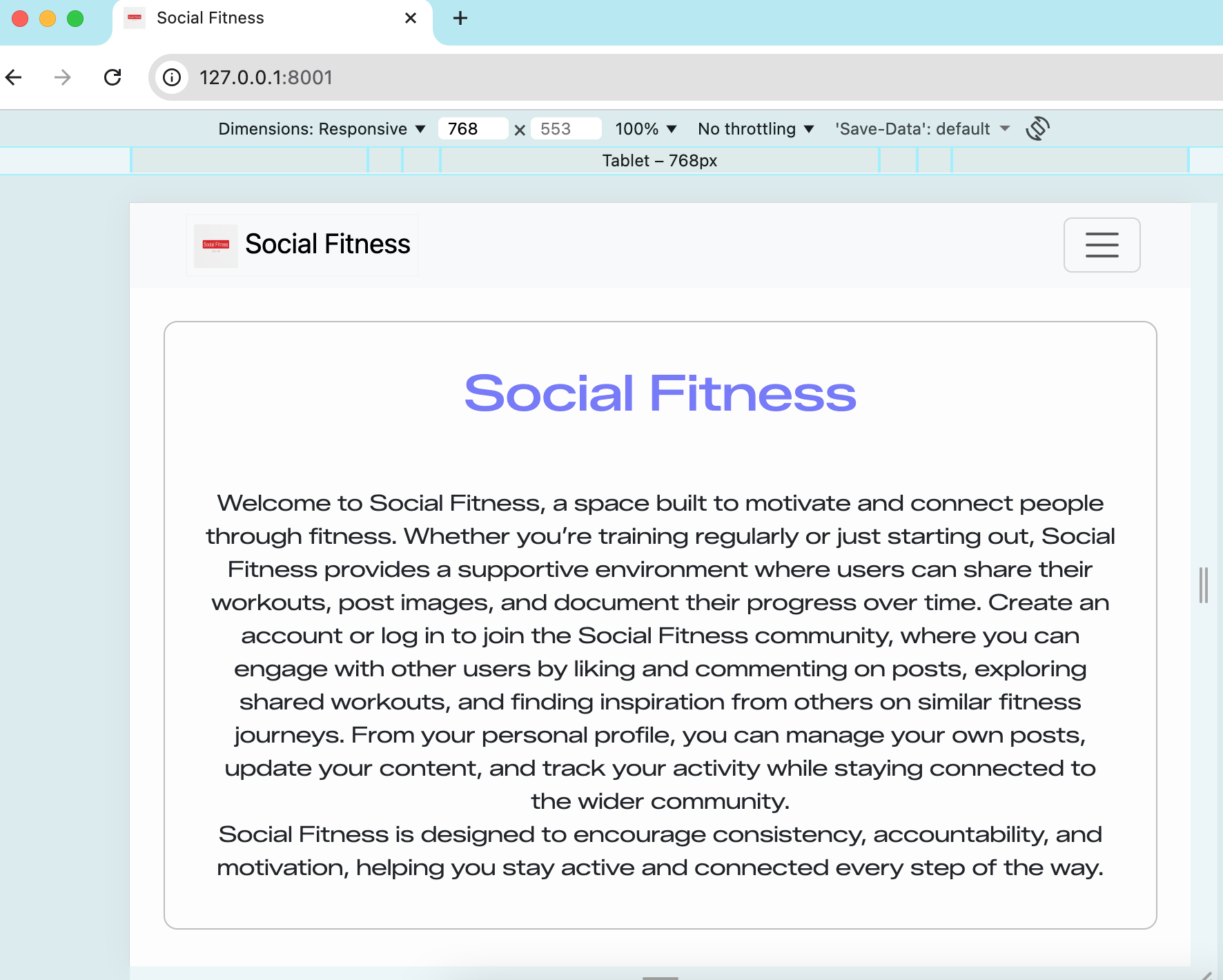 |
 |
 |
| Social Feed | 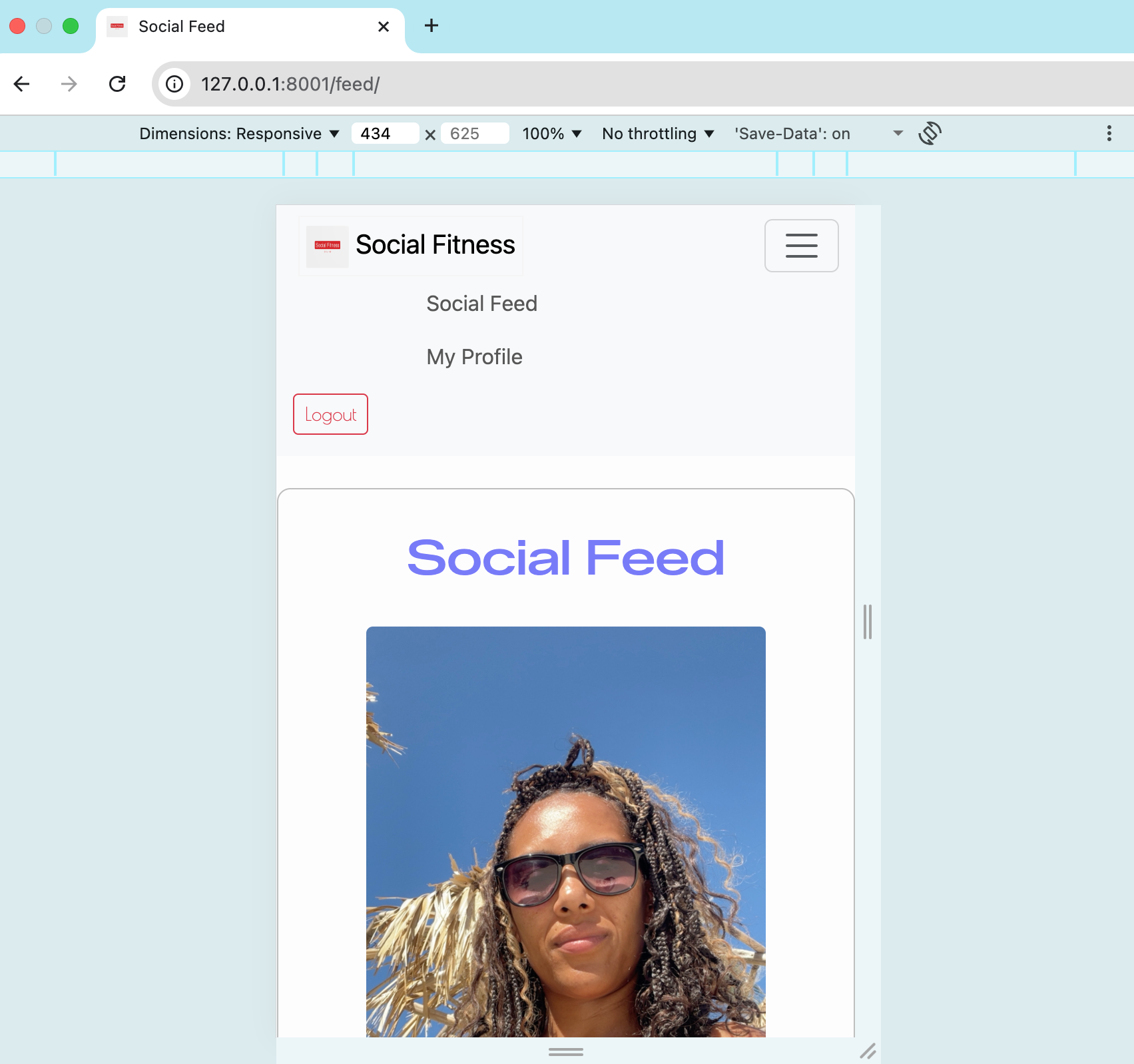 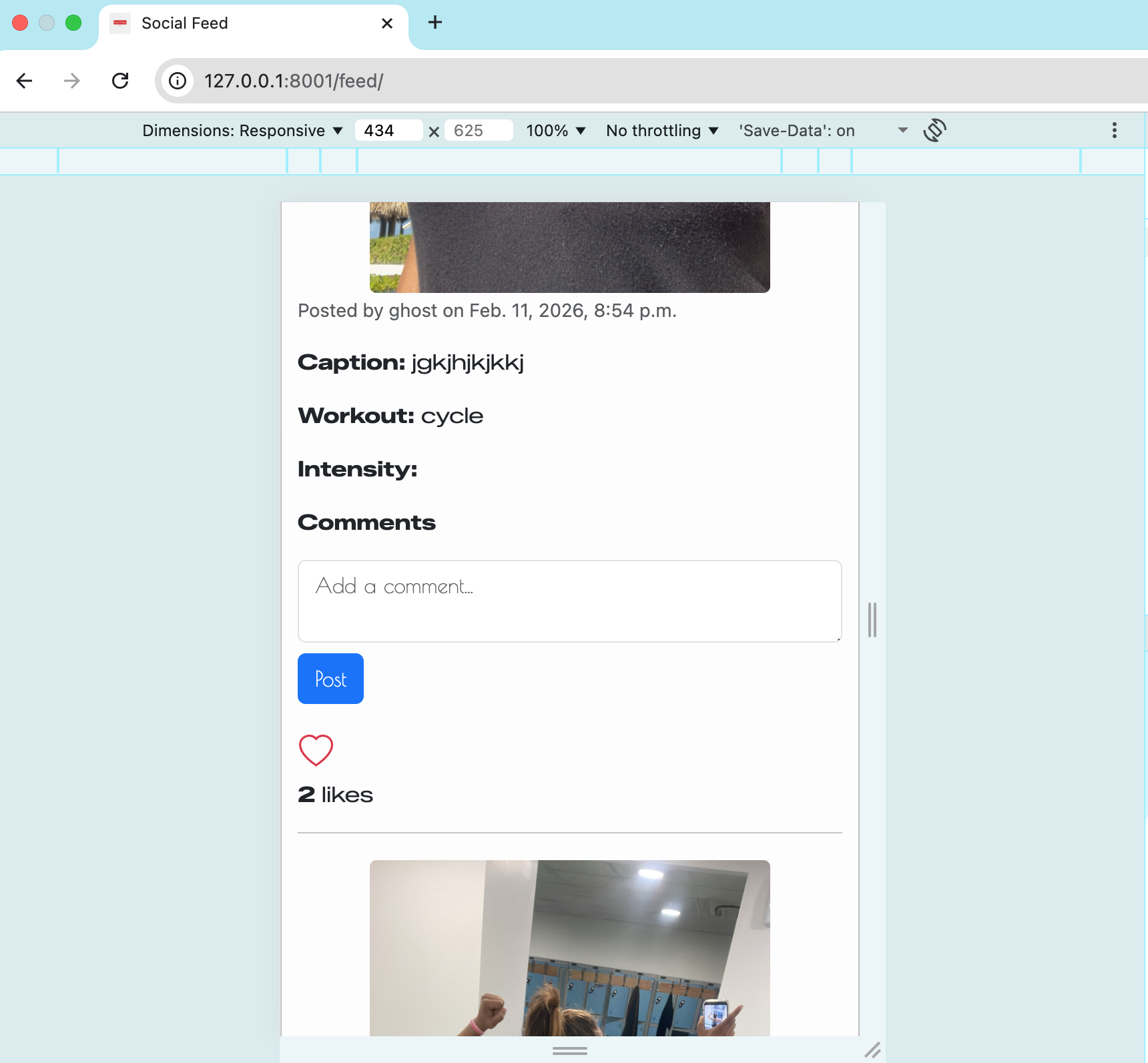 |
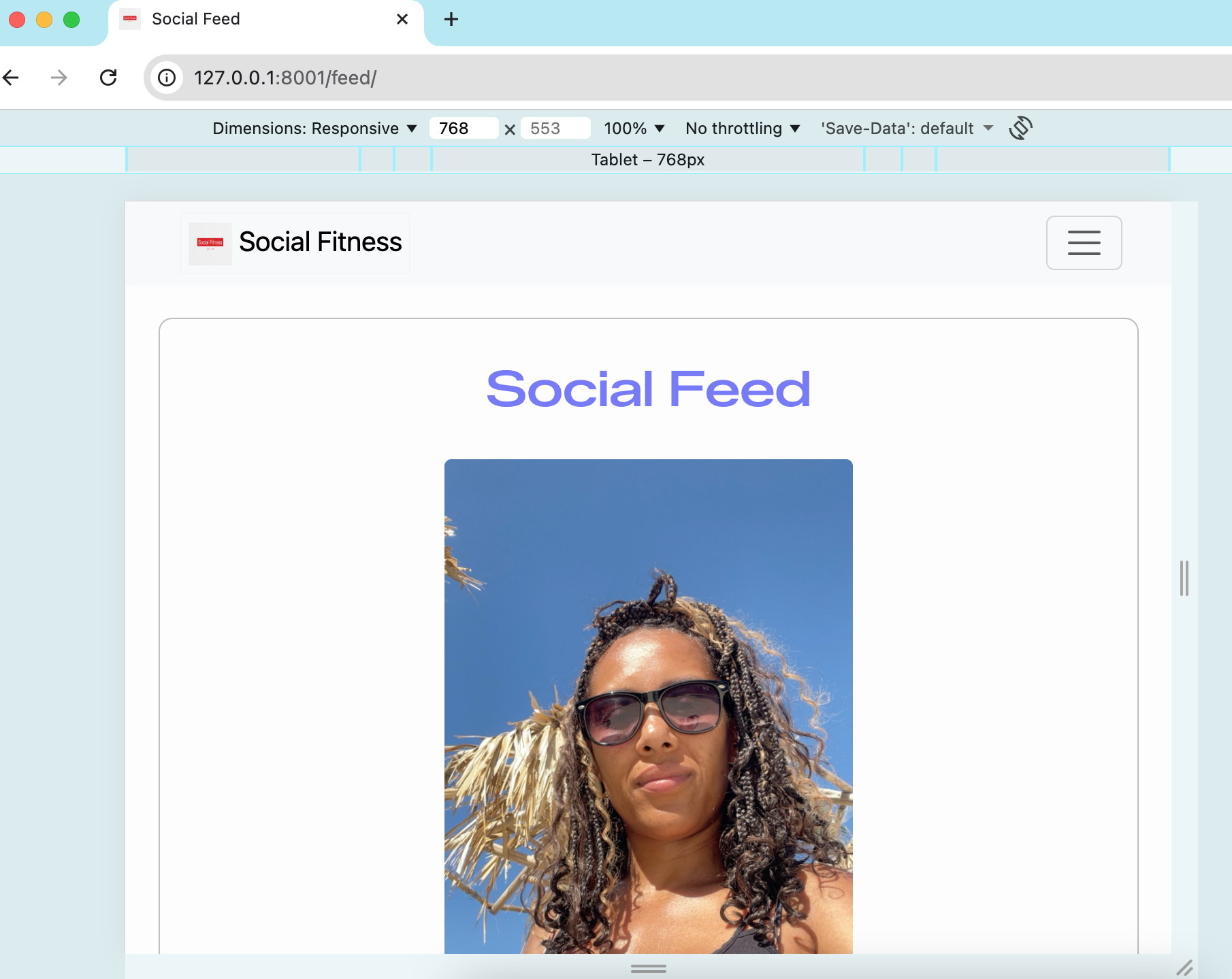 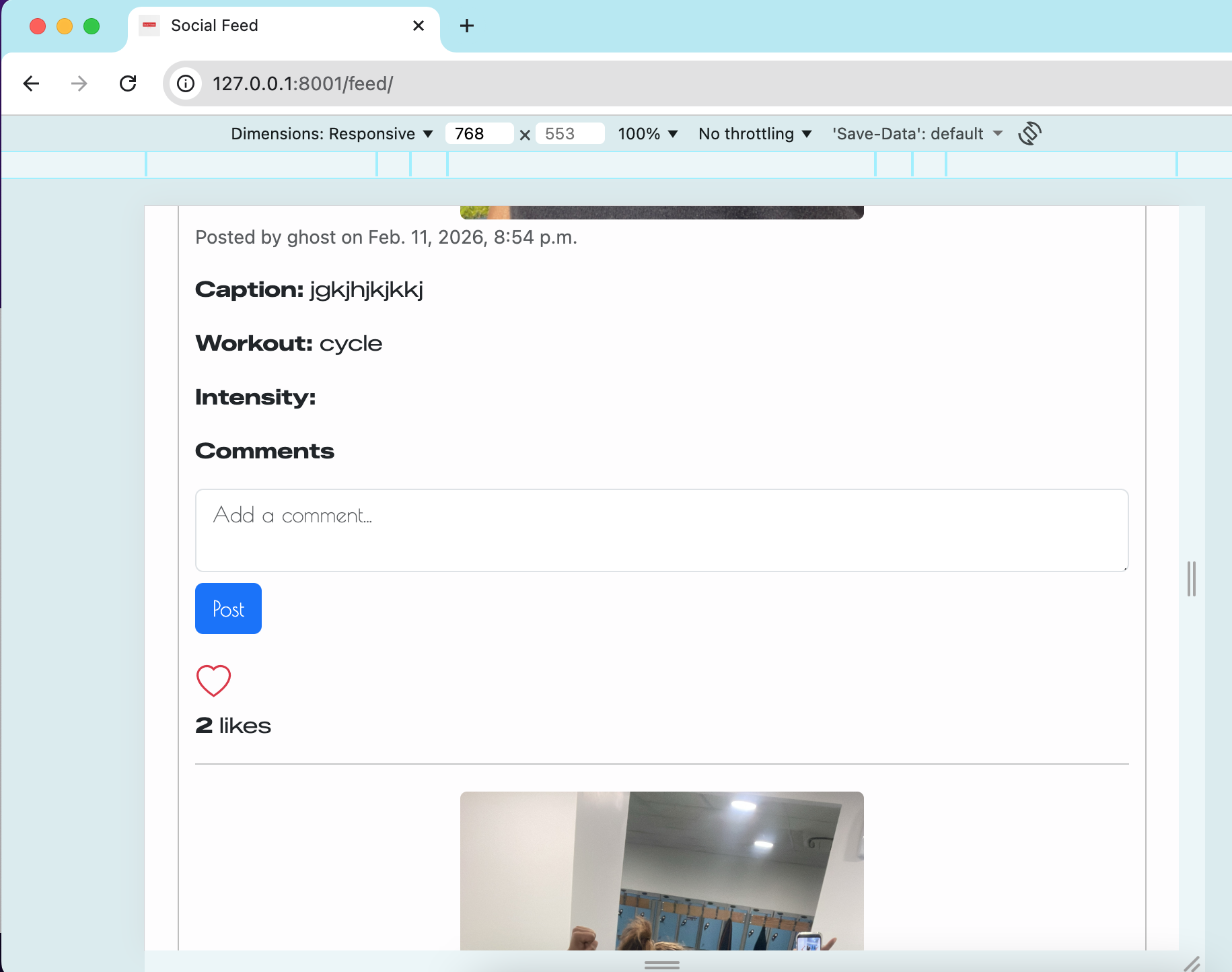 |
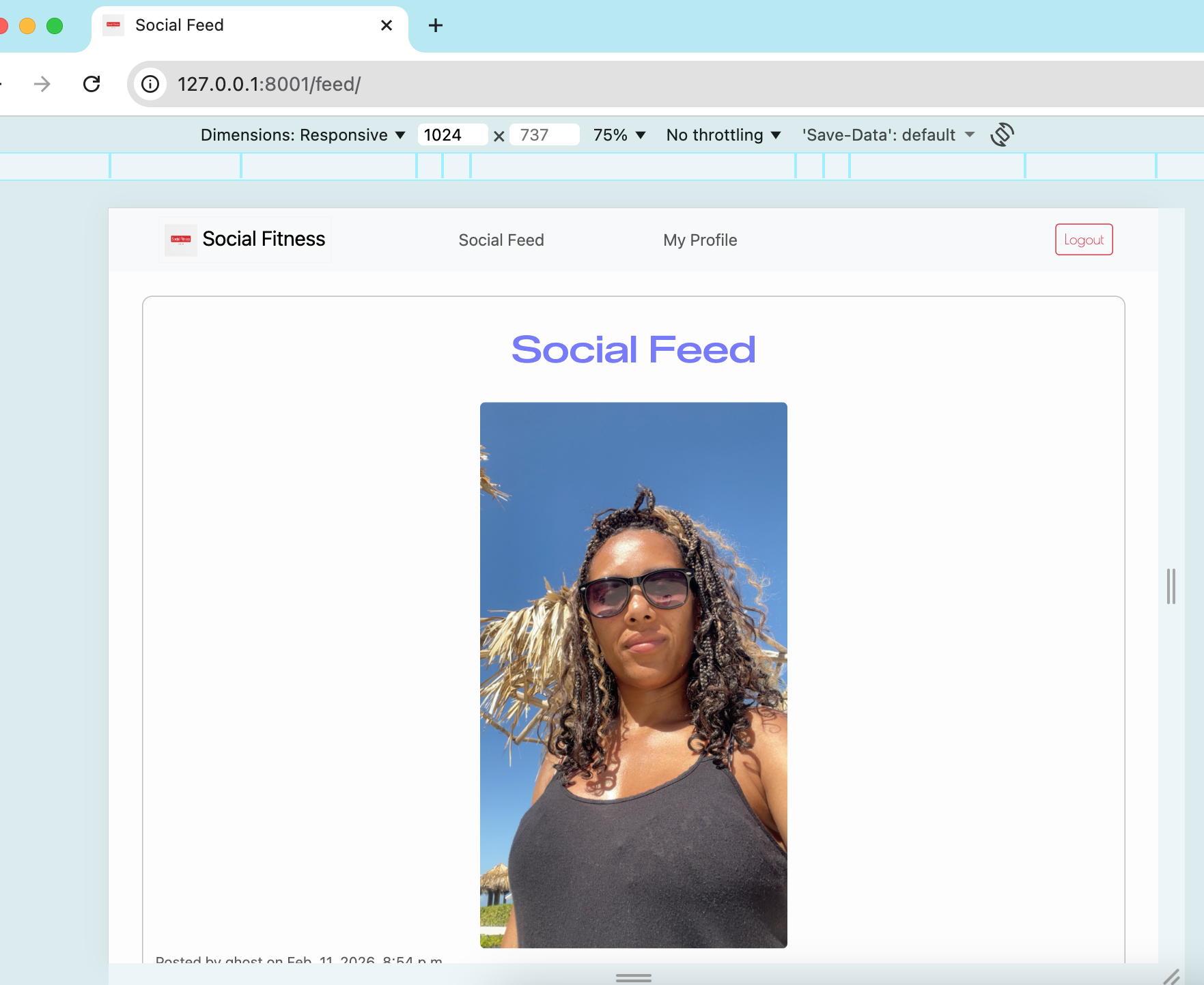 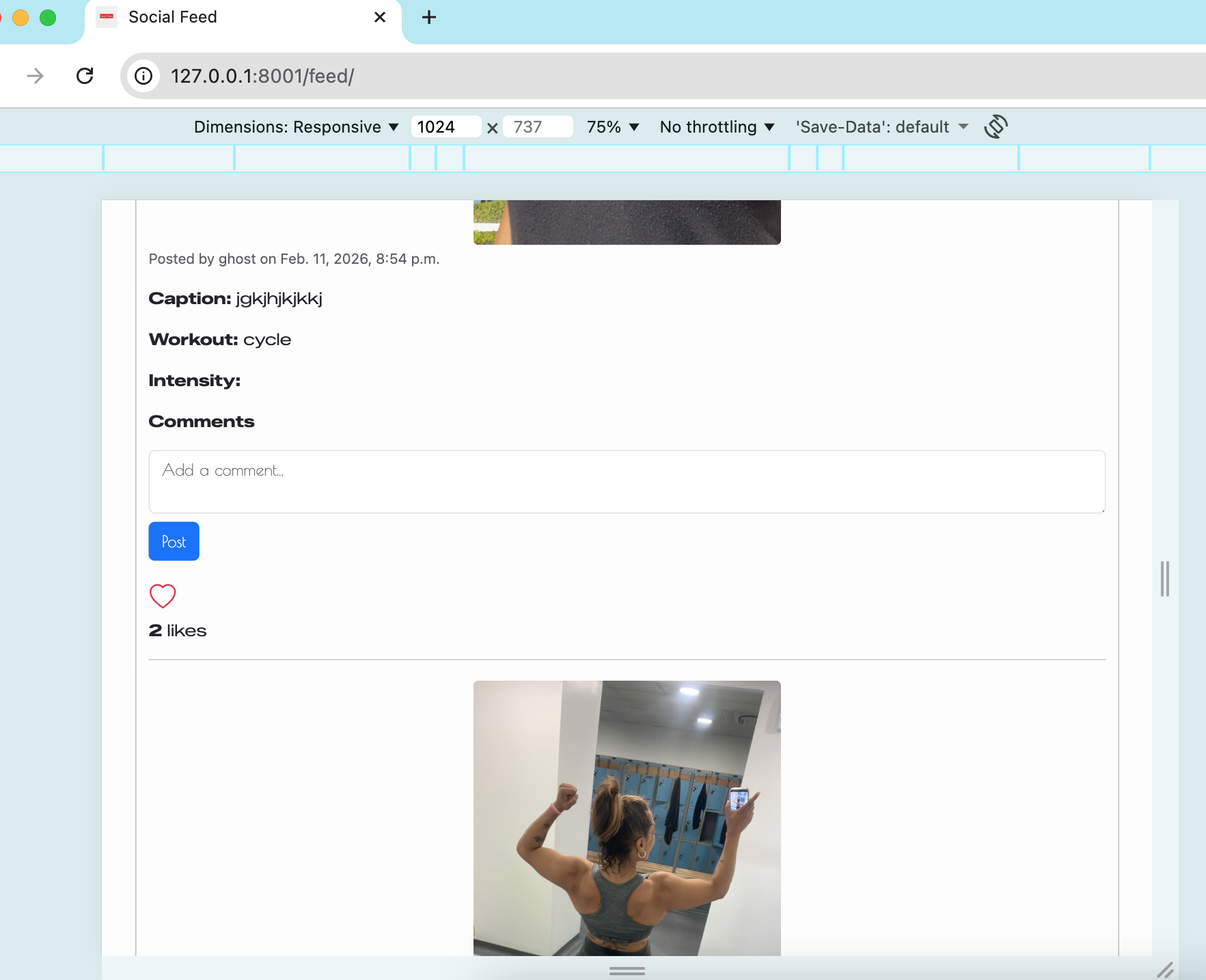 |
 |
| My profile | 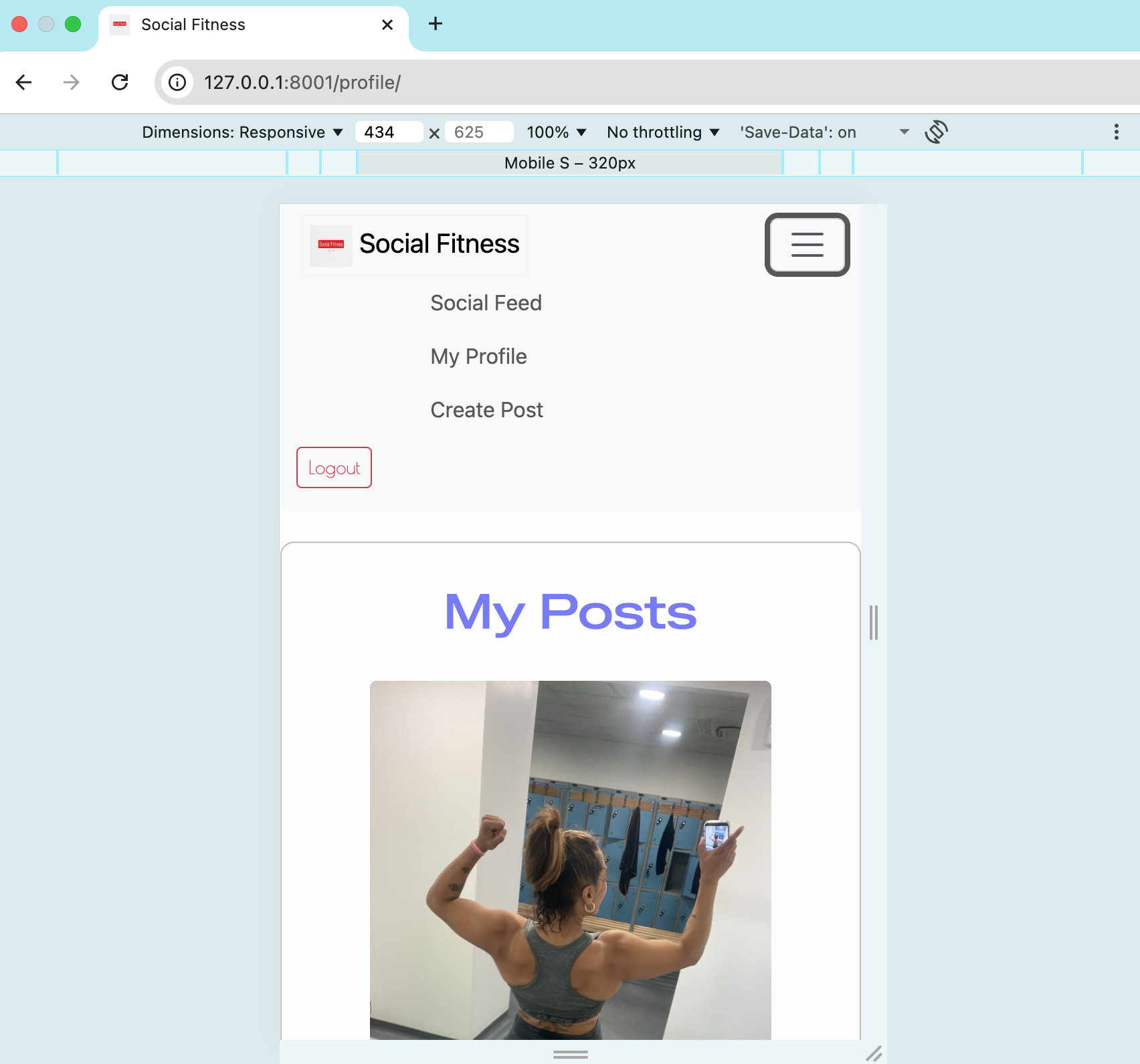 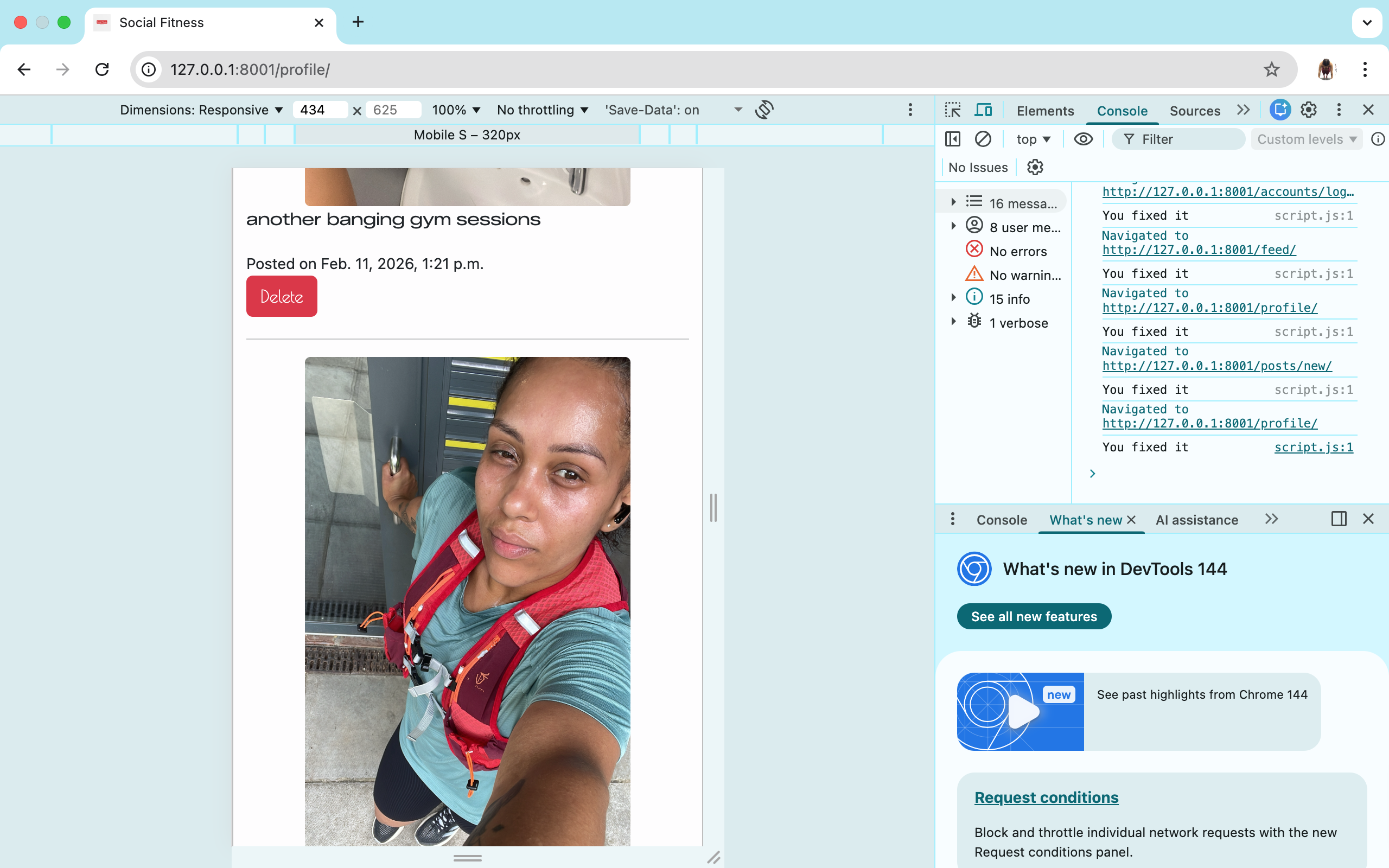 |
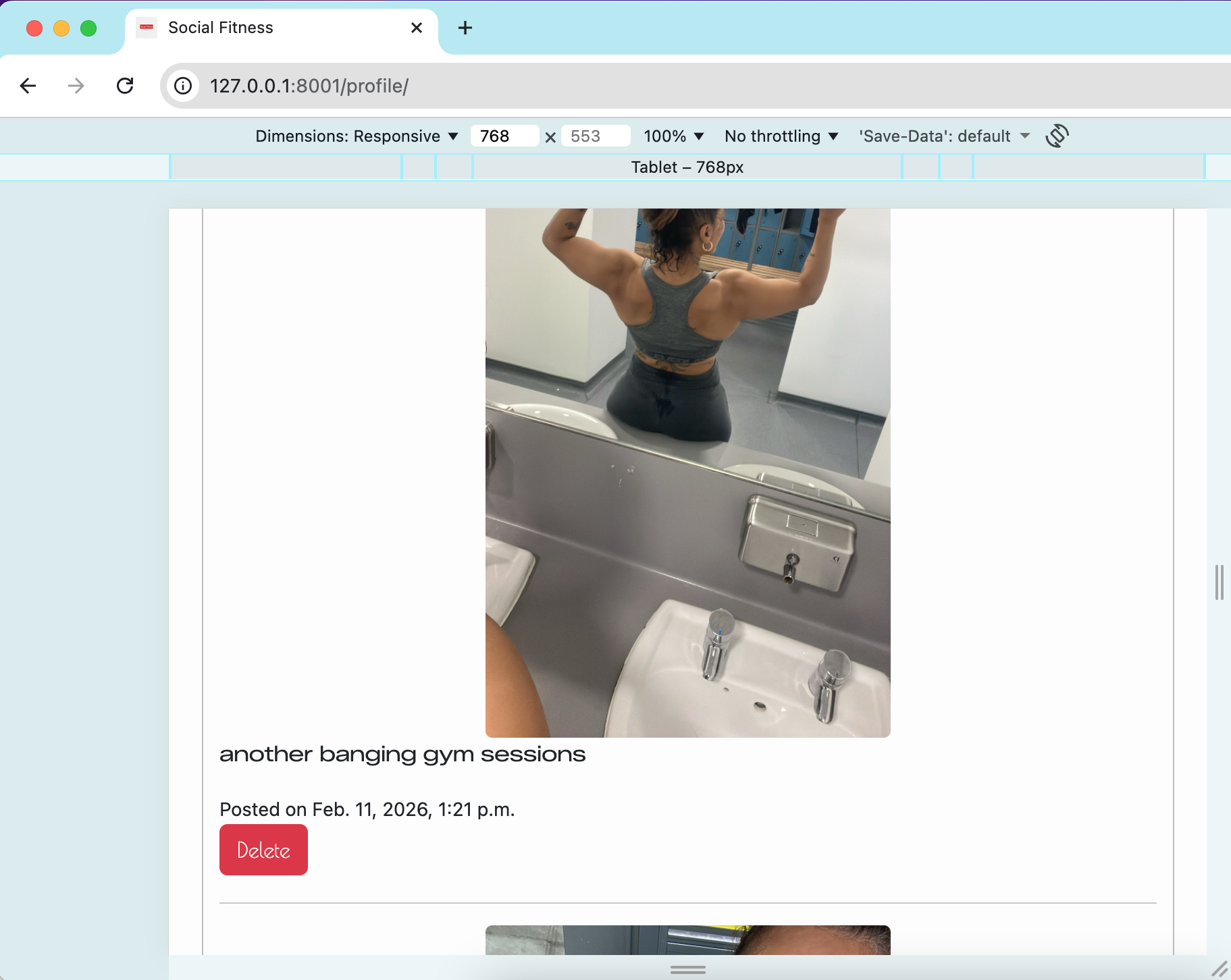 |
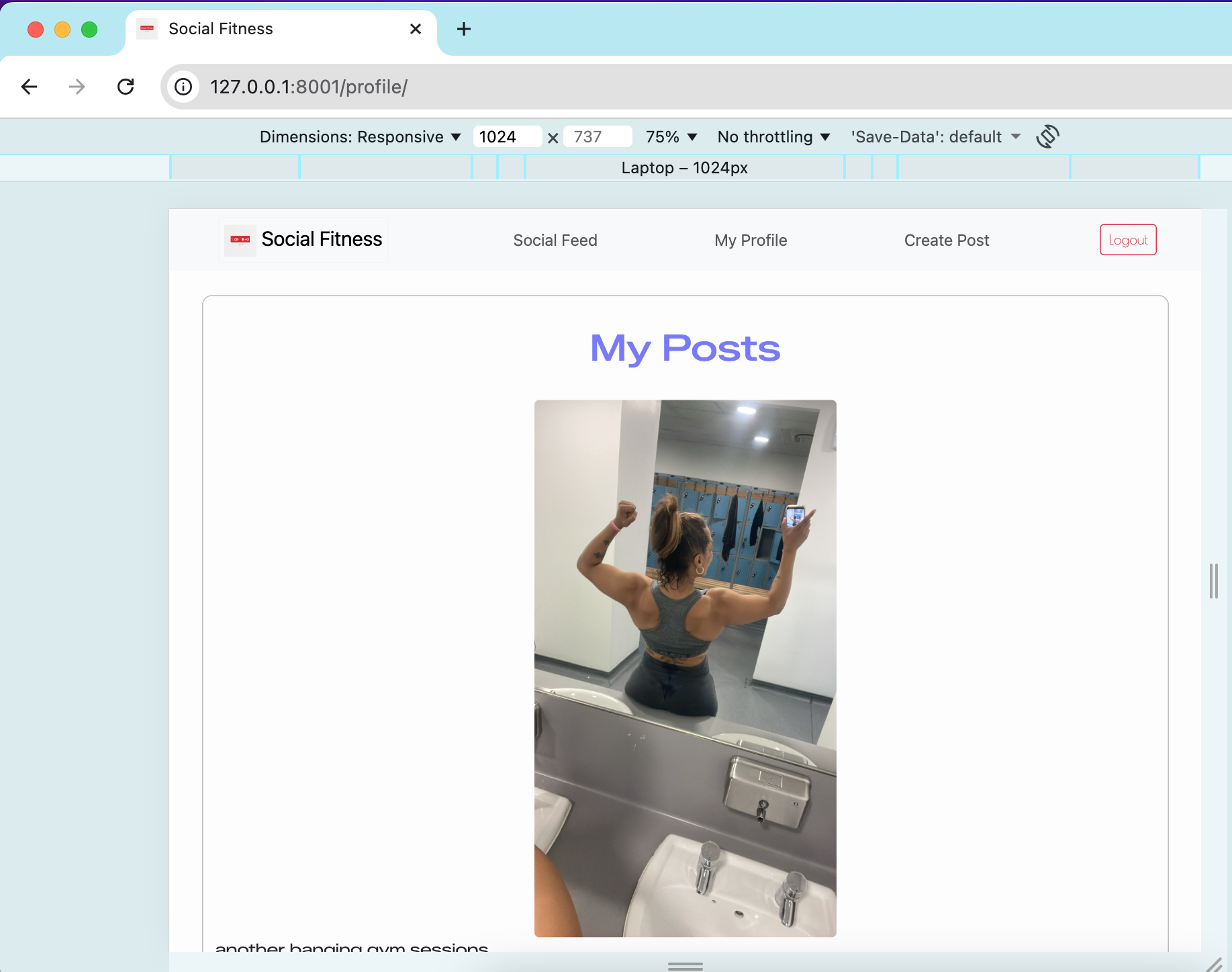 |
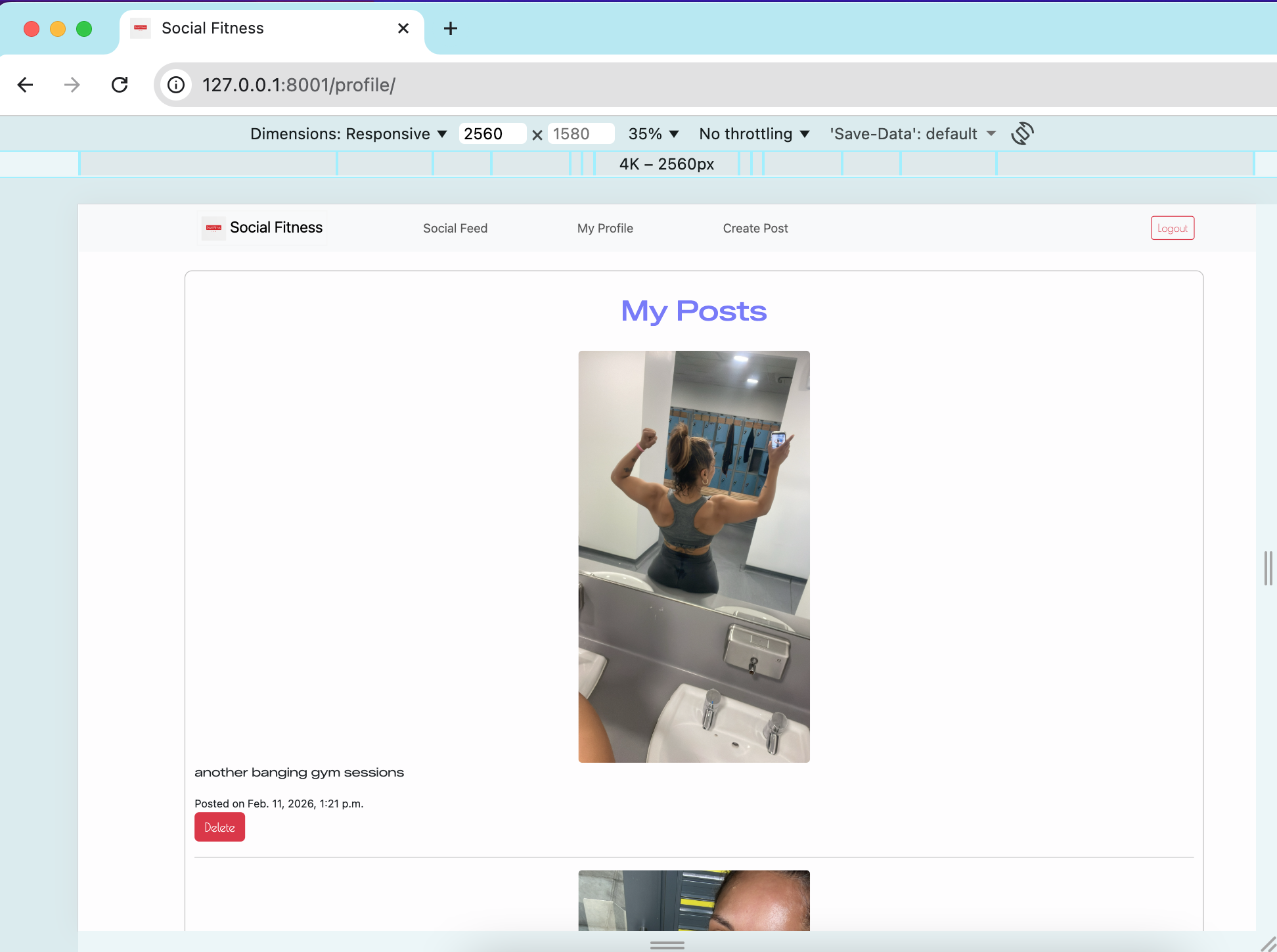 |
| Create Post | 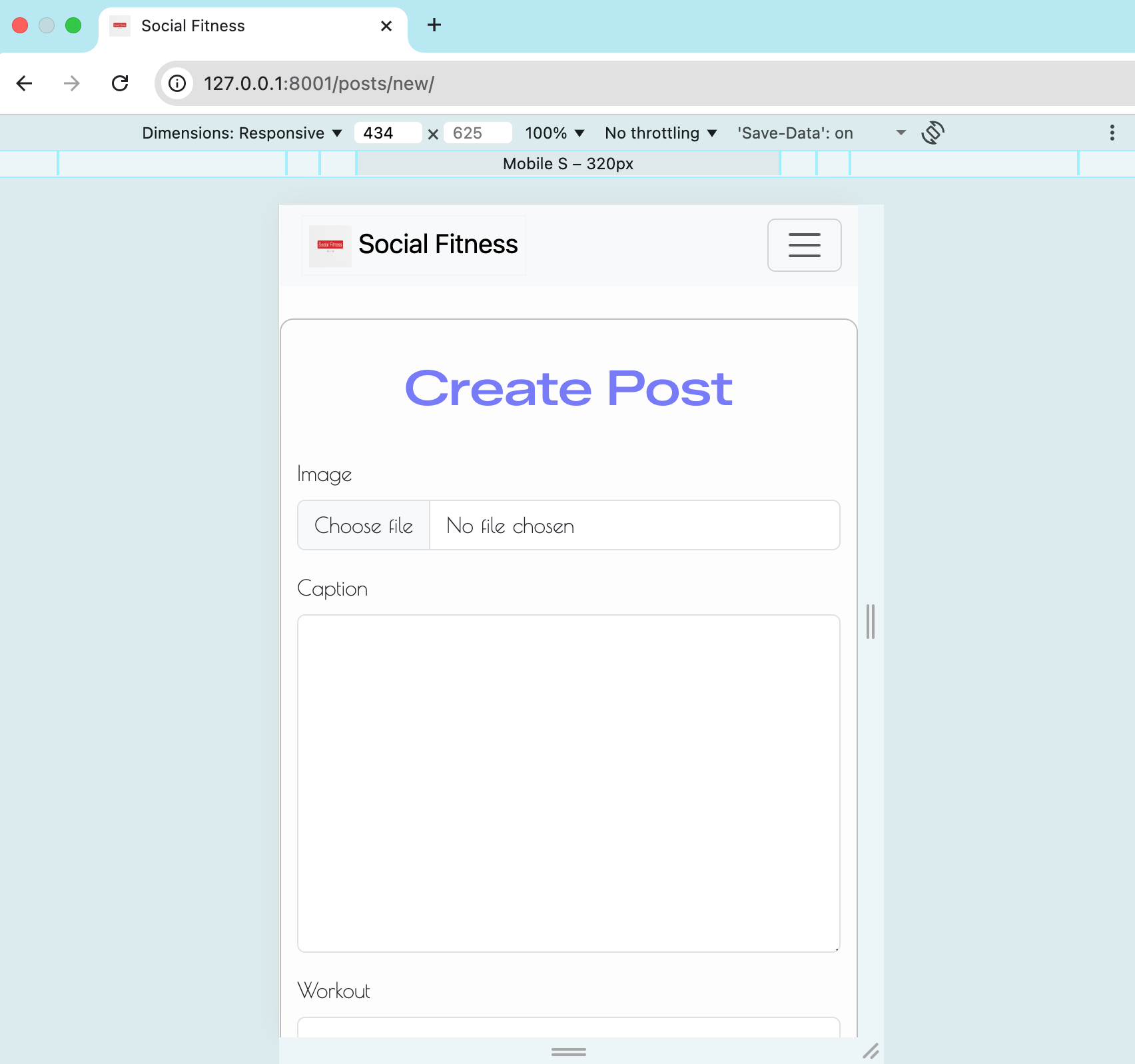 |
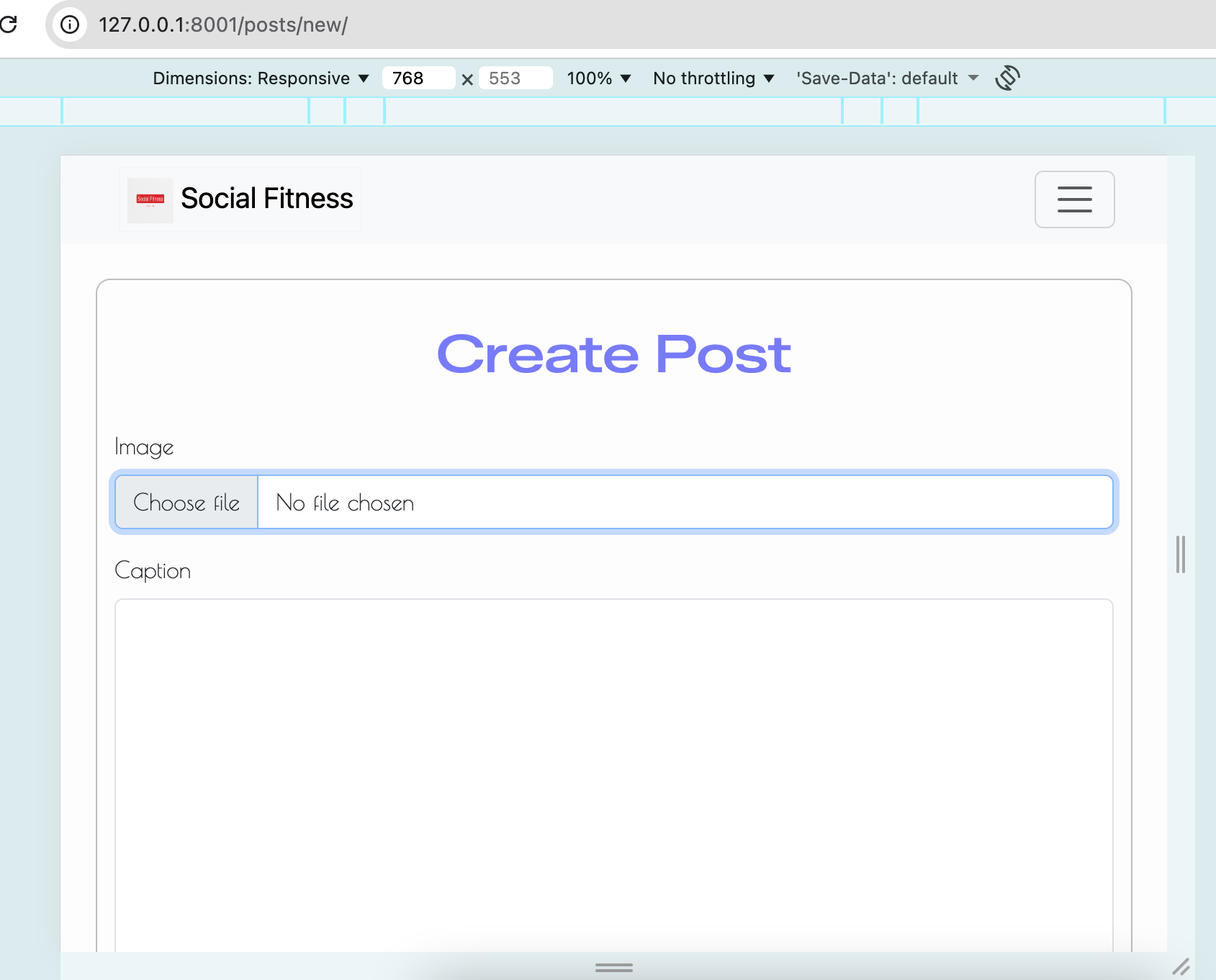 |
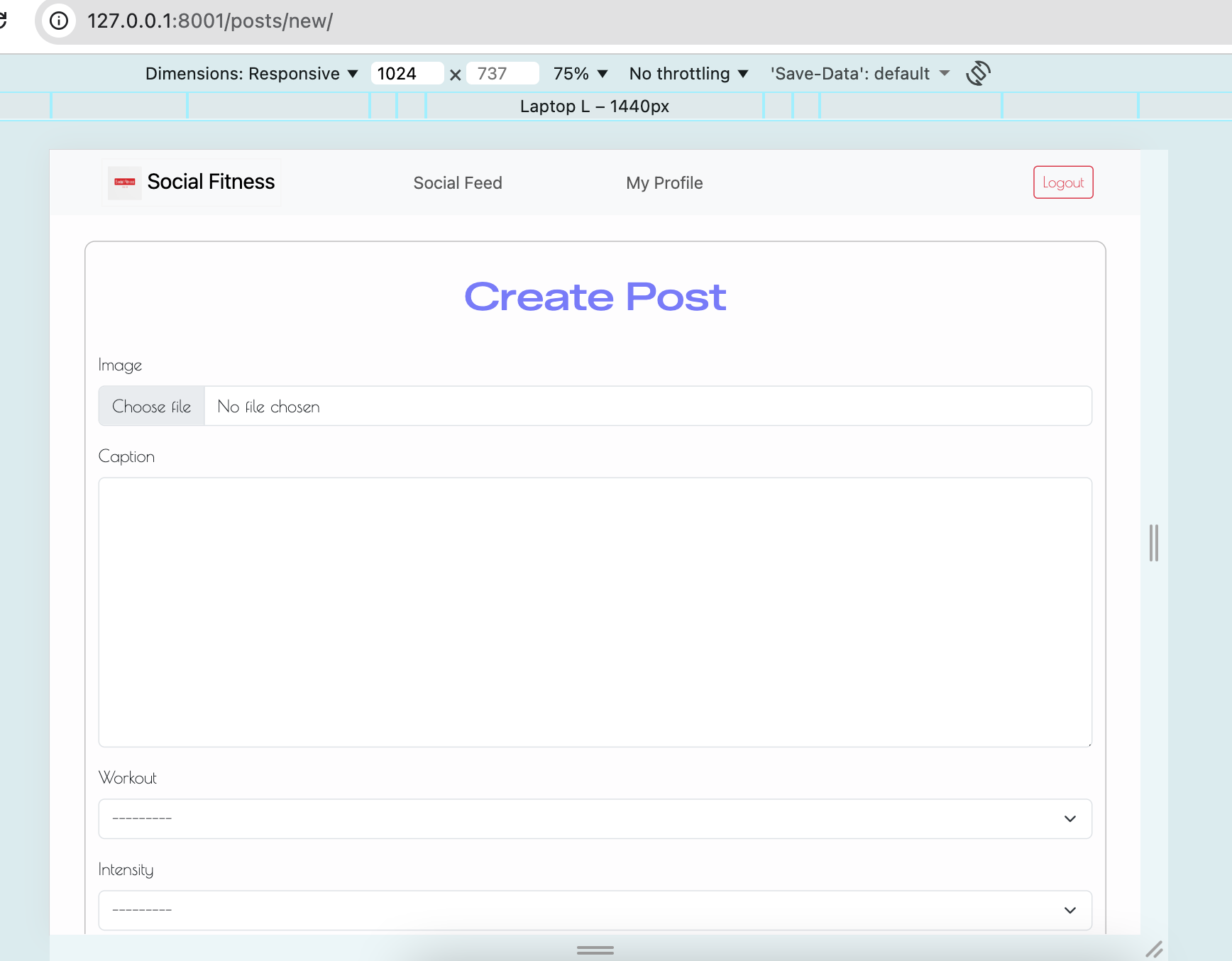 |
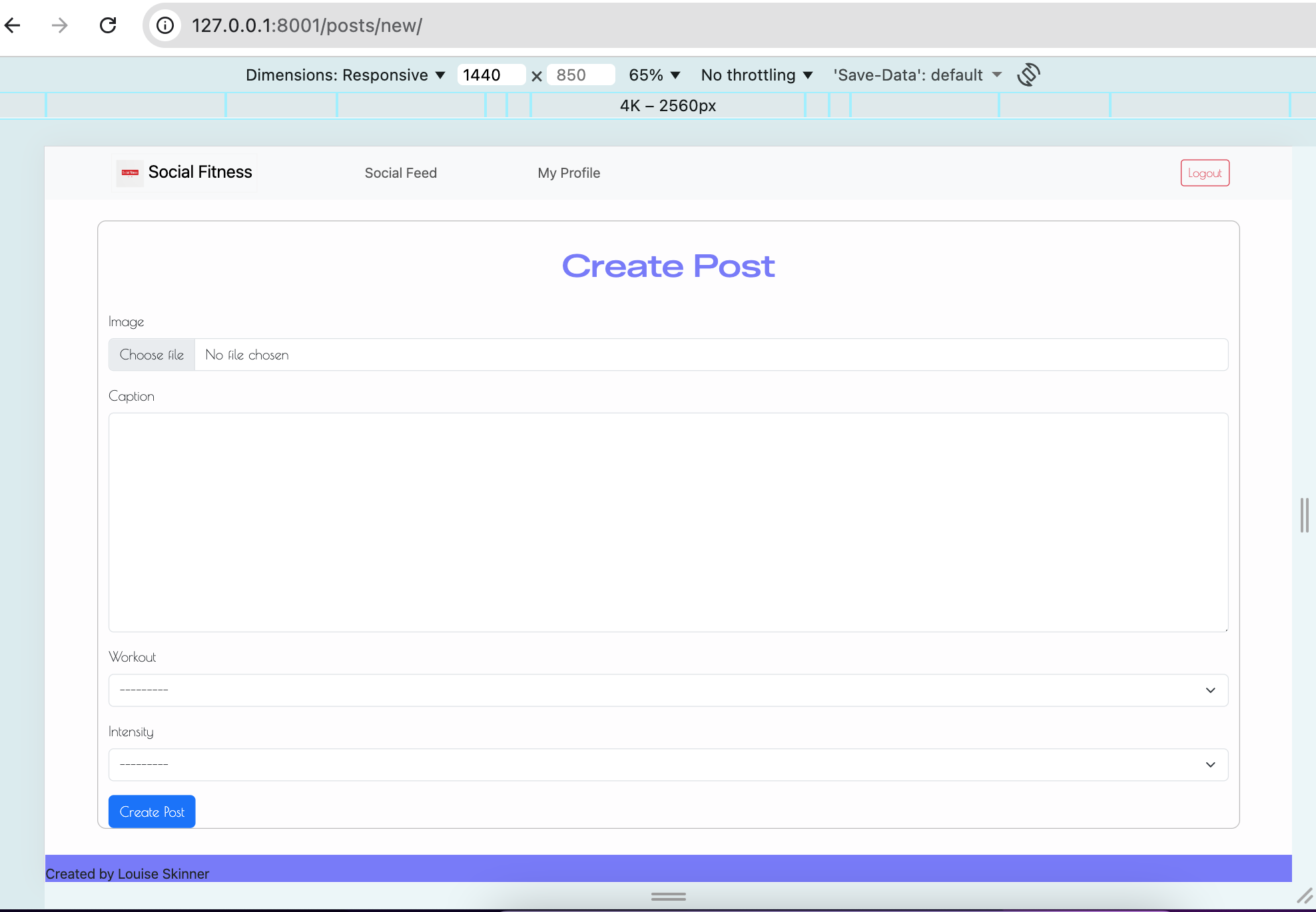 |
| Edit Comment | 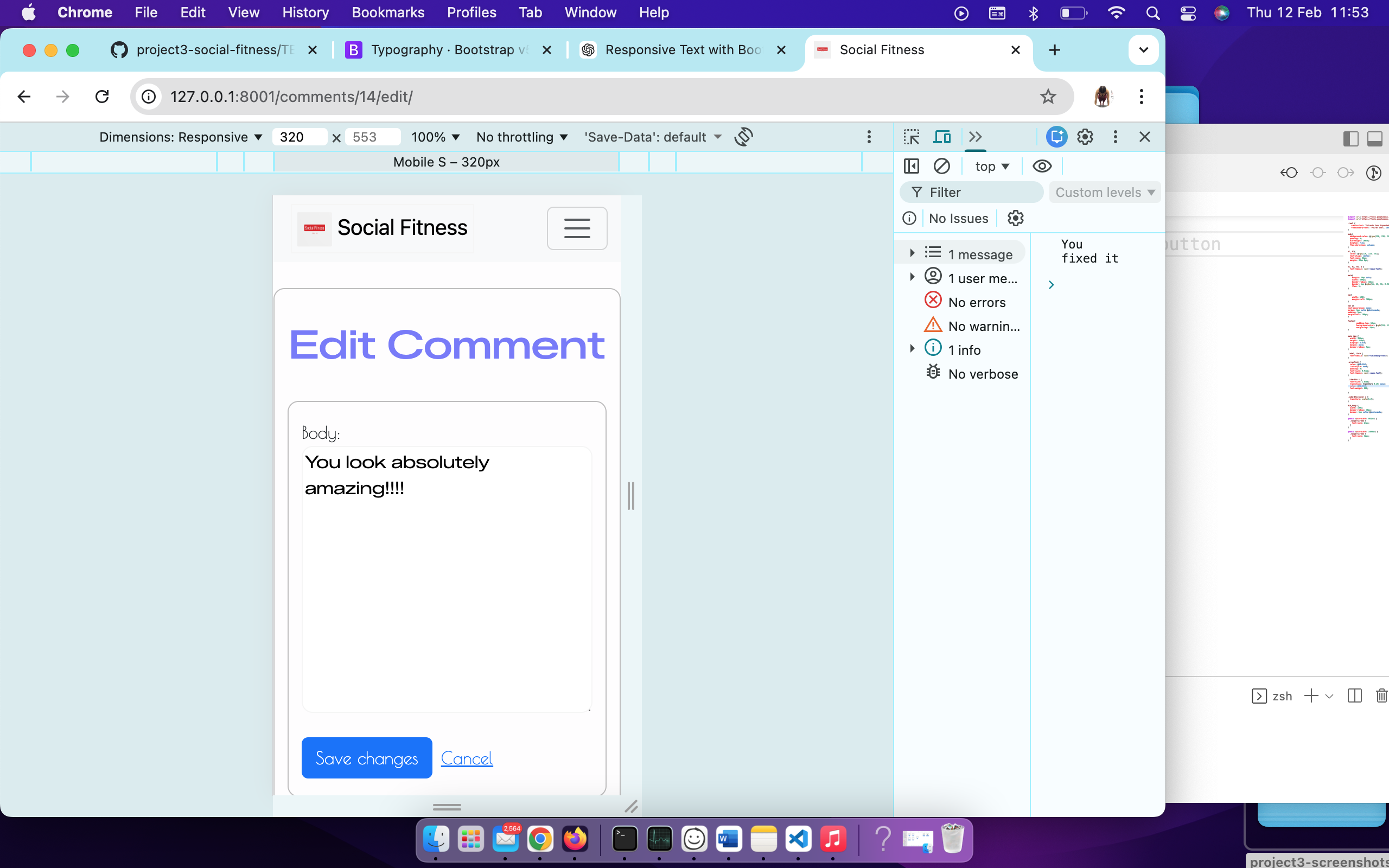 |
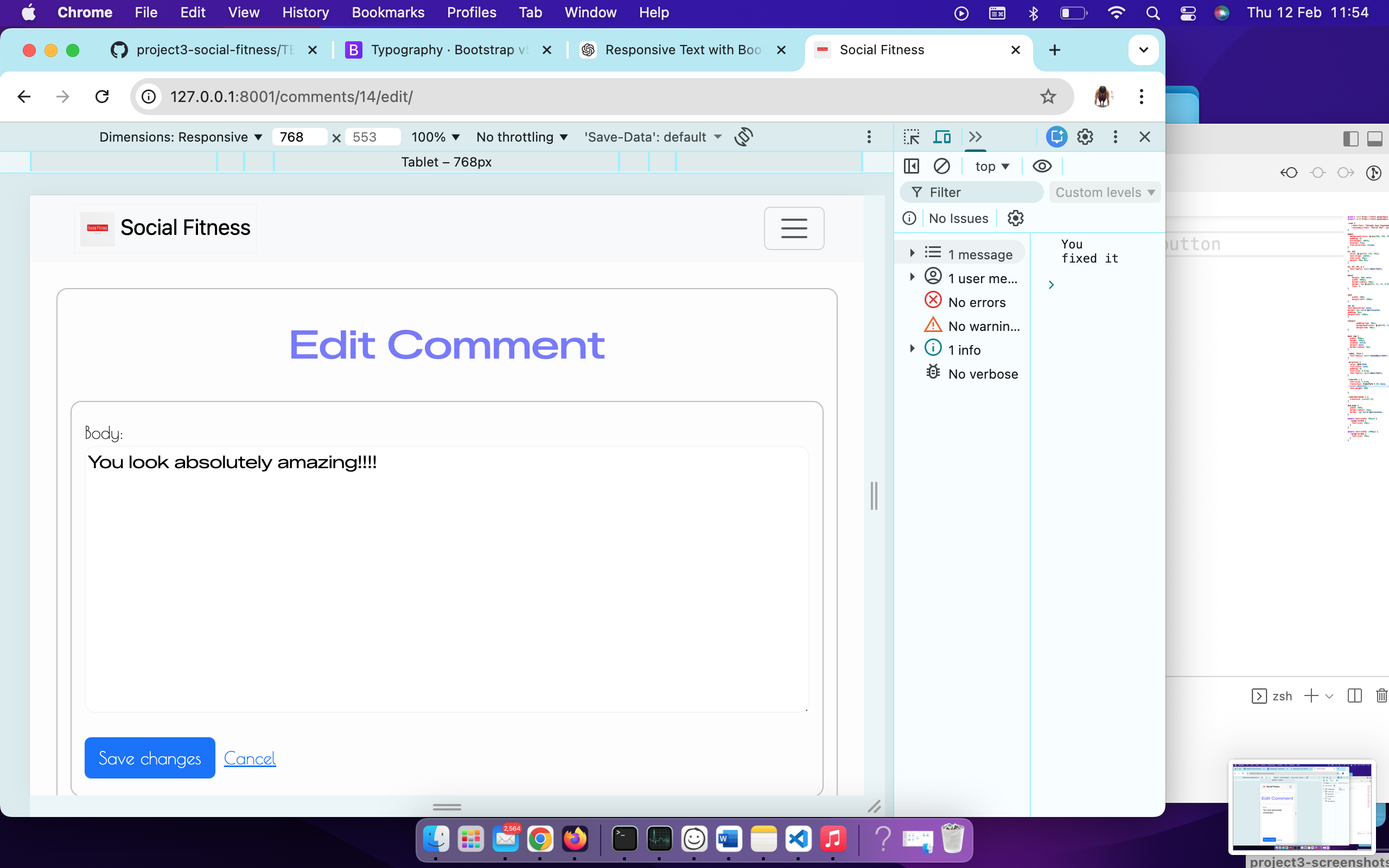 |
 |
 |
| Login | 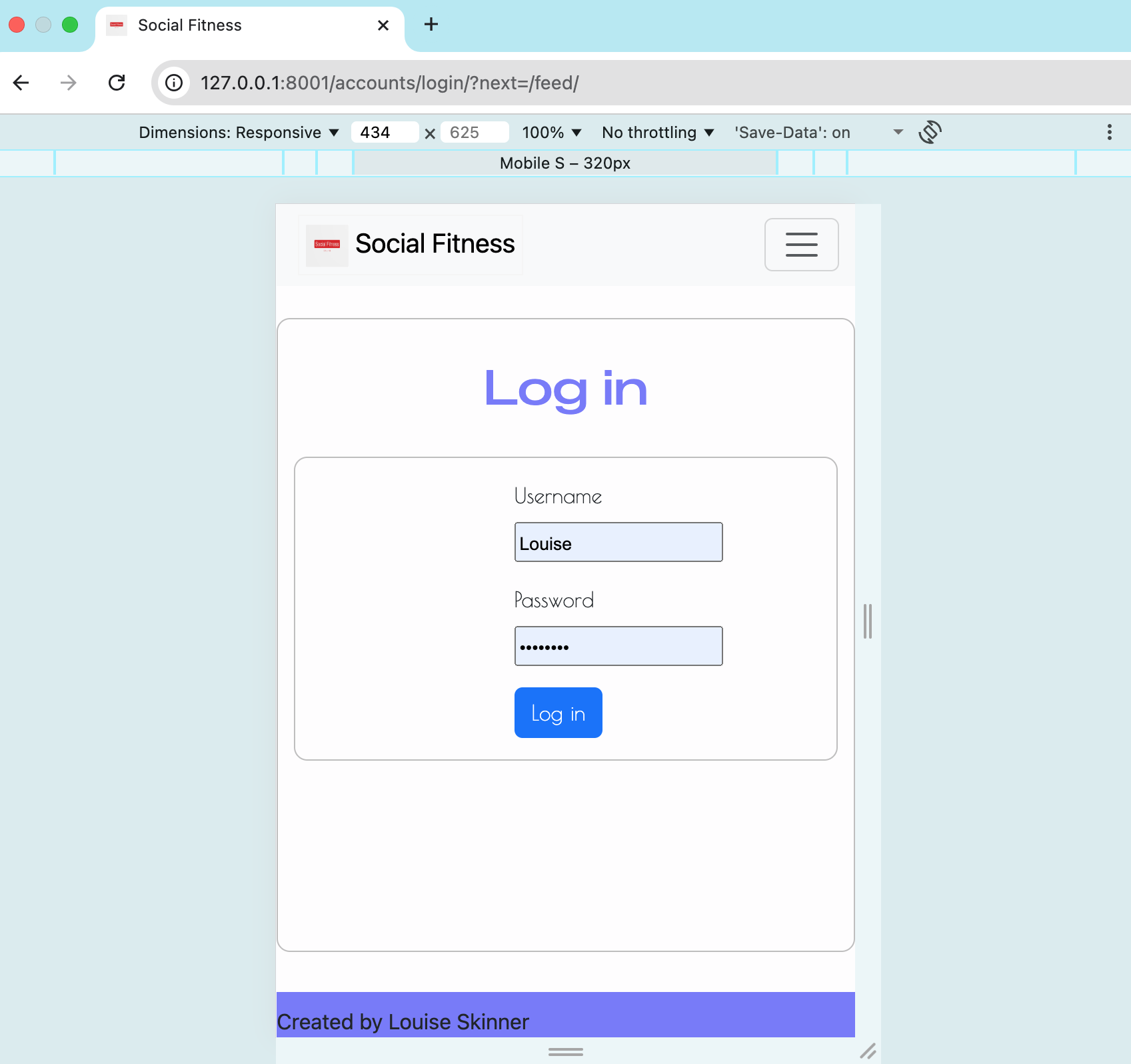 |
 |
 |
 |
| Sign up | 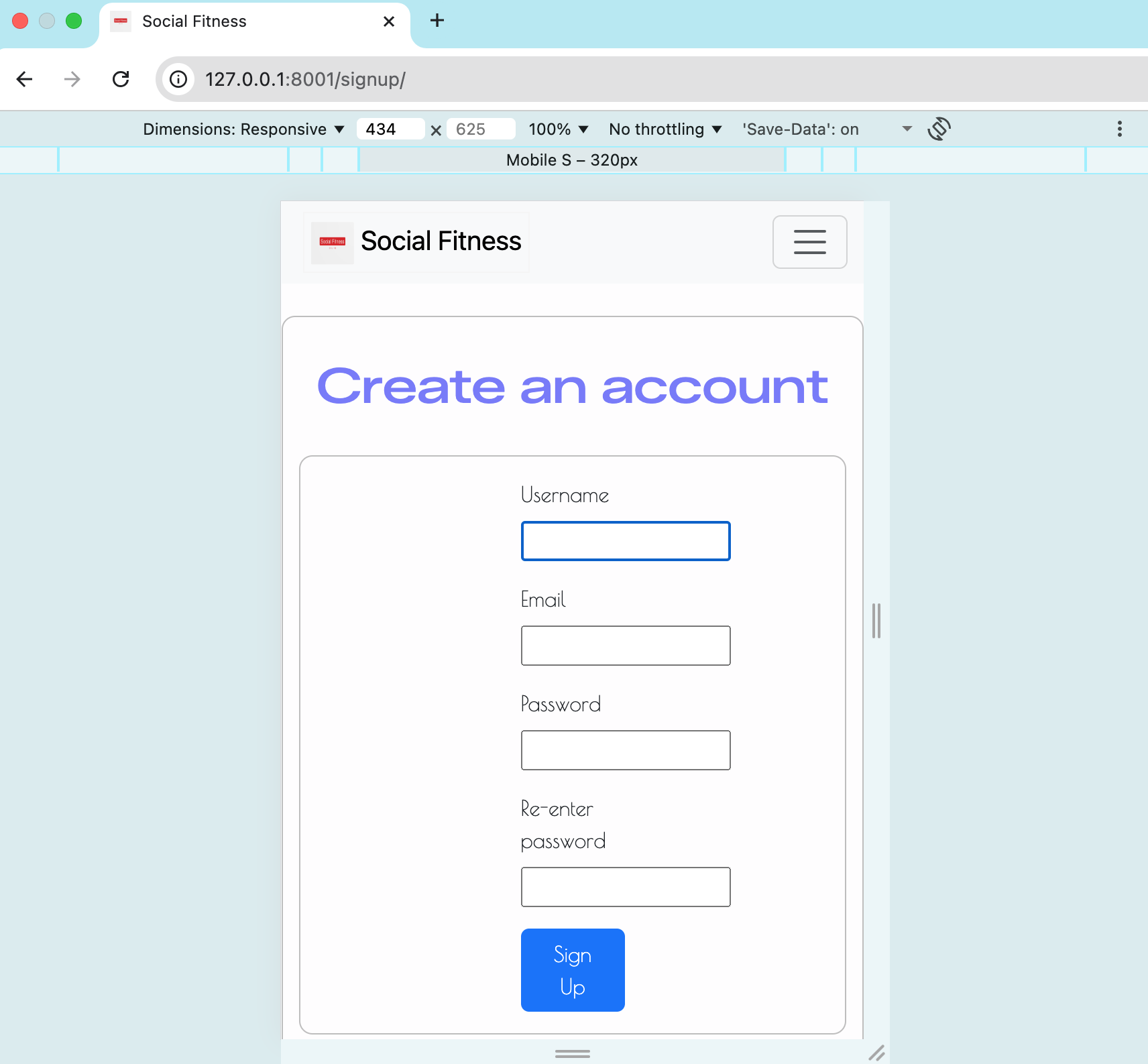 |
 |
 |
 |
| 404 | 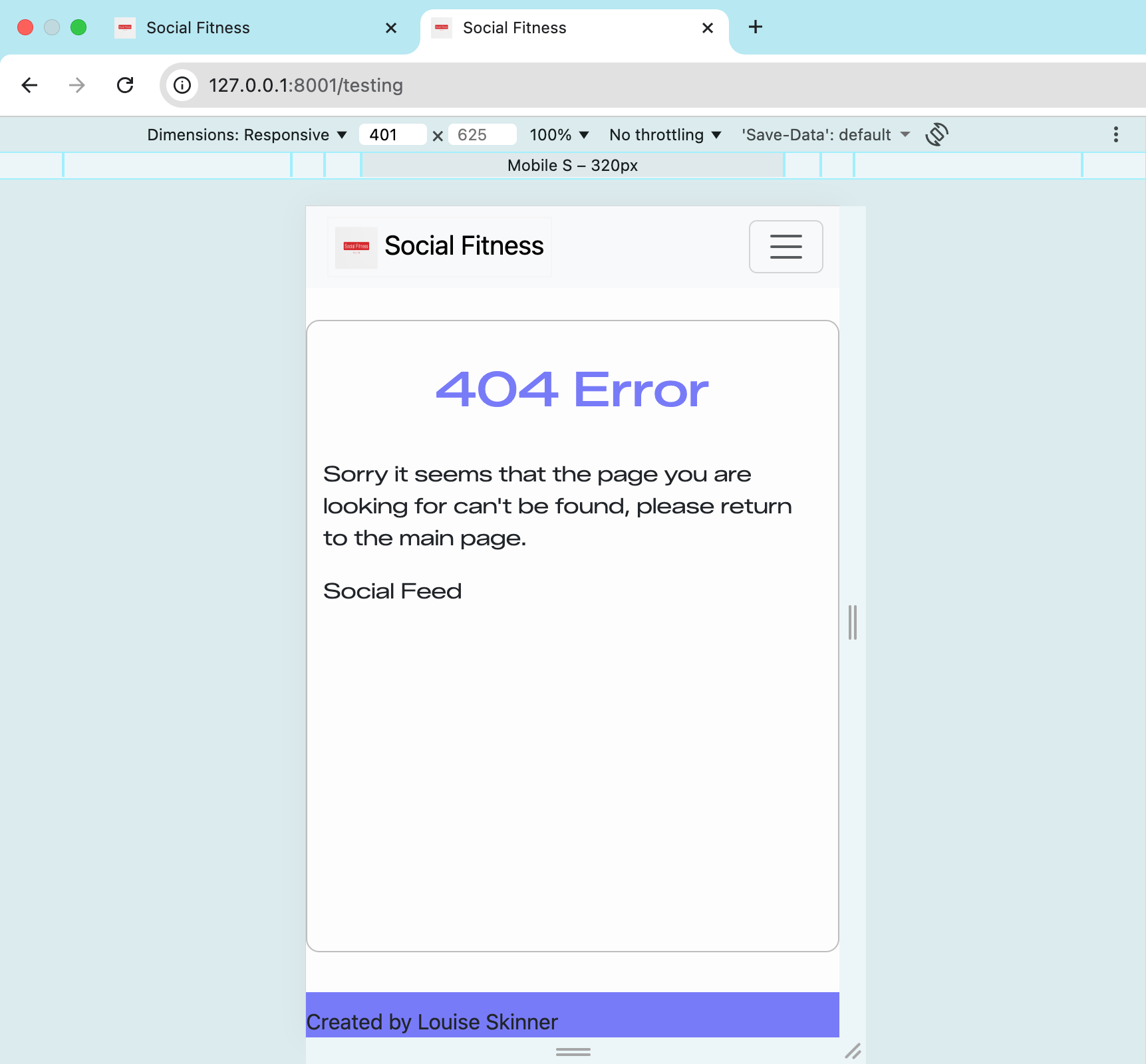 |
 |
 |
 |
Testing Summaries
Cross-Browser Compatatbility
To ensure a consistent and accessible user experience across all devices and browsers, the project was thoroughly tested using Google Chrome DevTools. This allowed emulation of multiple devices (iPhone, Samsung Galaxy, iPad, Surface Duo, etc.) and responsive breakpoints to verify that all layout, interaction, and orientation features behaved correctly.
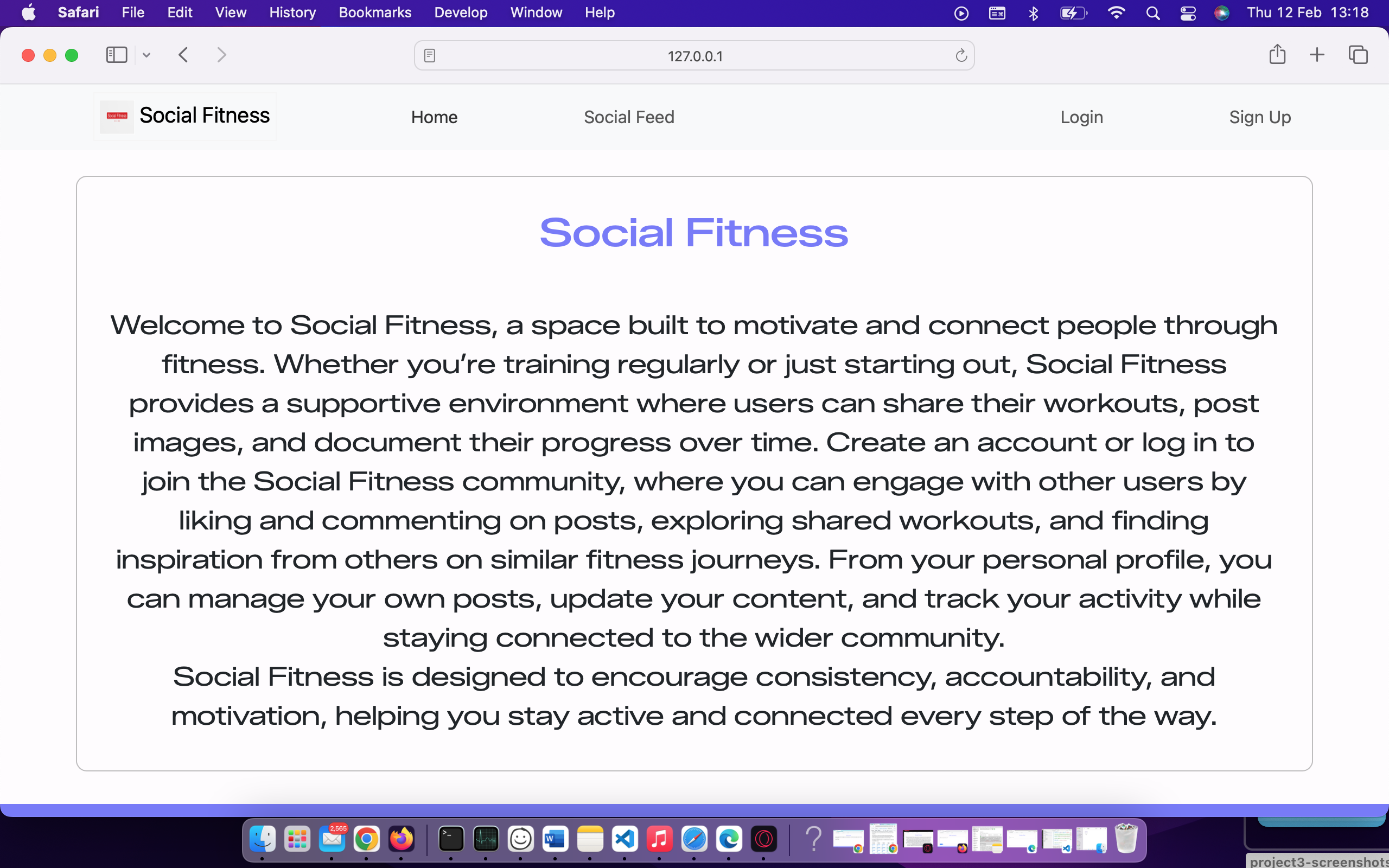
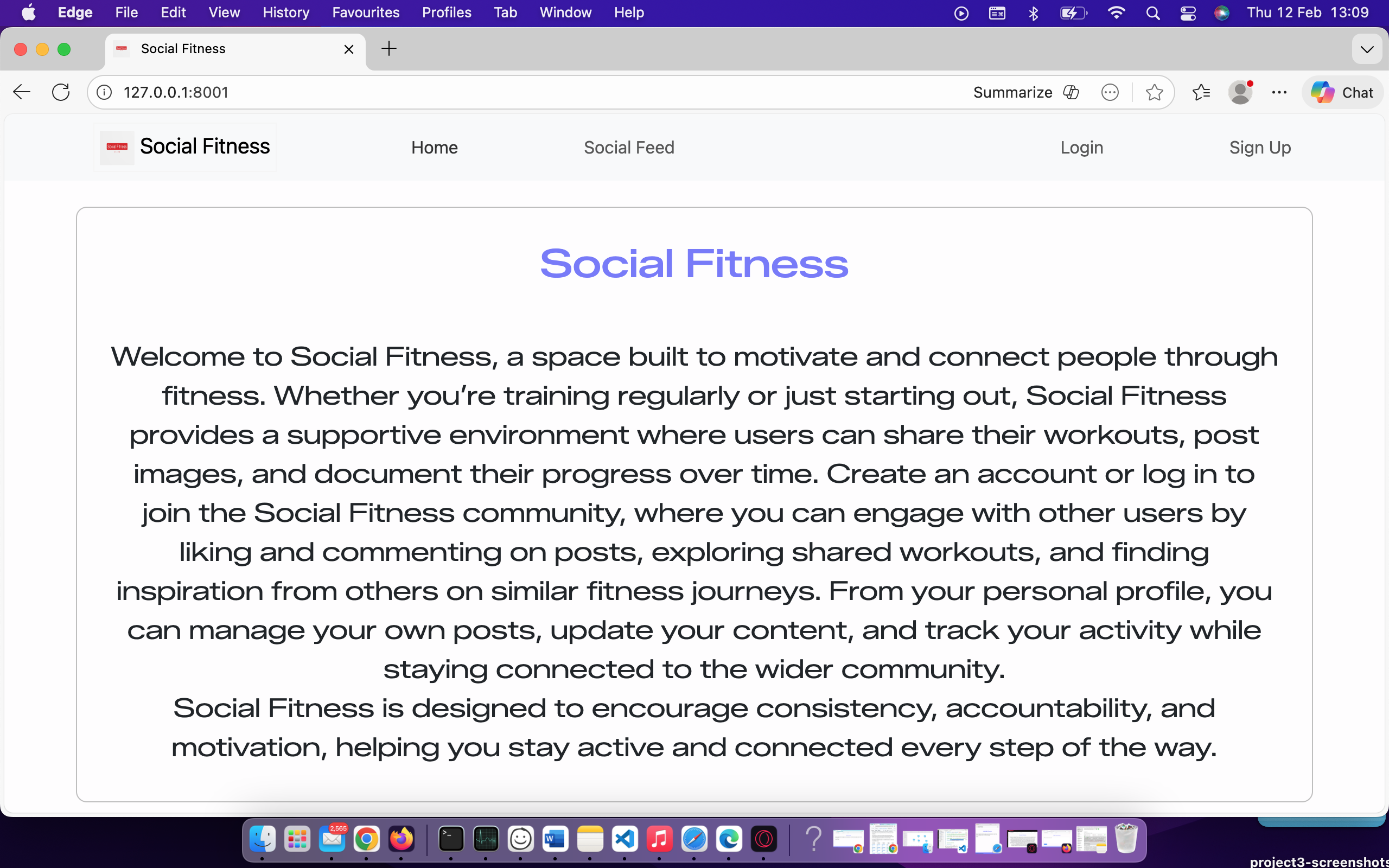
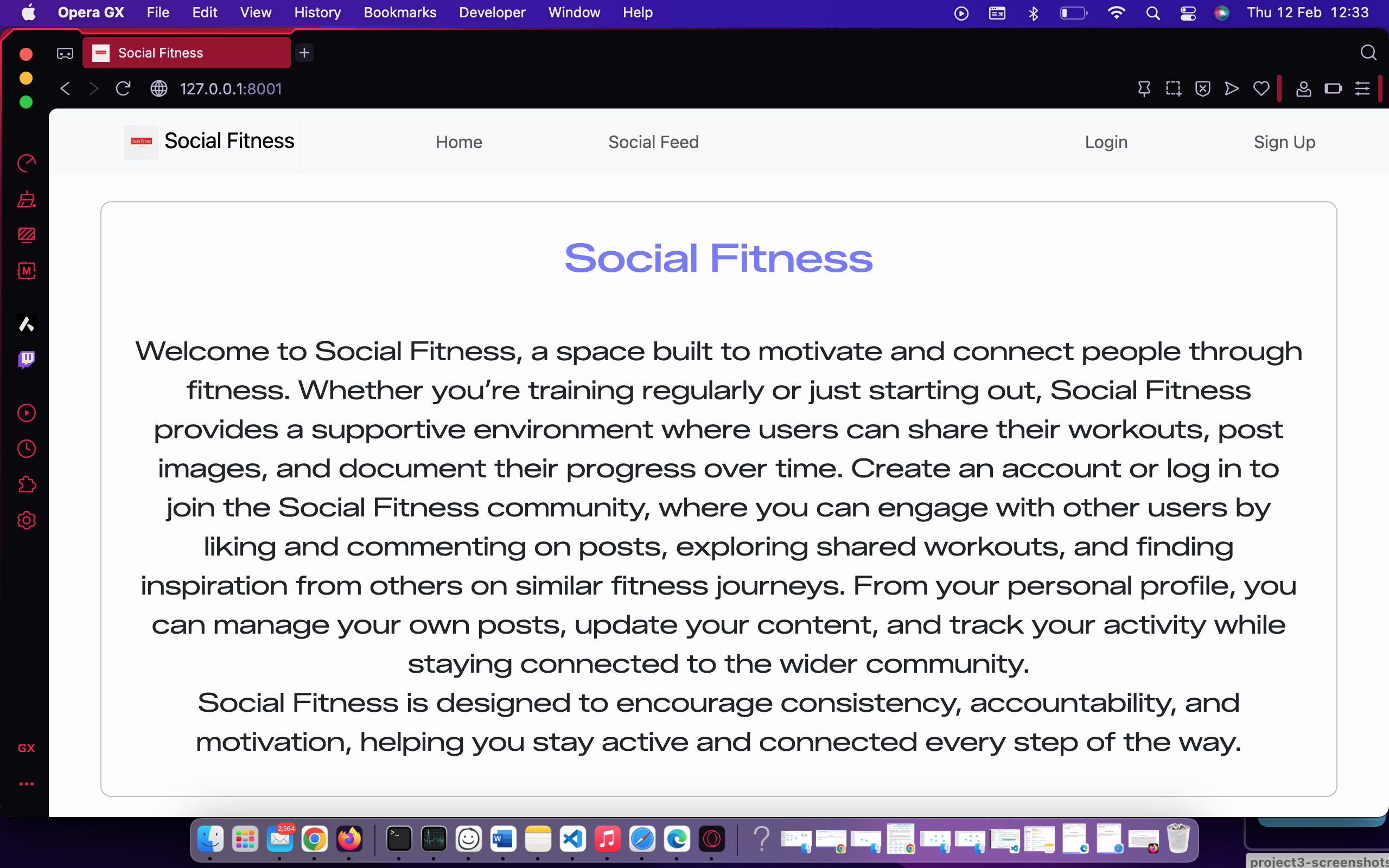
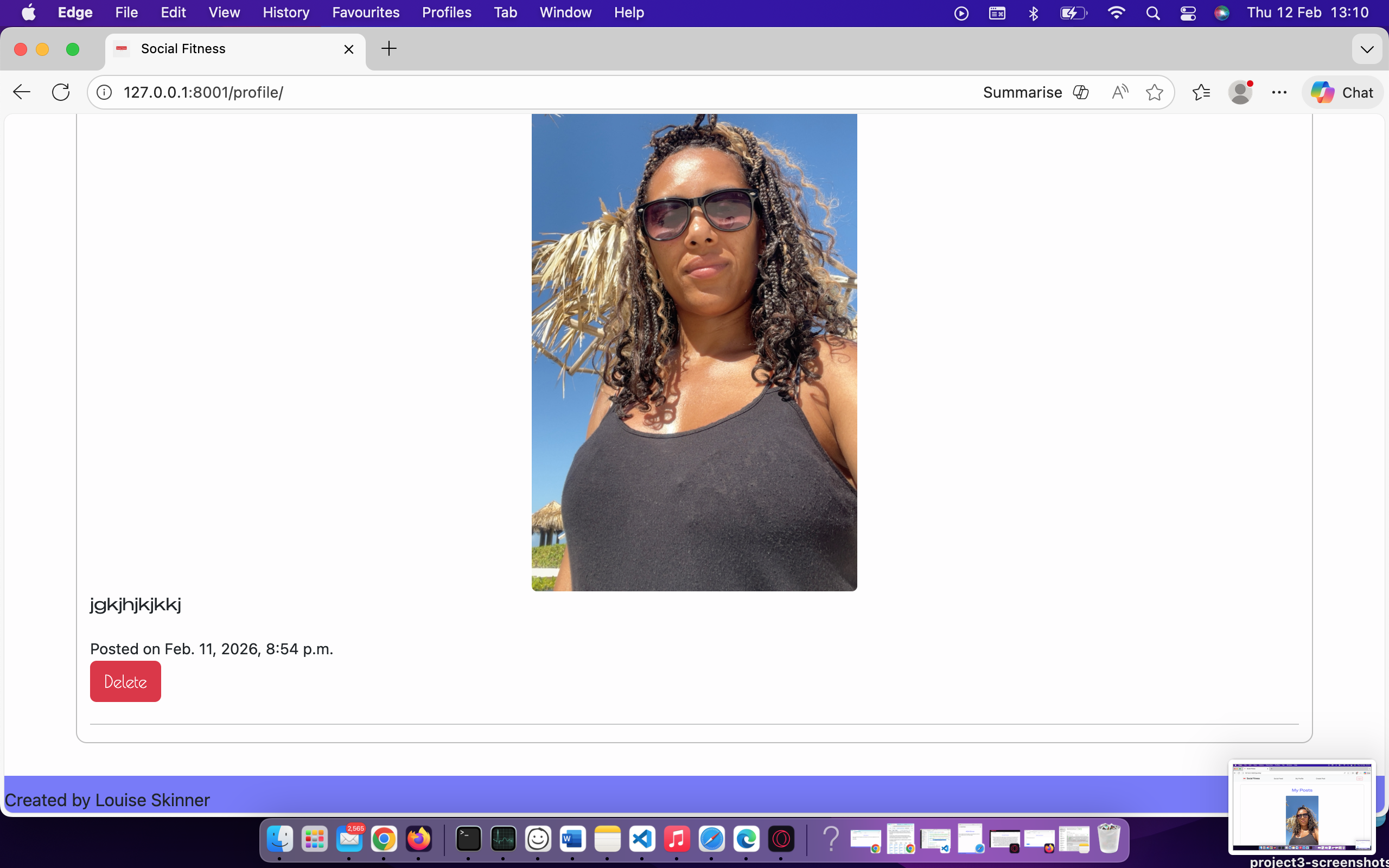
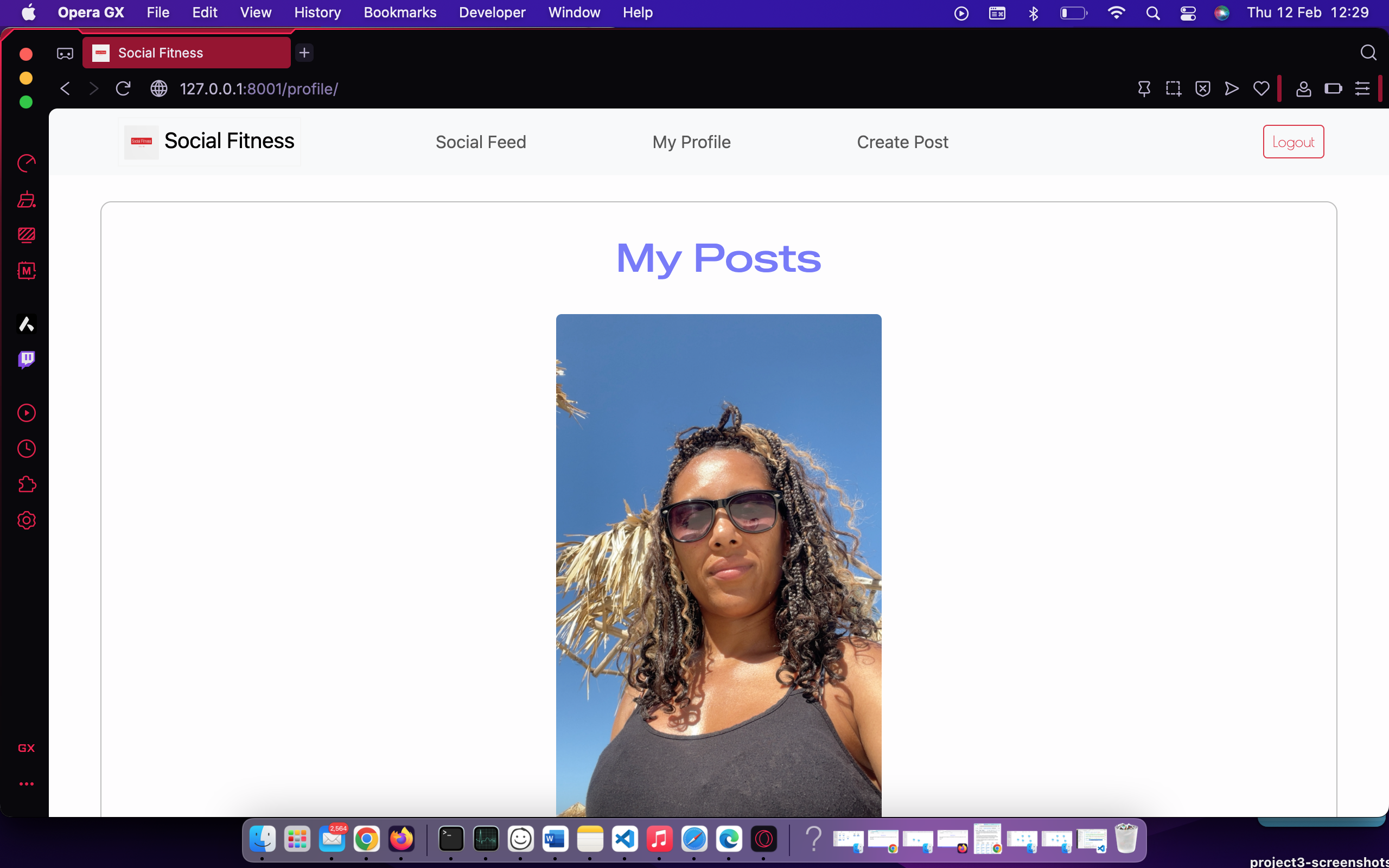
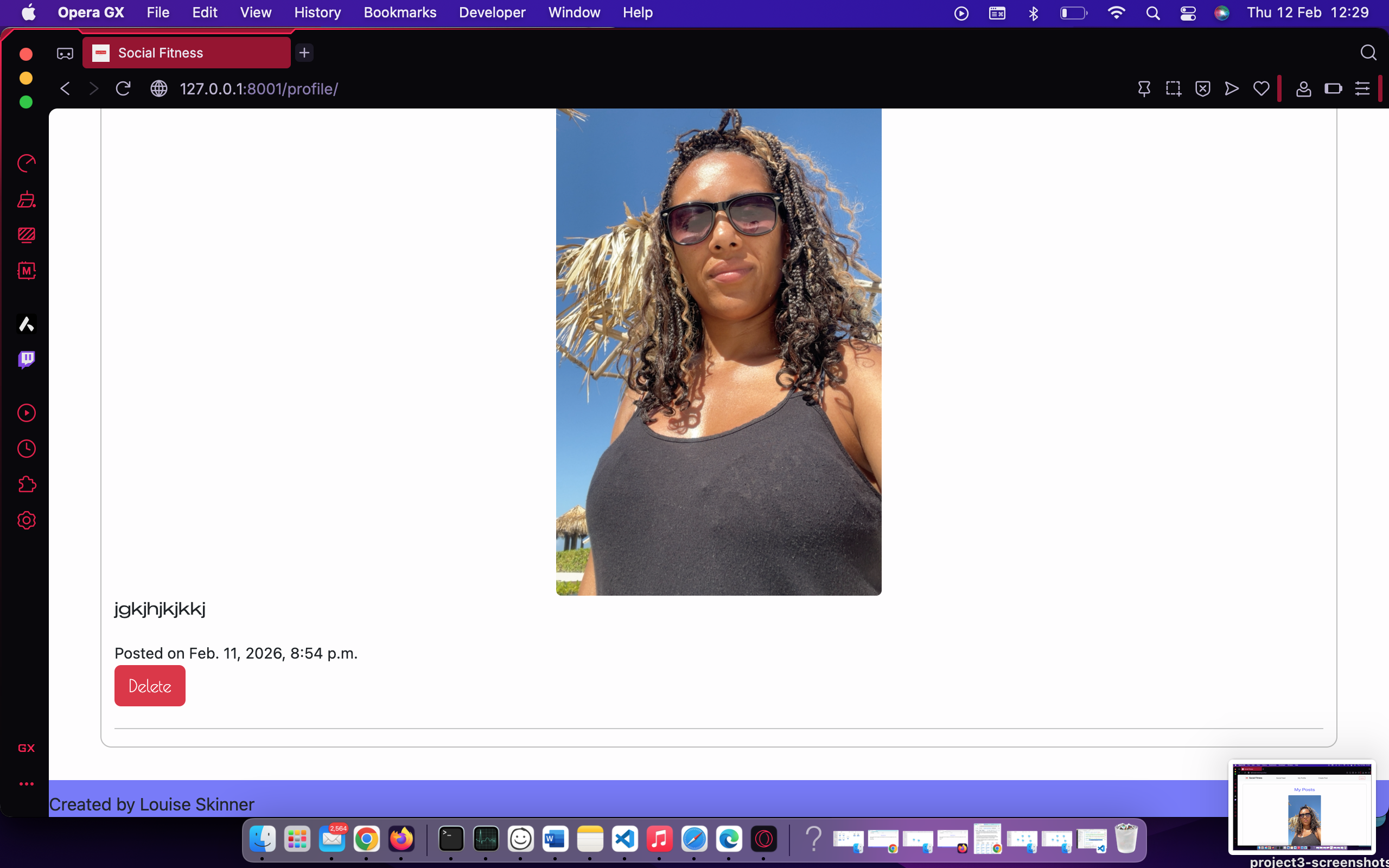
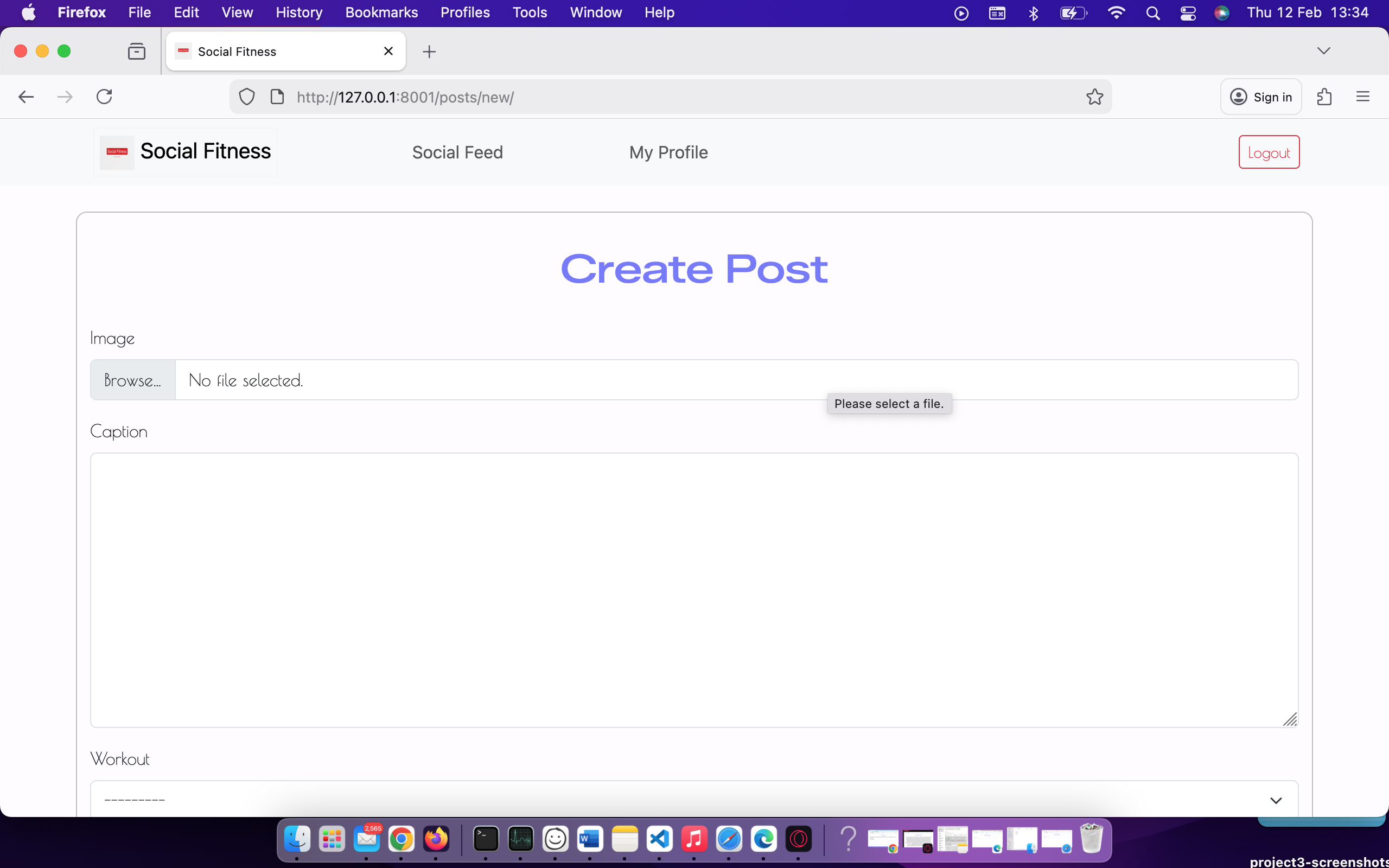
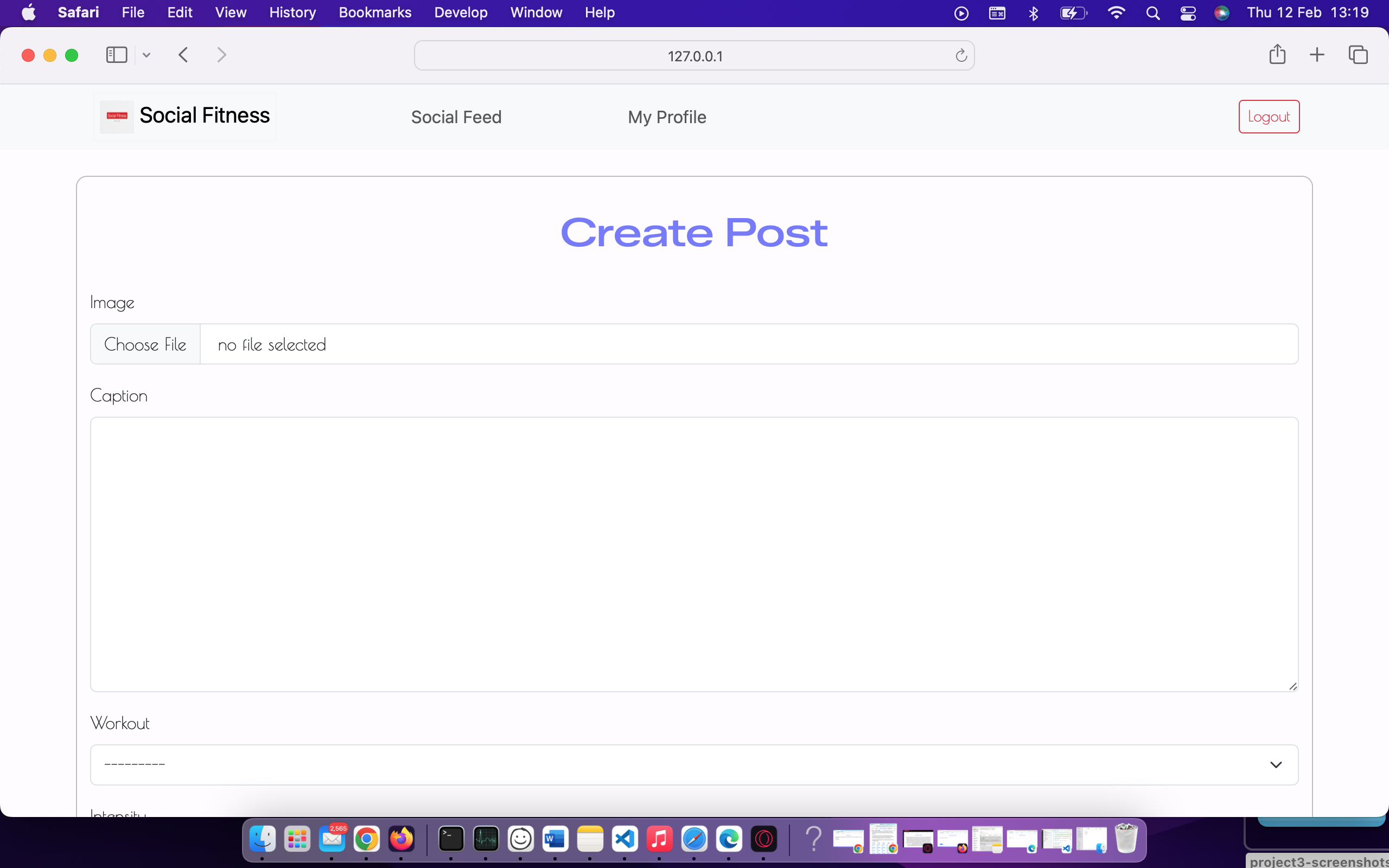
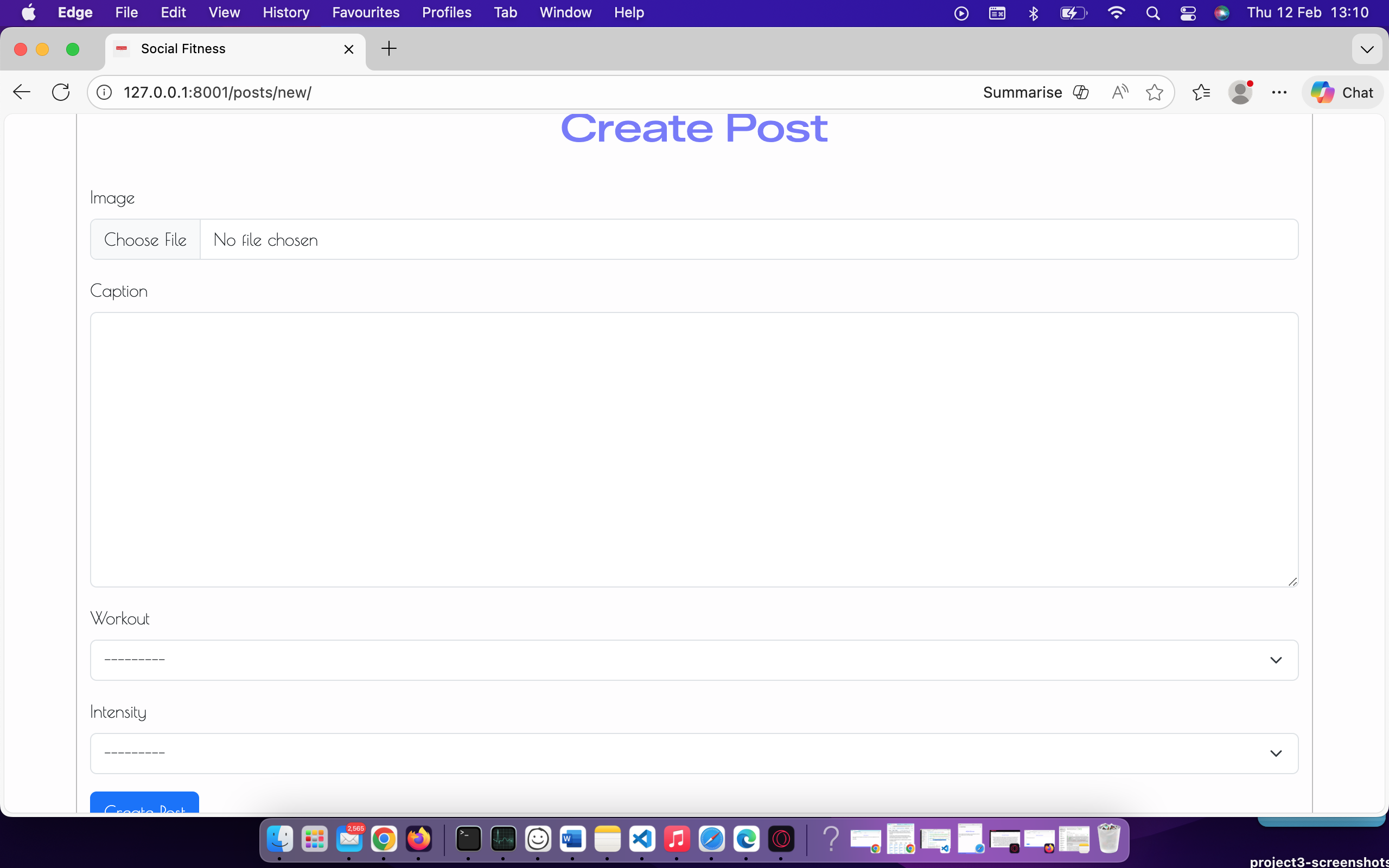
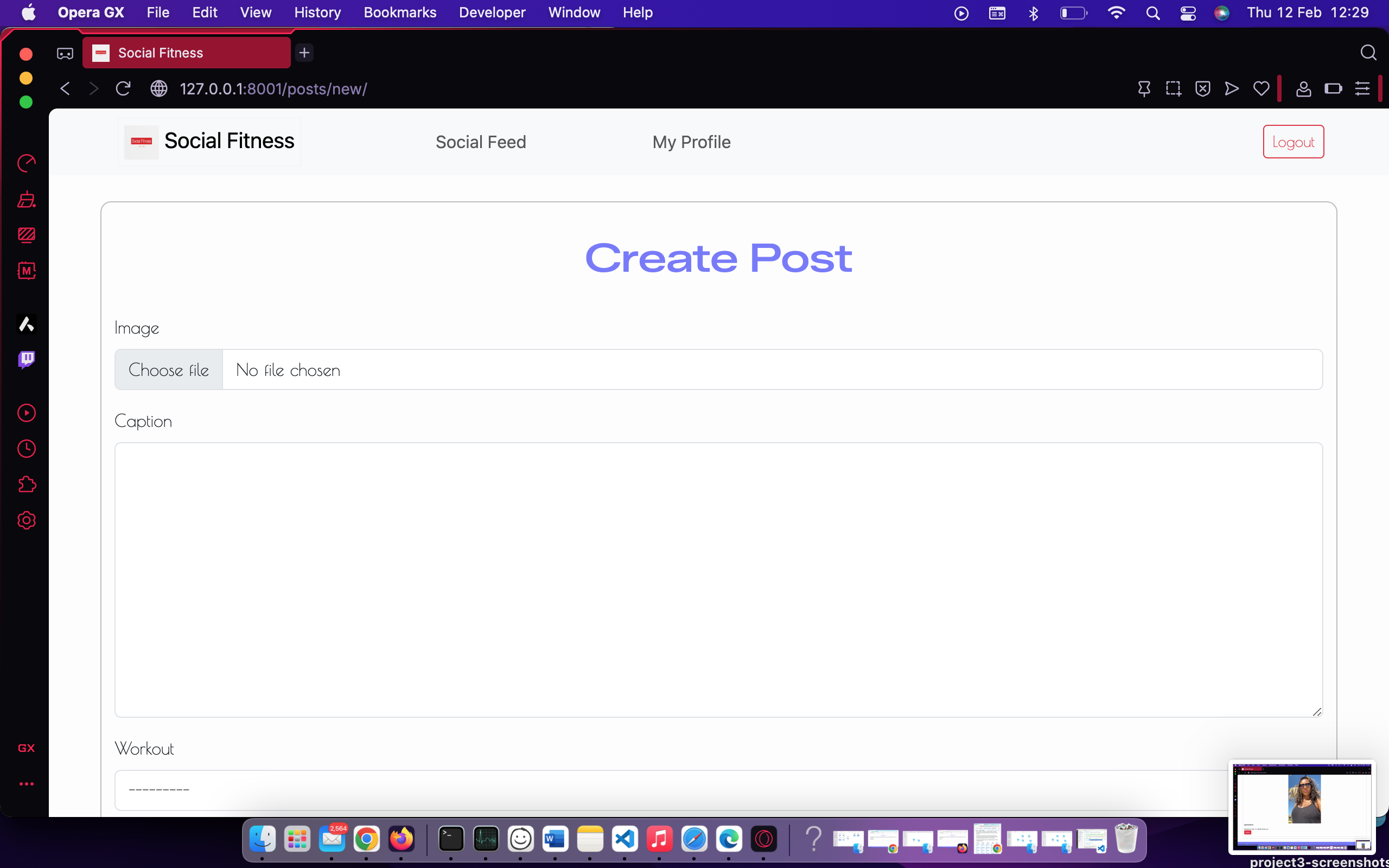
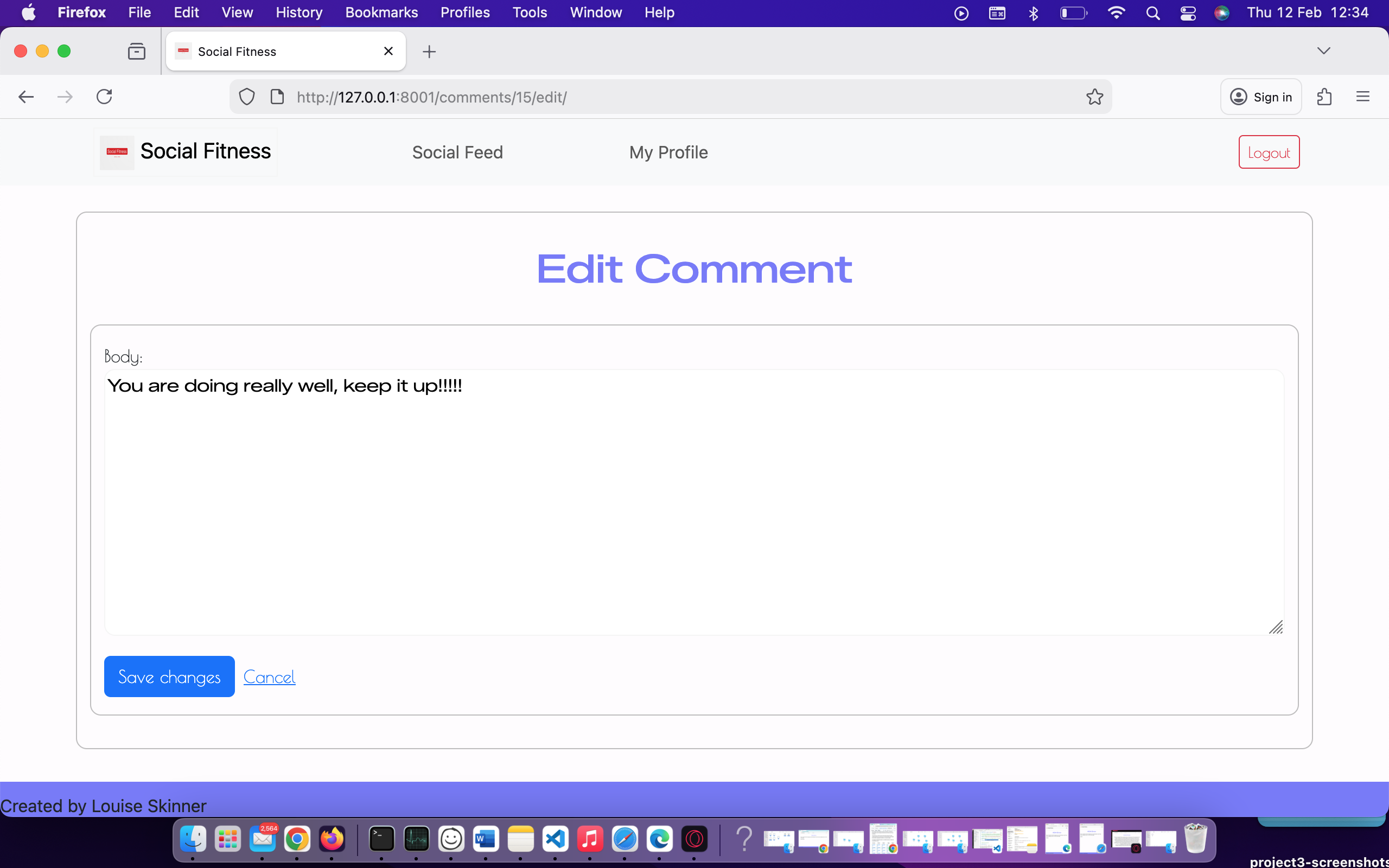
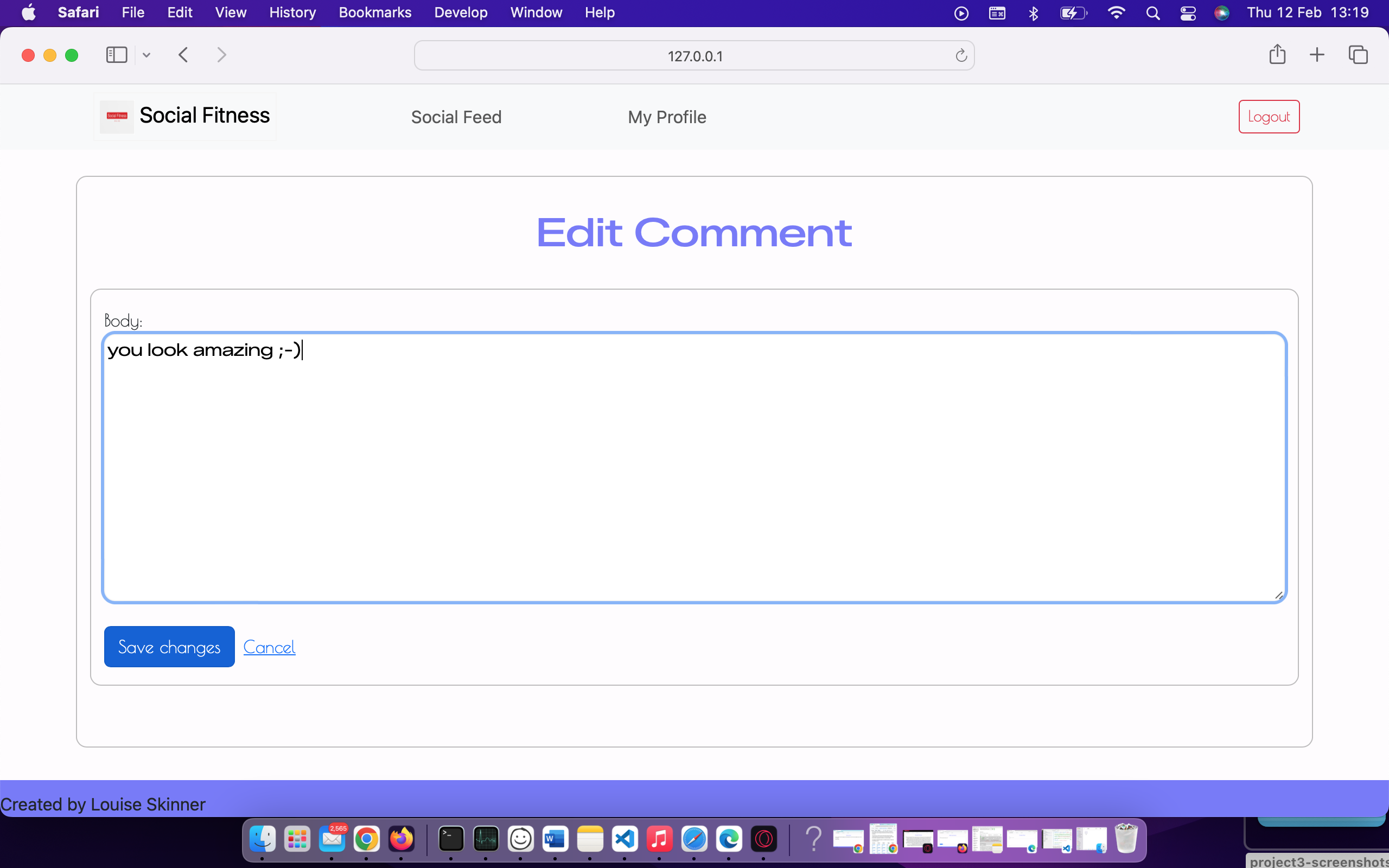
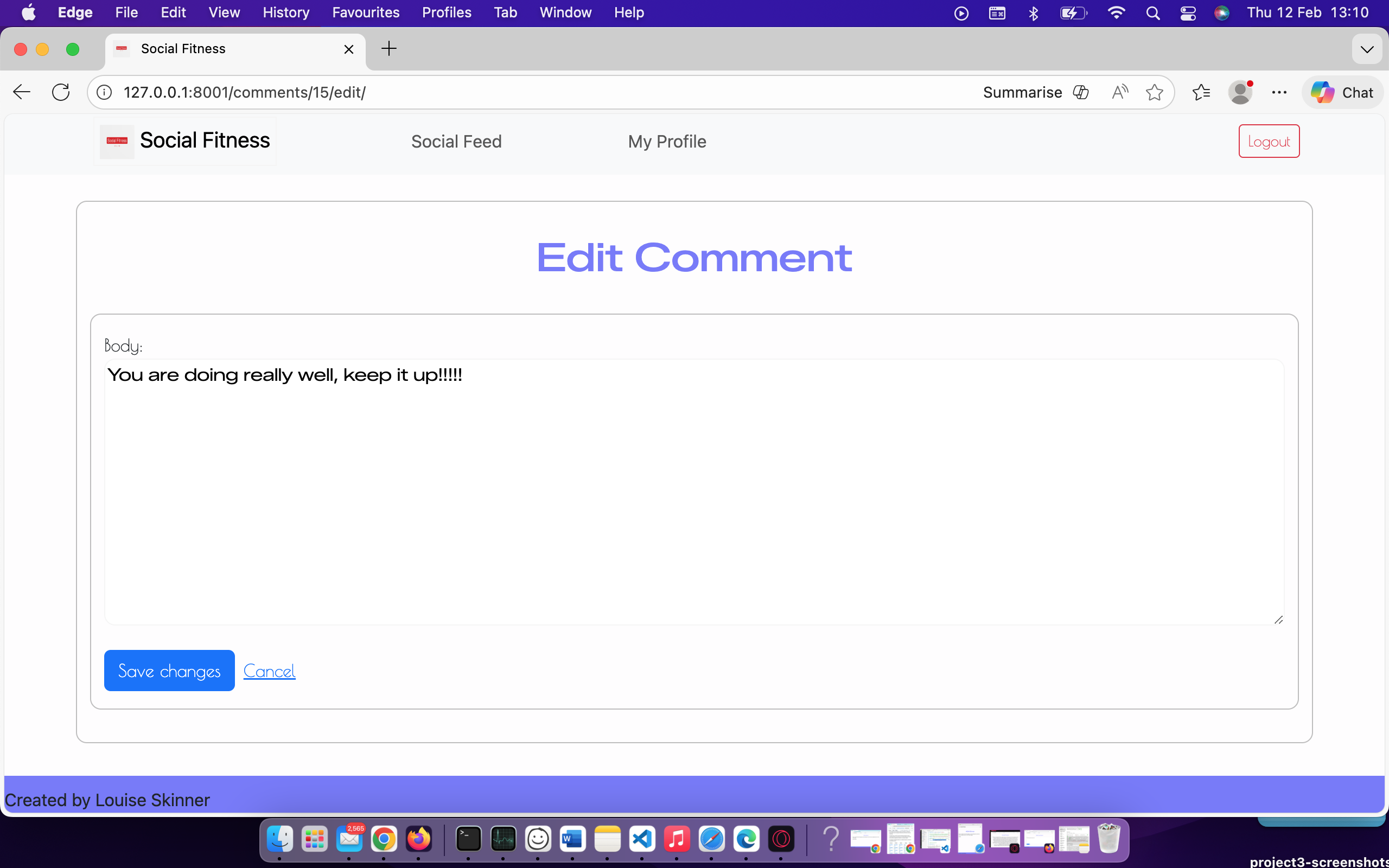
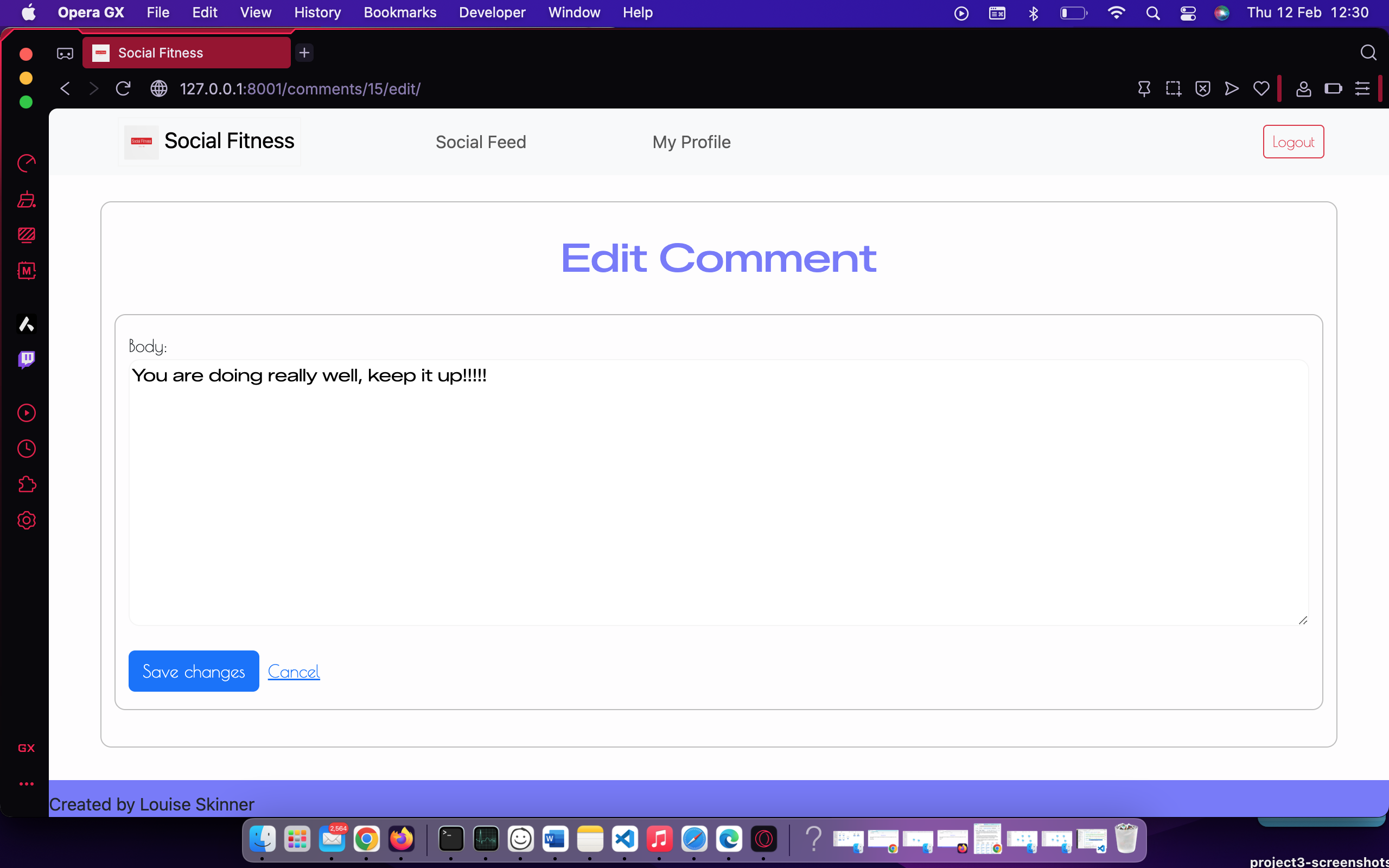
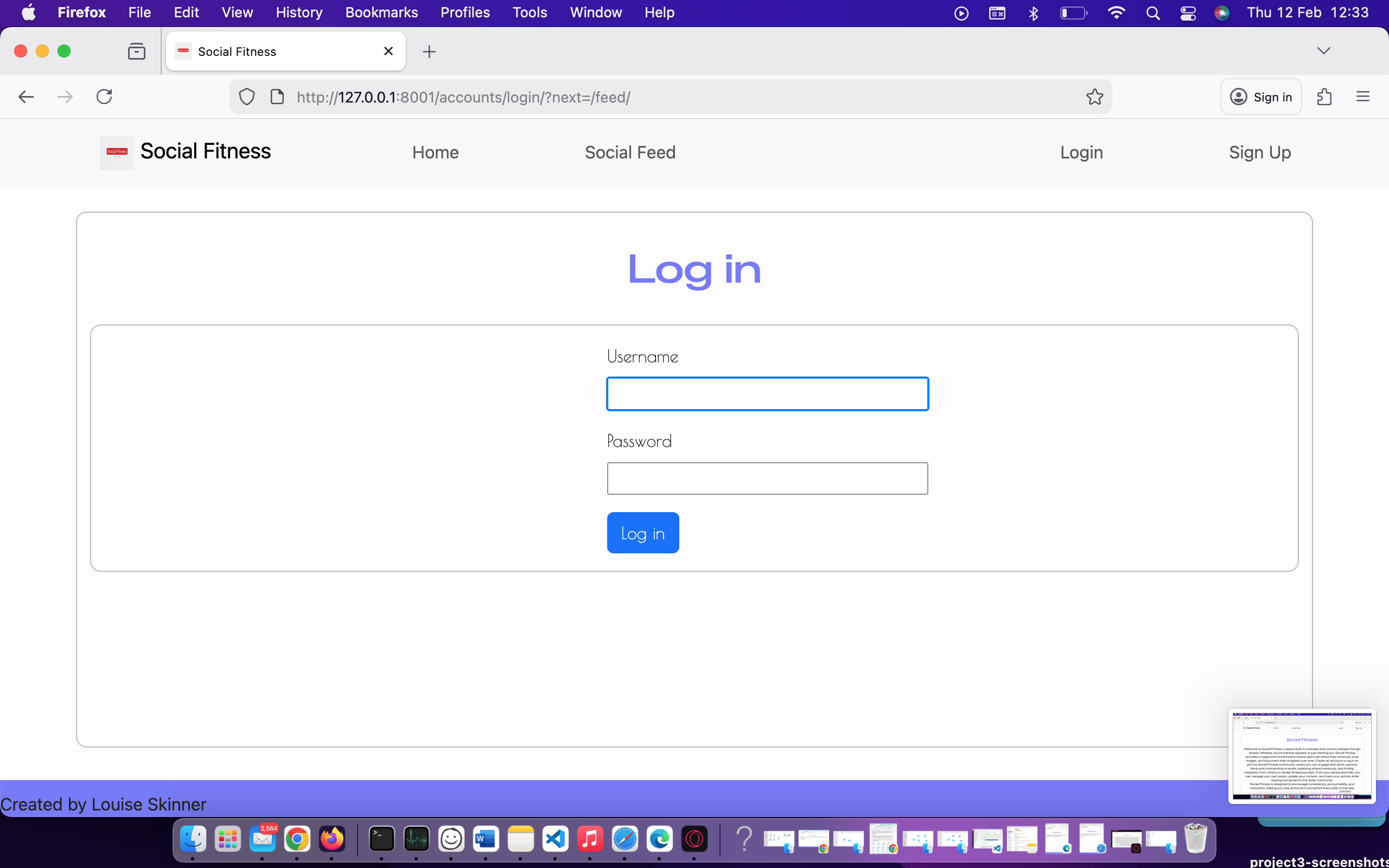
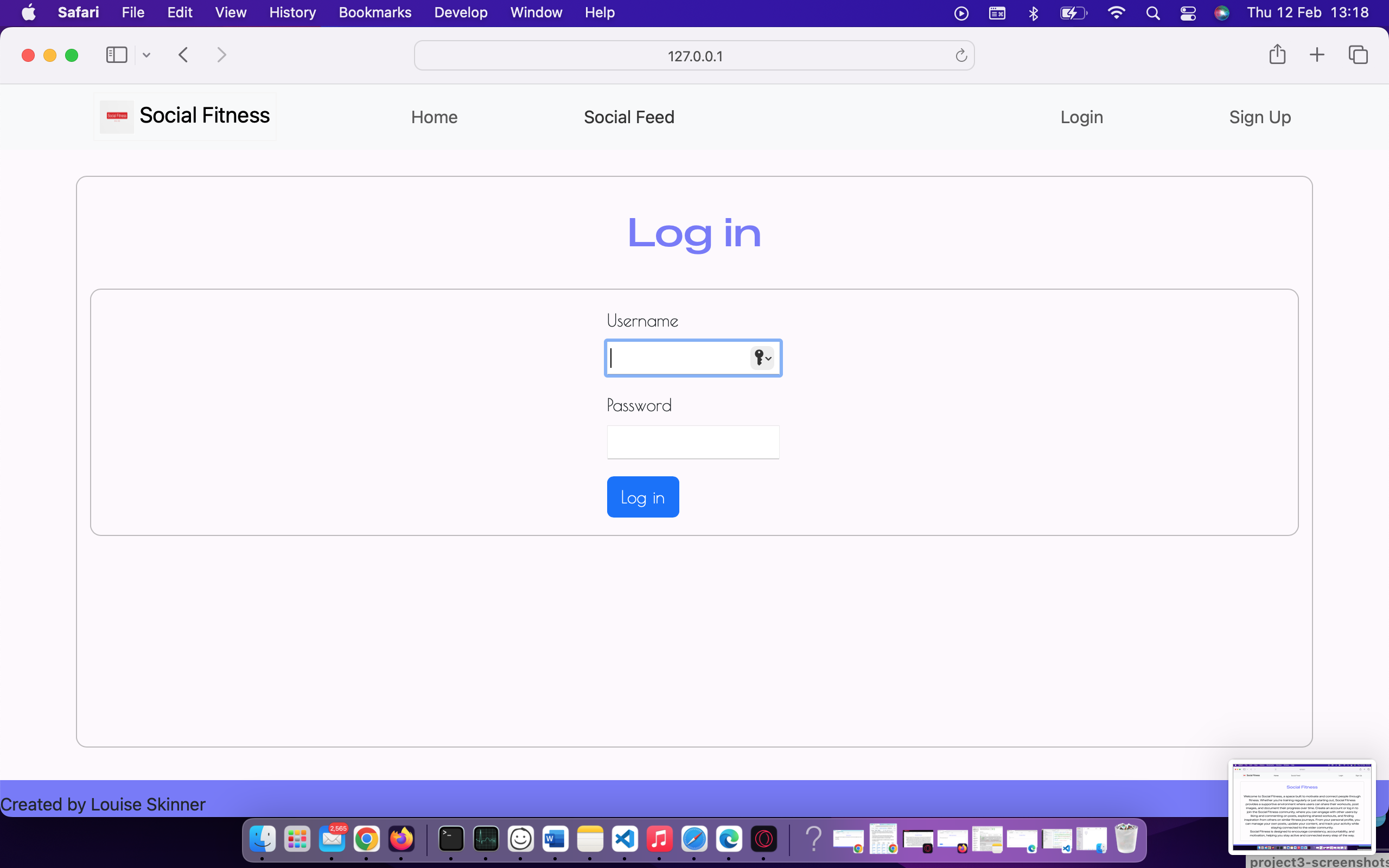
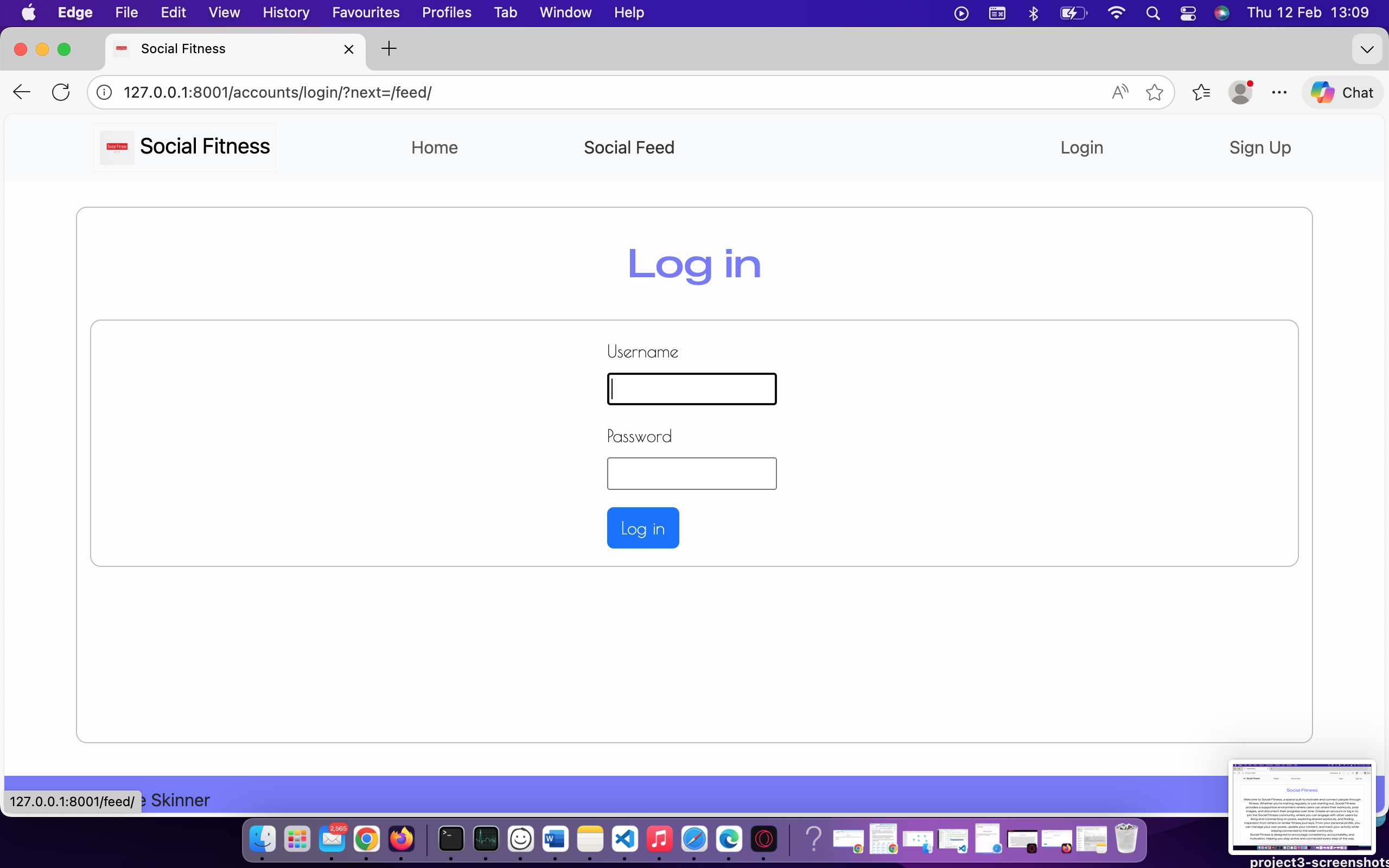
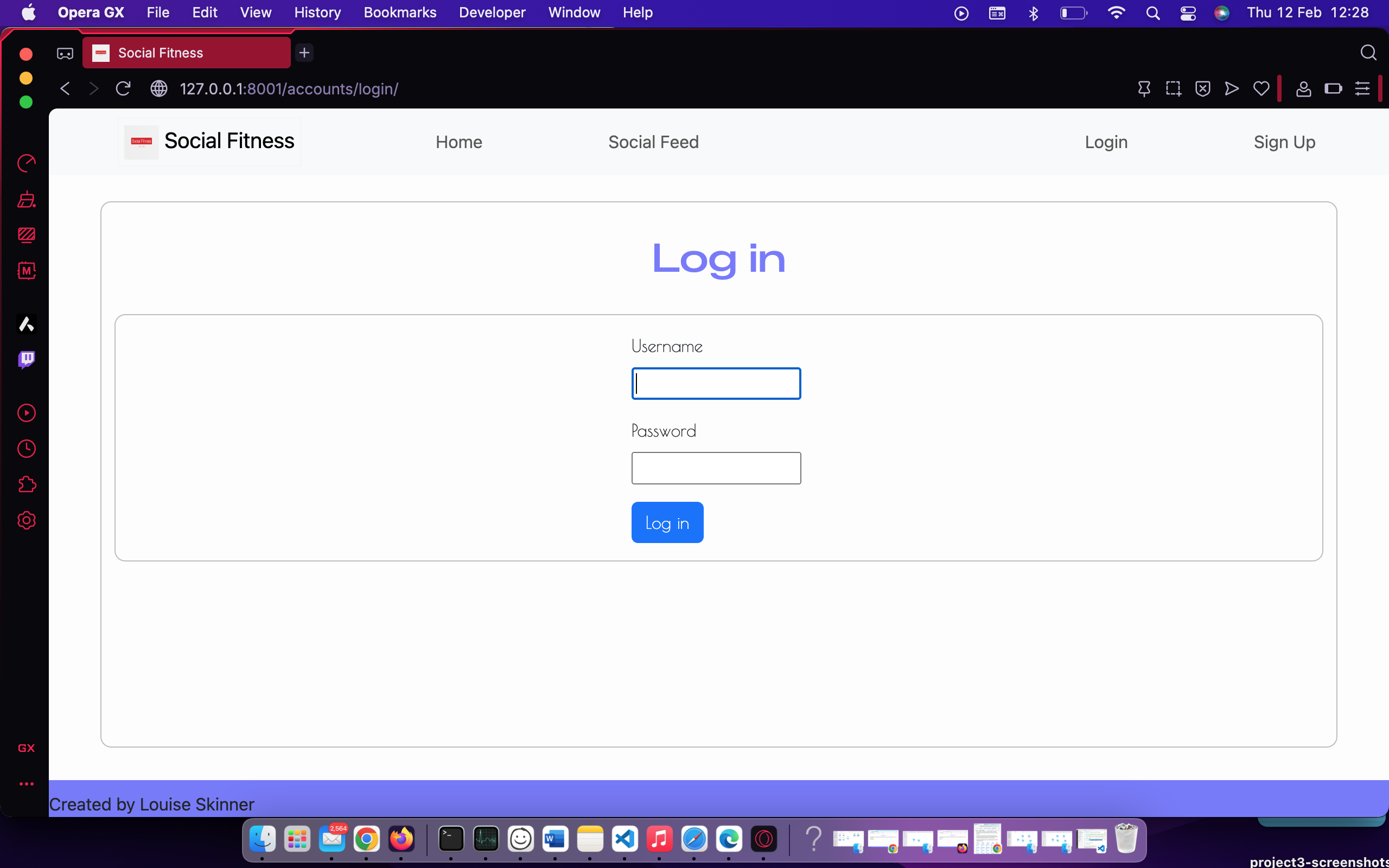
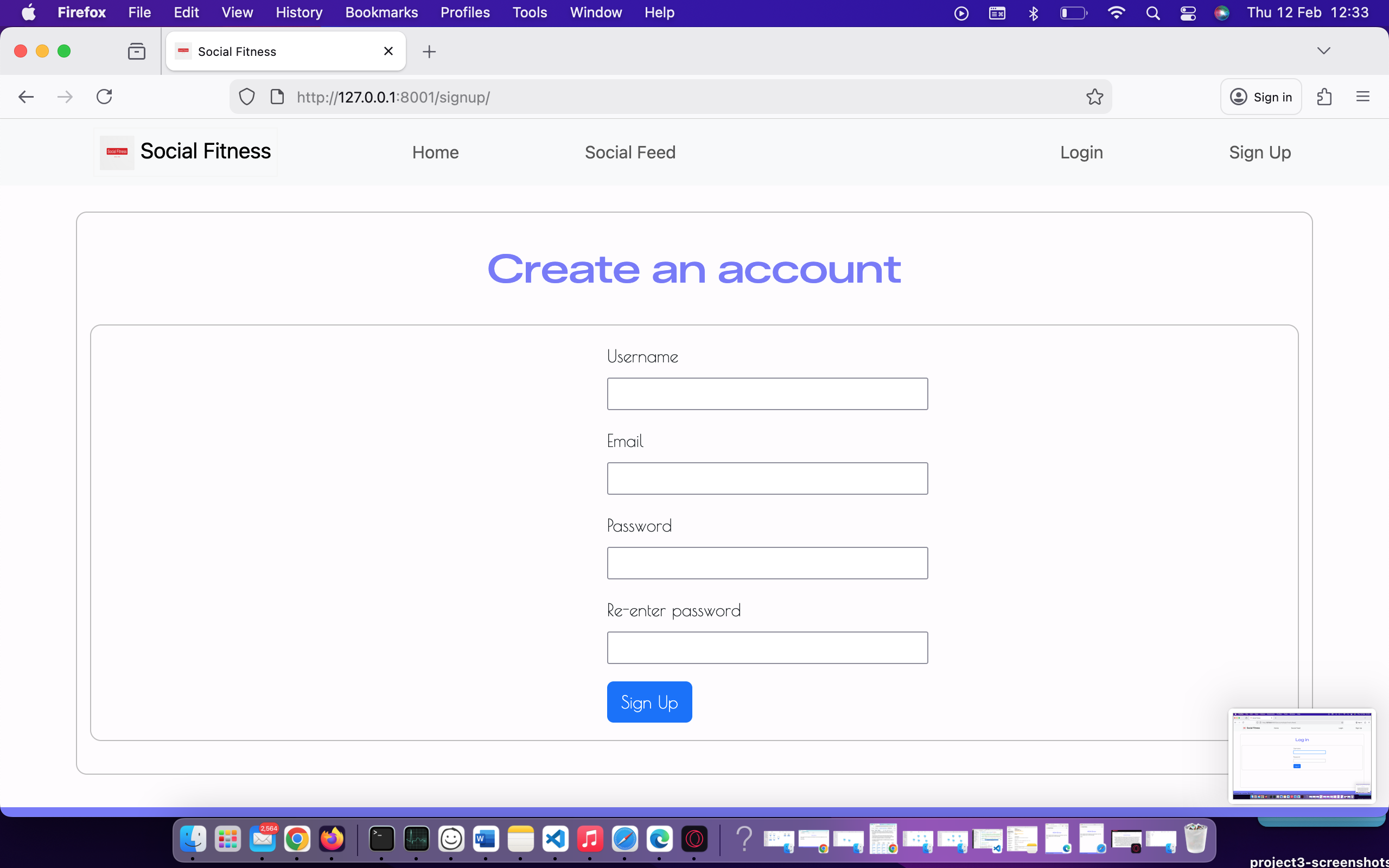
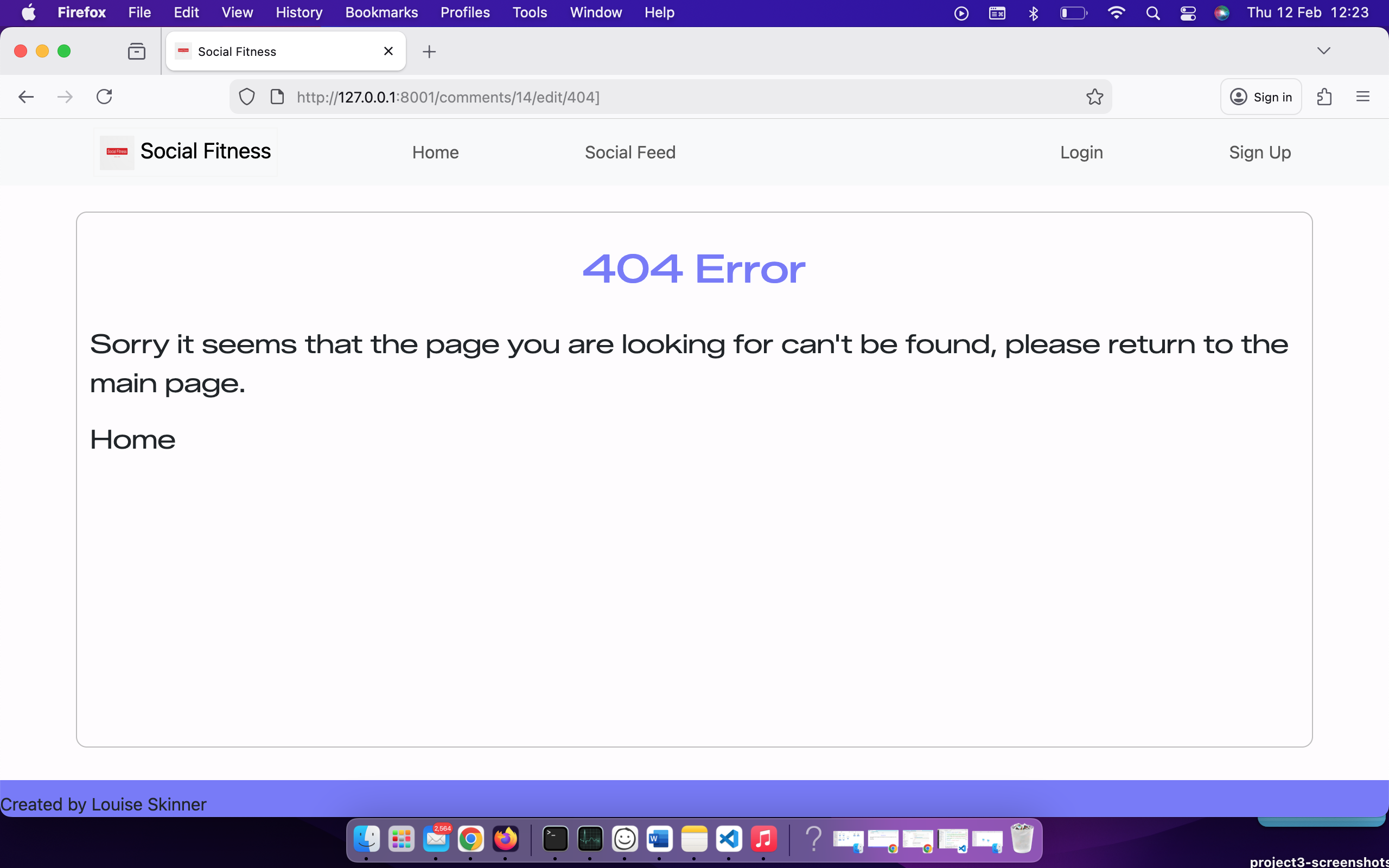
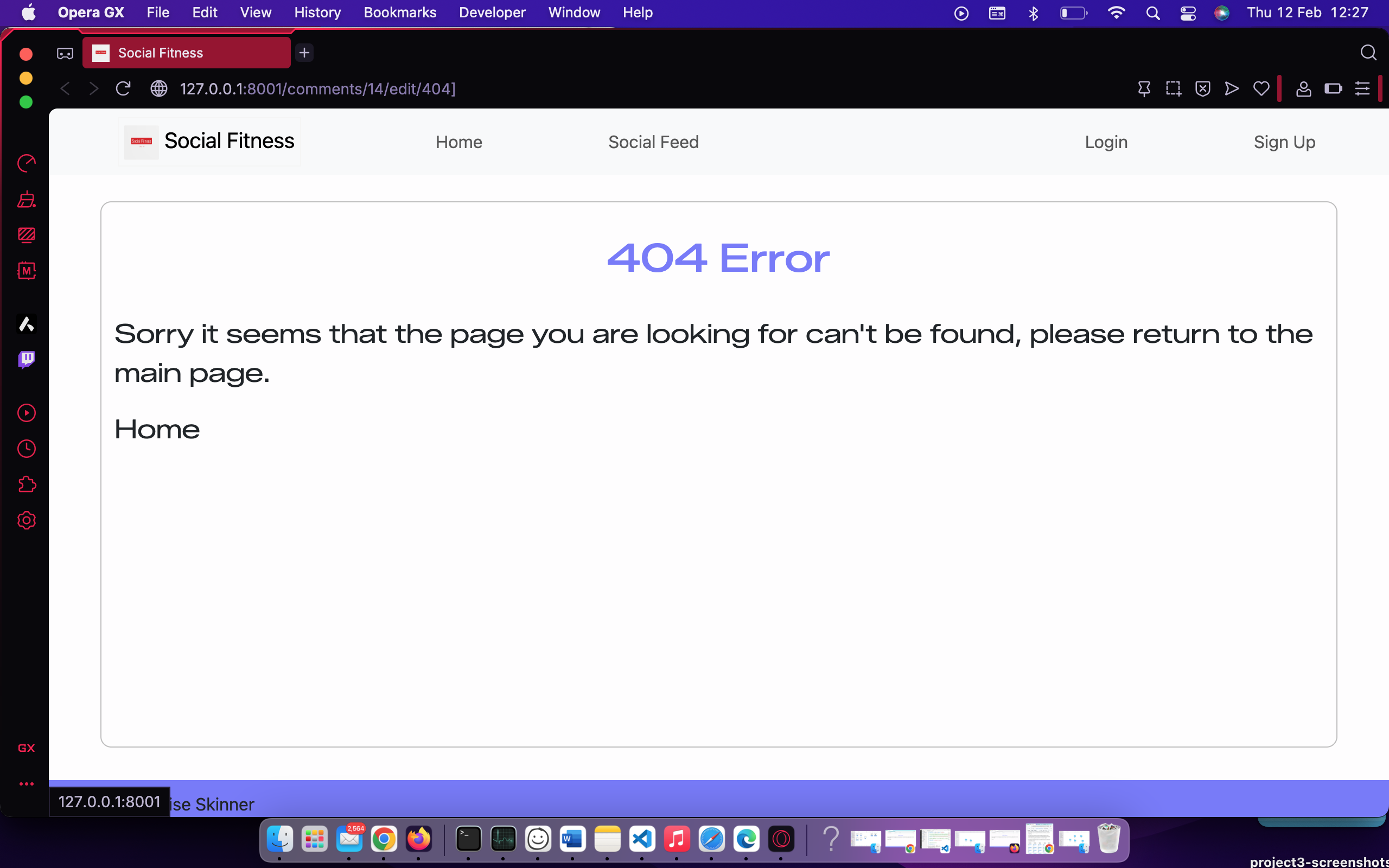
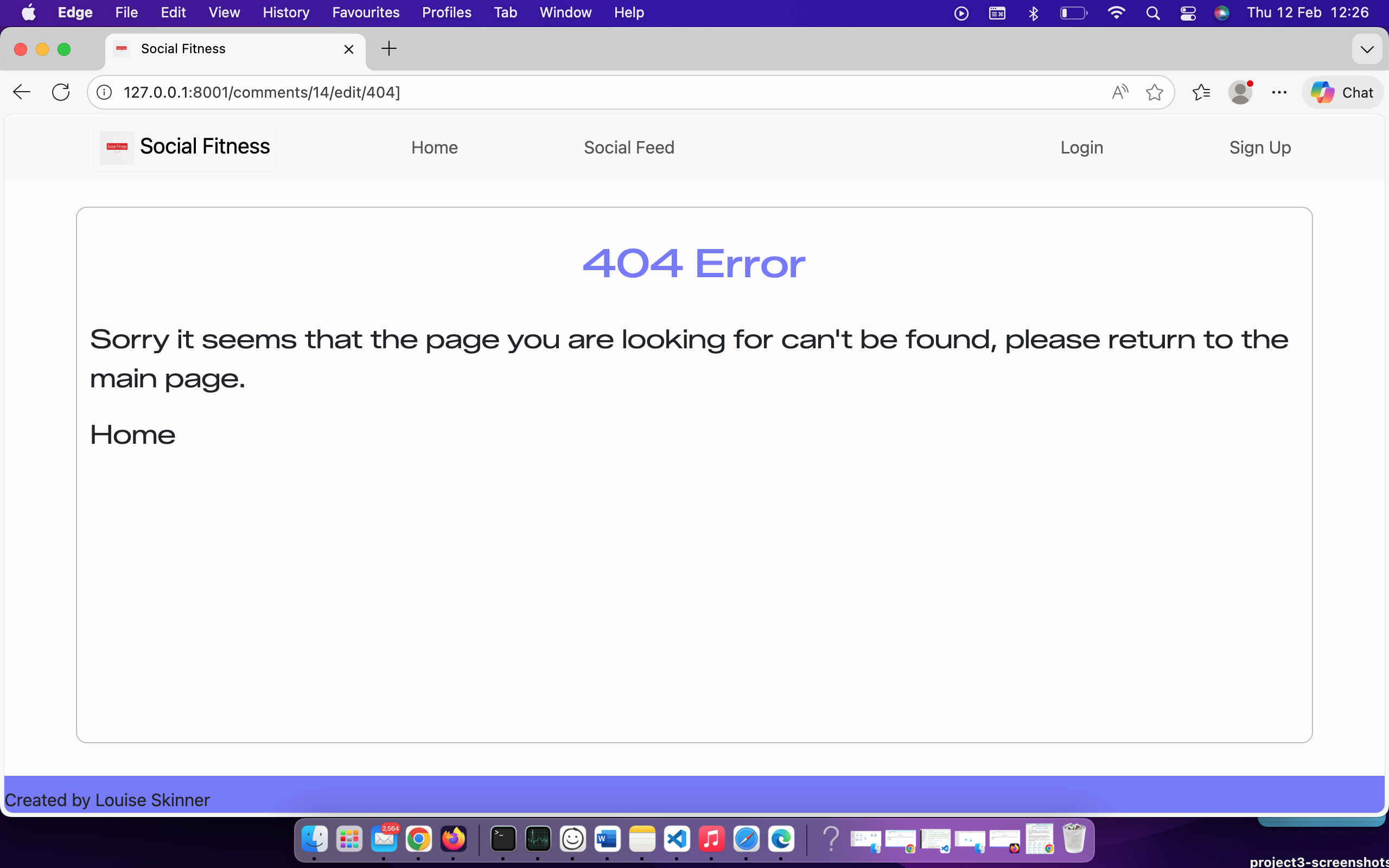
Cross-browser compatability testing was performed manually in the following browsers:
- Chrome
- Firefox
- Safari
- Edge
- Opera
Each browser was checked for layout consistency, JavaScript functionality (such as keypad interactivity and timers), and color rendering.
The goal was to confirm that the web app provides the same smooth gameplay and responsive UI on both desktop and mobile environments, regardless of platform or browser engine.
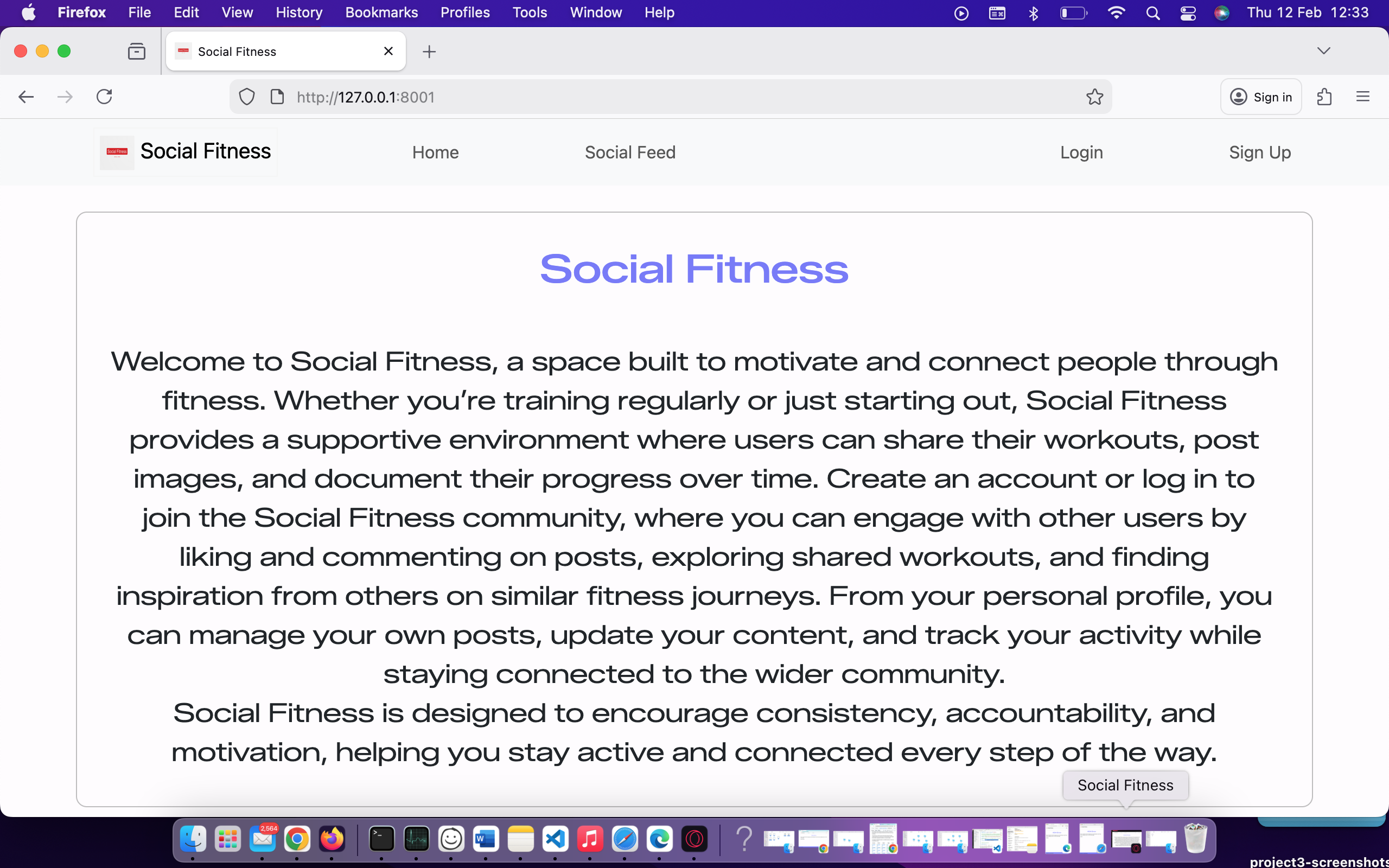
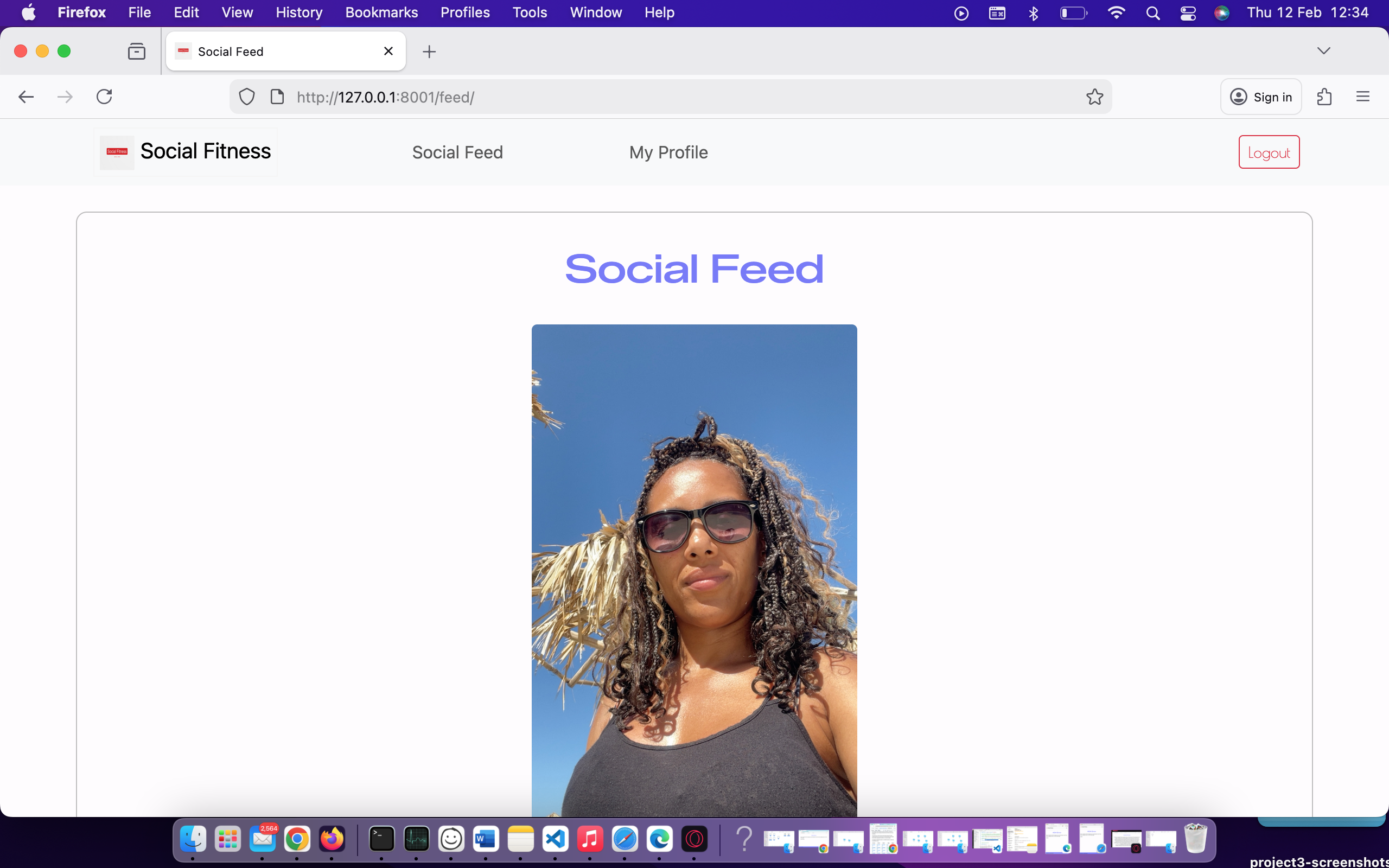
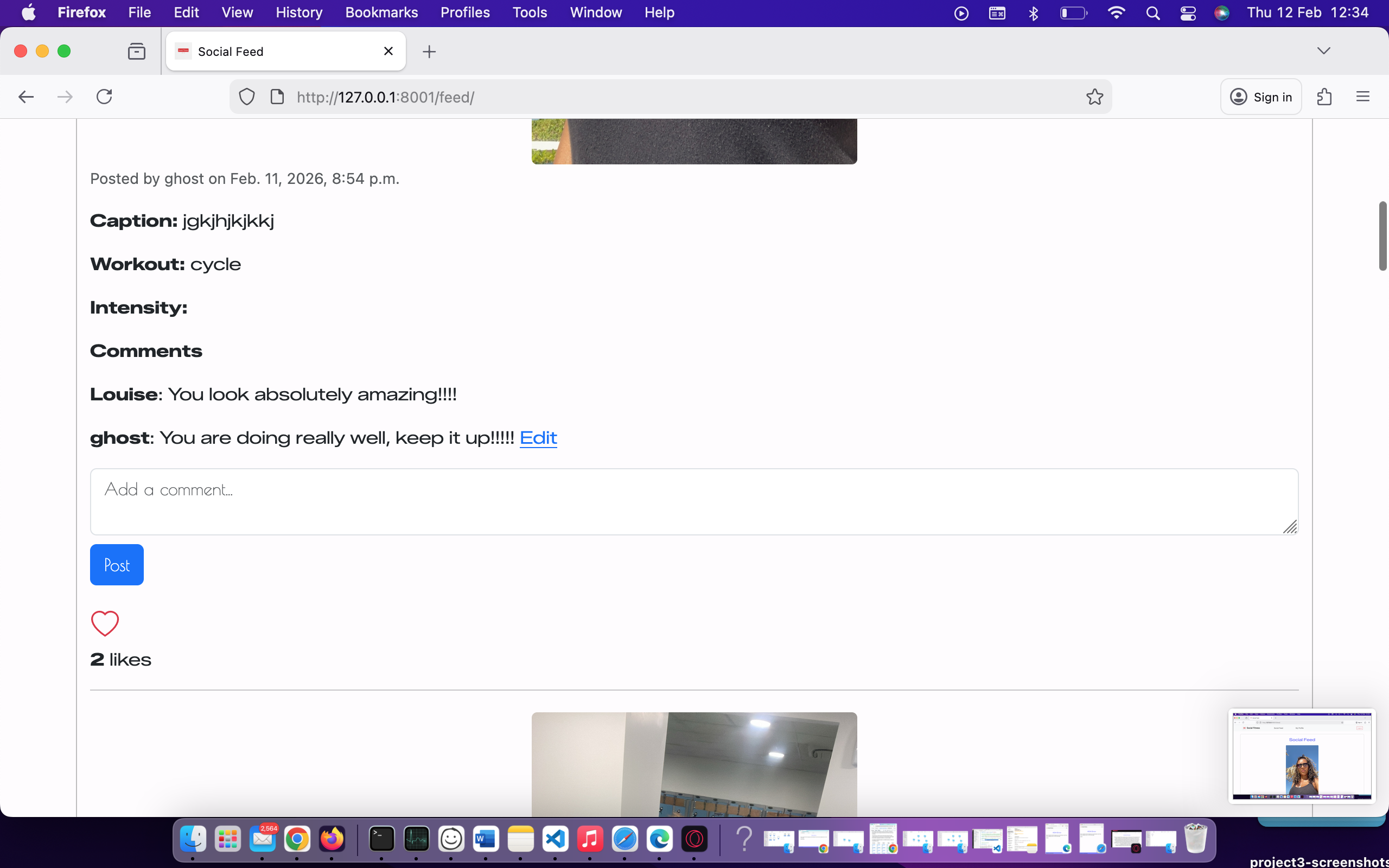
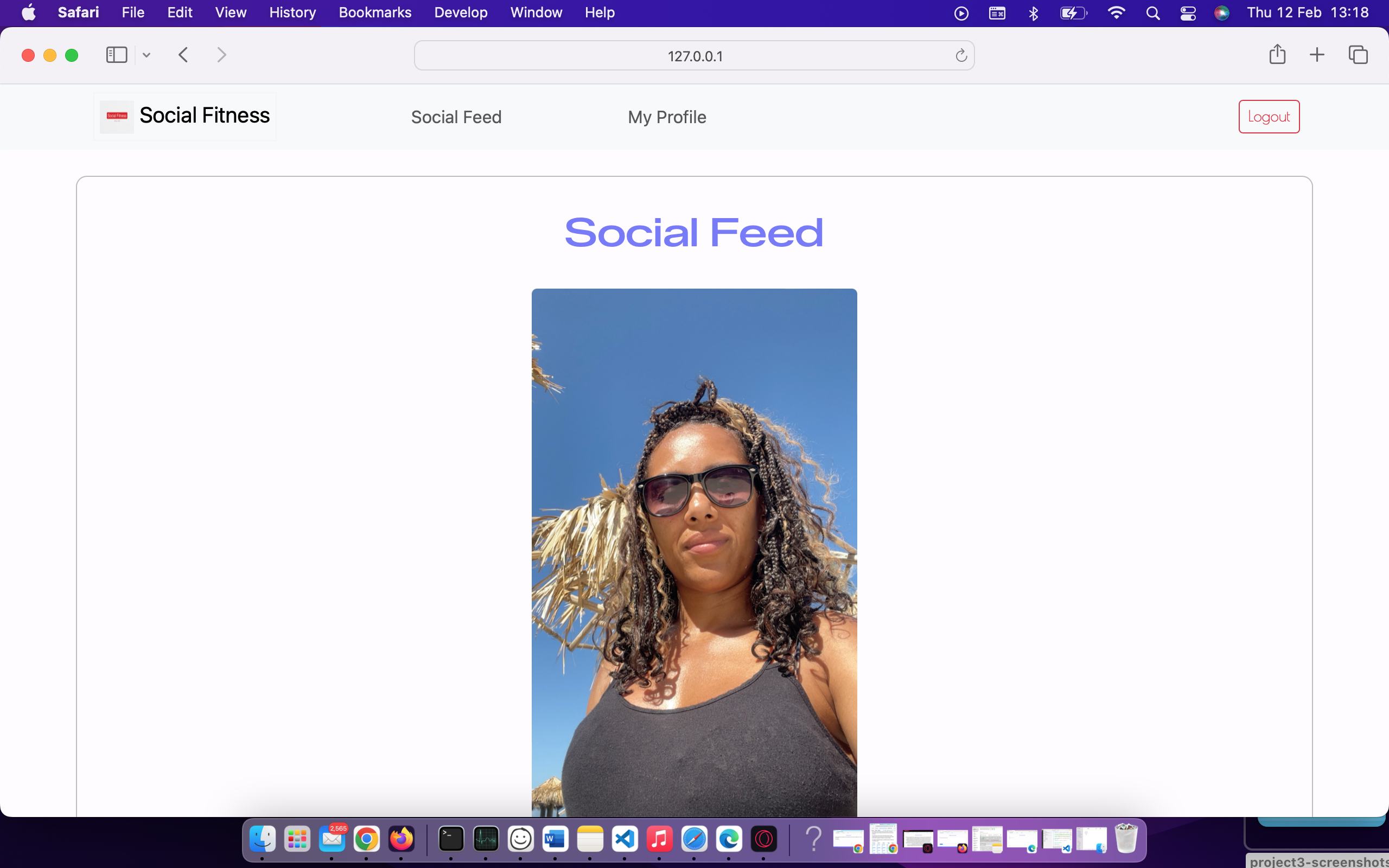
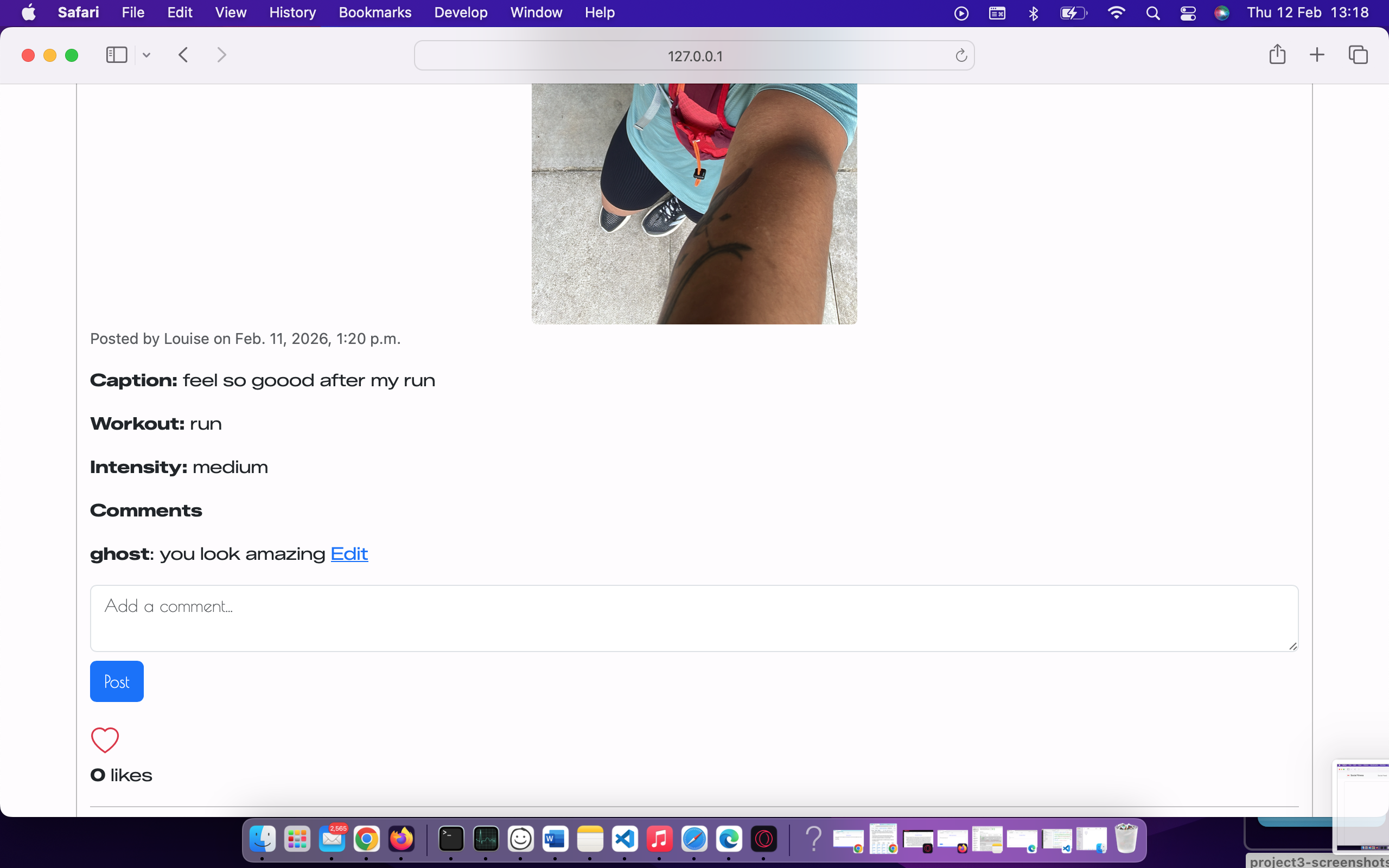
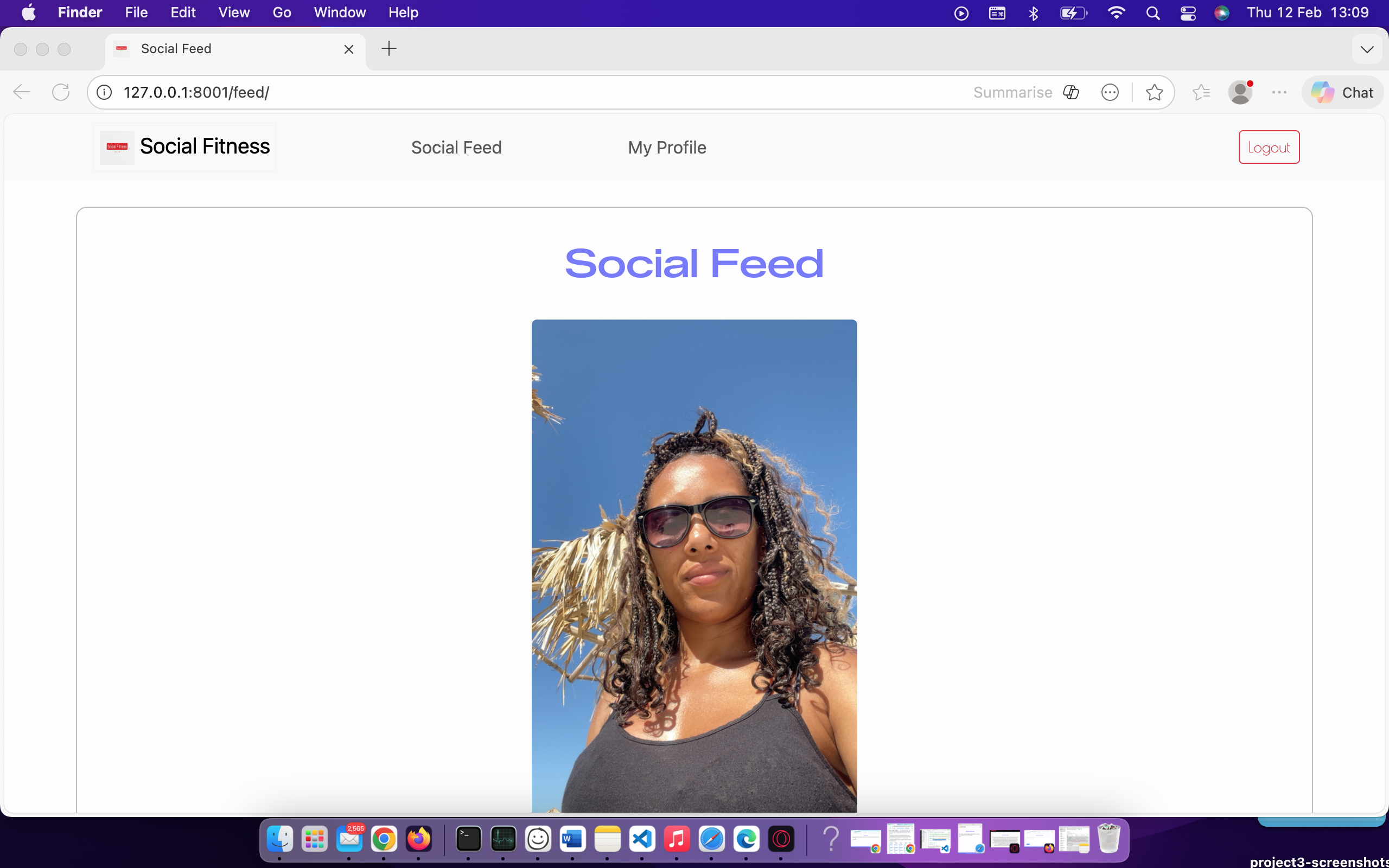
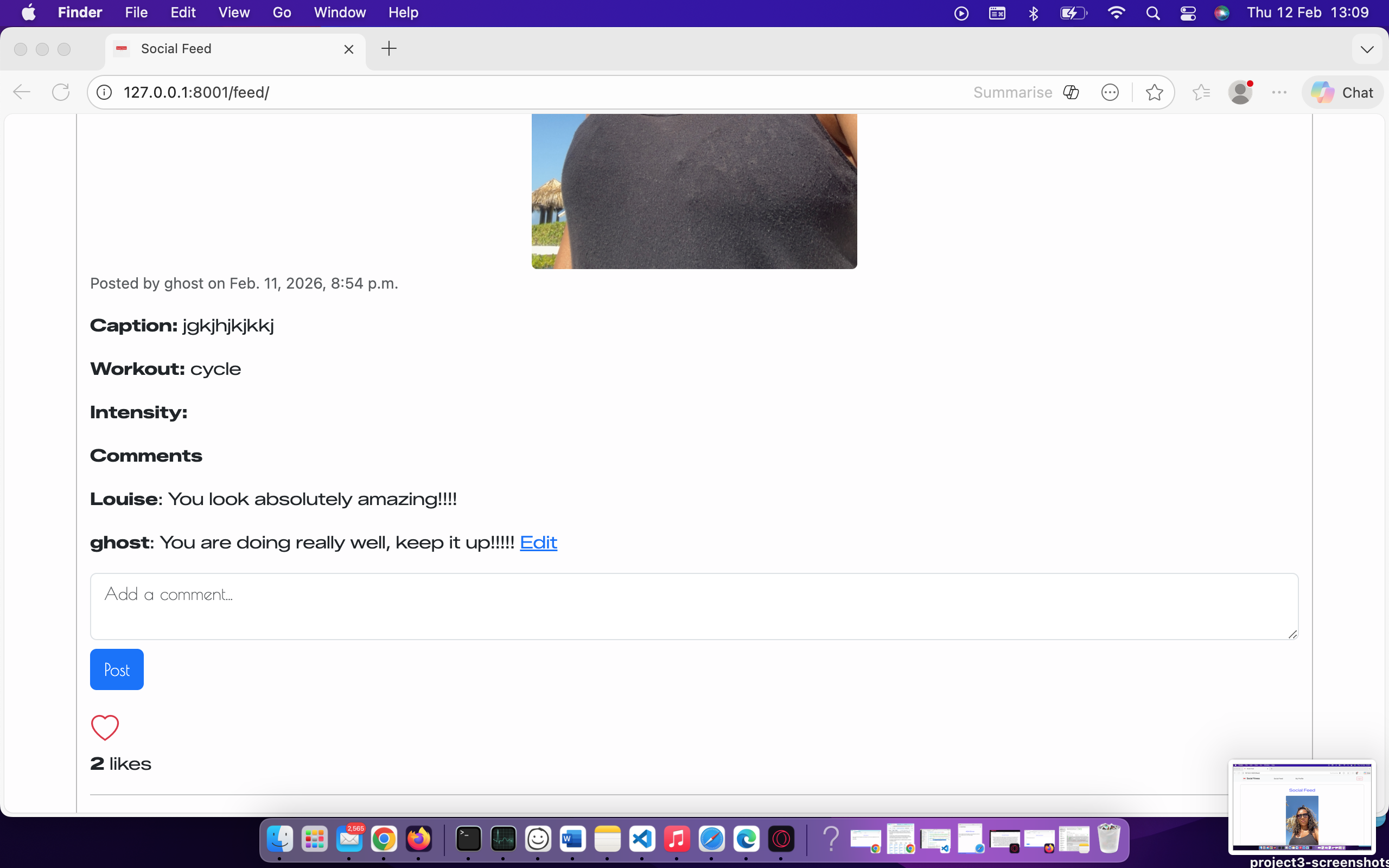
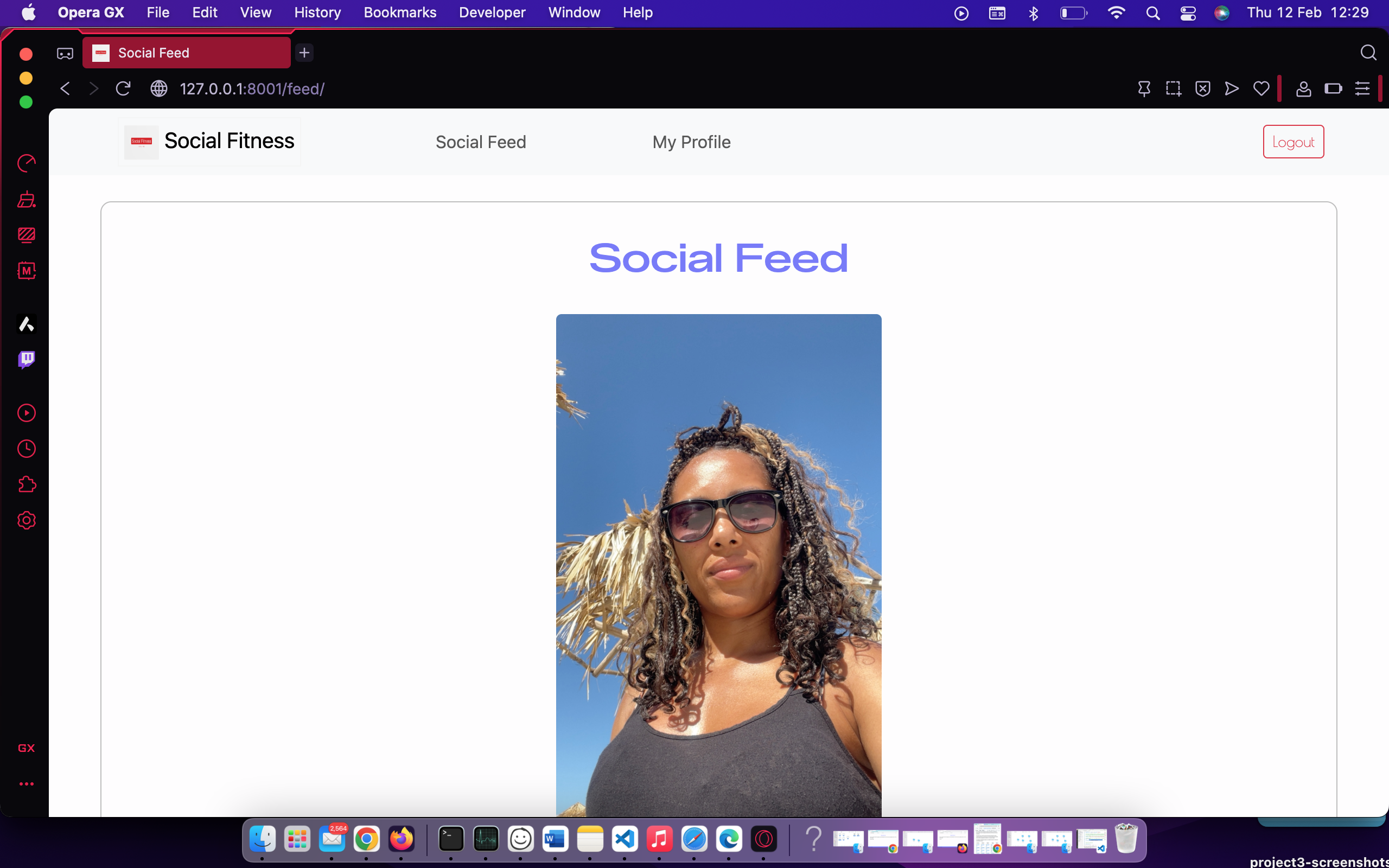
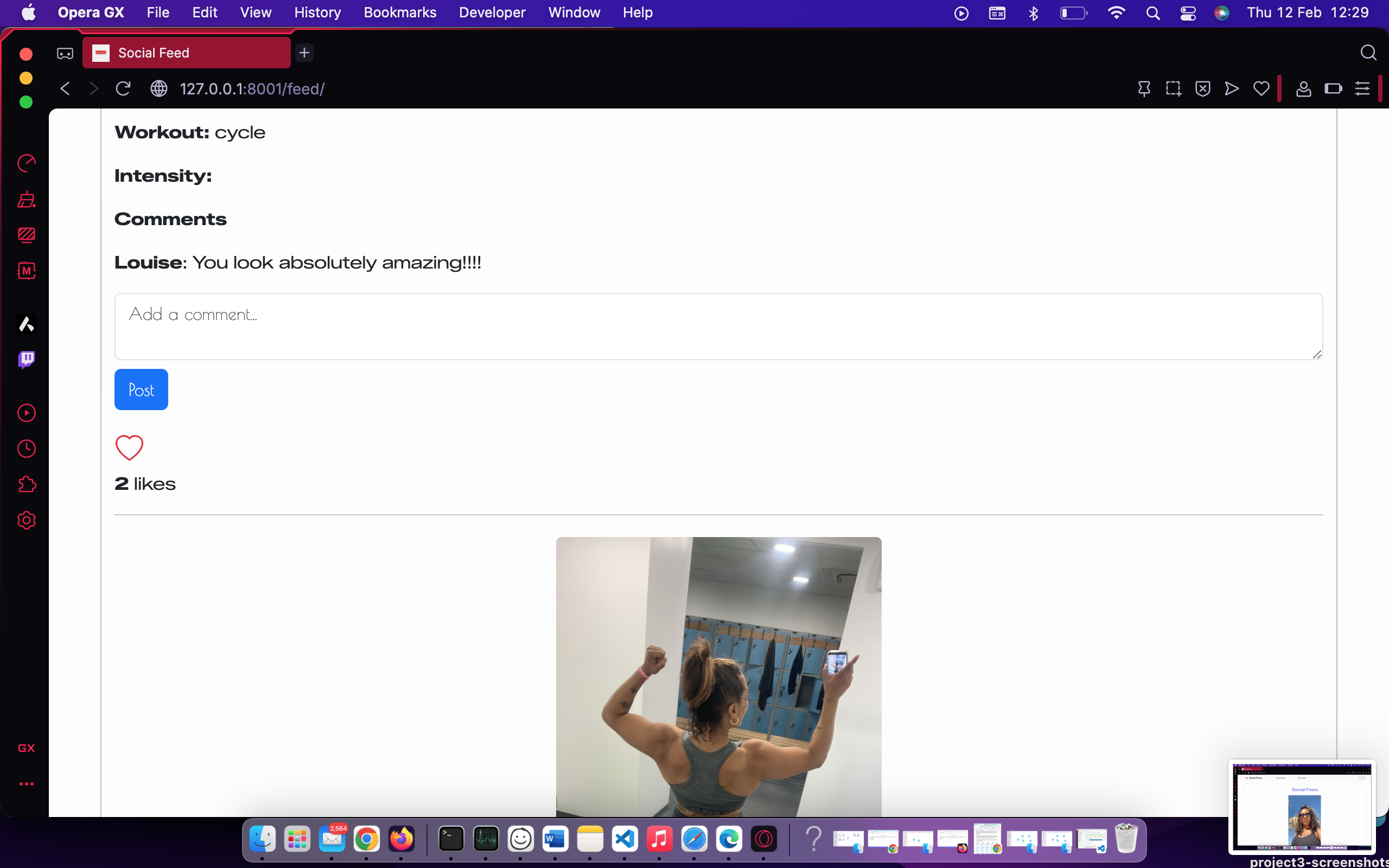
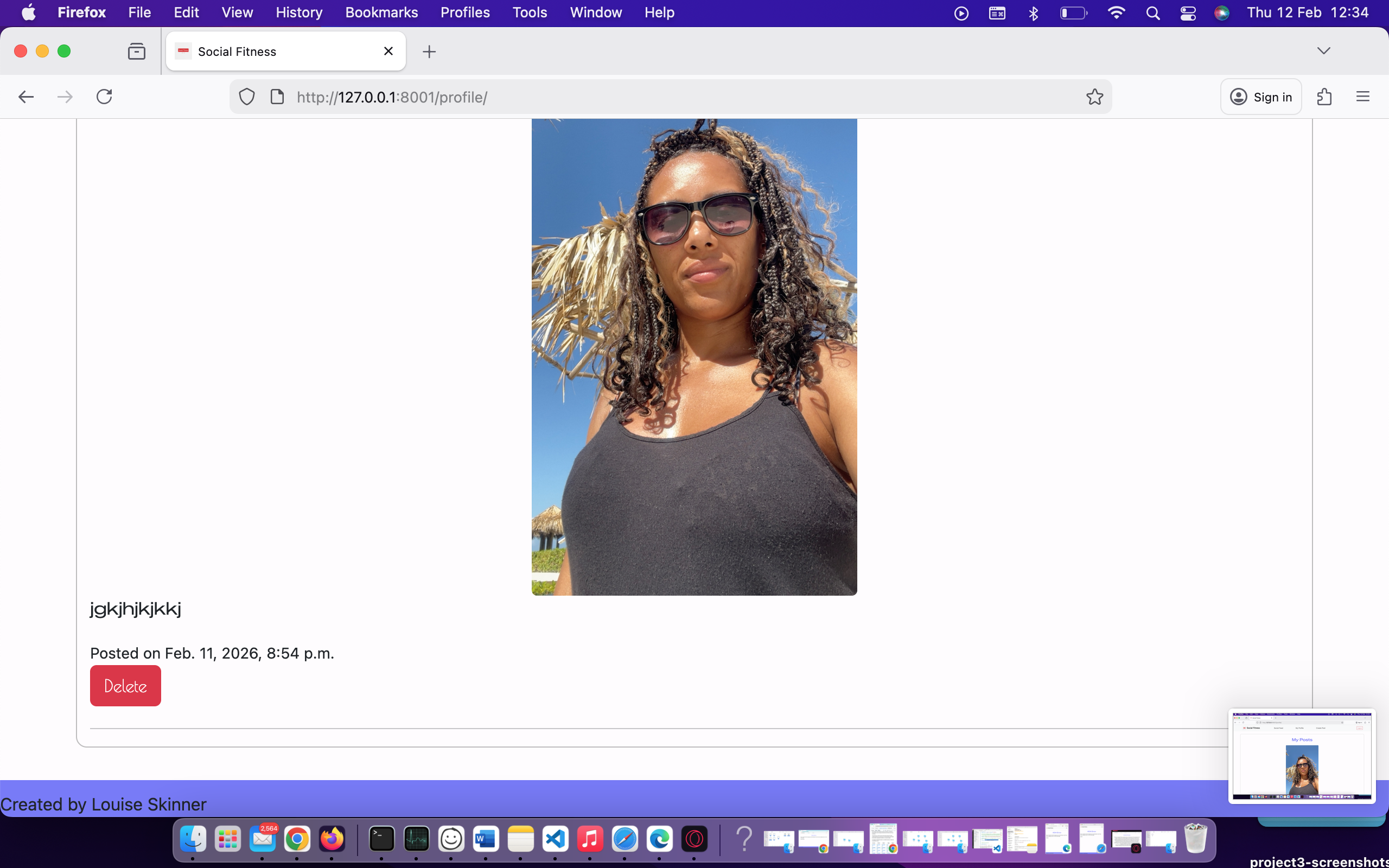
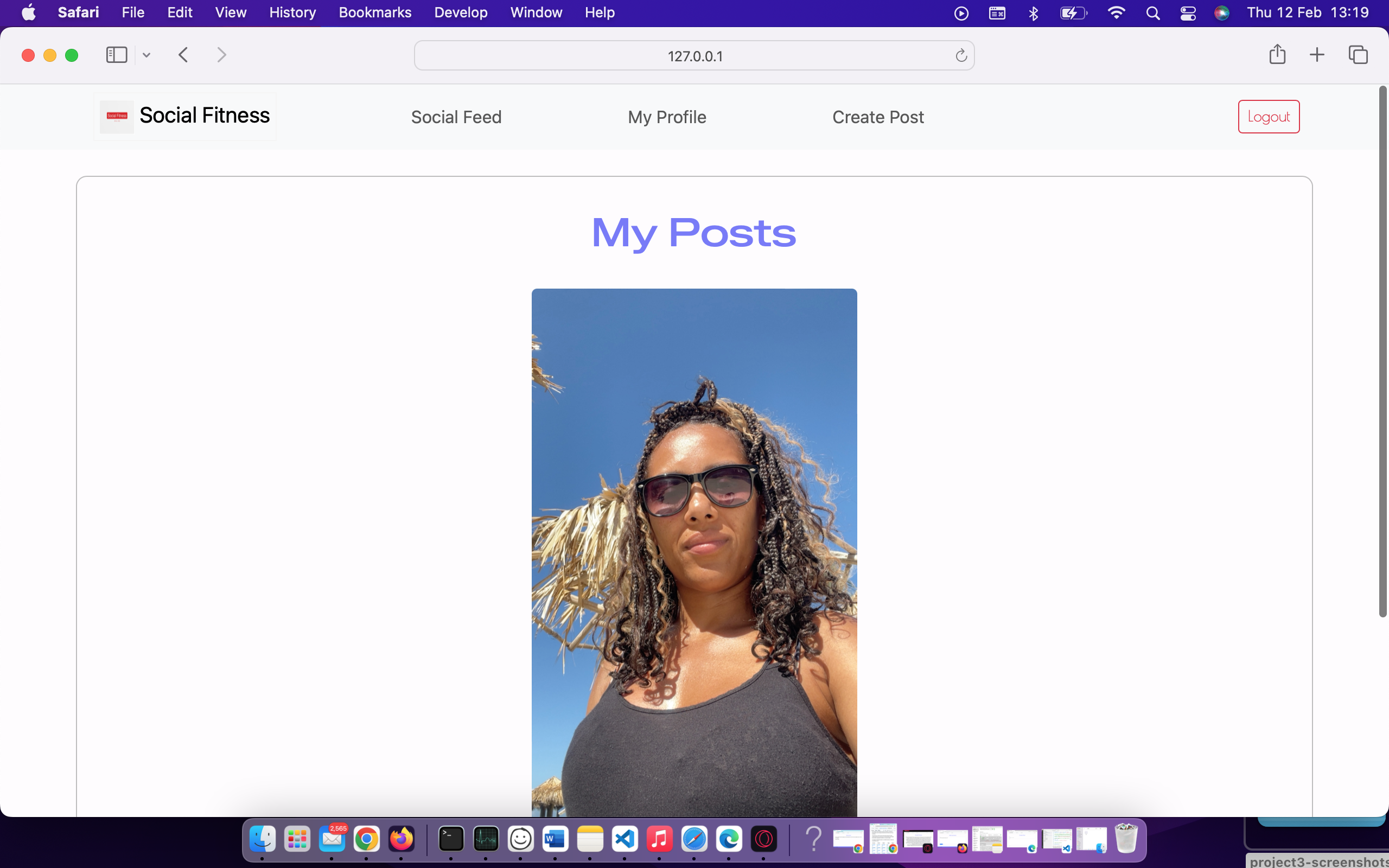
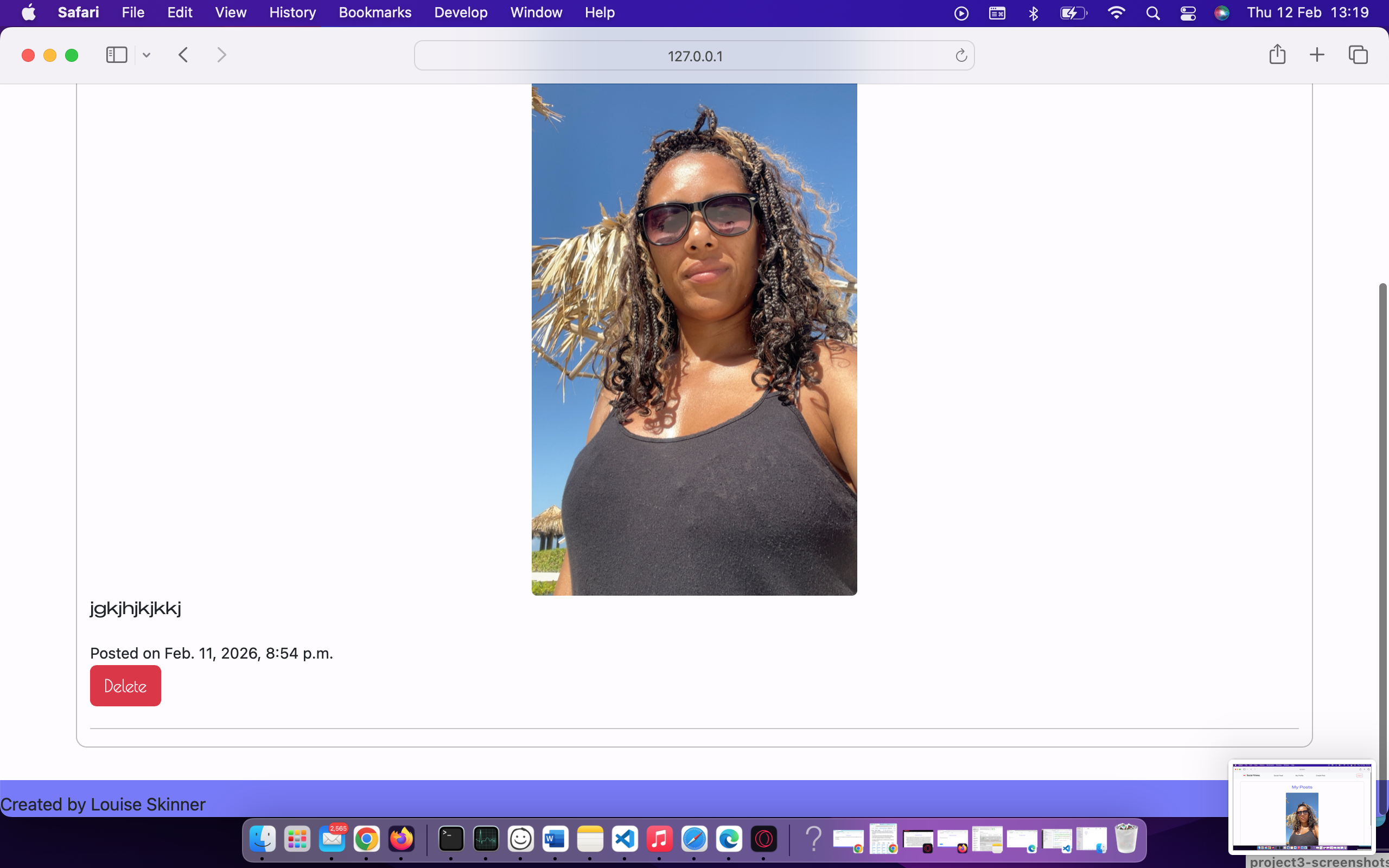
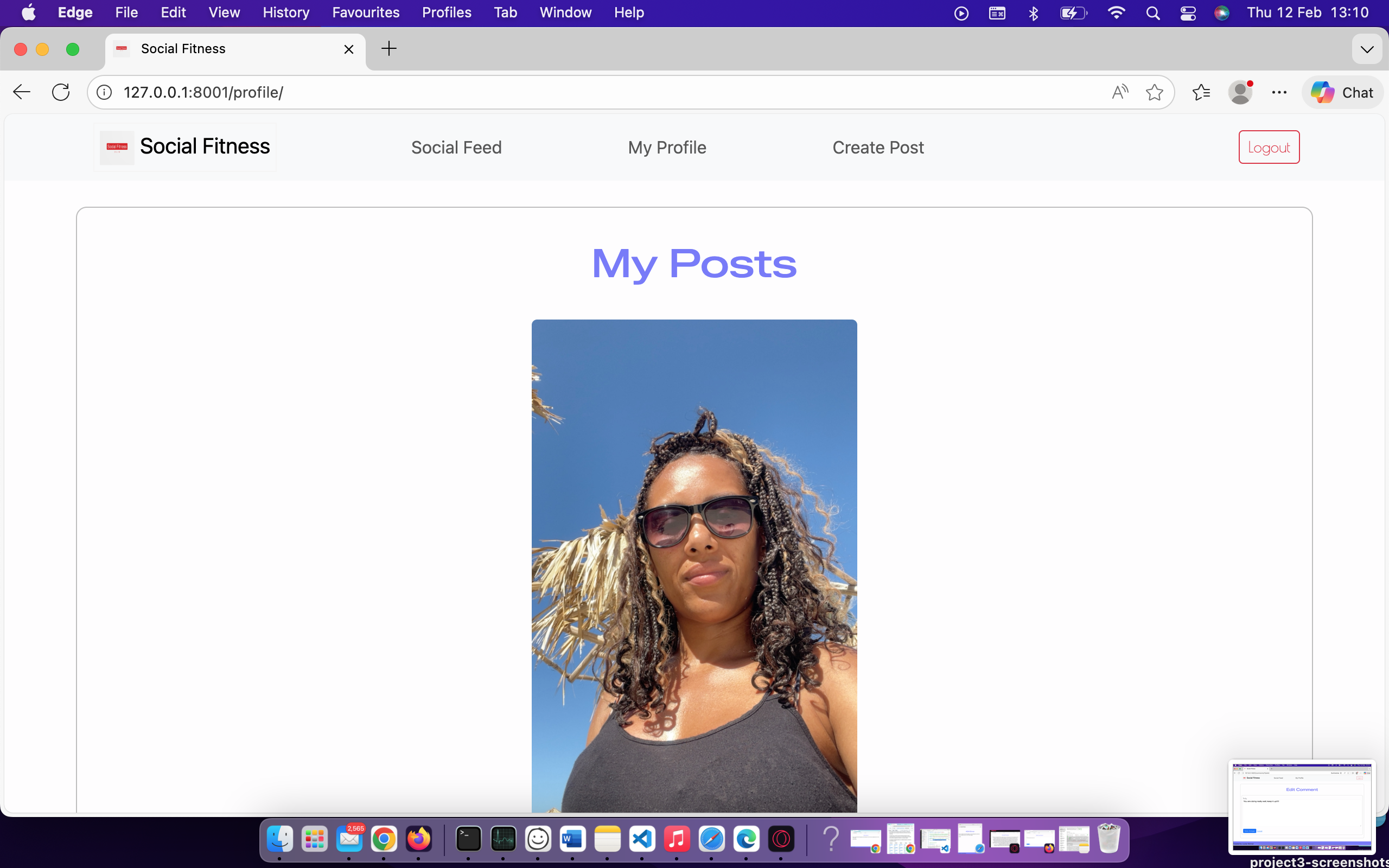
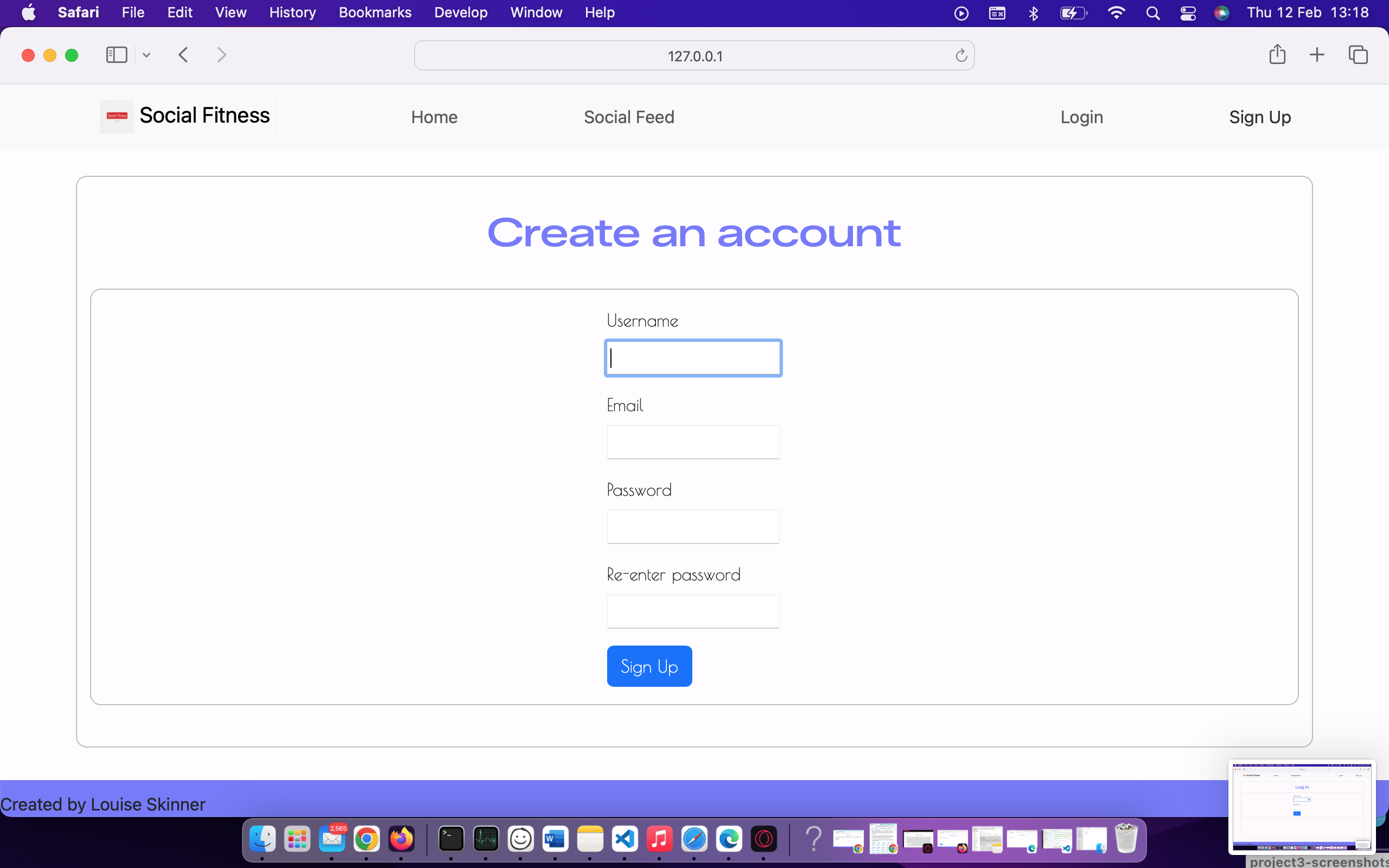
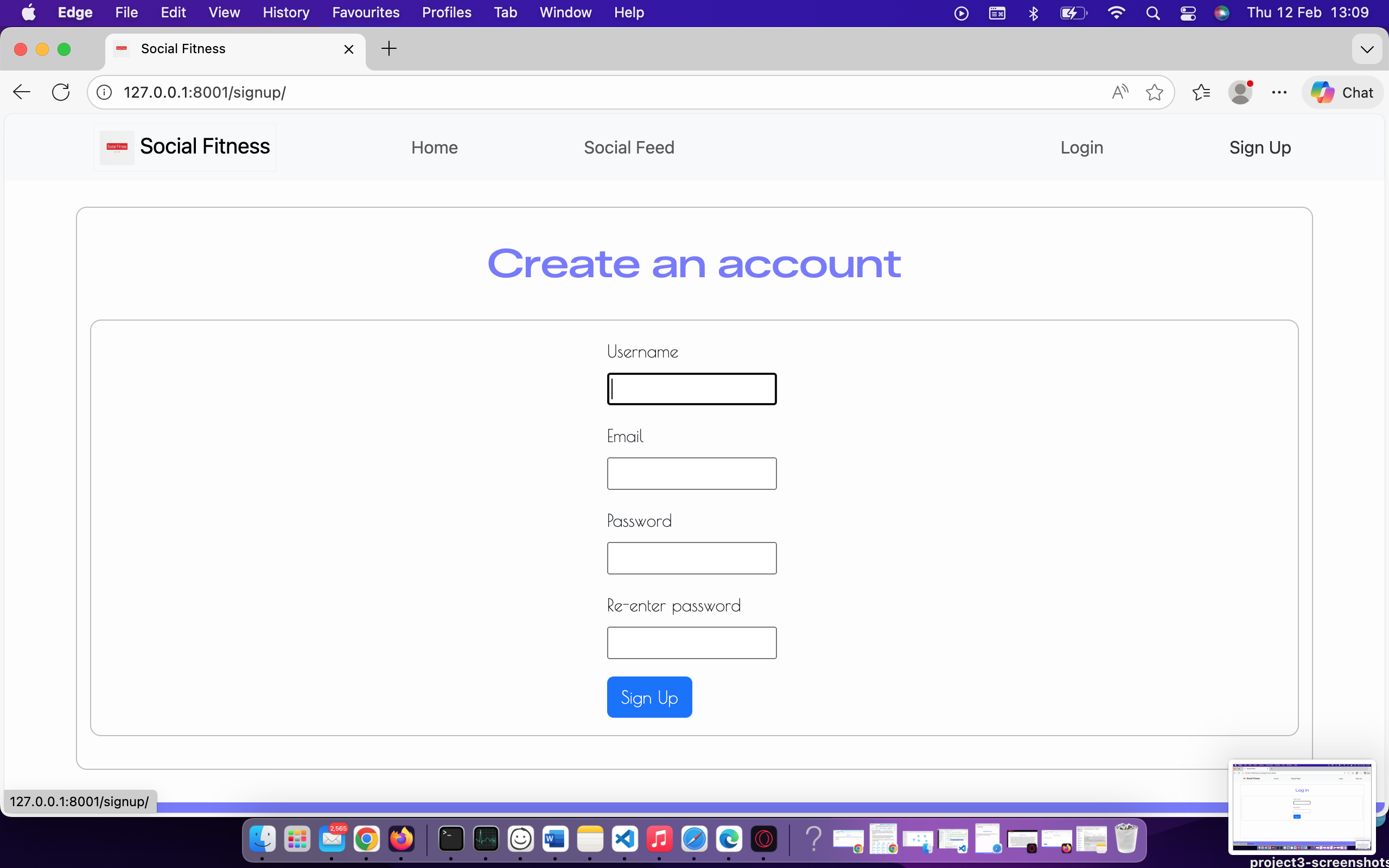
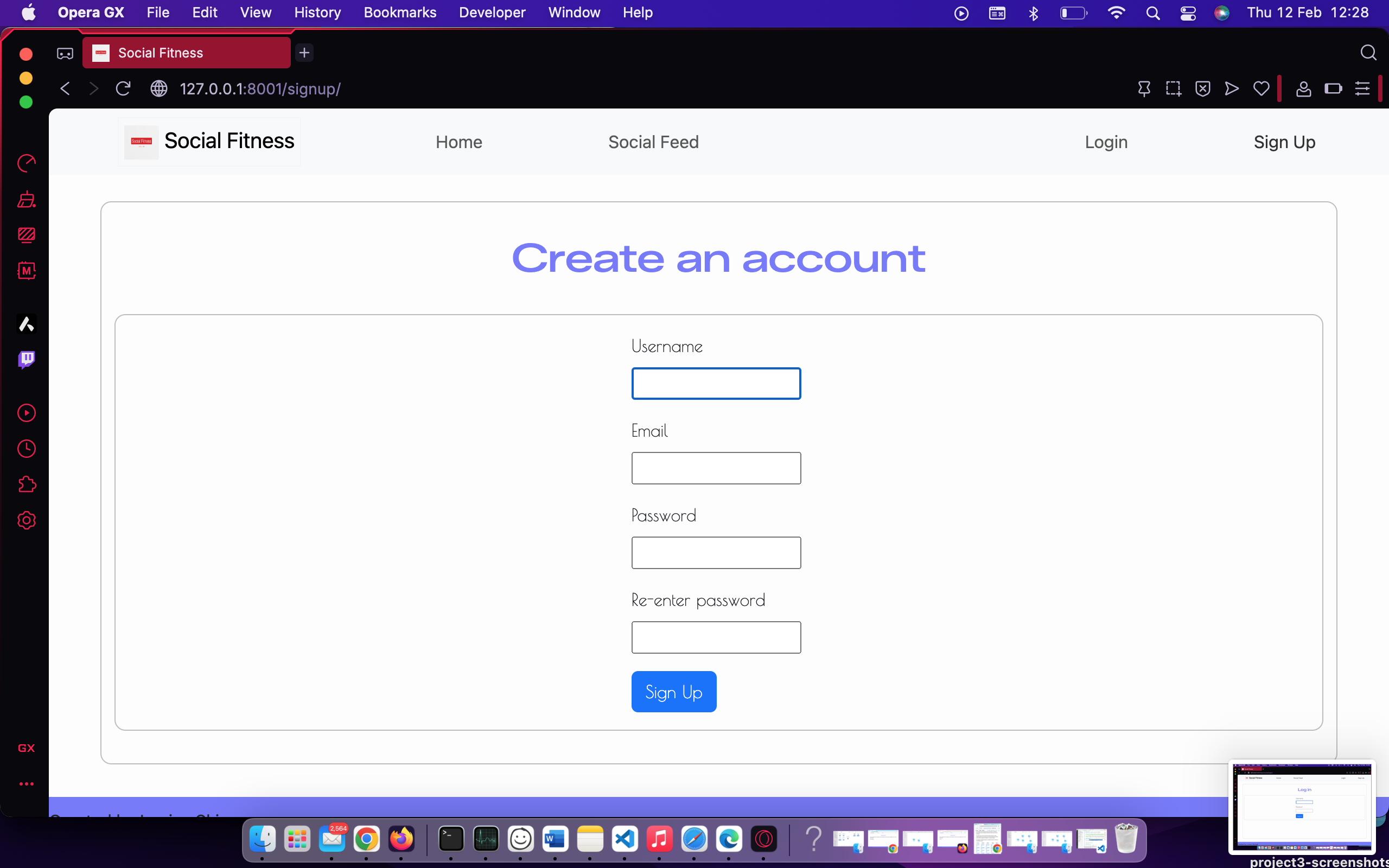
I’ve tested my deployed project on multiple browsers to check for compatibility issues. Summary: The Social Fitness web application displays without any issues across all major web browsers.
| Page | Chrome | Firefox | Safari | Edge | Opera |
|---|---|---|---|---|---|
| Home | 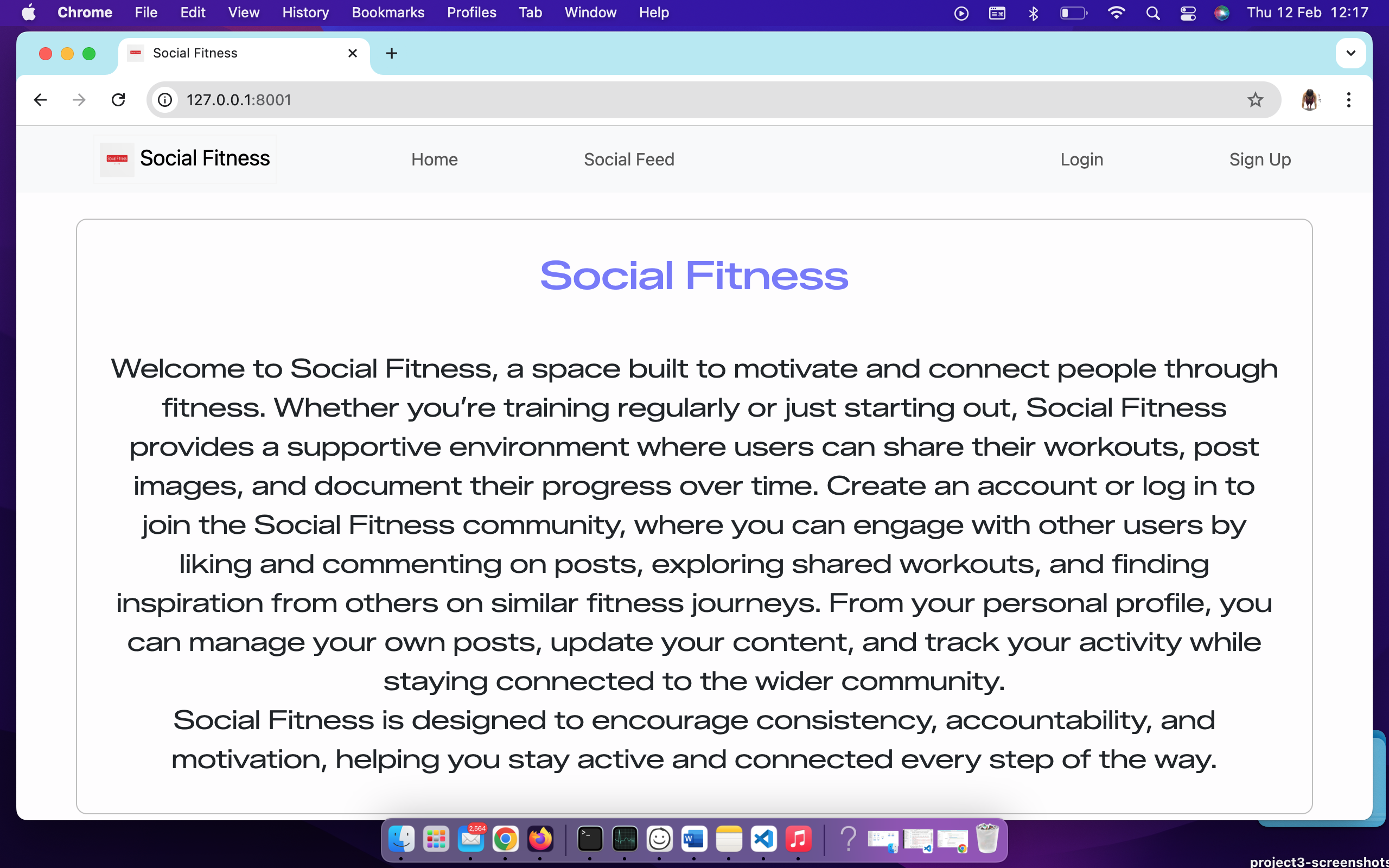 |
 |
 |
 |
 |
| Social Feed | 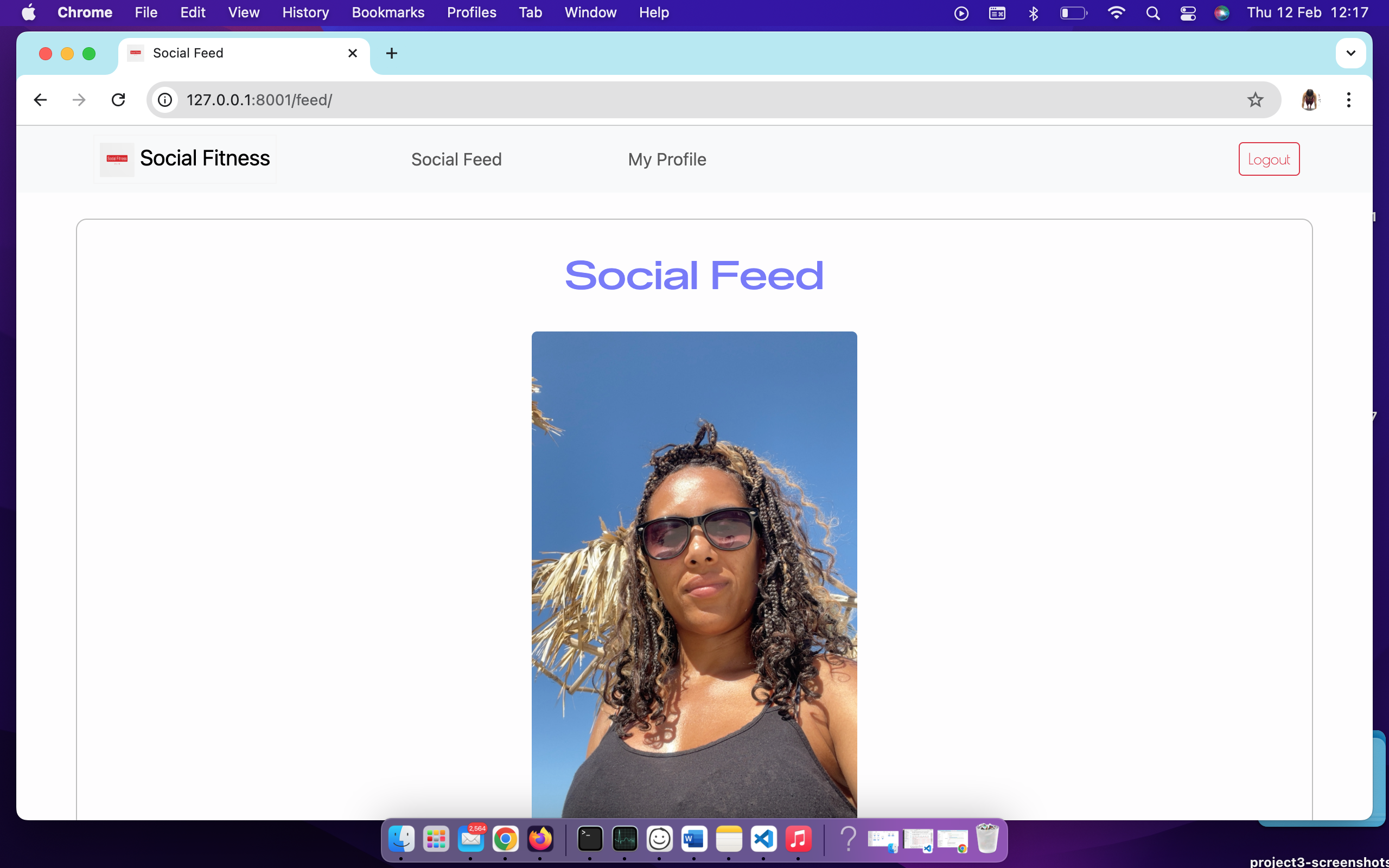 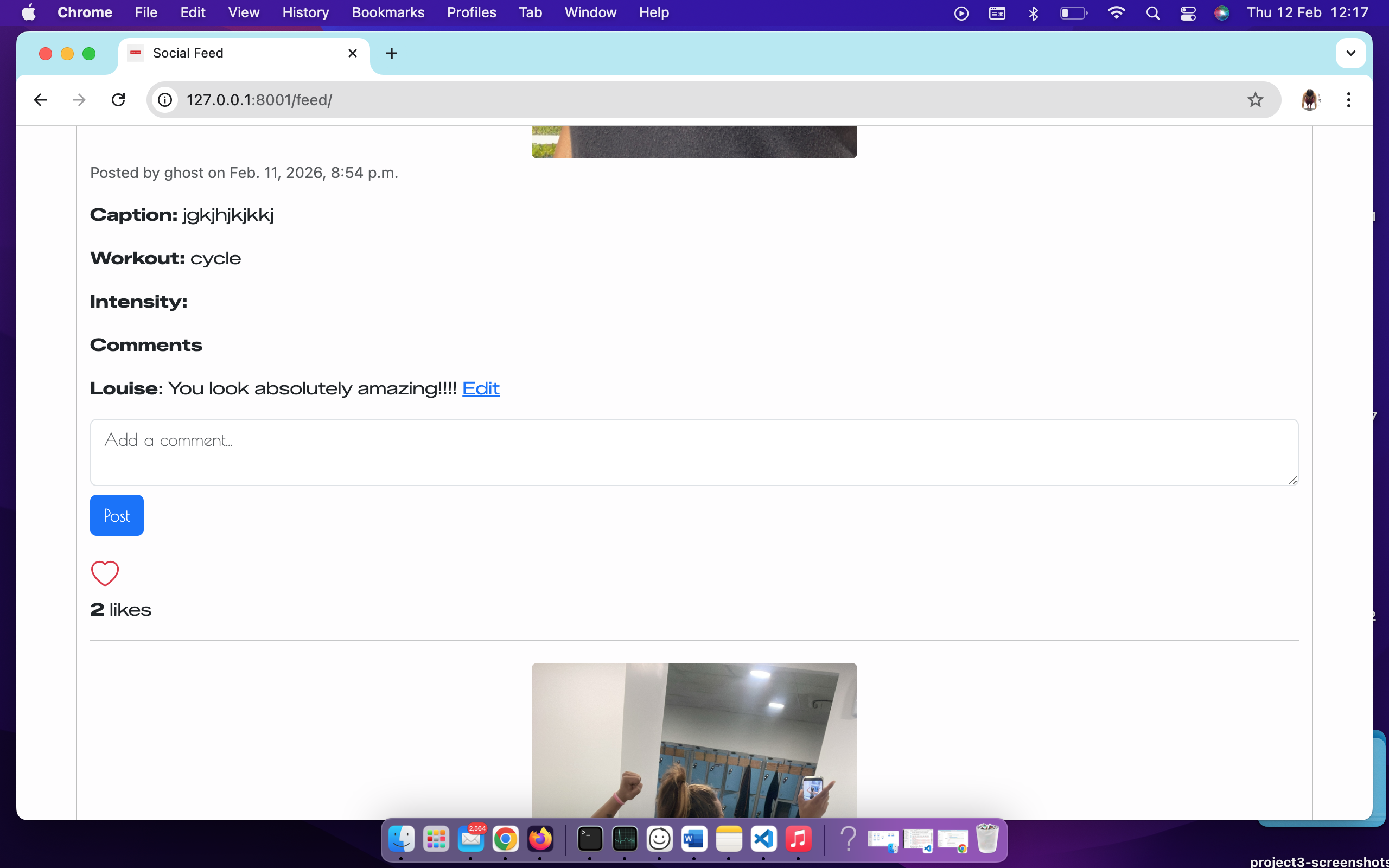 |
  |
  |
  |
  |
| My profile | 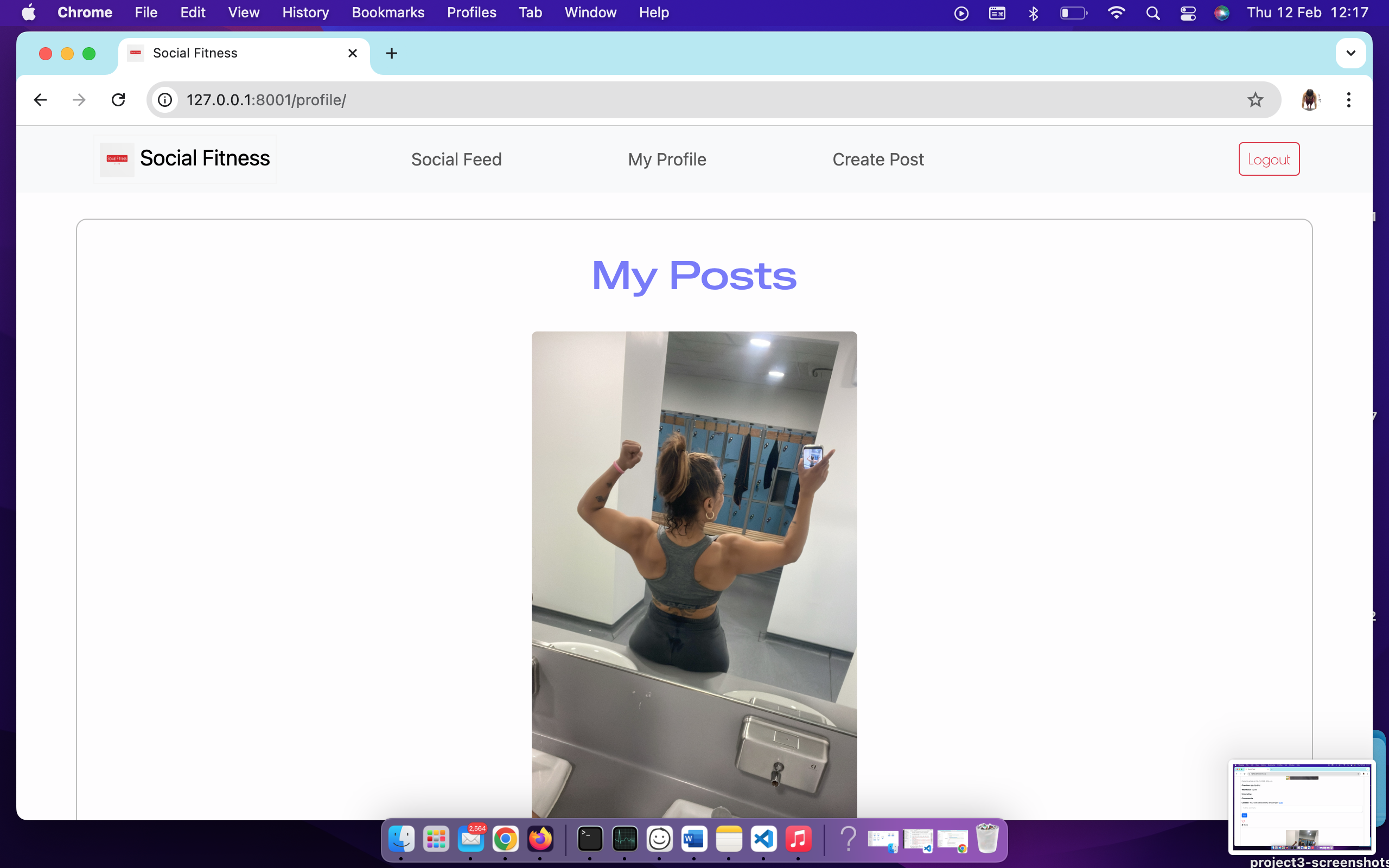 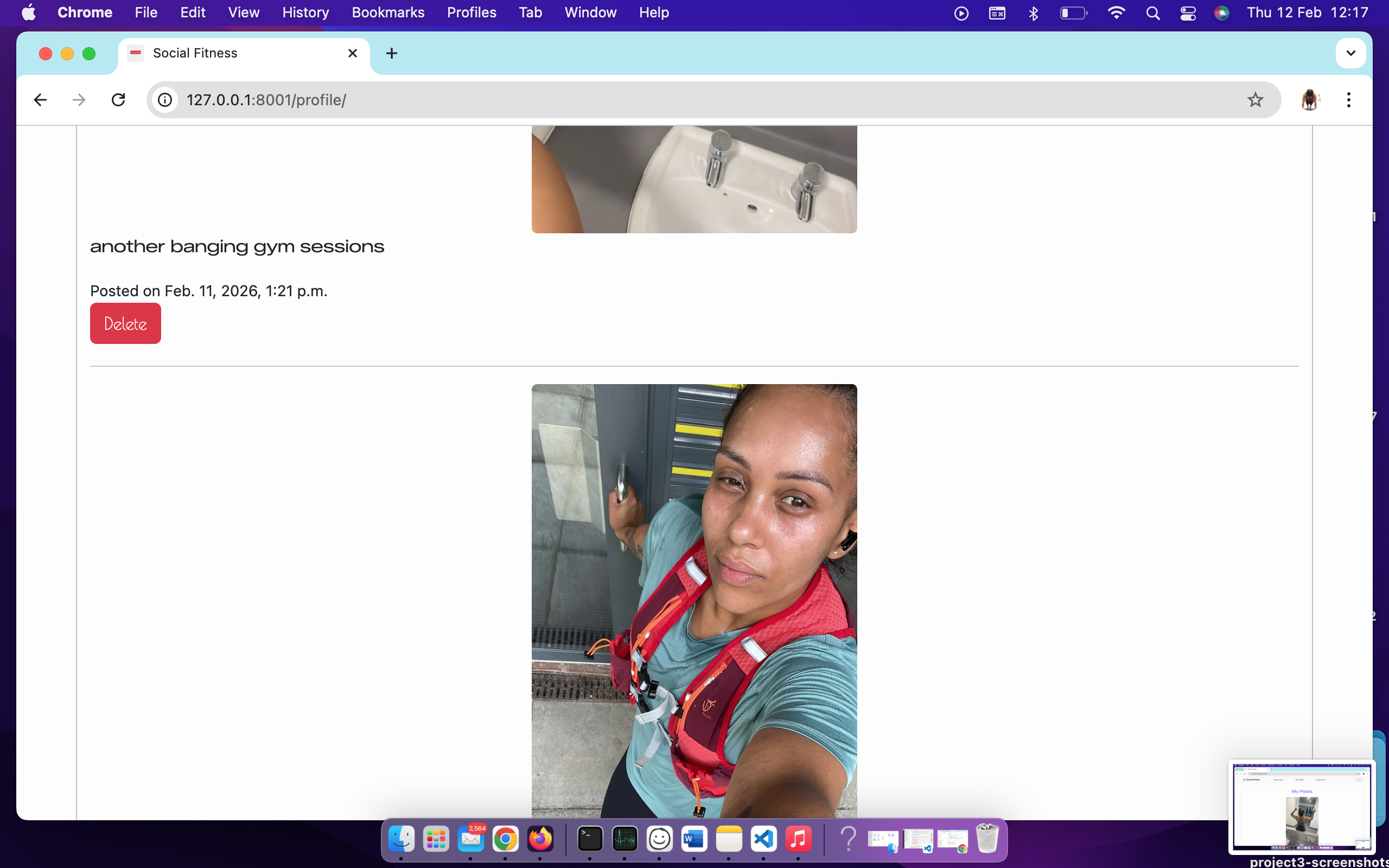 |
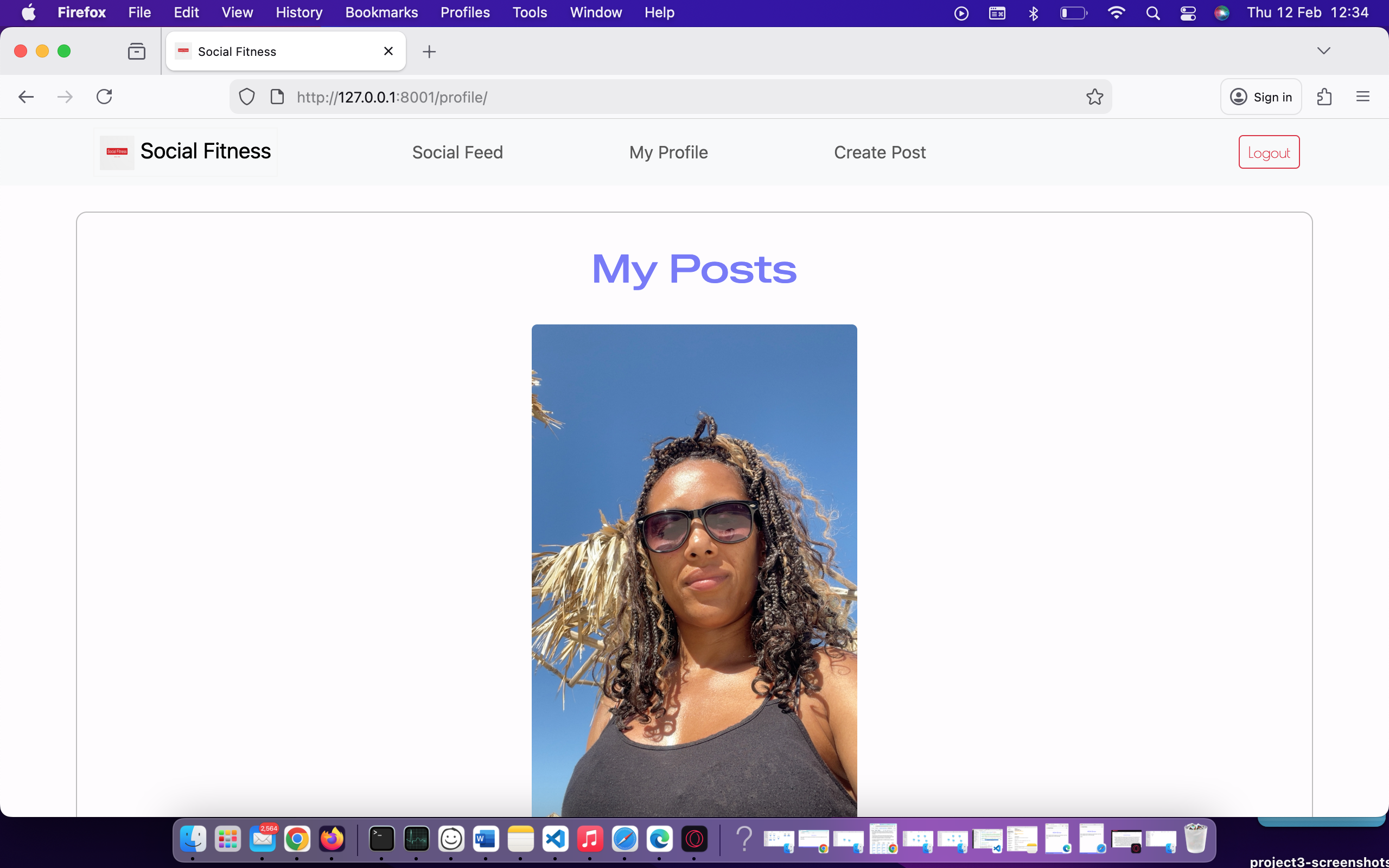  |
  |
  |
  |
| Create Post | 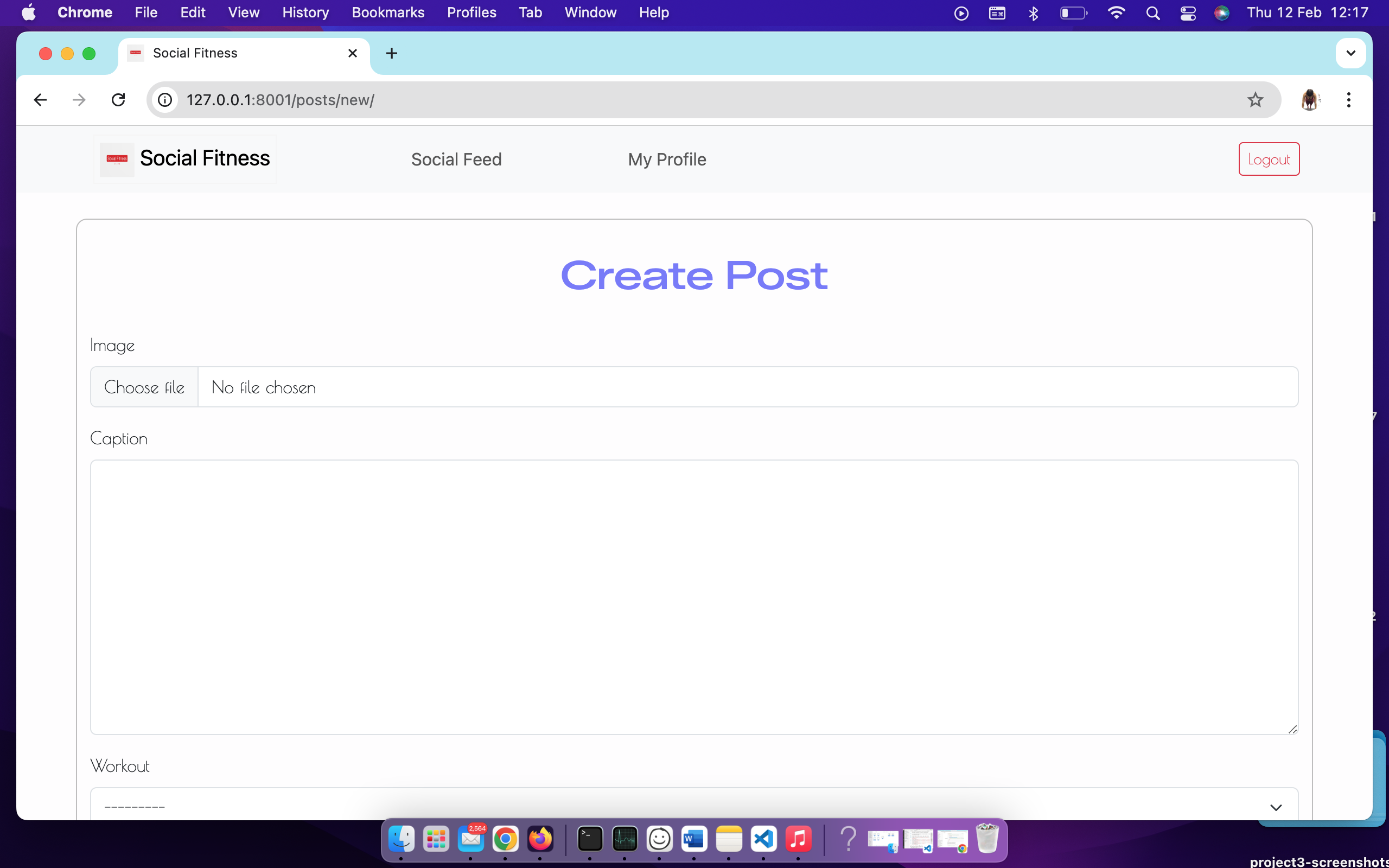 |
 |
 |
 |
 |
| Edit Comment | 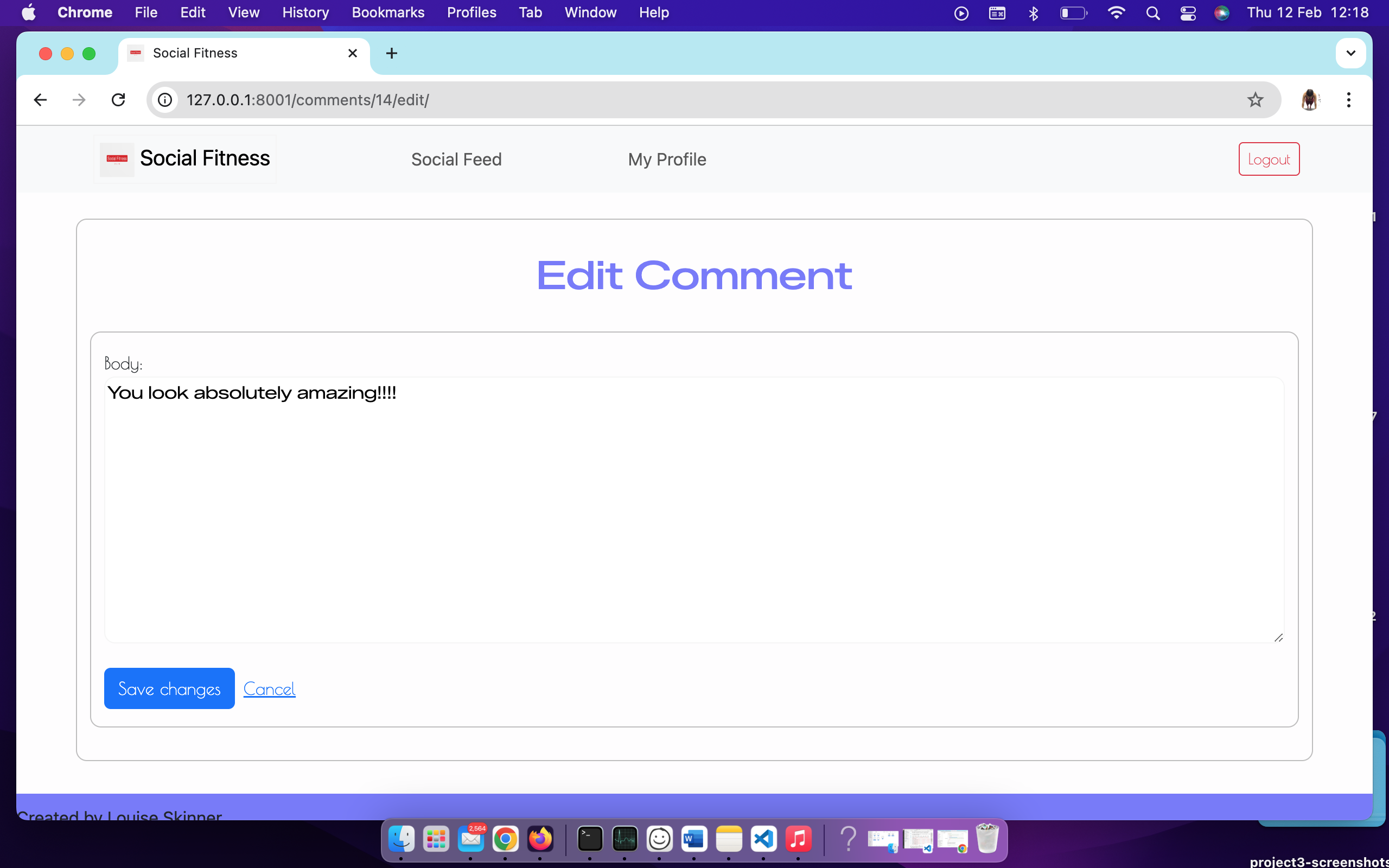 |
 |
 |
 |
 |
| Login | 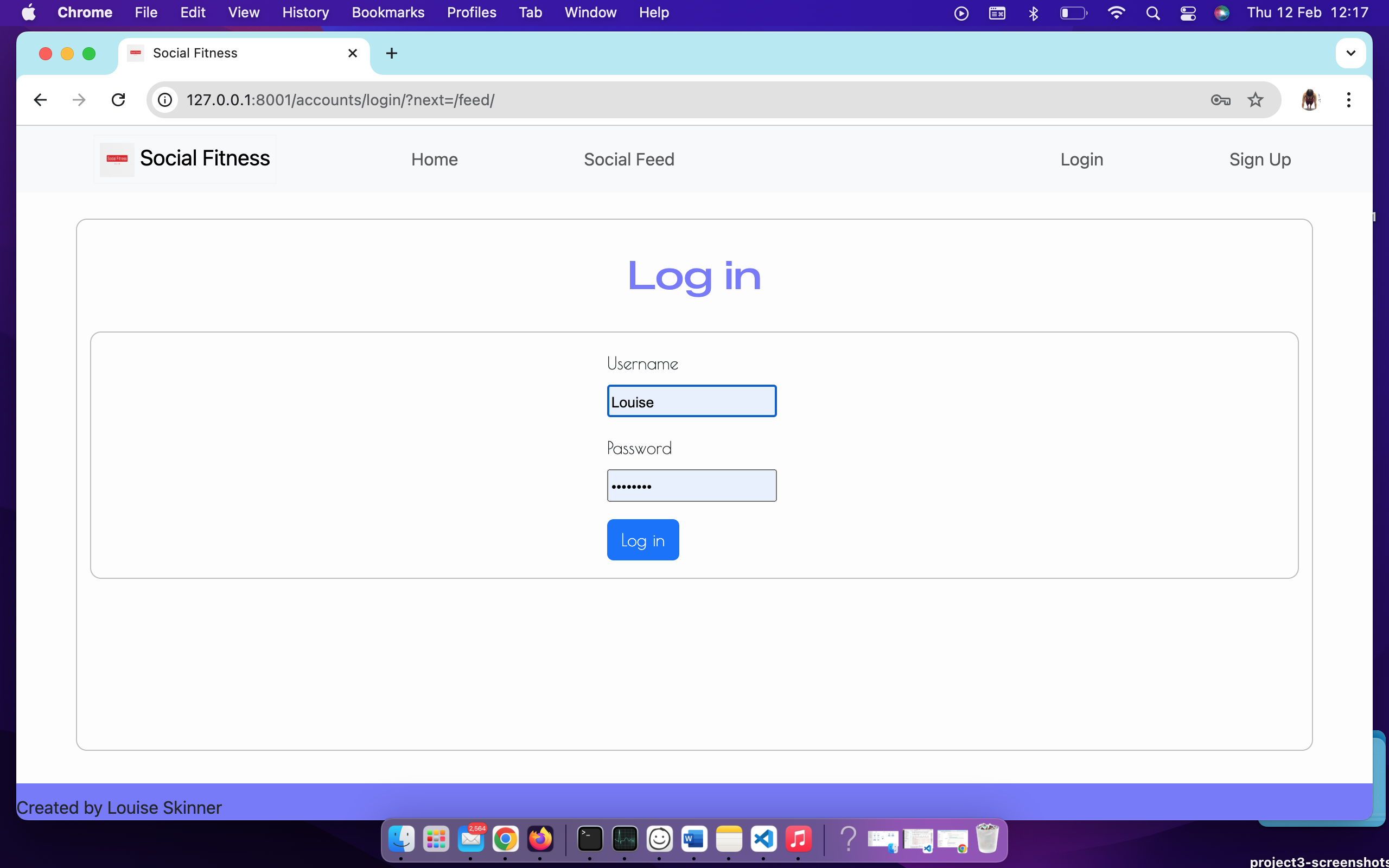 |
 |
 |
 |
 |
| Sign up | 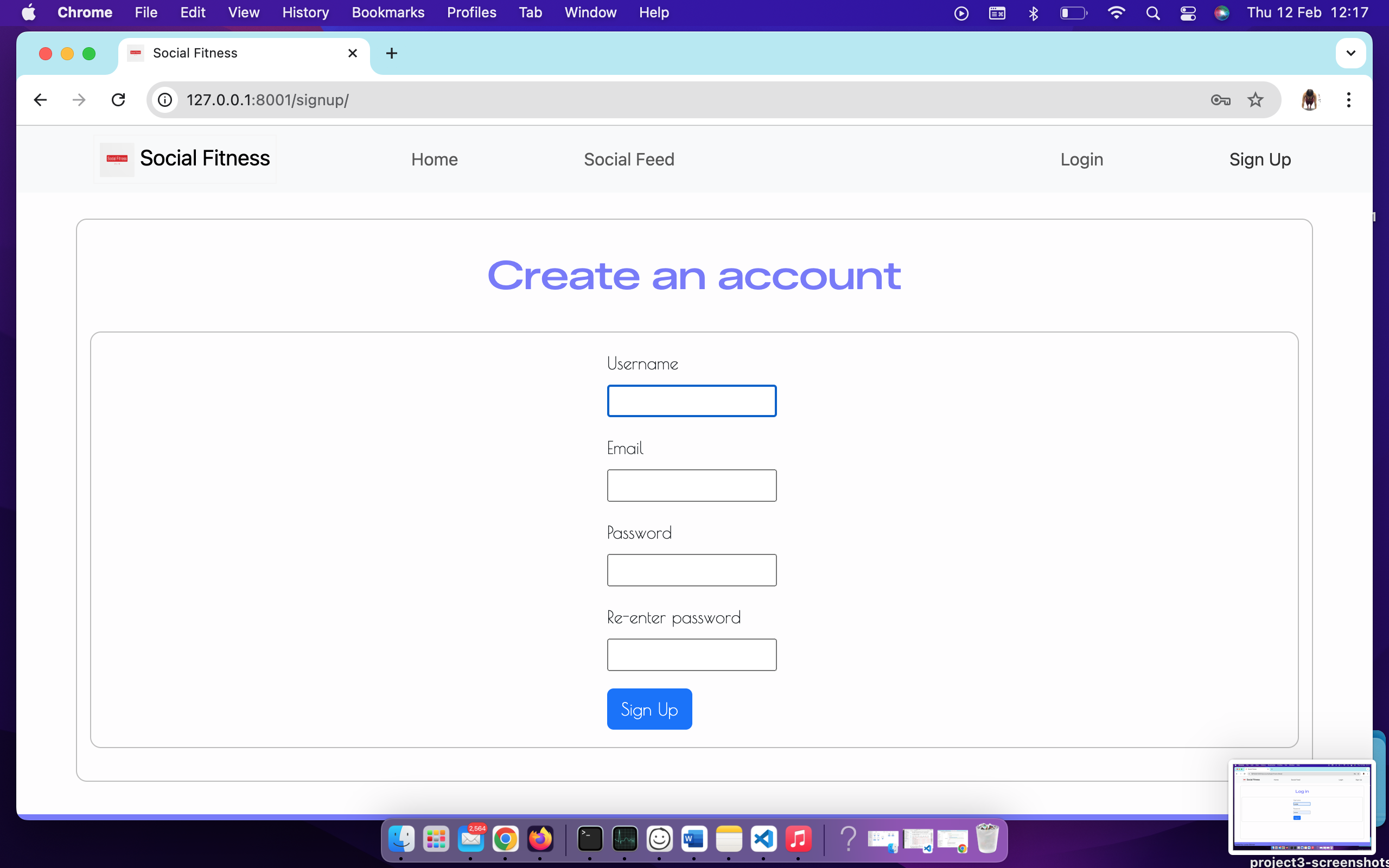 |
 |
 |
 |
 |
| 404 | 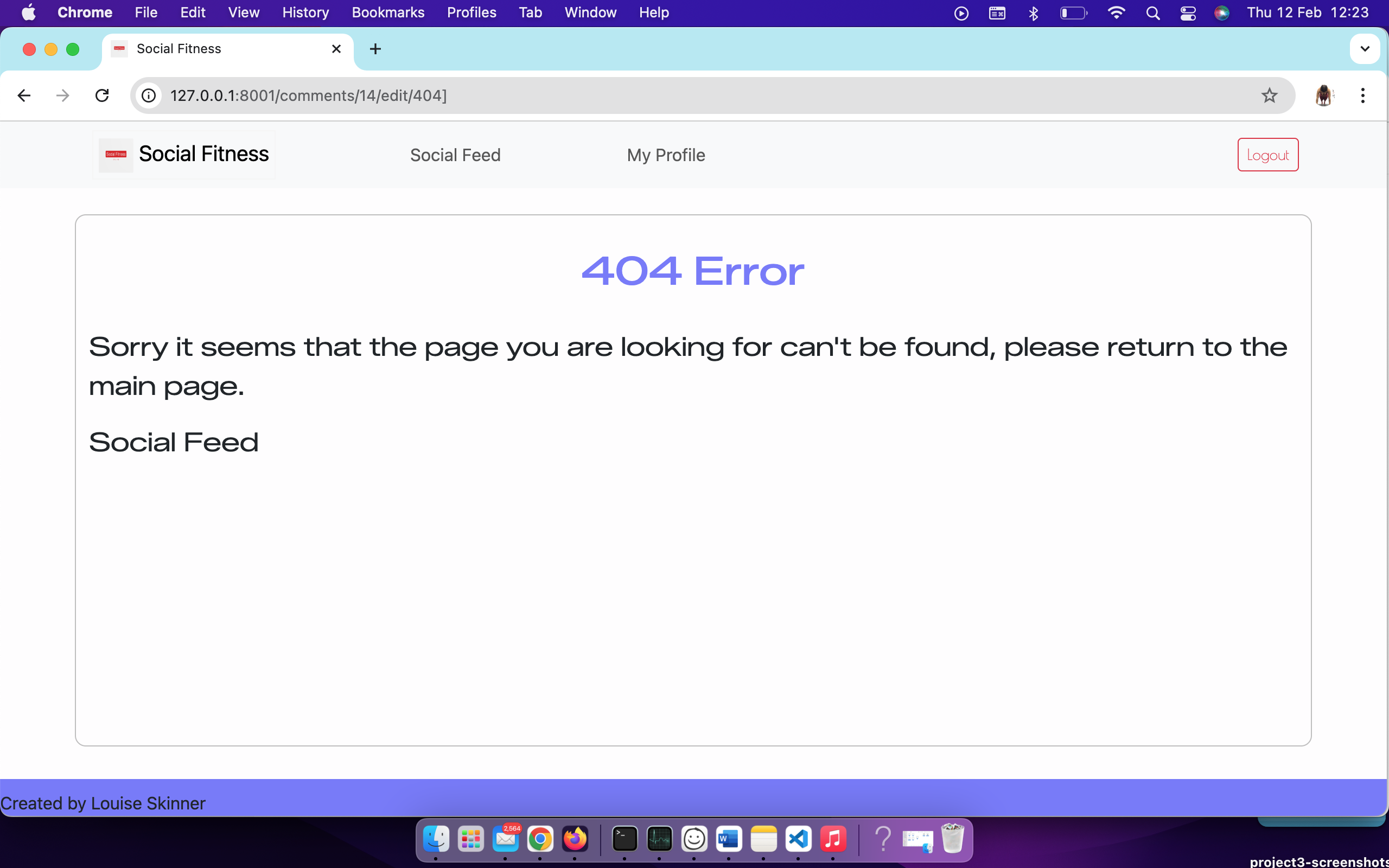 |
 |
 |
 |
|
Validation summary
HTML
I have used the recommended HTML W3C Validator to validate all of my HTML files.
| Directory | Screenshot | Passed |
|---|---|---|
| Home | 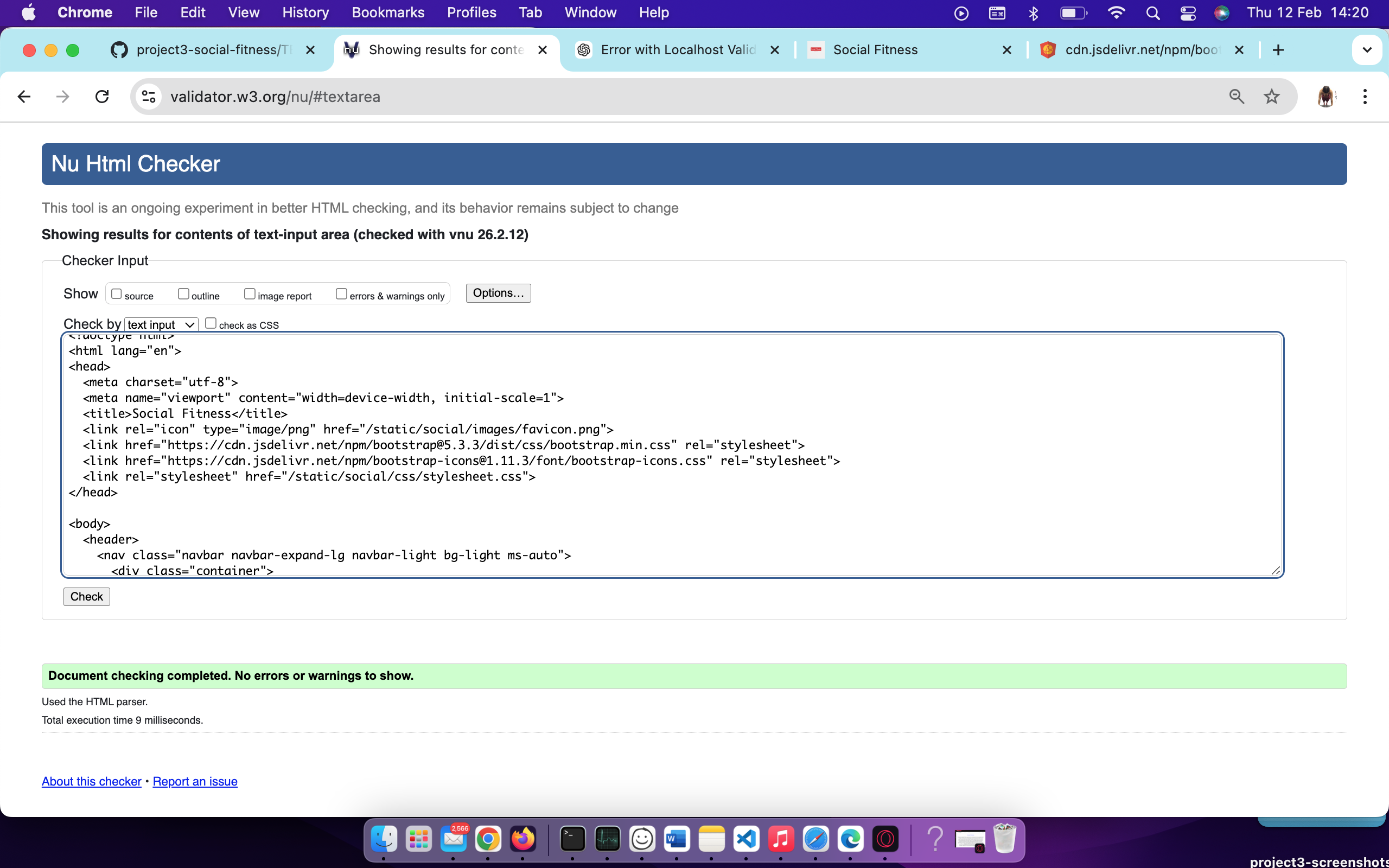 |
✅ Pass |
| Social Feed | 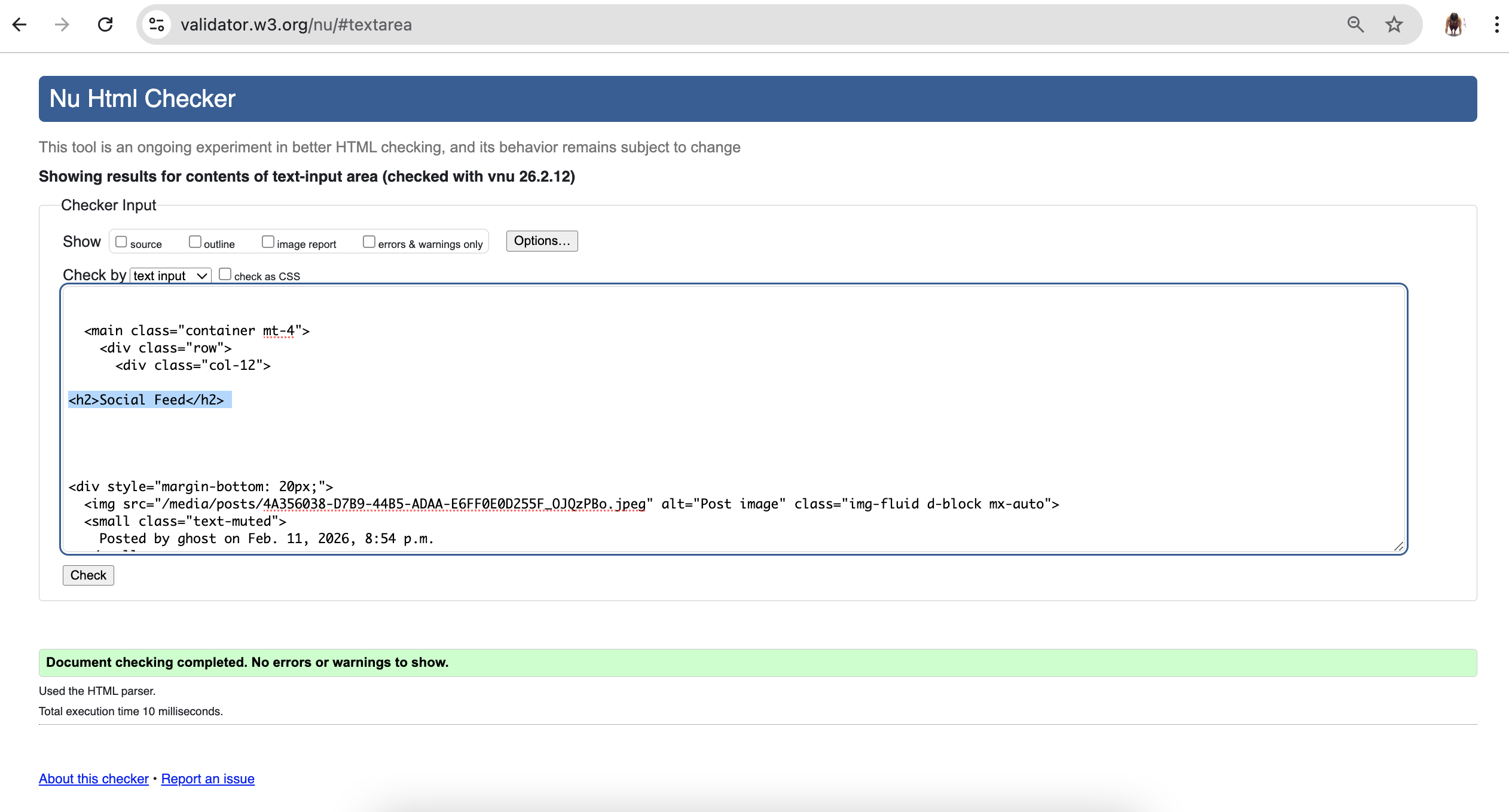 |
✅ Pass |
| My Profile | 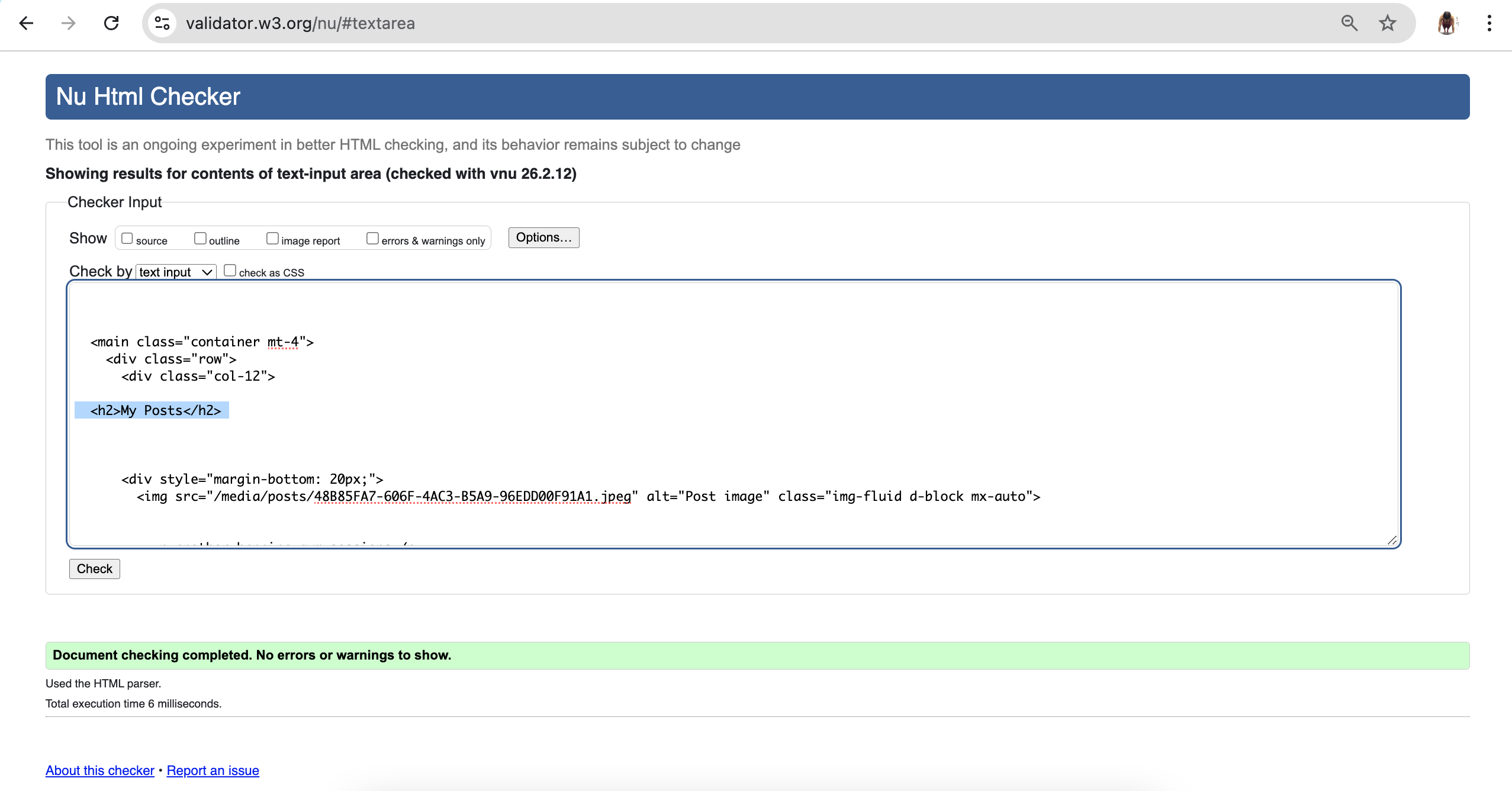 |
✅ Pass |
| Create Post | 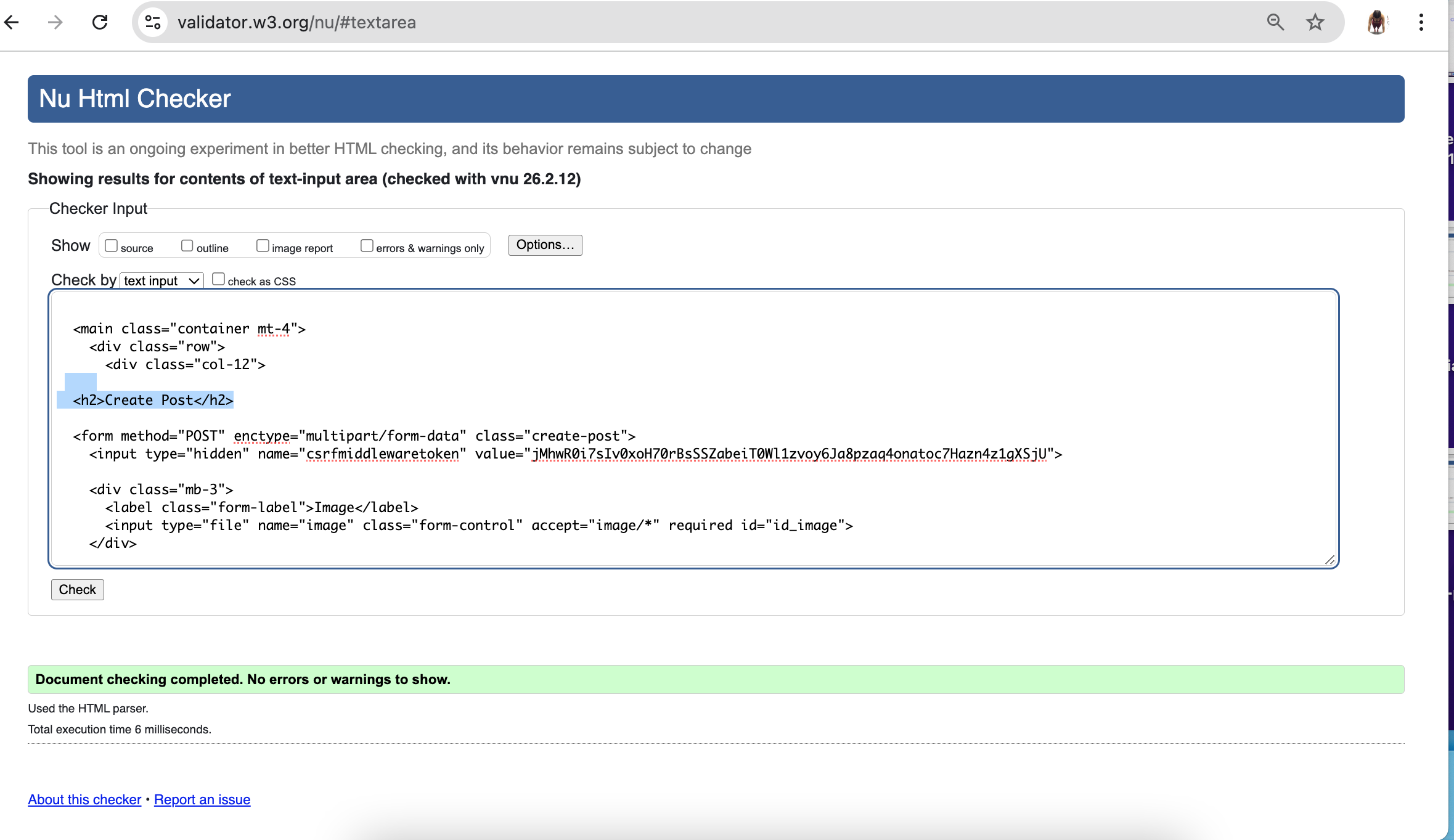 |
✅ Pass |
| Edit Comment | 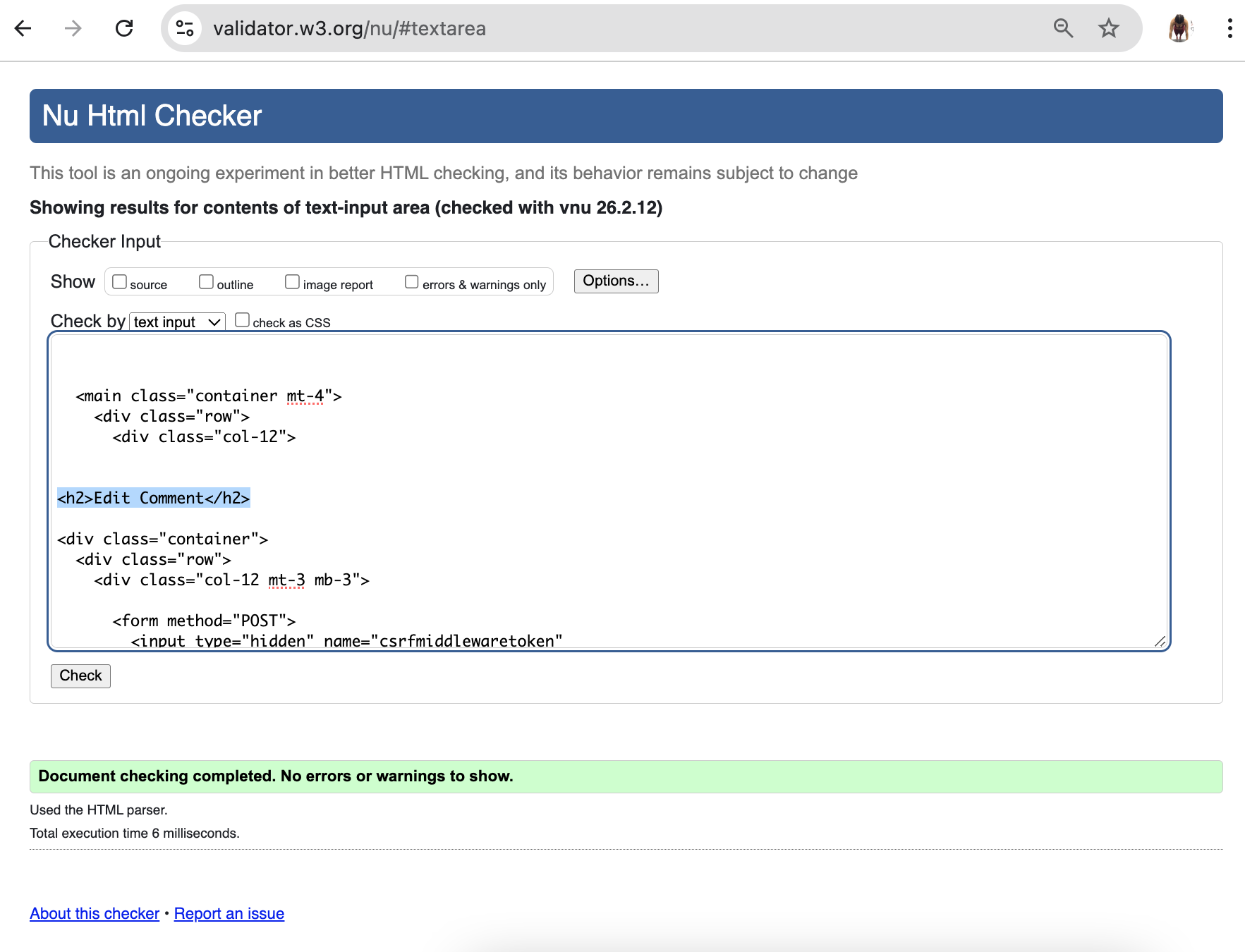 |
✅ Pass |
| Login | 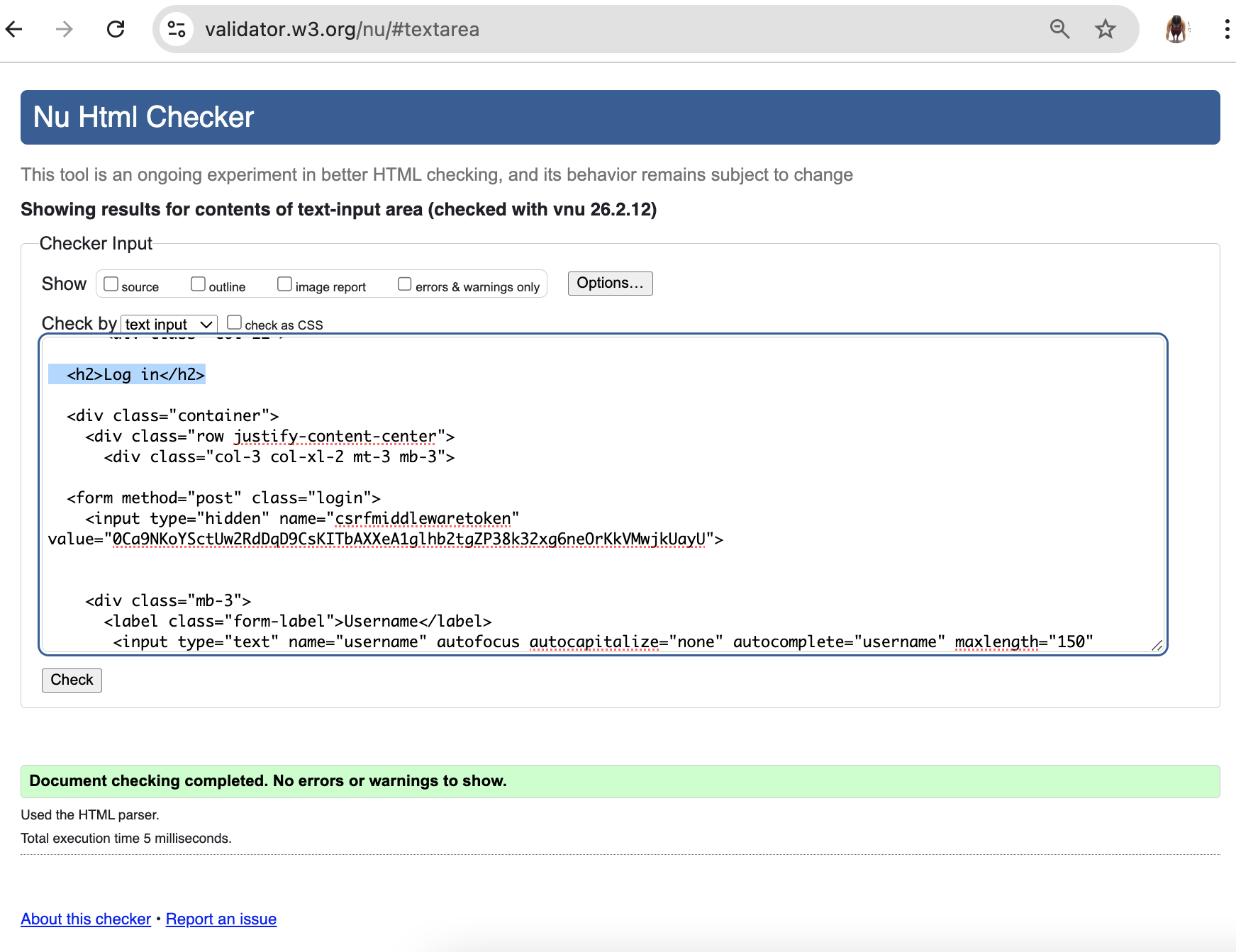 |
✅ Pass |
| Sign Up | 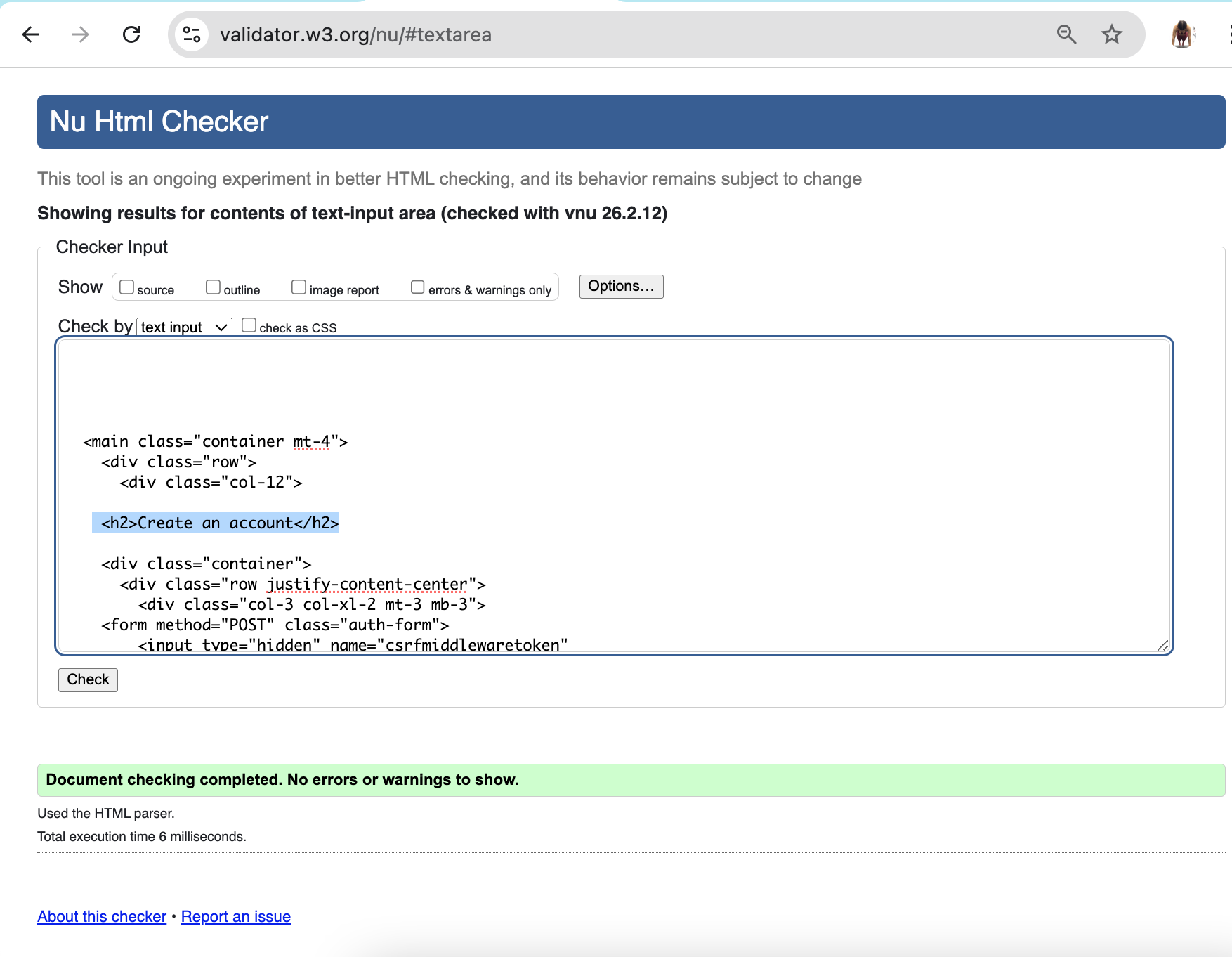 |
✅ Pass |
| 404 | 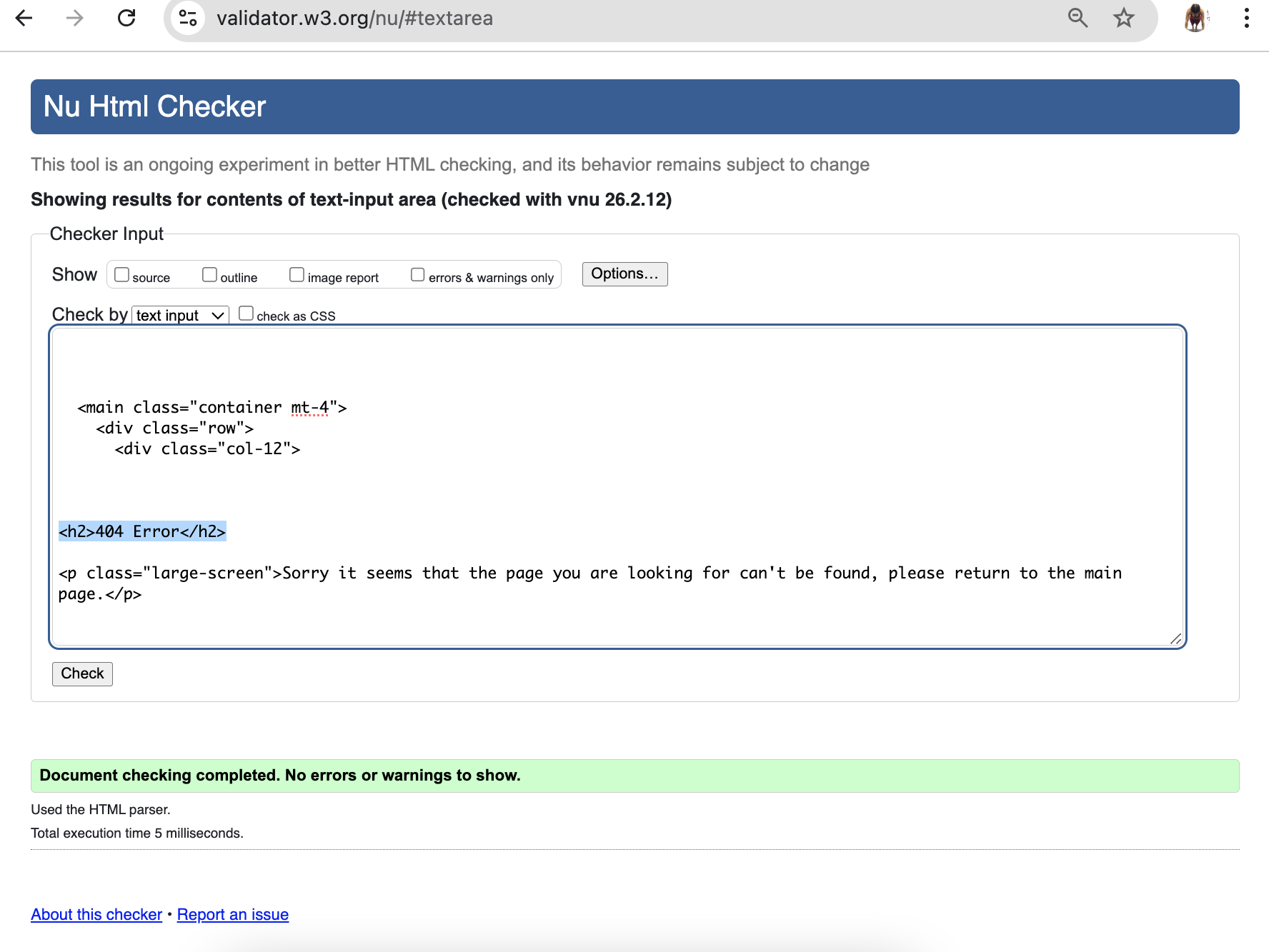 |
✅ Pass |
CSS
I have used the recommended CSS Jigsaw Validator to validate all of my CSS files.
| Directory | File | URL |
| styleshet.css | 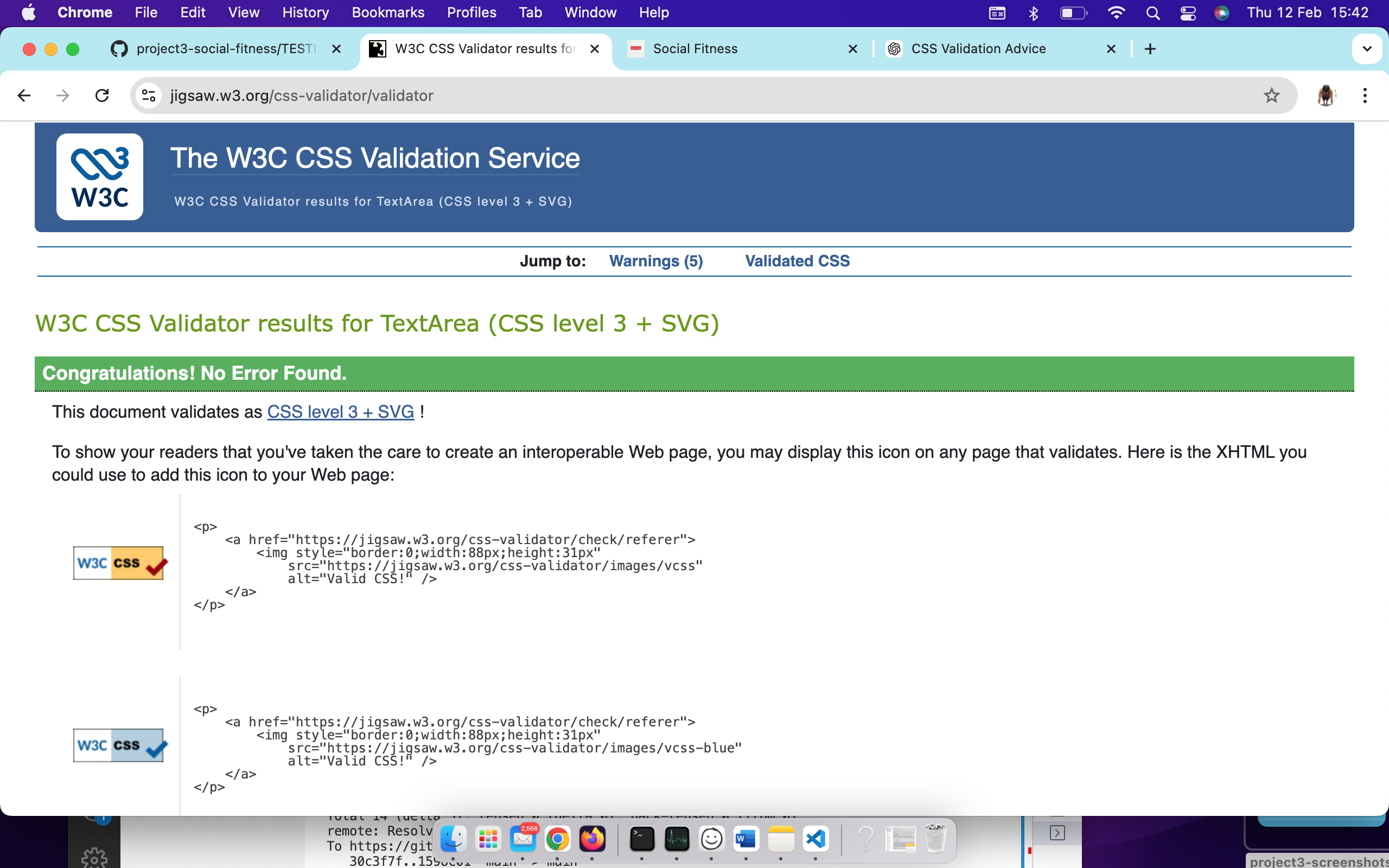 |
✅ Pass |
Performance
Lighthouse Performance
I’ve tested my deployed project using the Lighthouse Audit tool to check for any major issues. Some warnings are outside of my control, and mobile results tend to be lower than desktop.
| Page | Mobile | Desktop | Notes | | — | — | — | — |
Accessibility Summary
| Test | Result |
|---|---|
| The web app follows the WCAG (web content accessibility guidelines) 2.1 standards | ✅ |
| Text size and spacing adjustable | ✅ |
| Interactive elements clearly labeled and accessible via keyboard | ✅ |
| ARIA labels provided | ✅ |
| Orientation and responsiveness maintained for screen readers | ✅ |